









A Day in the Life of a Datum
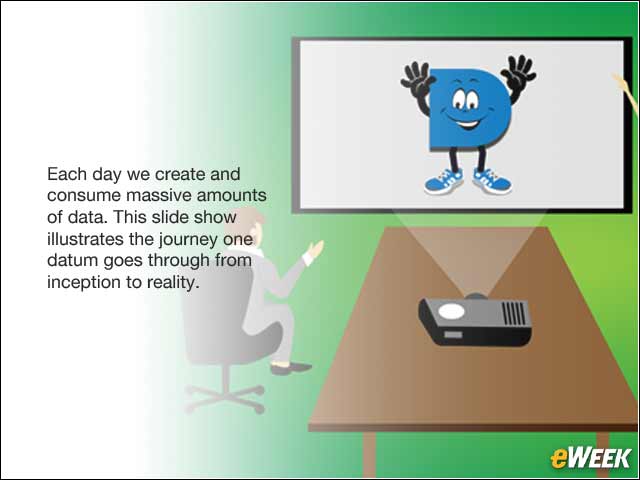
Each day we create and consume massive amounts of data. This slide show illustrates the journey one datum goes through from inception to reality.
Data Creation

An engineer wakes up in the middle of the night with an idea and starts a new design concept using a virtualized CAD application running in her company’s secure cloud.
Data Storage

She saves the initial concept file in the cloud file, sync and share system (e.g., ShareFile), and returns to sleep.
Data Presented

The engineer presents the new concept to her team in a conference room, where she receives feedback and design input (e.g., presentation/projector/video conferencing).
Data in the Office

She accesses the concept from her workstation and refines the design and then alerts her manager and the executive team.
Data Mobilized
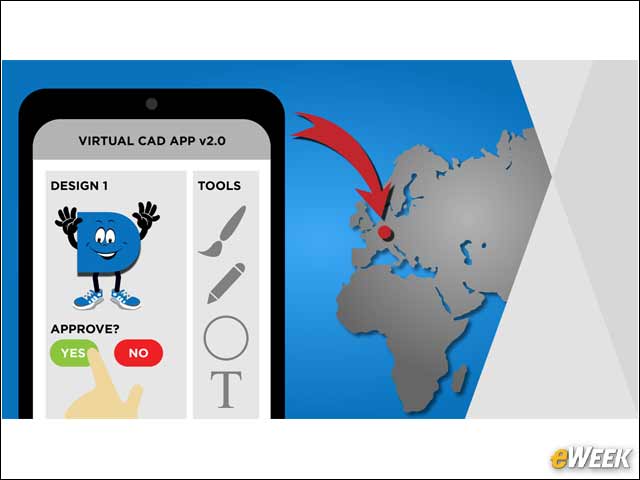
The chief technology officer who is attending a conference in Europe accesses the design using the virtualized CAD application on a tablet, and approves the design and project.
Data Transferred

After the engineer’s workday ends, the engineering team in Bangalore accesses the design concept via a file sharing service and uses it as the foundation to advance the concept into reality (e.g., CloudBridge WAN optimization).
Data Shared

The engineering team shares the design concept with a prospective partner with complementary technology in the Middle East (e.g., presentation/video conferencing/UC system such as Skype for Business).
Data Managed/Collaboration

The engineer uploads the project status and next steps into a project management and collaboration app (e.g., Skype for Business or SharePoint).