





BBEdit Is an Almost Perfect 10 - Application Development - News & Reviews - eWeek.com

Color Your Code

Color Your Code
Written By
P. J. Connolly
P. J. Connolly
Aug 25, 2011
1 minute read
eWeek content and product recommendations are editorially independent. We may make money when you click on links to our partners. Learn More


Color Your Code

1

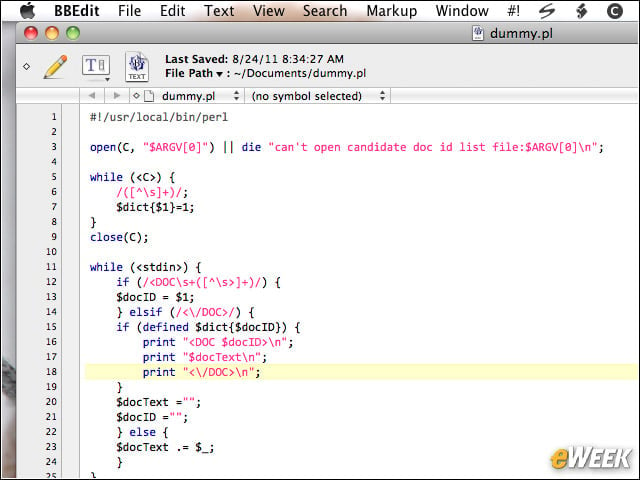
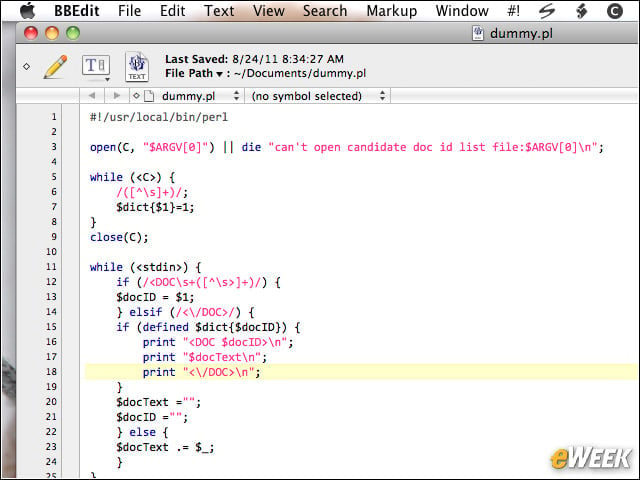
Color schemes in BBEdit 10 default to a code-based view for 64 predefined programming languages; the software accepts user-defined languages as well.


Overhauled Preferences
2

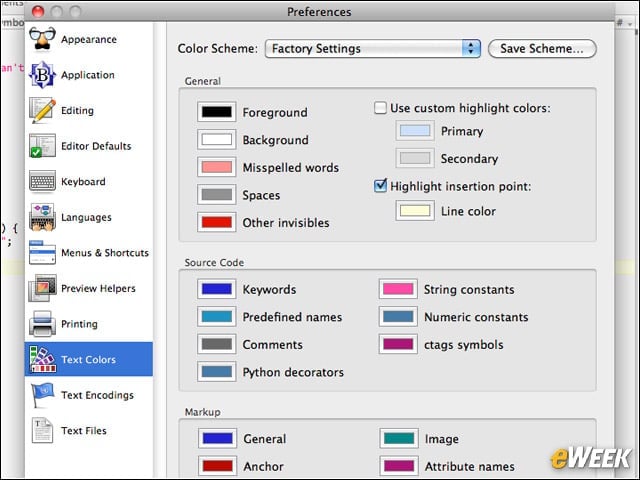
The Preferences pane was reorganized for clarity and ease of use in BBEdit 10; the pane adjusts size to fit each tabs content.


Site Settings Separated
3

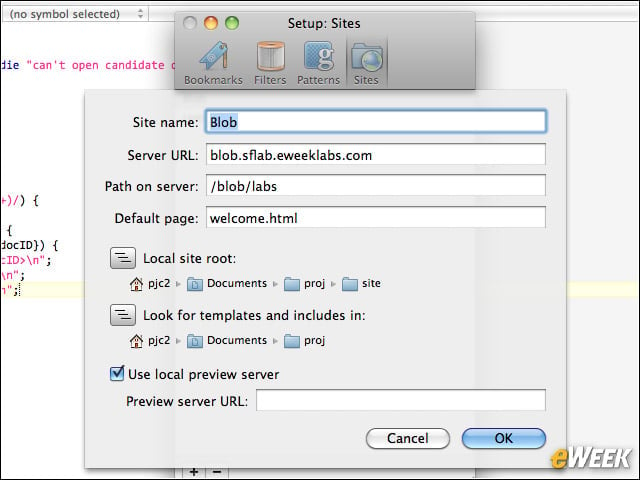
The Setup pane of BBEdit 10 provides access to job-specific configuration details, leaving user preferences in a separate pane.


Seamless Replace in ZIP Archives
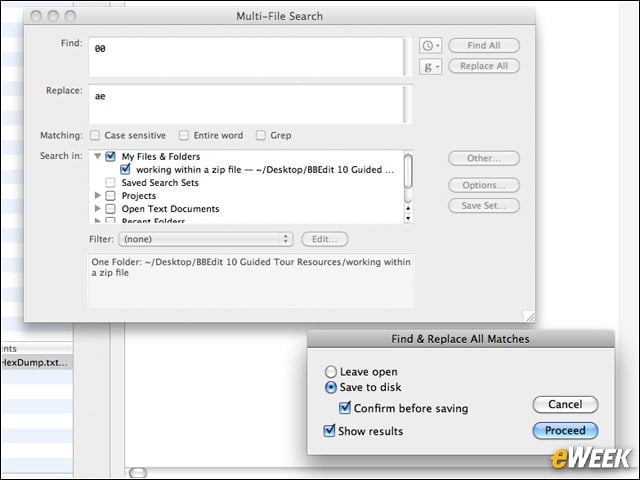
4

Search-and-replace in BBEdit 10 now works within ZIP-format archives; once a file is updated, BBEdit returns it to the compressed archives.


Powerful HTML Markup
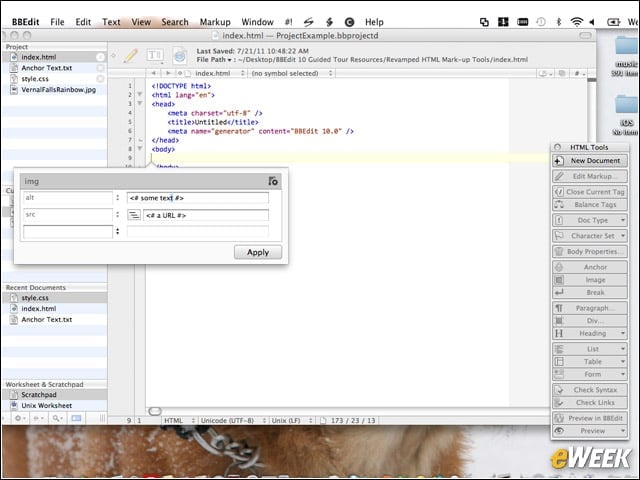
5

The HTML markup tools in BBEdit now offer users full access to all available attributes of a page element.

eWeek Logo

eWeek has the latest technology news and analysis, buying guides, and product reviews for IT professionals and technology buyers. The site's focus is on innovative solutions and covering in-depth technical content. eWeek stays on the cutting edge of technology news and IT trends through interviews and expert analysis. Gain insight from top innovators and thought leaders in the fields of IT, business, enterprise software, startups, and more.

Property of TechnologyAdvice. © 2026 TechnologyAdvice. All Rights Reserved

Advertiser Disclosure: Some of the products that appear on this site are from companies from which TechnologyAdvice receives compensation. This compensation may impact how and where products appear on this site including, for example, the order in which they appear. TechnologyAdvice does not include all companies or all types of products available in the marketplace.