







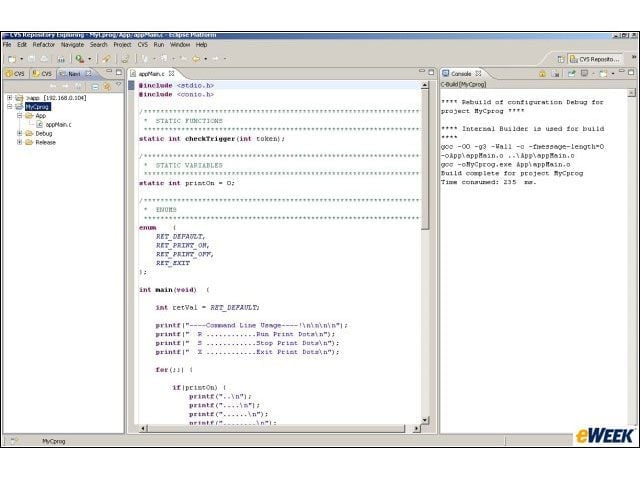
Eclipse 3.3 Walk-Through
Eclipses build console displays the GCC command line, including time consumed. Europa has been shown to complete its builds more quickly than Callisto.
Eclipse 3.3 Walk-Through – CVS Client
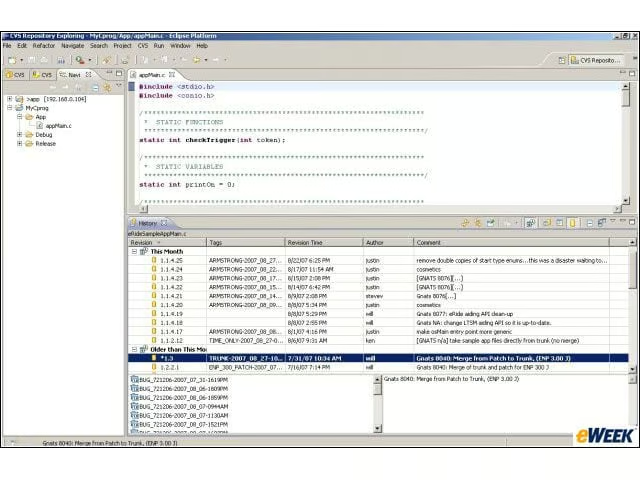
Eclipse has a slick built-in CVS client that rivals many of todays popular source control GUIs. Pictured here is Eclipses representation of CVS annotated view.
Eclipse 3.3 Walk-Through – Key Assist
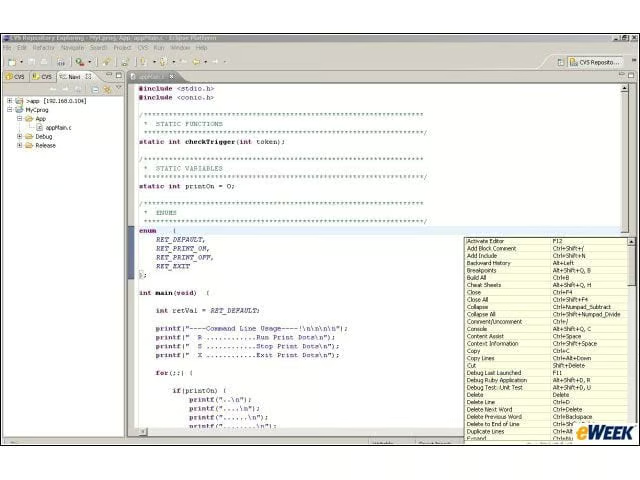
Key Assist is an easily accessed pop-up menu that lists all of Eclipses keyboard shortcut features.
Eclipse 3.3 Walk-Through – Object Views
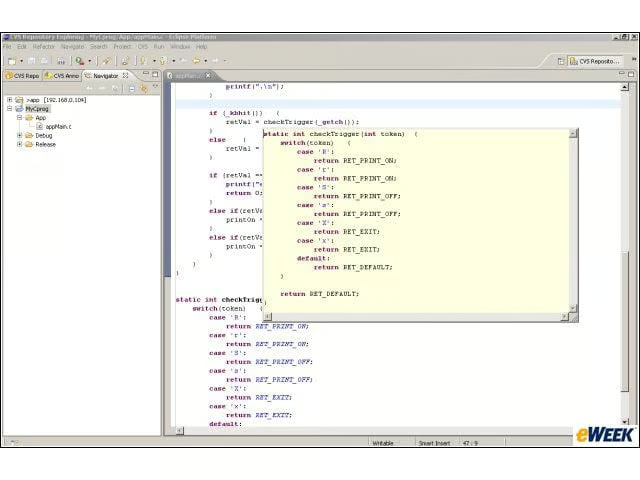
Eclipse displays a focused view of objects when the user hovers the cursor over its instance. In this case, an entire function definition can be examined in an embedded window.
Eclipse 3.3 Walk-Through – Project Settings
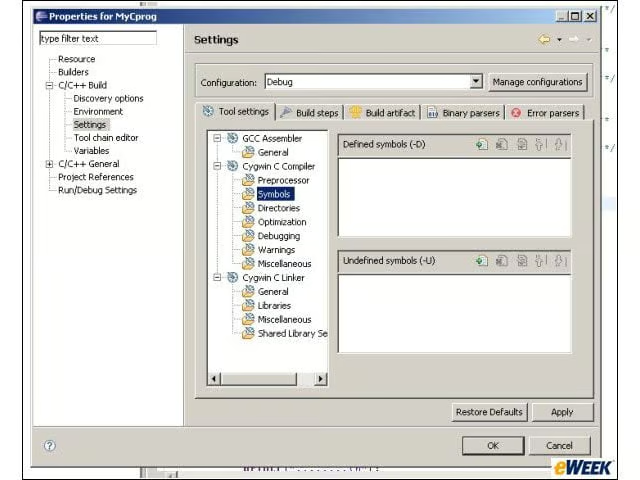
Project settings can be configured through a navigable options panel.
Eclipse 3.3 Walk-Through – Software Updates
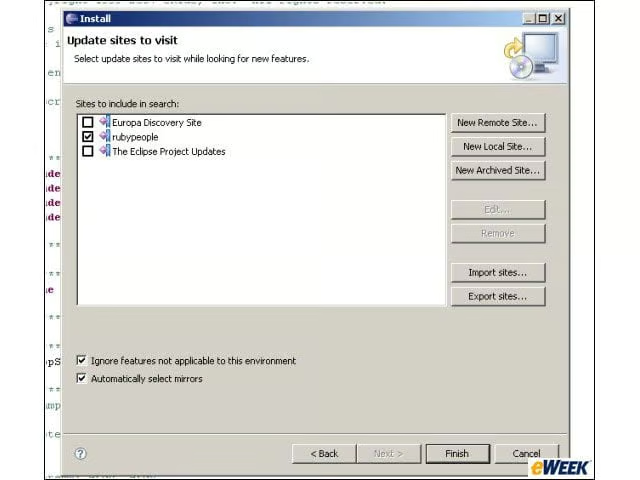
Updating Eclipse is made simple through the Software Updates Wizard, which allows for easy installation of new plug-ins and add-on features.
Eclipse 3.3 Walk-Through – See More Slideshows Like This One
- 10 More Stupid Things Smart IT People Still Do
- Eight Top Security