







- eWEEK Labs Walk-Through: Ubuntu 6.06
- eWEEK Labs Walk-Through: Ubuntu 6.06 – Licensing requirements
- eWEEK Labs Walk-Through: Ubuntu 6.06 – Software updates
- eWEEK Labs Walk-Through: Ubuntu 6.06 – Active user base
- eWEEK Labs Walk-Through: Ubuntu 6.06 – Install single packages
- eWEEK Labs Walk-Through: Ubuntu 6.06 – VMware Player
- eWEEK Labs Walk-Through: Ubuntu 6.06 – Suns Java runtime
eWEEK Labs Walk-Through: Ubuntu 6.06
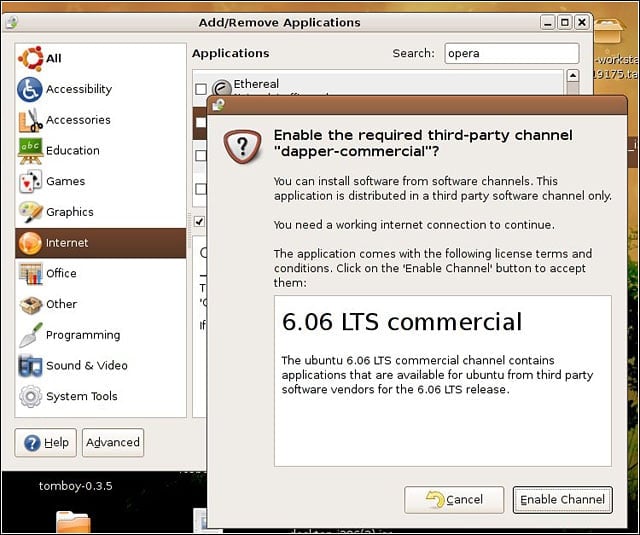
Ubuntus new commercial channel provides third-party software such as Opera.
eWEEK Labs Walk-Through: Ubuntu 6.06 – Licensing requirements
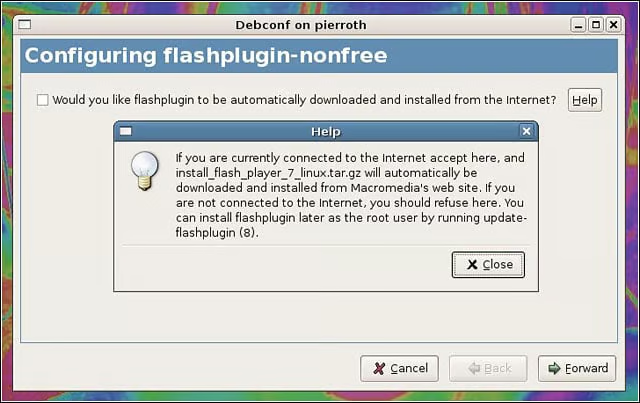
Ubuntu does a good job navigating various licensing requirements.
eWEEK Labs Walk-Through: Ubuntu 6.06 – Software updates
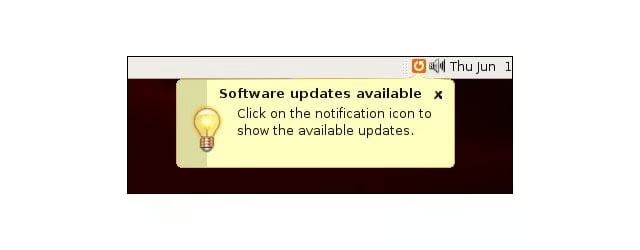
Ubuntu notified us when updates were available.
eWEEK Labs Walk-Through: Ubuntu 6.06 – Active user base
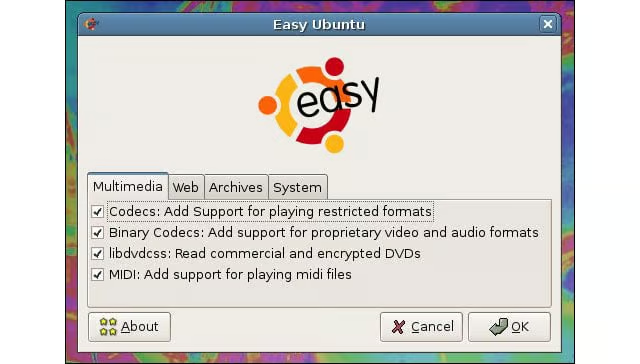
Ubuntus active user base and smart community outreach leads to handy apps such as EasyUbuntu.
eWEEK Labs Walk-Through: Ubuntu 6.06 – Install single packages
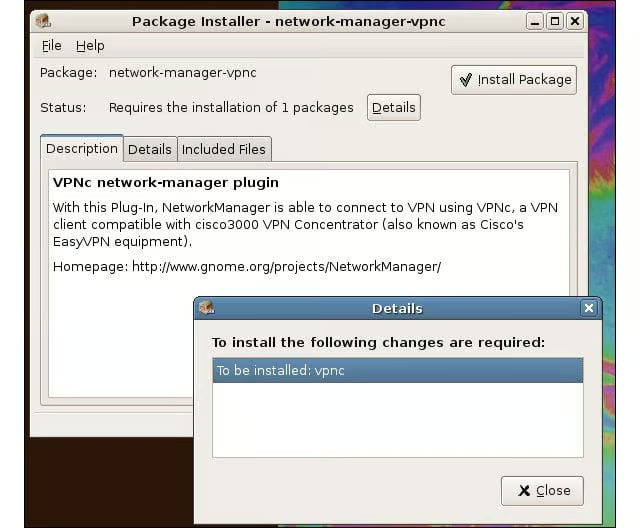
We could install single packages by clicking on them.
eWEEK Labs Walk-Through: Ubuntu 6.06 – VMware Player
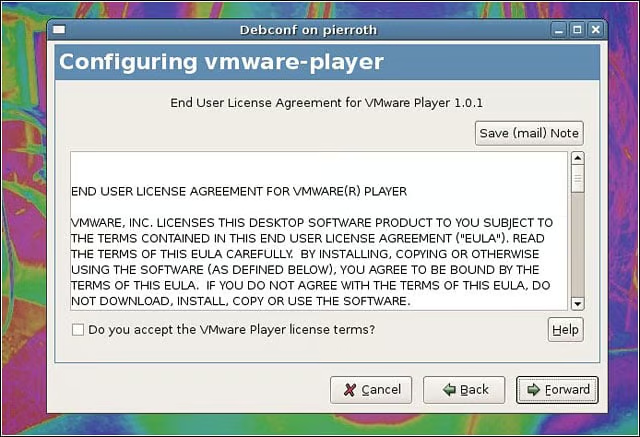
VMware Player was installable through Ubuntus standard software tools.
eWEEK Labs Walk-Through: Ubuntu 6.06 – Suns Java runtime
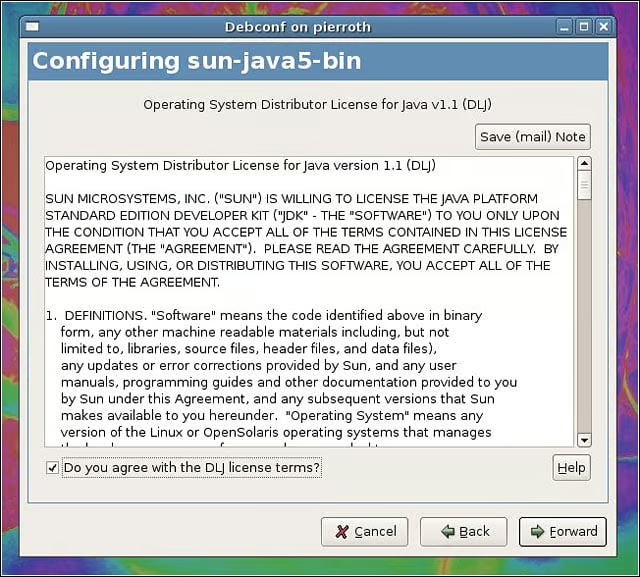
Suns new Java runtime distribution license made it a lot easier to install.
Listen to this article