






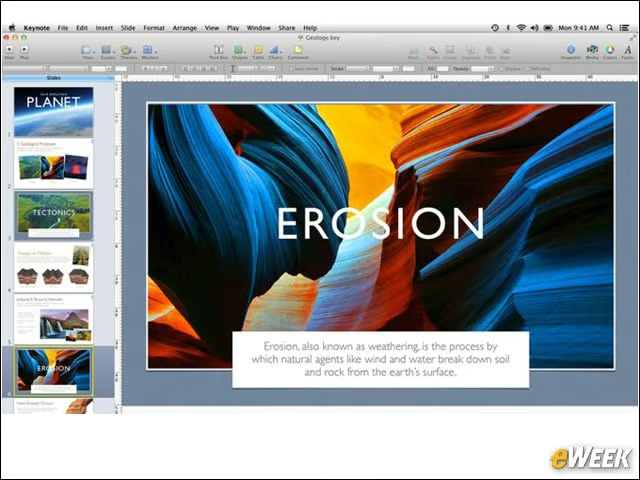

Apple’s Keynote
PowerPoint might get all the attention in the presentation space, but Apple’s Keynote is arguably a better program. Keynote comes with more design ideas and typically delivers a better overall viewing experience than Microsoft’s chief competitor. That said, it’s in the Mac App Store for $19.99, so it’s a bit expensive.
Window Tidy
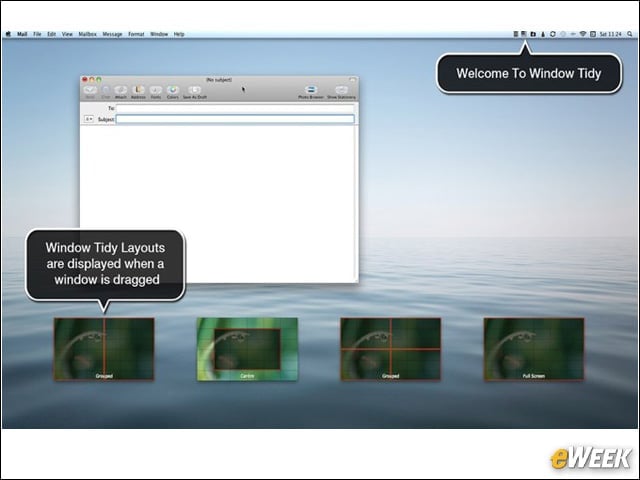
Are you searching for an app that helps you look at all your open windows at one time without being forced to switch back and forth? Window Tidy does the trick. The application lets users see all open windows in one pane and move and resize them as needed. Window Tidy, which is available for free, is simple, but it’s a great way to increase productivity.
Apple’s iBooks Author
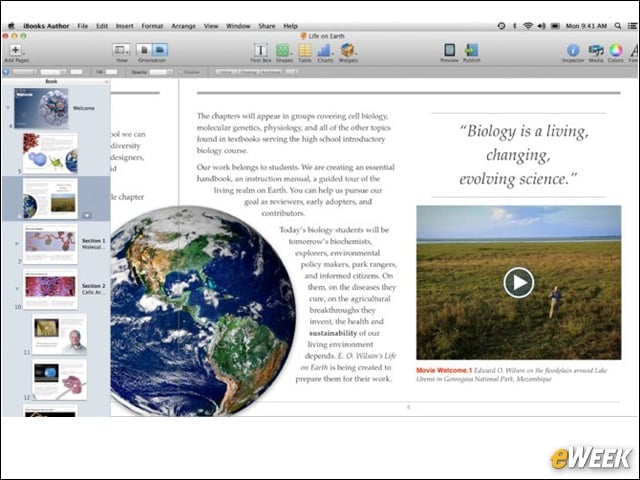
Apple’s free iBooks Author app was unveiled earlier this year. The program allows aspiring authors to create their own books and add a host of multimedia functions, including videos, interactive photos and more. It’s a must-see for anyone looking to be (digitally) published.
Aperture
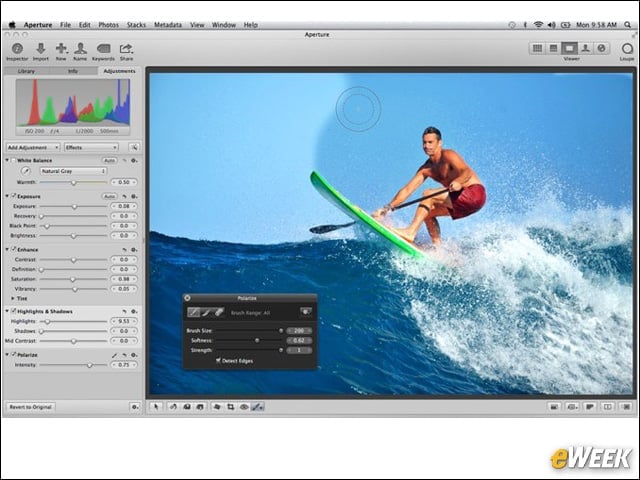
At $79.99, Aperture is one of the more expensive applications in this roundup. However, for that price, customers are getting quite a bit, including advanced photo editing, the ability to quickly refine images and more. Aperture is a nice tool for aspiring photographers.
iMovie
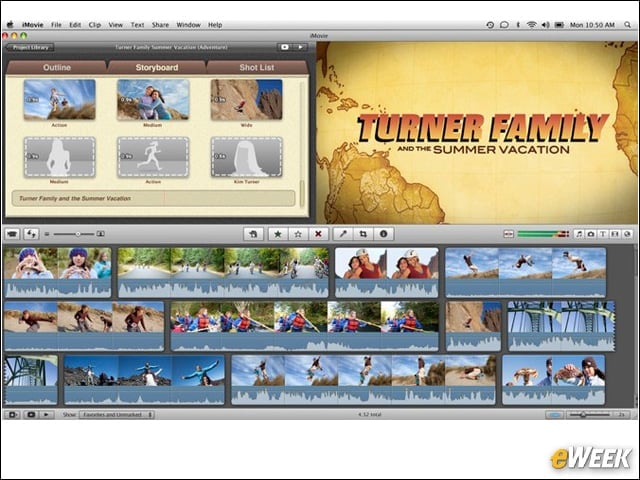
Do you have some home movies you want to turn into entertaining videos for all to see? Apple’s iMovie might just be what’s needed. The application, which costs $14.99, includes simple video-editing features, but it includes a host of nice options, such as effects and audio overlays. It also comes with a “trailer” feature and enables users to see a full-length video.
Caffeine
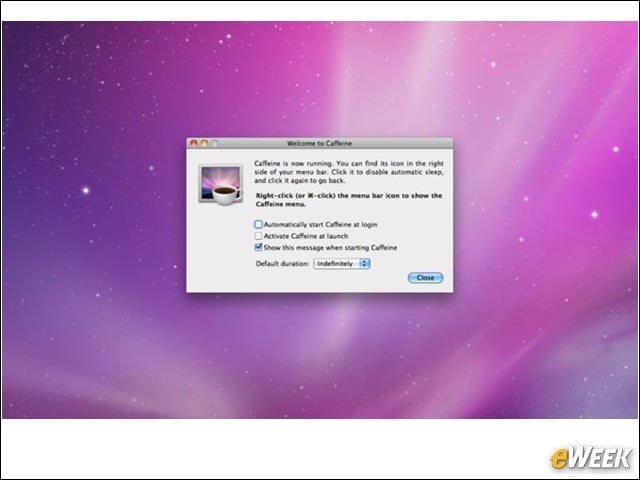
As new iMac owners will quickly realize, Apple’s Mac App Store is filled with simple, but useful, apps. And Caffeine is one such program. The free application puts an icon on the right side of the menu bar, giving users the option whenever they wish to stop the Mac from automatically going to sleep or dimming the screen. It’s especially useful for presentations and when viewing videos.
Fuze
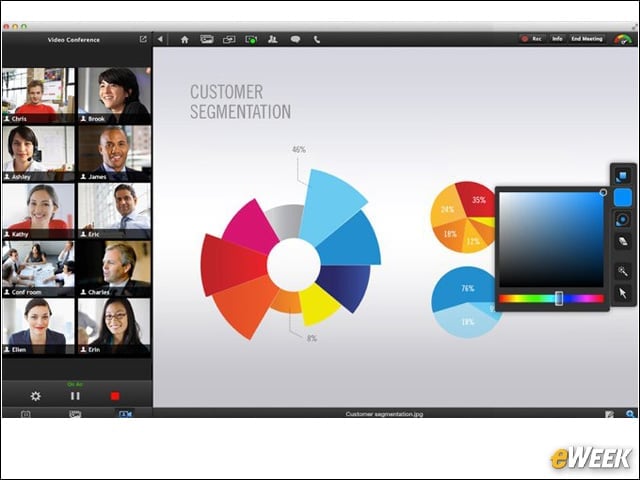
Fuze, another free application, is designed with enterprise users in mind. The application allows users to hold high-definition meetings from their Macs. In addition, it supports audio conferencing and a digital laser pointer to pinpoint key aspects of a presentation. It’s not overly powerful, but it might be worth checking out for smaller companies.
Fantastical
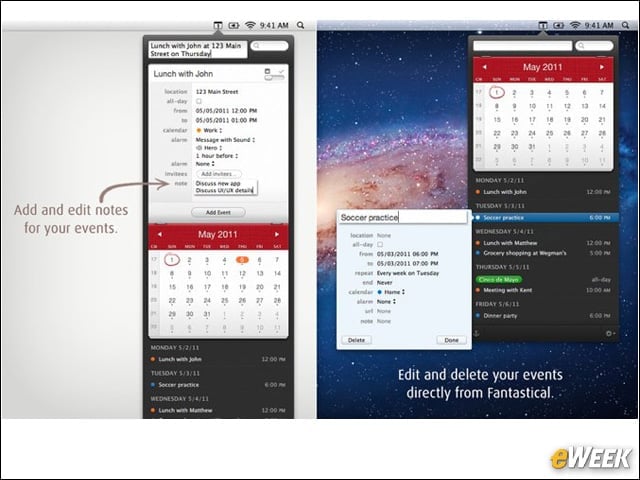
Fantastical has been a Mac staple for years. The application, which retails for $9.99, is arguably the best event calendar on the Mac, keeping users fully up-to-date with everything going on in their lives. Apple’s Calendar app is fine, but it’s no Fantastical.
DaisyDisk
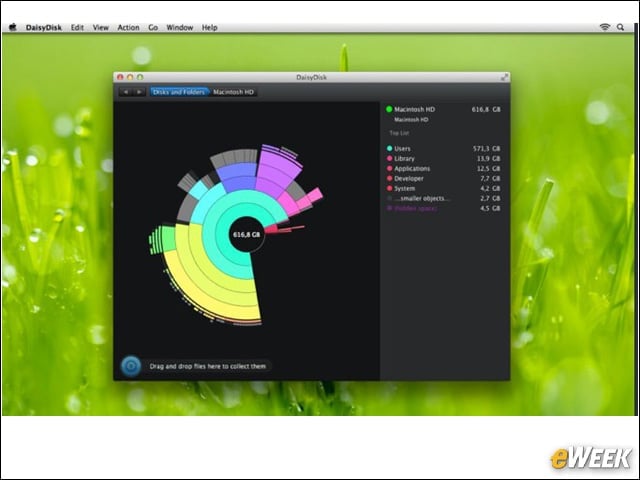
As folks start adding files and media to their new iMacs, they’re going to quickly find that the 1 terabyte of storage isn’t nearly as much as they thought. That’s where DaisyDisk comes in. The application lets users see a visual representation of the storage available on their hard drives and quickly remove files and folders that are taking up too much space. It’s a great utility for $9.99.
1Password
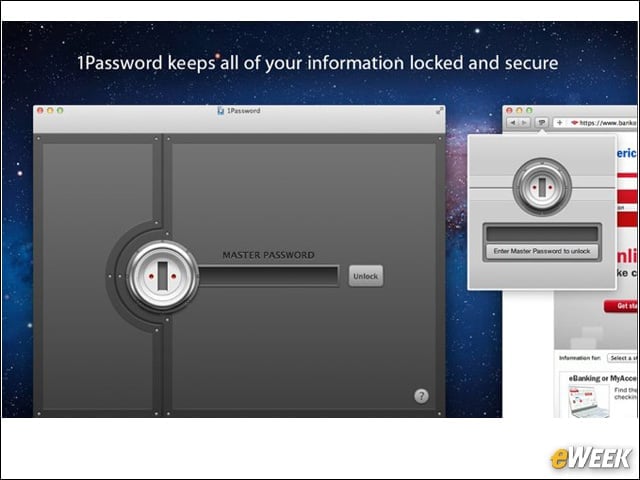
Apple’s Macs are viewed as quite secure. However, no operating system can protect folks from making poor decisions online. With 1Password, iMac owners can save usernames and passwords and create extremely strong passkeys for all sites. In order to input information, users need only to input a single password, regardless of the page, and 1Password takes care of the rest. The app is the most full-featured password program out there and, at $34.99, is actually worth the price.