









Cisco Brings WebEx to the BlackBerry
Download from browser
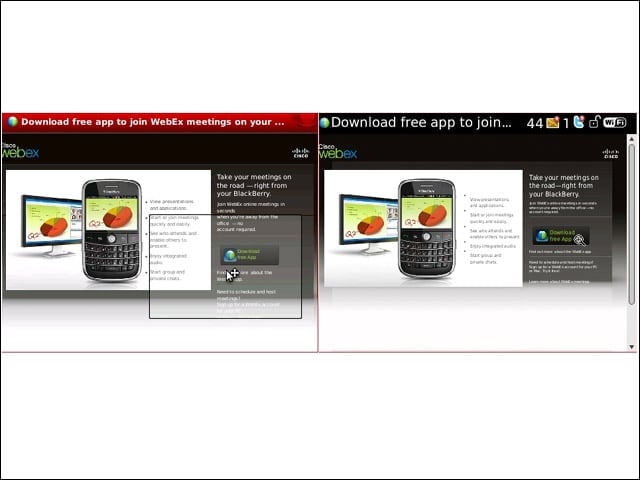
Available for download from http://www.webex.com/blackberry, I couldn’t actually get the download to work in either Opera Mini or the native BlackBerry browser on my Bold 9700 for T-Mobile.
AppWorld
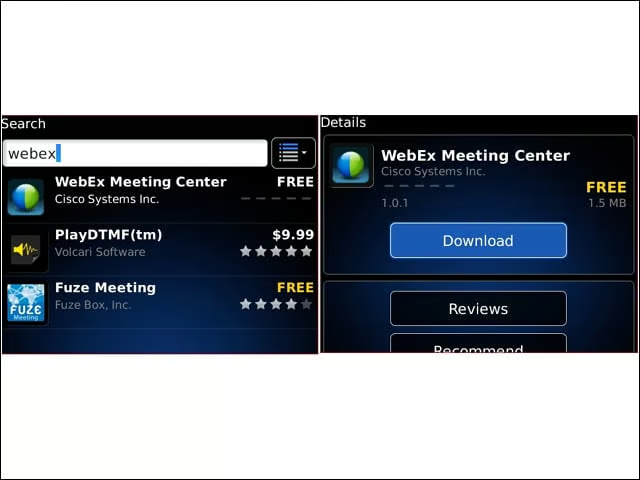
Download and install worked just fine from BlackBerry AppWorld, Just make sure the device is running BBOS 4.6 or higher (and corporate policies allow third party applications to install).
Join or Host
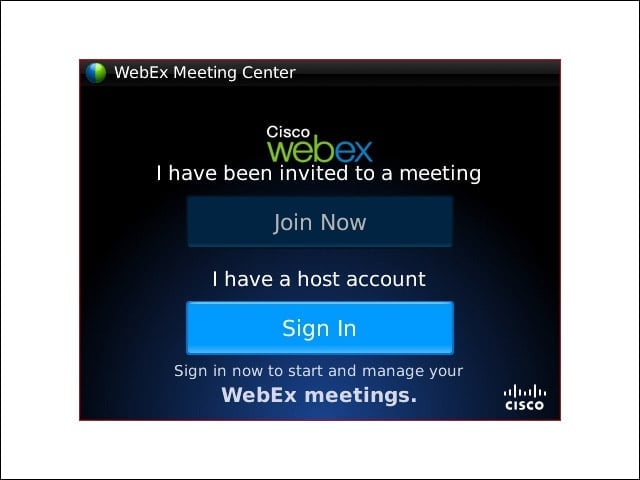
WebEx for BlackBerry users may either host or attend a meeting.
Hosting
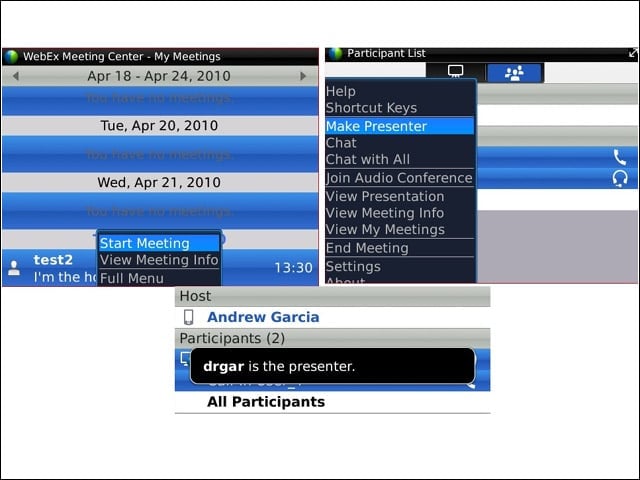
Users may host a meeting from a Blackberry, but they can not create the meeting from the device. Also, BlackBerry users may not present from their device, but can hand off control to another participant.
Join
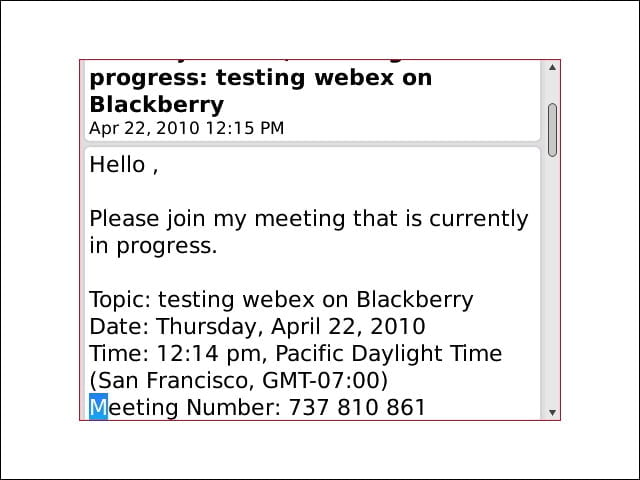
BlackBerry users may join the meeting by clicking on the link in the invitation email which will start the WebEx application.
Display Name
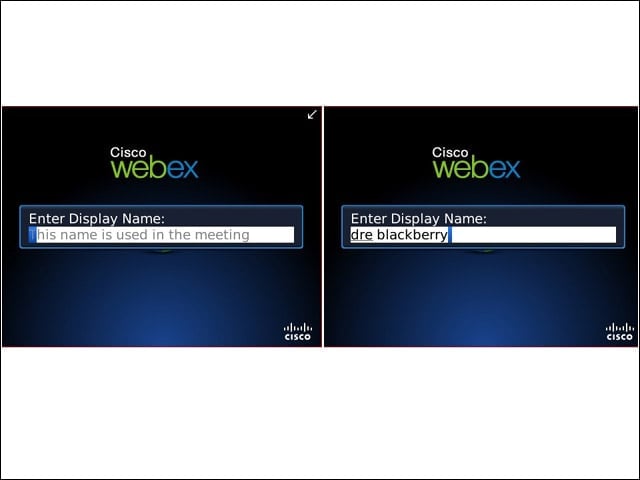
The first time starting WebEx for BlackBerry, users must create a display name.
Audio
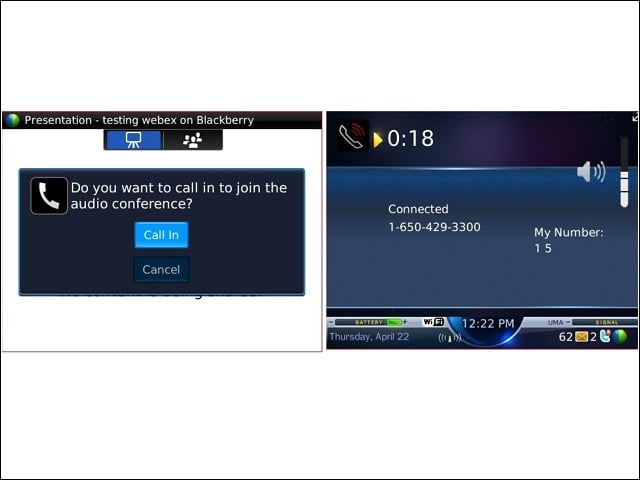
The application prompts BlackBerry users to join the audio call automatically. At this time, VoIP is not an option, so I joined the conference via the BlackBerry cell phone.
Error
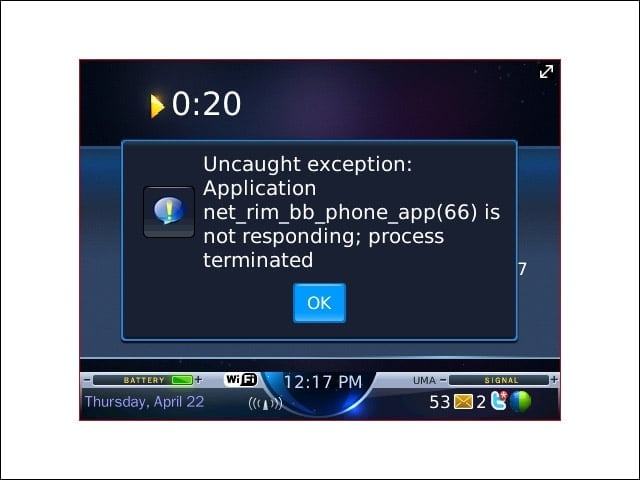
On one occassion, while joining the audio conference I received this error. Even though the remote caller could hear me on the BlackBerry, I could only hear a constant tone like the dialpad was constantly depressed.
Presentation
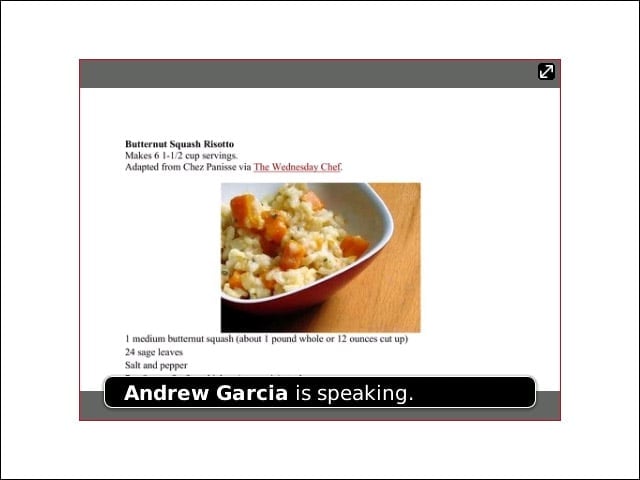
Via the Blackberry, I could view shared materials like a Word document or PowerPoint presentation, or a shared screen.
Interaction
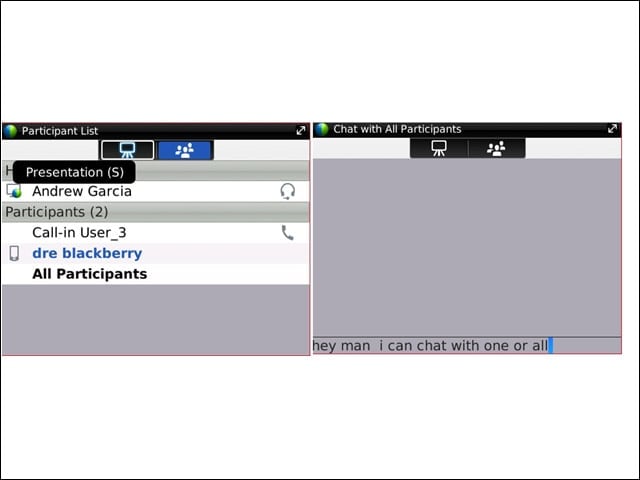
I could view all participants on the conference and engage in a chat with one or all participants.
Shortcuts
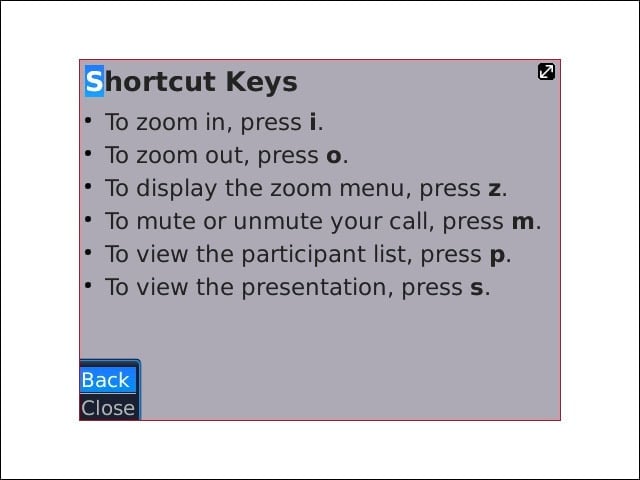
WebEx for BlackBerry includes a handy set of shortcuts that allow the user to zoom in/out, view the participant list, or the presentation.