








- eWEEK Labs Walk-Through: JotSpot 2.0
- eWEEK Labs Walk-Through: JotSpot 2.0 – Installing New JotSpot Applications
- eWEEK Labs Walk-Through: JotSpot 2.0 – Permissions
- eWEEK Labs Walk-Through: JotSpot 2.0 – Blog
- eWEEK Labs Walk-Through: JotSpot 2.0 – Creating a New Wiki Page
- eWEEK Labs Walk-Through: JotSpot 2.0 – Creating a Spreadsheet
- eWEEK Labs Walk-Through: JotSpot 2.0 – Importing a Spreadsheet
- eWEEK Labs Walk-Through: JotSpot 2.0 – Photo Pages
- eWEEK Labs Walk-Through: JotSpot 2.0 – Project Manager
eWEEK Labs Walk-Through: JotSpot 2.0
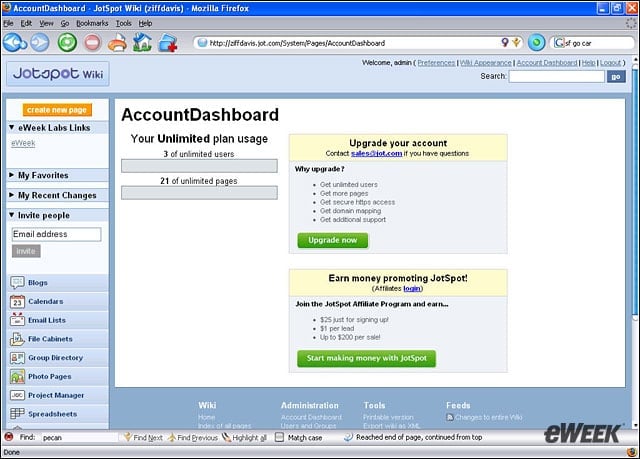
The JotSpot Account Dashboard provides a look at how many users have access to the wiki, as well as how many pages have been created. Pricing is based on both the number of users and the number of wiki pages.
eWEEK Labs Walk-Through: JotSpot 2.0 – Installing New JotSpot Applications
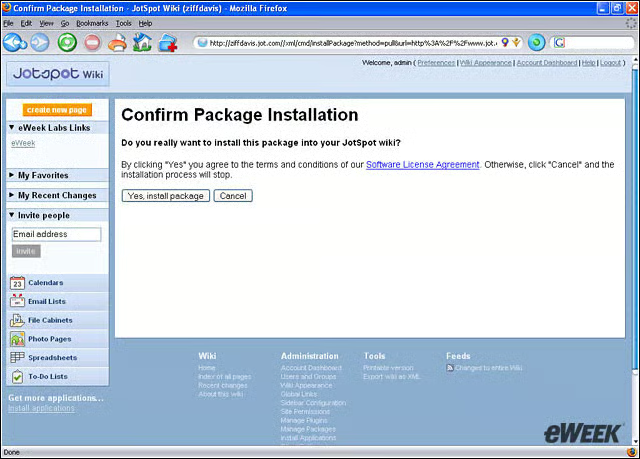
JotSpot offers a number of free applications for administrators to pick and choose from for their wikis.
eWEEK Labs Walk-Through: JotSpot 2.0 – Permissions
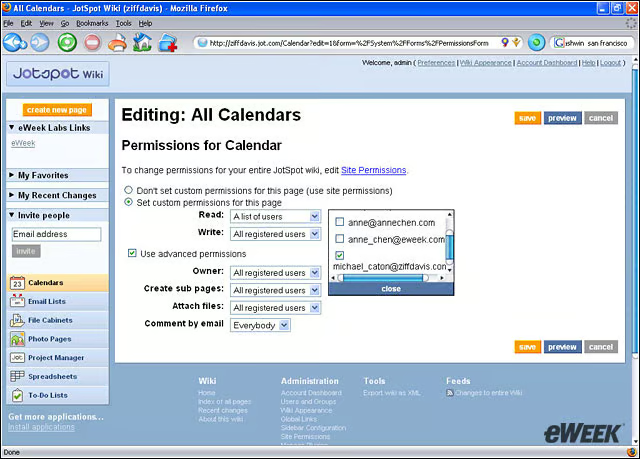
Administrators can control who can read and write to the wiki. Permissions can be based on the site or the page.
eWEEK Labs Walk-Through: JotSpot 2.0 – Blog
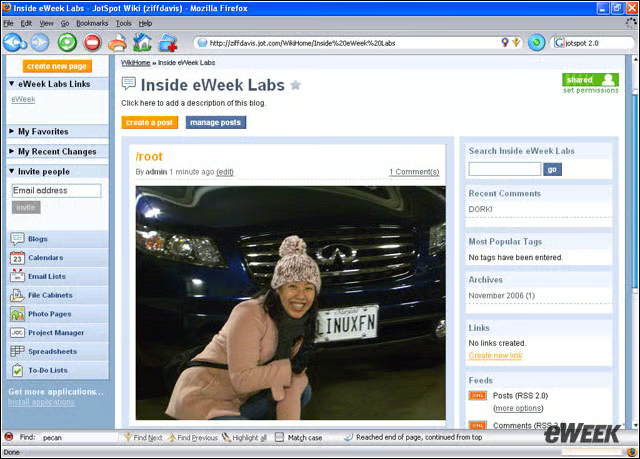
One of the applications administrators can add to their JotSpot wiki sites is a blog. Users can comment on the blog, as well as subscribe to RSS feeds to track new posts.
eWEEK Labs Walk-Through: JotSpot 2.0 – Creating a New Wiki Page
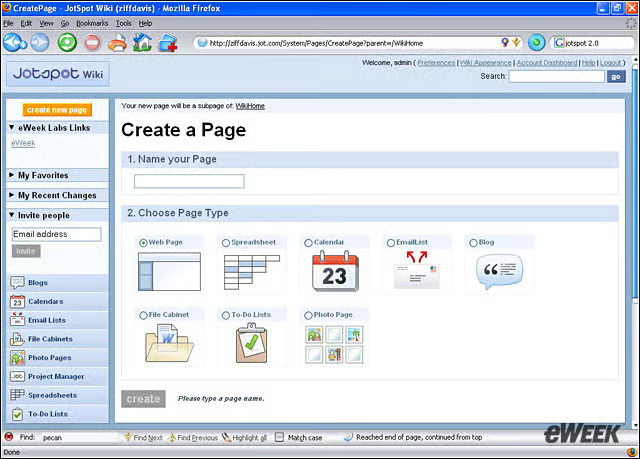
A user creating a new page can choose between several different structured pages, including a file cabinet, a calendar and a Web page.
eWEEK Labs Walk-Through: JotSpot 2.0 – Creating a Spreadsheet
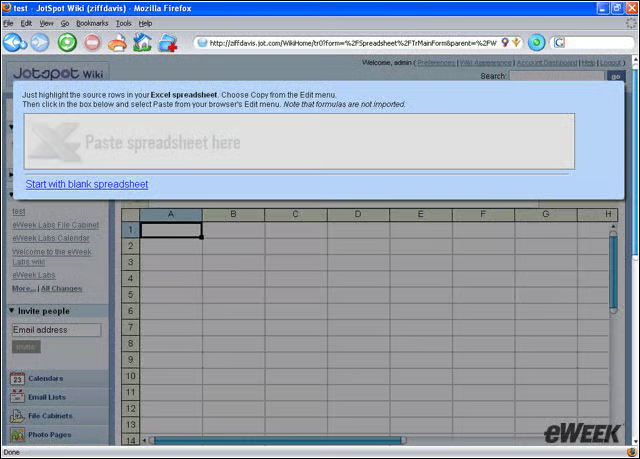
With the integration of capabilities found in JotSpot Tracker, JotSpot 2.0 allows users to copy entire rows of data from Excel and paste them into a JotSpot spreadsheet that can then be worked on and shared.
eWEEK Labs Walk-Through: JotSpot 2.0 – Importing a Spreadsheet
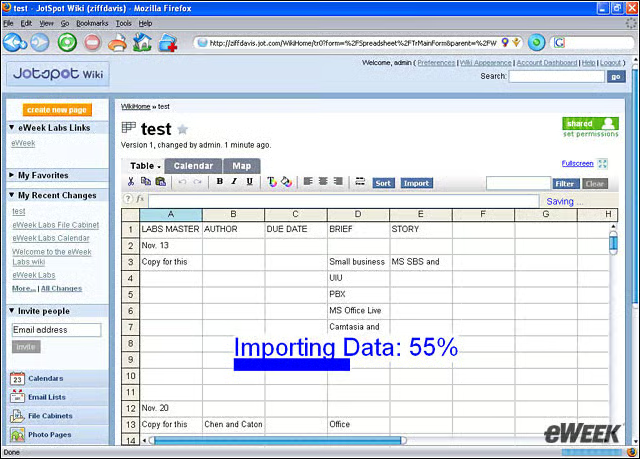
While cells and rows can be copied from Excel and pasted into JotSpot, the formatting is not always maintained–something weve seen in other non-Microsoft products.
eWEEK Labs Walk-Through: JotSpot 2.0 – Photo Pages
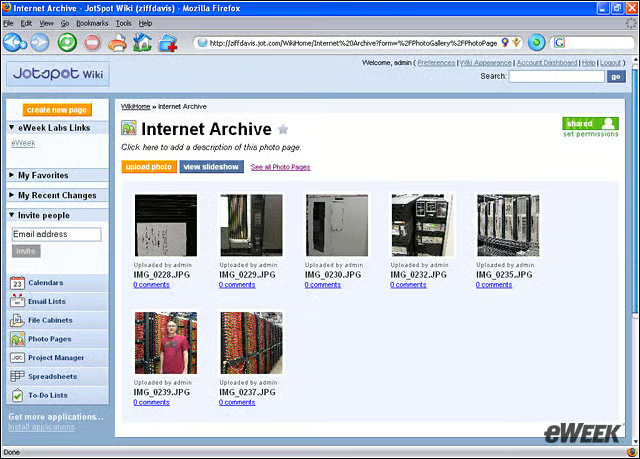
One of the applications automatically installed in JotSpot 2.0 is a photo page where users can view and share photos related to a project.
eWEEK Labs Walk-Through: JotSpot 2.0 – Project Manager
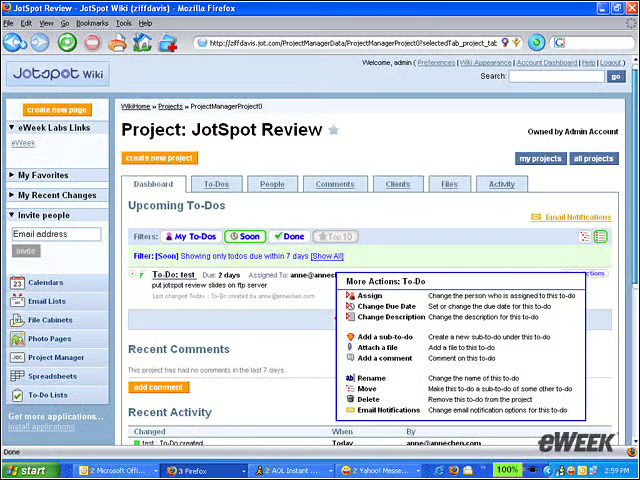
JotSpot also has a project management application that allows users to track the status and to-do list of a project.