








- eWEEK Labs Walk-Through: DocuShare 5.0
- eWEEK Labs Walk-Through: DocuShare 5.0 – Blogging
- eWEEK Labs Walk-Through: DocuShare 5.0 – Wiki
- eWEEK Labs Walk-Through: DocuShare 5.0 – Whats New
- eWEEK Labs Walk-Through: DocuShare 5.0 – Table-based content
- eWEEK Labs Walk-Through: DocuShare 5.0 – Rules
- eWEEK Labs Walk-Through: DocuShare 5.0 – Password policy
- eWEEK Labs Walk-Through: DocuShare 5.0 – Admin
- eWEEK Labs Walk-Through: DocuShare 5.0 – Export
- eWEEK Labs Walk-Through: DocuShare 5.0 – Federation
eWEEK Labs Walk-Through: DocuShare 5.0
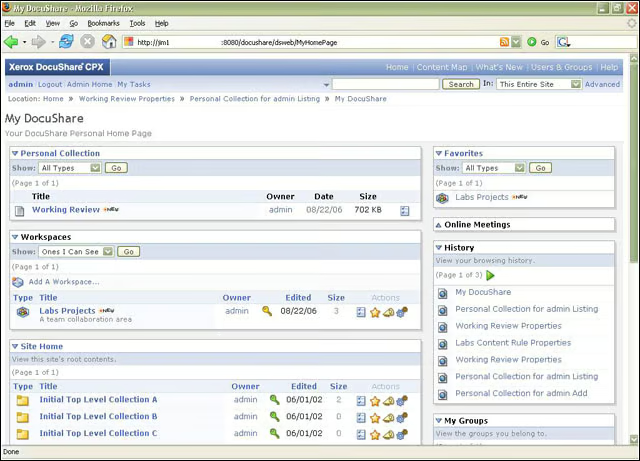
Users in DocuShare 5.0 have personal views where they can easily access all their content and tasks.
eWEEK Labs Walk-Through: DocuShare 5.0 – Blogging
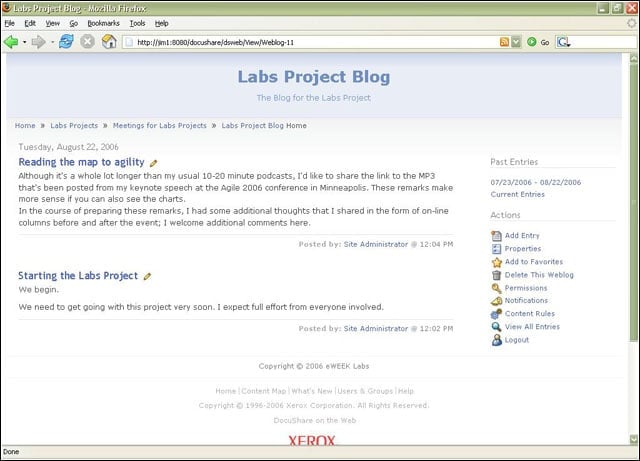
New Web 2.0 features in DocuShare include basic blogging.
eWEEK Labs Walk-Through: DocuShare 5.0 – Wiki
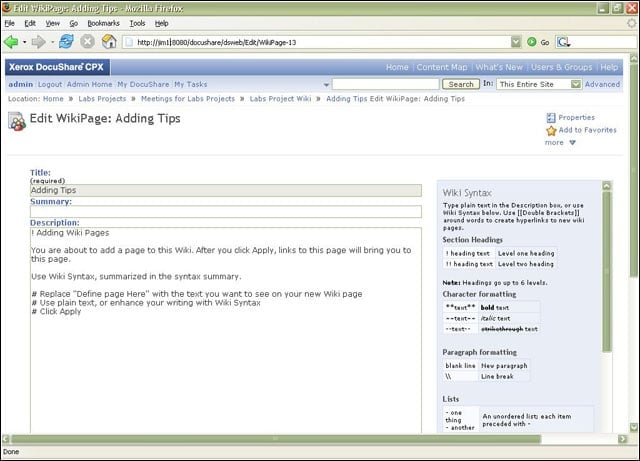
Also on DocuShares Web 2.0 feature list: wiki capabilities.
eWEEK Labs Walk-Through: DocuShare 5.0 – Whats New
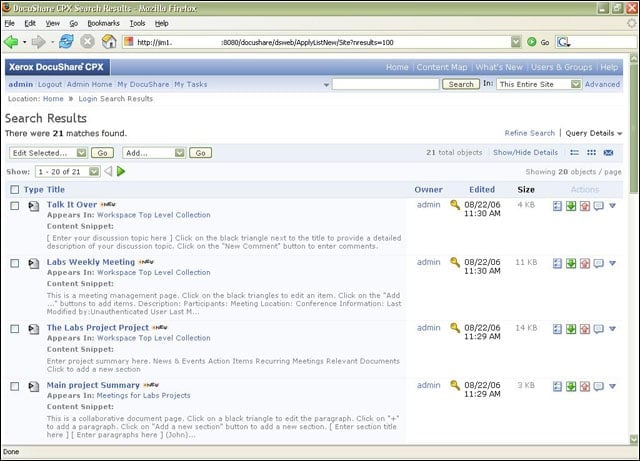
Whats New view let eWEEK Labs quickly see new content added to our DocuShare content areas.
eWEEK Labs Walk-Through: DocuShare 5.0 – Table-based content
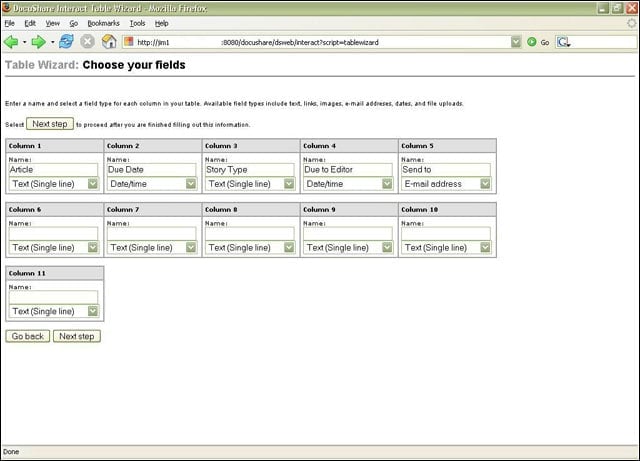
Work spaces in DocuShare can include interactive table-based content with which users can collaborate.
eWEEK Labs Walk-Through: DocuShare 5.0 – Rules
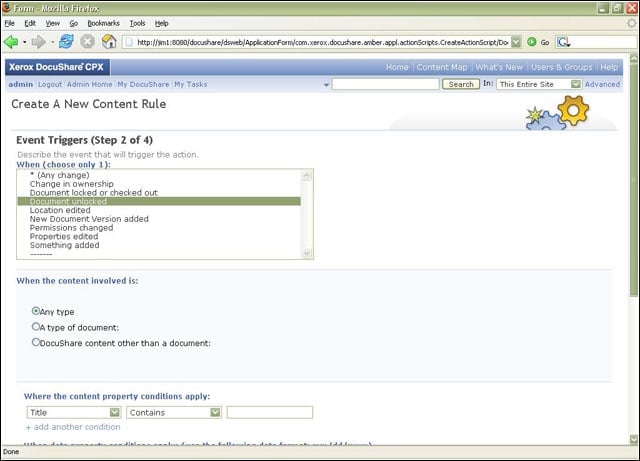
Powerful and complex rules that trigger under a variety of events can be individually added to any content in DocuShare.
eWEEK Labs Walk-Through: DocuShare 5.0 – Password policy
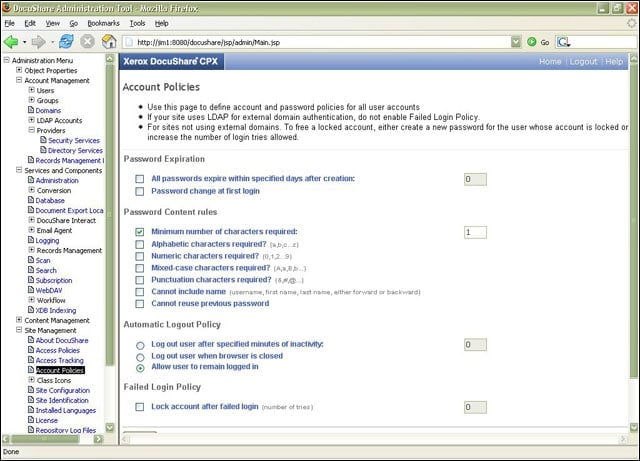
DocuShare 5.0 includes strong, built-in password policy controls.
eWEEK Labs Walk-Through: DocuShare 5.0 – Admin
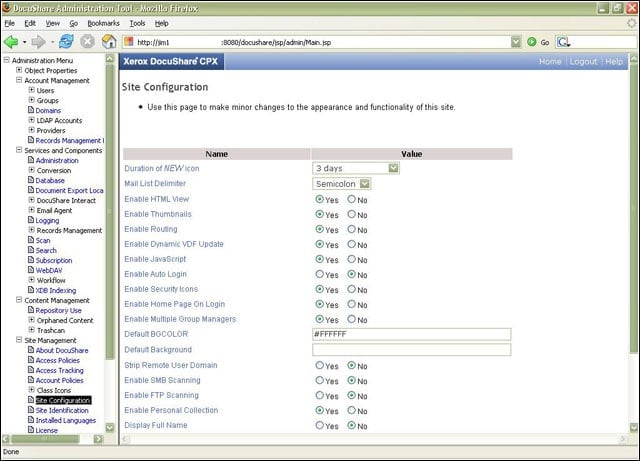
DocuShare provides fine-grained controls through its browser-based administration.
eWEEK Labs Walk-Through: DocuShare 5.0 – Export
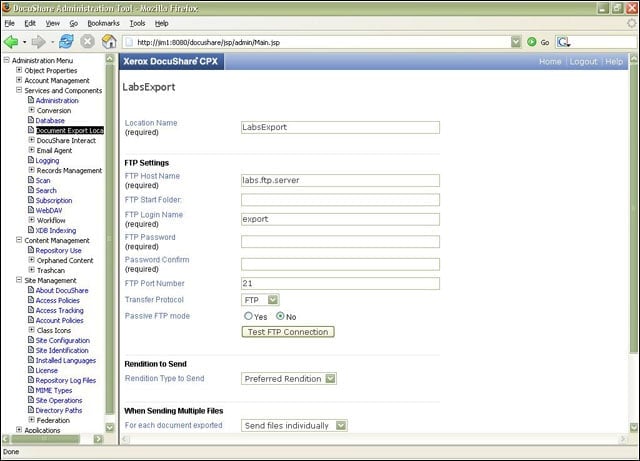
DocuShare makes it possible to export documents directly to external FTP servers.
eWEEK Labs Walk-Through: DocuShare 5.0 – Federation
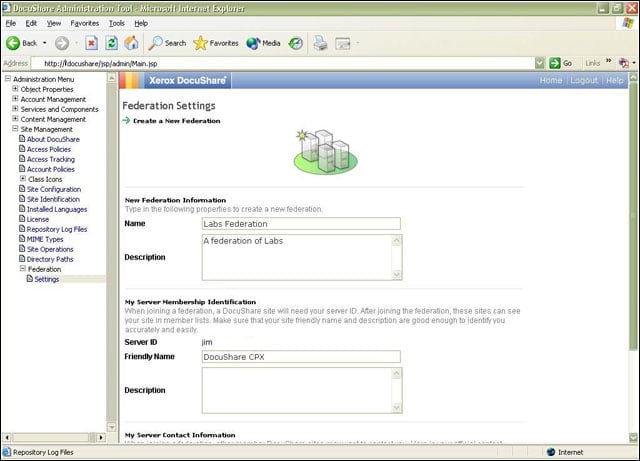
Using the Federation capabilities, we could tie together multiple DocuShare server implementations.