








- KDE 5 Delivers New Linux Desktop Environment
- KDE Is an Open-Source Project
- KDE 5 Desktop Theme Default Is Breeze
- Users Can Enable Multiple Desktop Effects
- Kickoff Application Launcher Organizes the Desktop
- Commonly Used Applications Land in Favorites Menu
- Dolphin File Manager Provides Folder Views
- Desktop Widgets Head to the Top Corner
- Screen Adjustments Come to the Forefront
- KDE Users Get the Konqueror Web Browser
KDE 5 Delivers New Linux Desktop Environment

by Sean Michael Kerner
KDE Is an Open-Source Project
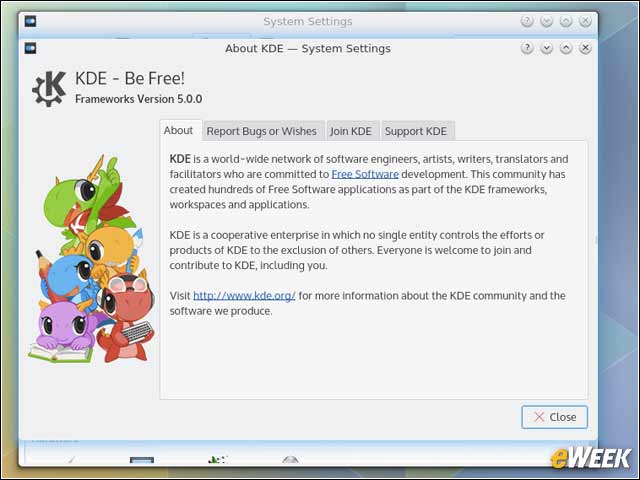
The development of the KDE desktop is an open-source project, and from a financial perspective is backed by KDE e.V., which is a registered nonprofit organization.
KDE 5 Desktop Theme Default Is Breeze
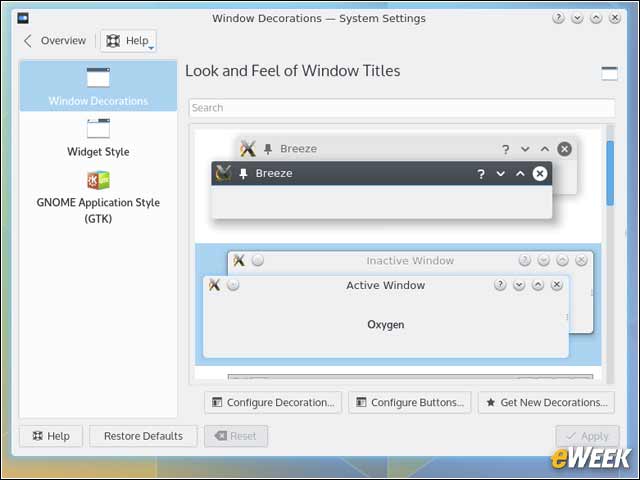
KDE 5 users have multiple options for setting the look and feel of the desktop. The new default theme is known as Breeze and offers customization choices for users.
Users Can Enable Multiple Desktop Effects
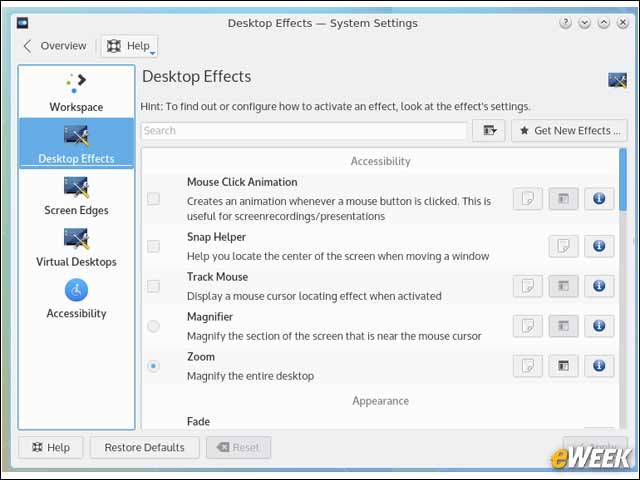
Digging into the desktop setting options for KDE, users can choose to enable any number of different desktop effects.
Kickoff Application Launcher Organizes the Desktop
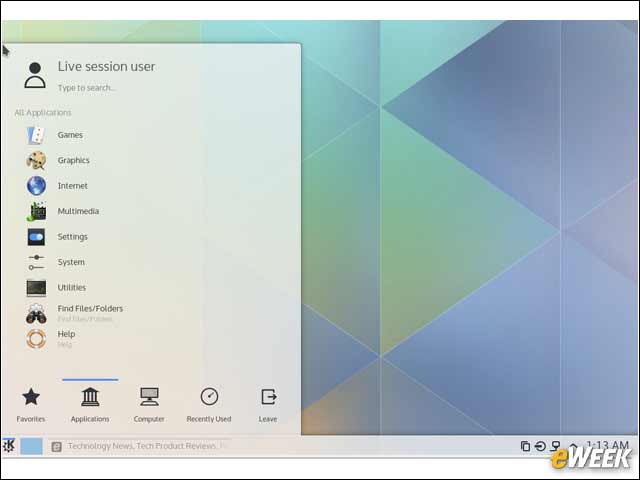
Finding and launching applications and files is made easy with the Kickoff application launcher in KDE Plasma 5.
Commonly Used Applications Land in Favorites Menu
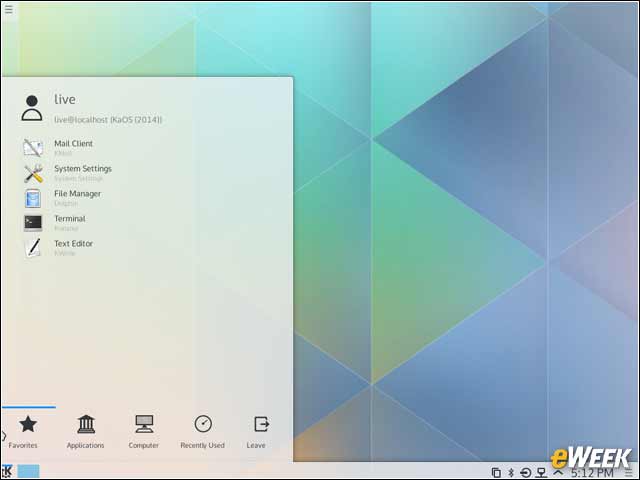
As part of the KDE Plasma 5 interface, the launcher menu provides users with easy access to commonly used applications in the Favorites menu.
Dolphin File Manager Provides Folder Views
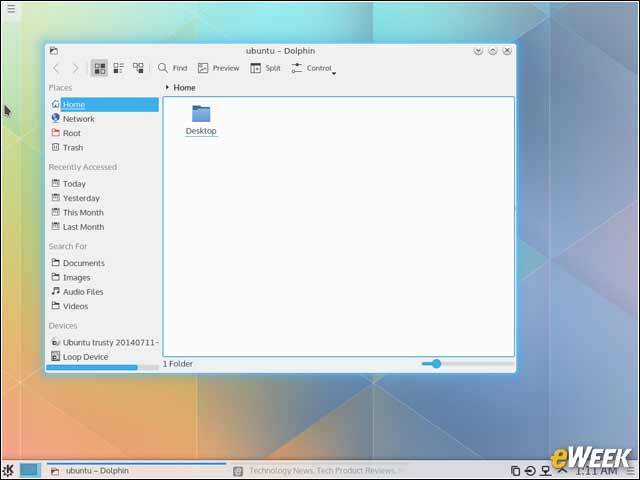
The Dolphin file manager inside of KDE 5 gives users a folder-level view of the desktop and the underlying system.
Desktop Widgets Head to the Top Corner
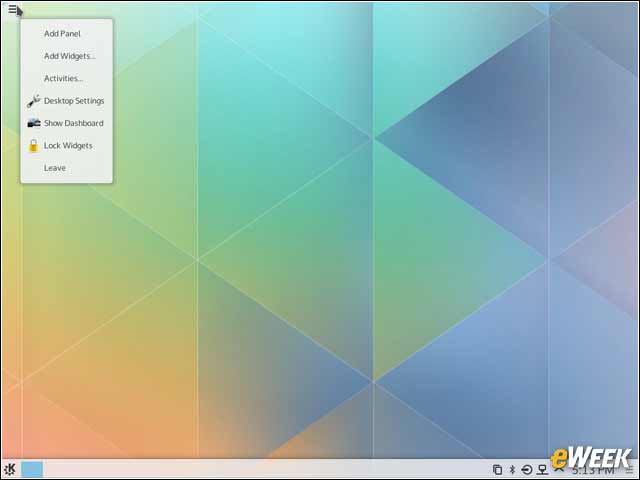
Adding new desktop widgets on KDE Plasma 5 is now enabled with a menu on the top left of the user’s screen.
Screen Adjustments Come to the Forefront
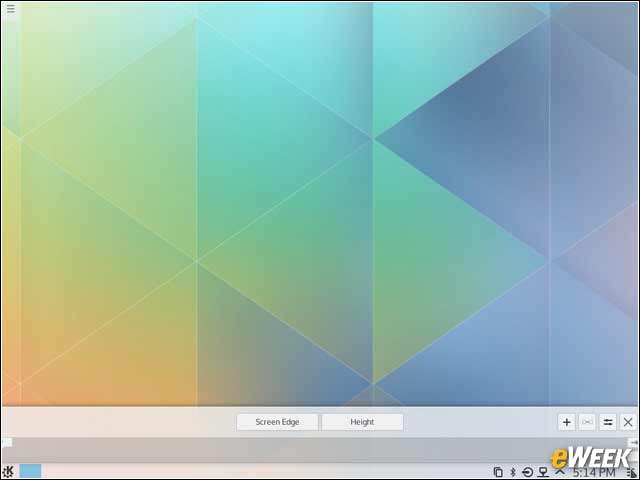
Making screen adjustments isn’t always an easy task on a desktop. Inside of KDE Plasma 5 there is a menu button on the bottom right corner of the screen the lets users adjust the screen edge and height.
KDE Users Get the Konqueror Web Browser
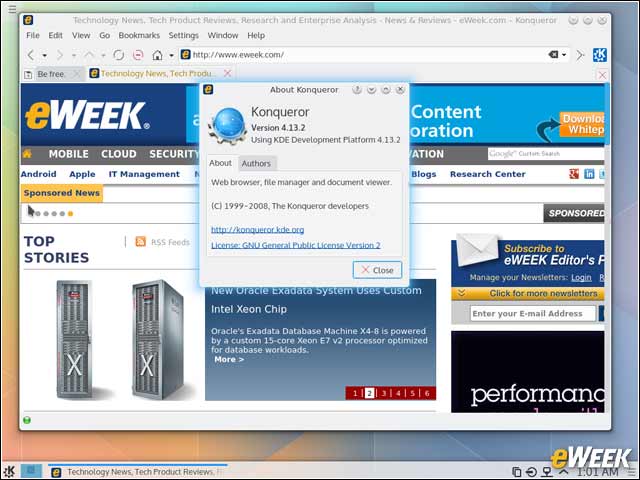
While each specific Linux distribution can choose to have its own default Web browser, when it comes to KDE, users get the added choice of the KDE Konqueror browser.