







- LibreOffice 5.0.1 Open-Source Productivity Suite at a Glance
- LibreOffice 5.0.1 Open-Source Office Suite
- Easy Cropping of Images Inline
- Drag-and-Drop Image Support on Mac OS X
- PDF Time-Stamping
- Apple Pages Document Import Is Improved
- Conditional Formatting Comes to Calc Spreadsheets
- Calc Improves Column Reference Options
- Give Some Color to Text Backgrounds
LibreOffice 5.0.1 Open-Source Productivity Suite at a Glance
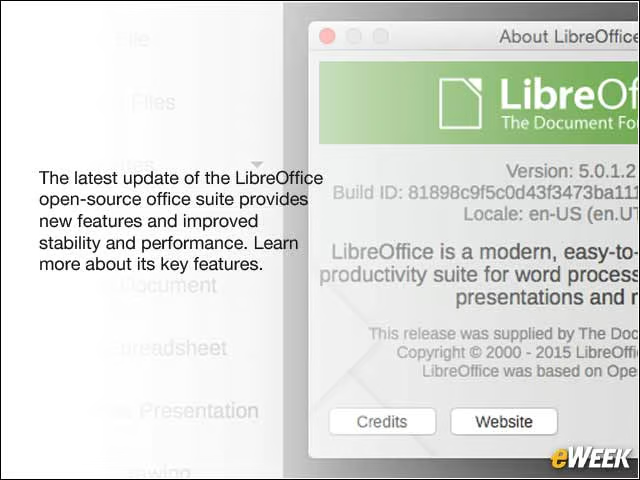
The latest update of the LibreOffice open-source office suite provides new features and improved stability and performance. Learn more about its key features.
LibreOffice 5.0.1 Open-Source Office Suite
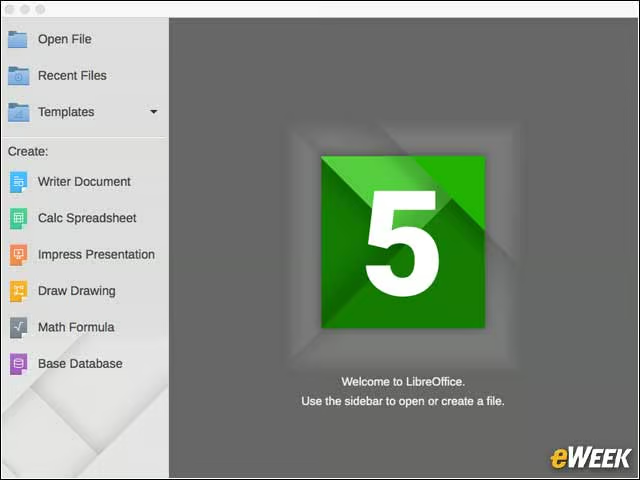
As was the case with previous releases, LibreOffice 5.0.1 aims to provide an open-source choice for a complete office suite of applications. The new release includes document, spreadsheet and presentation apps.
Easy Cropping of Images Inline
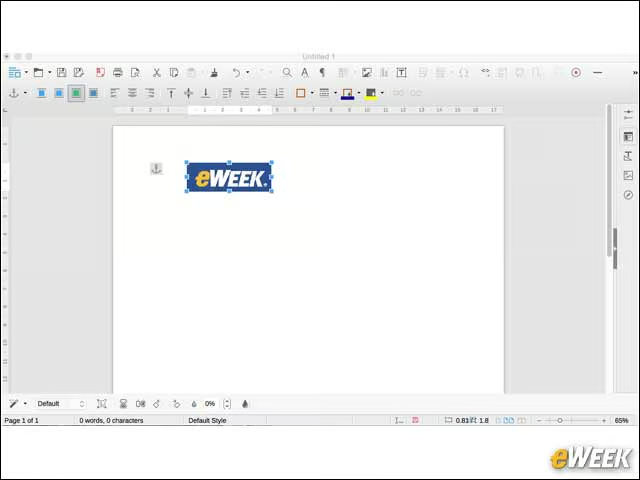
Inline images used in LibreOffice documents and spreadsheets can now be easily cropped by users, with a mouse and the integrated tooling.
Drag-and-Drop Image Support on Mac OS X
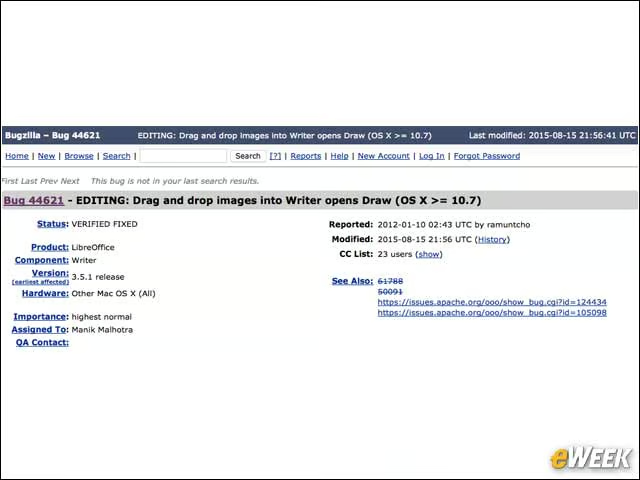
In addition to now being able to crop images easily, support for dragging and dropping images has now been enabled on Apple’s Mac OS X.
PDF Time-Stamping
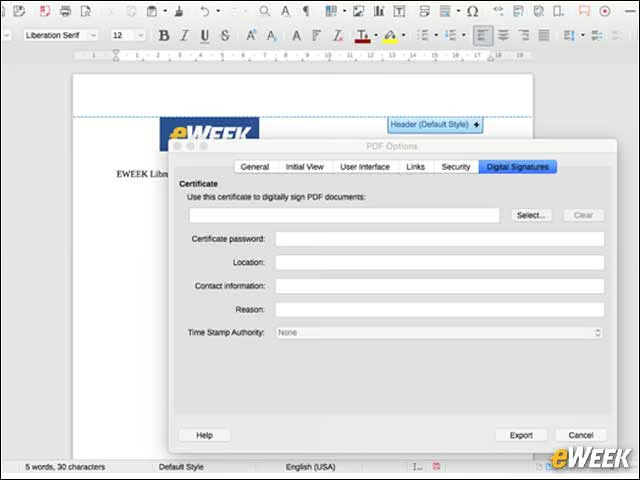
It is now possible to provide a digitally protected time-stamp on a LibreOffice document that is exported to PDF.
Apple Pages Document Import Is Improved
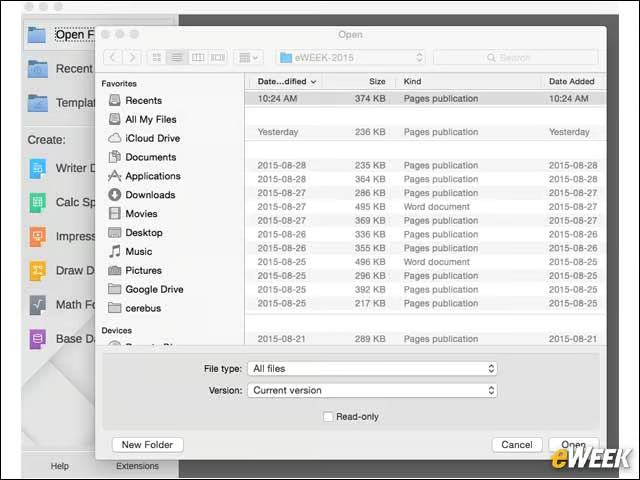
The Writer Document application is now able to import Apple Pages files.
Conditional Formatting Comes to Calc Spreadsheets
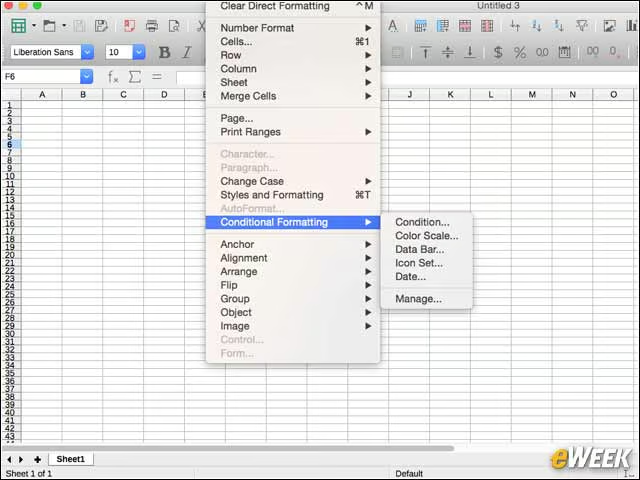
Calc Spreadsheets in LibreOffice 5.0.1 can now benefit from conditional formatting, providing more formatting options for users.
Calc Improves Column Reference Options
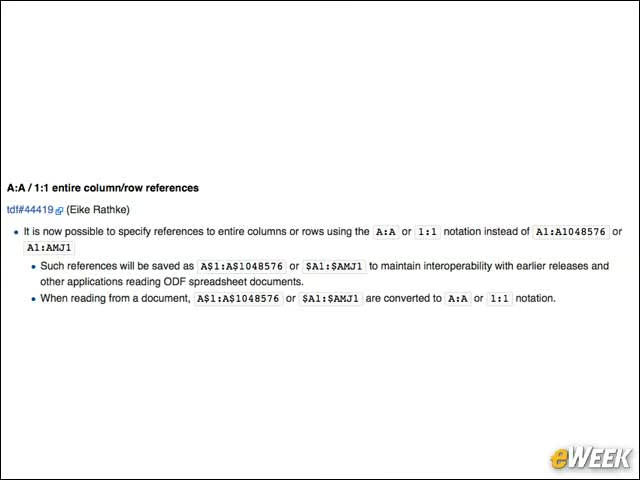
With LibreOffice 5.0.1, the Calc release notes explain that it is now possible to specify references to entire columns or rows using the A:A or 1:1 notation.
Give Some Color to Text Backgrounds
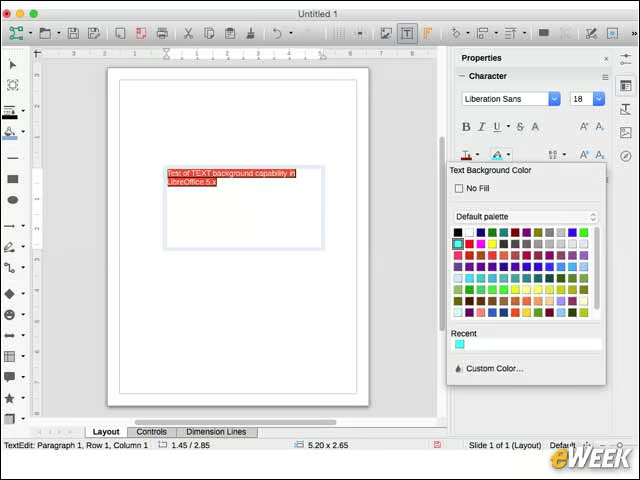
In the Draw and Impress applications, it is now possible to have a text background color.