







Logitech C910 Webcam Brings HD to Collaboration
by Andrew Garcia
Logitech HD Pro Webcam C910
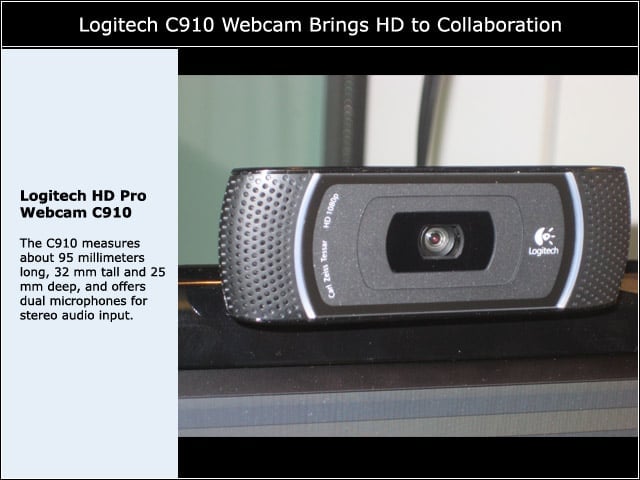
The C910 measures about 95 millimeters long, 32 mm tall and 25 mm deep, and offers dual microphones for stereo audio input.
Mounting Arm
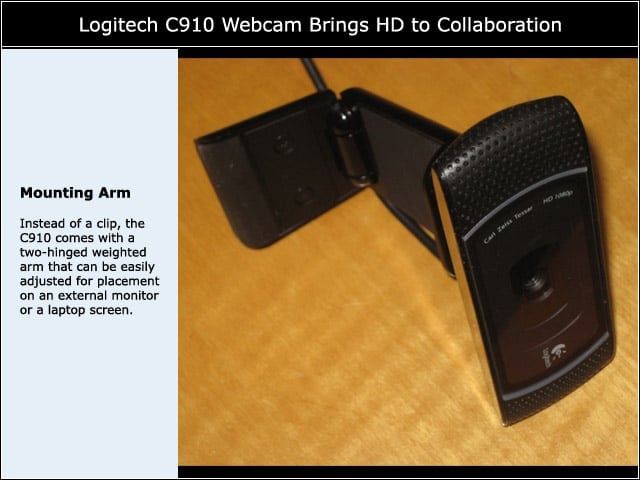
Instead of a clip, the C910 comes with a two-hinged weighted arm that can be easily adjusted for placement on an external monitor or a laptop screen.
Video Recording
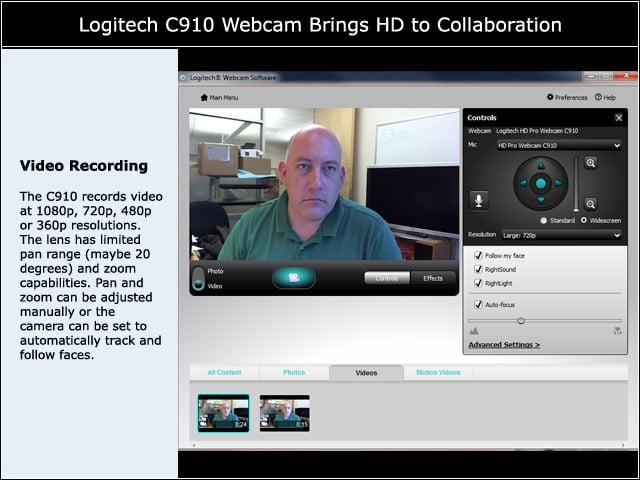
The C910 records video at 1080p, 720p, 480p or 360p resolutions. The lens has limited pan range (maybe 20 degrees) and zoom capabilities. Pan and zoom can be adjusted manually or the camera can be set to automatically track and follow faces.
Effects
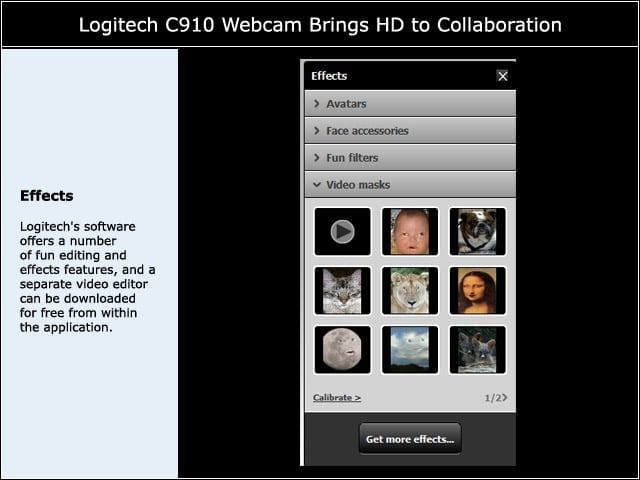
Logitech’s software offers a number of fun editing and effects features, and a separate video editor can be downloaded for free from within the application.
YouTube Upload
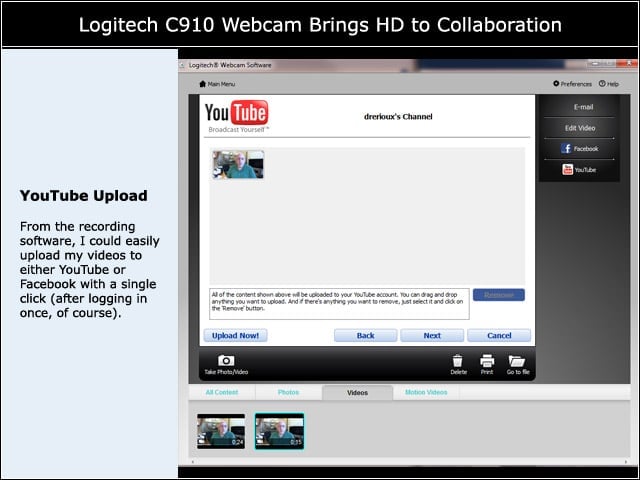
From the recording software, I could easily upload my videos to either YouTube or Facebook with a single click (after logging in once, of course).
Vid HD
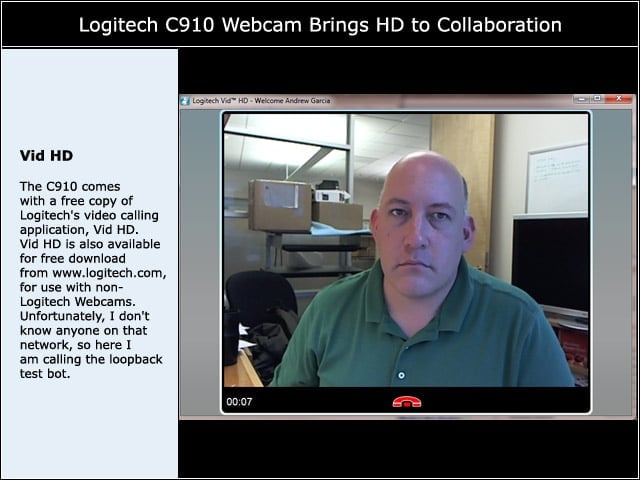
The C910 comes with a free copy of Logitech’s video calling application, Vid HD. Vid HD is also available for free download from www.logitech.com, for use with non-Logitech Webcams. Unfortunately, I don’t know anyone on that network, so here I am calling the loopback test bot.
Third-Party Conferencing Tools
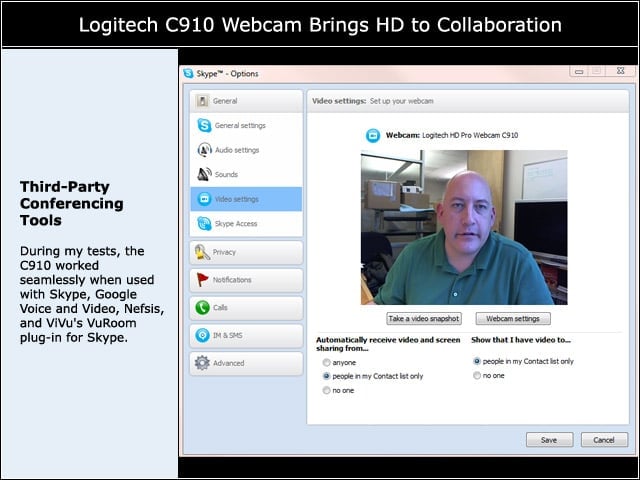
During my tests, the C910 worked seamlessly when used with Skype, Google Voice and Video, Nefsis, and ViVu’s VuRoom plug-in for Skype.
Diagnostic Tools
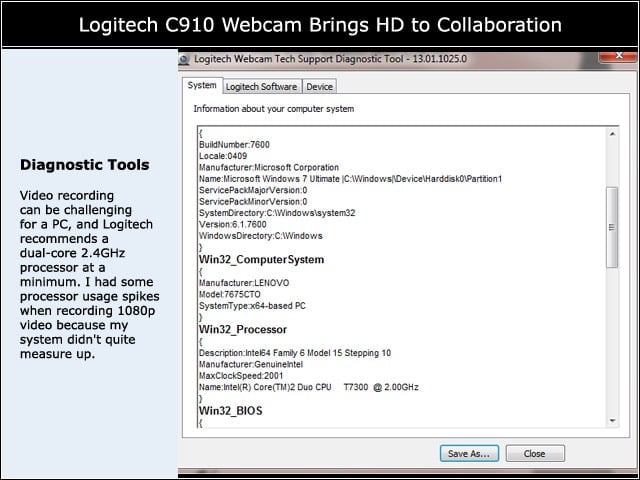
Video recording can be challenging for a PC, and Logitech recommends a dual-core 2.4GHz processor at a minimum. I had some processor usage spikes when recording 1080p video because my system didn’t quite measure up.