








- Mageia 4 Linux Desktop Distro Delivers Improved Performance, Features
- Mageia Offers Multiple Linux Desktop Choices
- Mageia Welcome Screen Provides an On-Ramp for Novices
- System Settings for Easy Customization
- Mageia Control Center Delivers System Configuration Options
- Windows Shares Configured via the Control Center
- MSEC Provides System Security and Audit
- Advanced Firewall Set-Up and Replication via Invictus
- RPMdrake: Mageia’s Software Package Management Tool
- LibreOffice: The Default Office Suite
- Firefox Is Included
- Linux 3.12 Is Under the Hood
Mageia 4 Linux Desktop Distro Delivers Improved Performance, Features
by Sean Michael Kerner
Mageia Offers Multiple Linux Desktop Choices
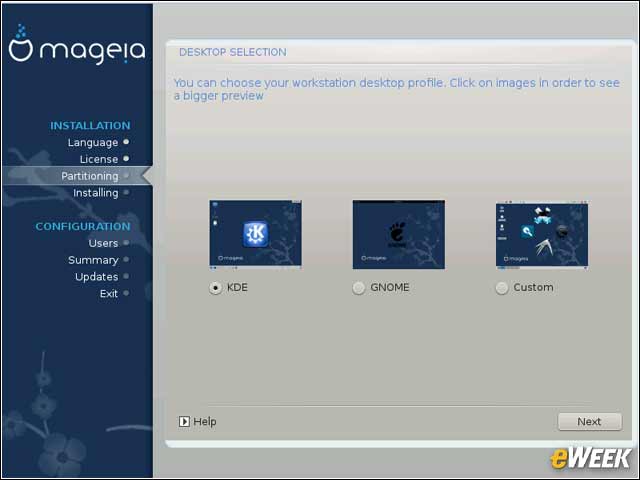
The default desktop choice for Mageia 4 is the KDE open-source desktop although users may also select Gnome.
Mageia Welcome Screen Provides an On-Ramp for Novices
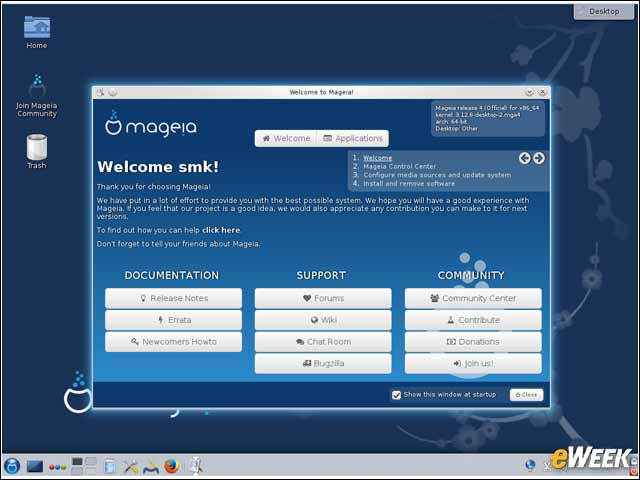
The Mageia welcome screen is a new feature in Mageia 4, providing new users with easy access to documentation, support and community resources.
System Settings for Easy Customization
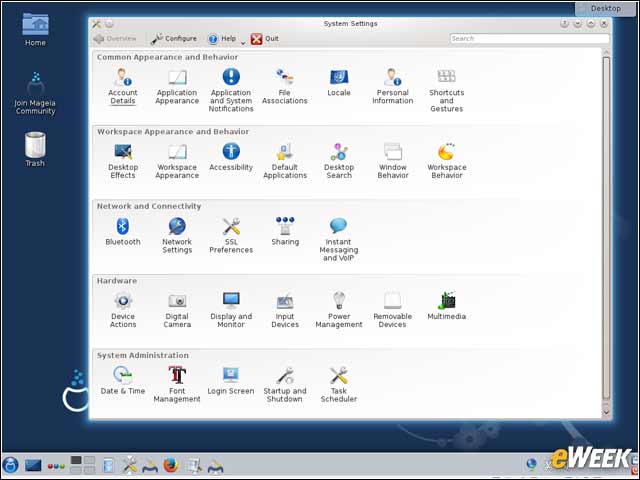
The System Settings application pulls in all core settings into one window for users to access.
Mageia Control Center Delivers System Configuration Options
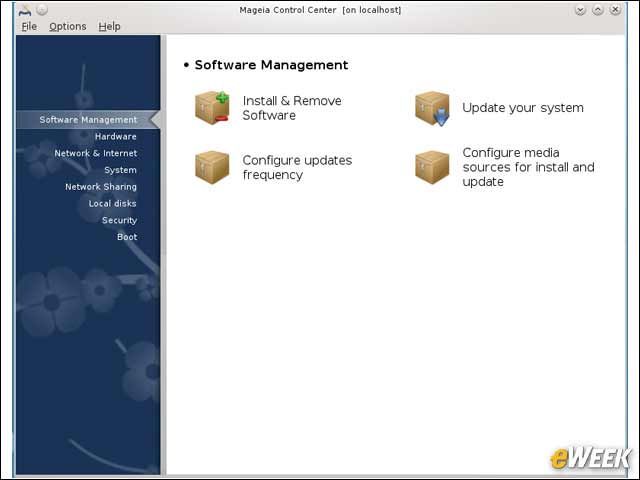
The Mageia Control Center (also known as drakconf) provides tools that enable users to manage software, hardware, networking and security components.
Windows Shares Configured via the Control Center
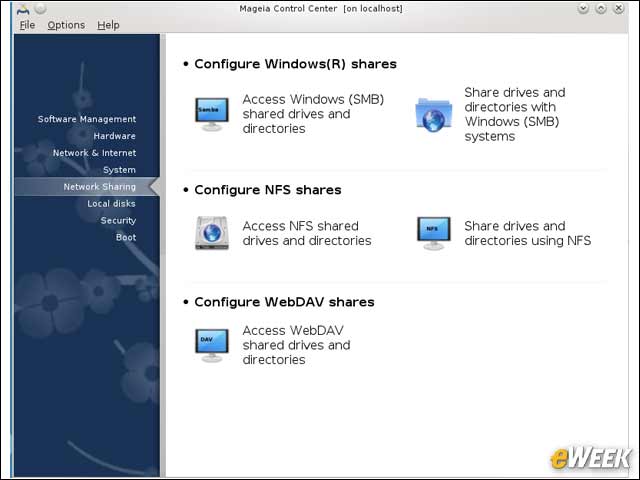
Most computing environments today are heterogeneous, which makes the need for Windows file sharing paramount.
MSEC Provides System Security and Audit
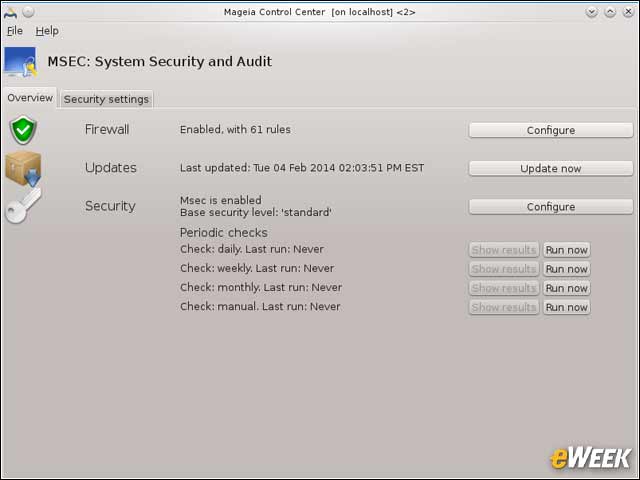
The MSEC system in the Control Center consolidates multiple security functions, including firewall configuration.
Advanced Firewall Set-Up and Replication via Invictus
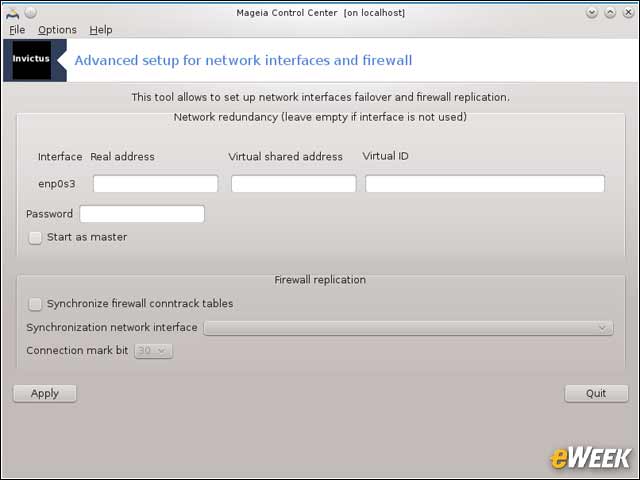
Going beyond basic firewall and security configuration, the Invictus tool enables users to set up network interface failover as well as firewall replication.
RPMdrake: Mageia’s Software Package Management Tool
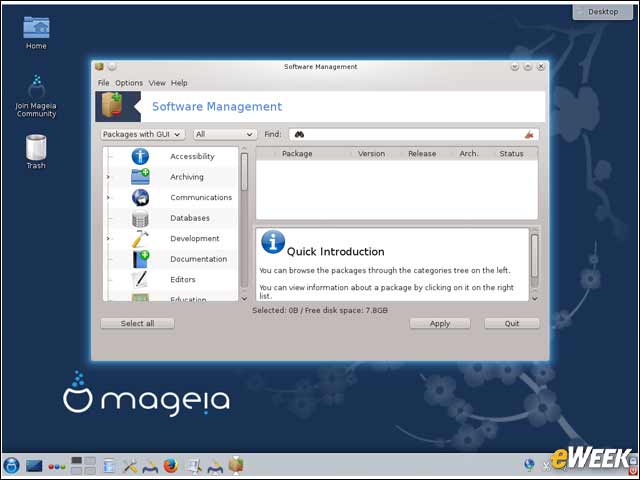
Leveraging its Mandriva heritage, Mageia 4 includes the RPMdrake software management tool for application packages.
LibreOffice: The Default Office Suite
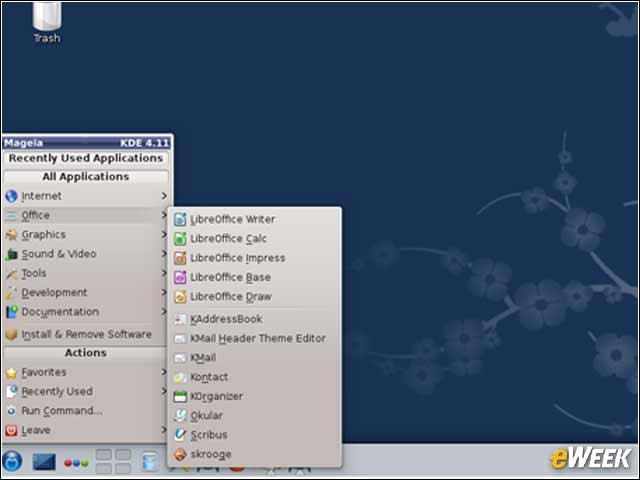
As is the case in many modern Linux releases, the open-source LibreOffice suite is the primary office tools application in Mageia.
Firefox Is Included
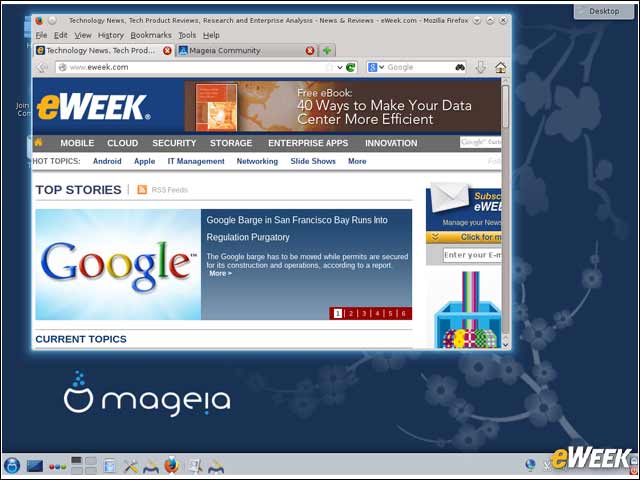
Mageia includes the open-source Mozilla Firefox browser, but KDE users also receive the Konqueror browser as part of a default installation.
Linux 3.12 Is Under the Hood
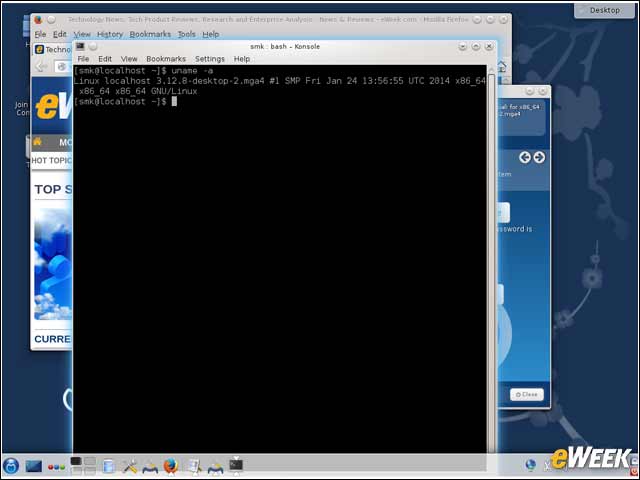
The Linux 3.12.8 kernel is what powers Mageia 4.