







Microsoft Exchange Server 2010 Includes Welcome Improvements
by Jim Rapoza
Conversation View
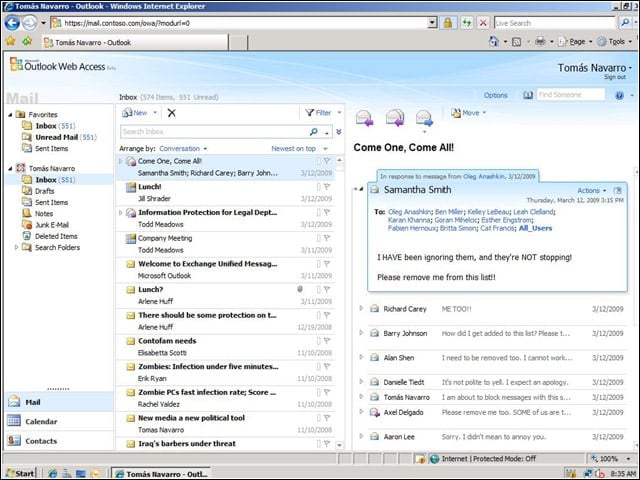
The Conversation view available in Outlook Web Access provides a threaded mode for following e-mail conversations.
ActiveSync
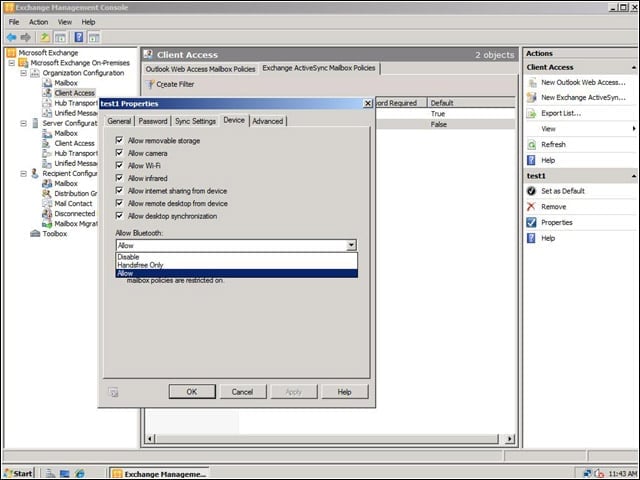
The beta of Exchange Server 2010 lets companies control how different devices can sync to user accounts through ActiveSync.
Exchange Control Panel
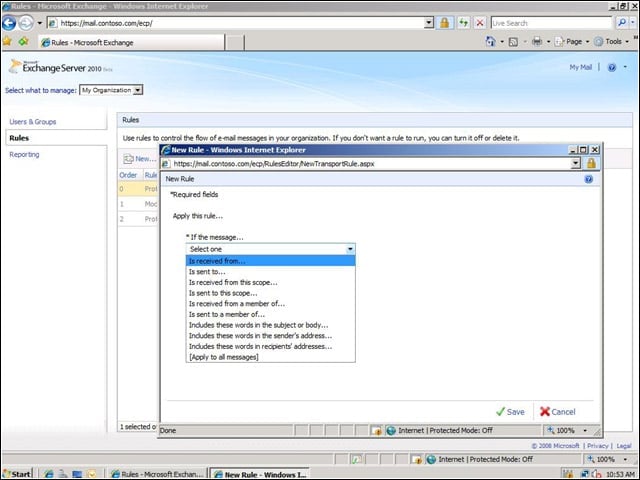
The Exchange Control Panel makes it possible for end users to carry out a number of advanced tasks directly from a Web-management interface.
Self-Help Options
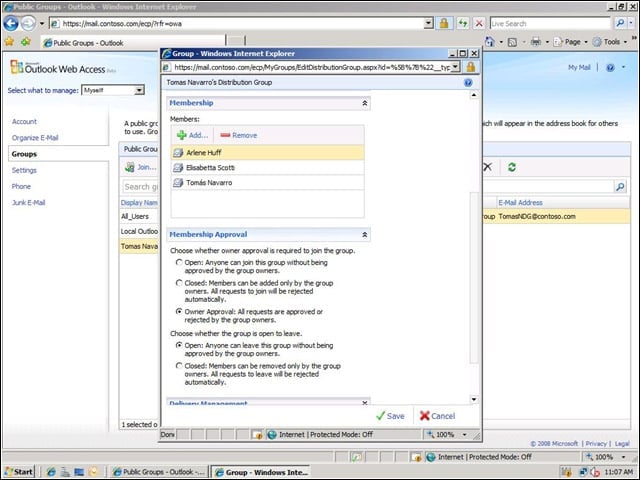
Through the increased self-help options in Exchange Server 2010, end users can perform tasks such as create a distribution group within the Webmail client.
Federation Features
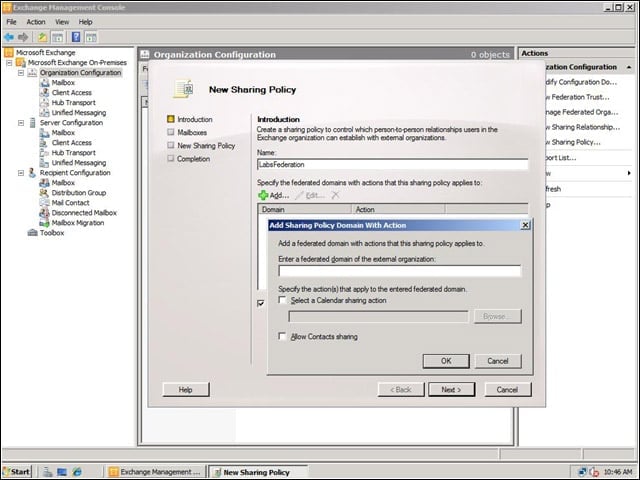
New Exchange Federation features in Exchange Server 2010 make it easier for companies to build relationships among their Exchange servers.
Browser Support
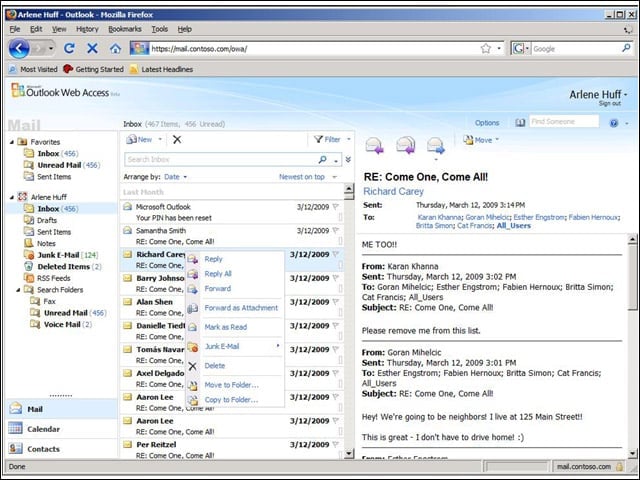
Users of non-Microsoft Web browsers, such as Firefox and Safari, can now use an Outlook Web Access client that is functionality equivalent to the client available on Microsoft Internet Explorer.
Retention Policy Features
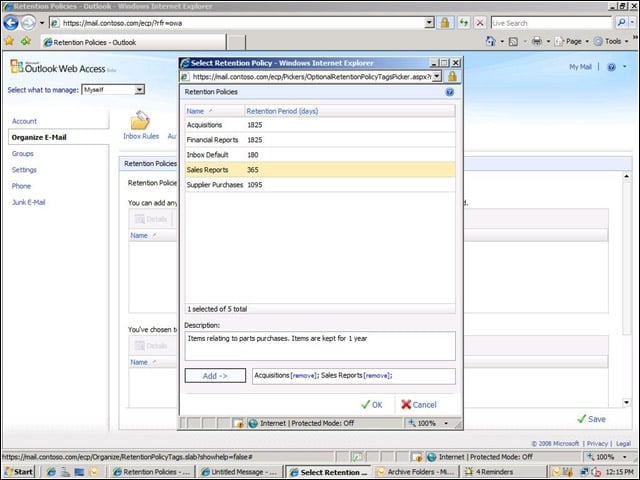
Improved retention policy features throughout Exchange Server 2010 make it easier for administrators to create and enforce retention policies for specific message types.
Message Rules
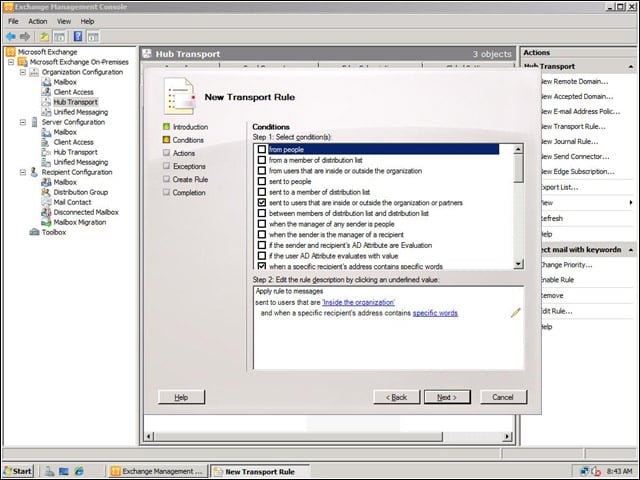
A simple wizard makes it easy for administrators to build complex message rules for their organizations.
Web Access
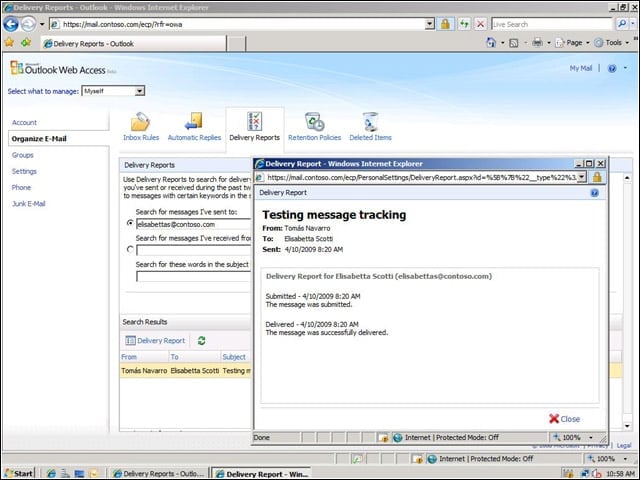
From within the new Web Access client, users can track messages they sent to check on their delivery status.
Voice Mail
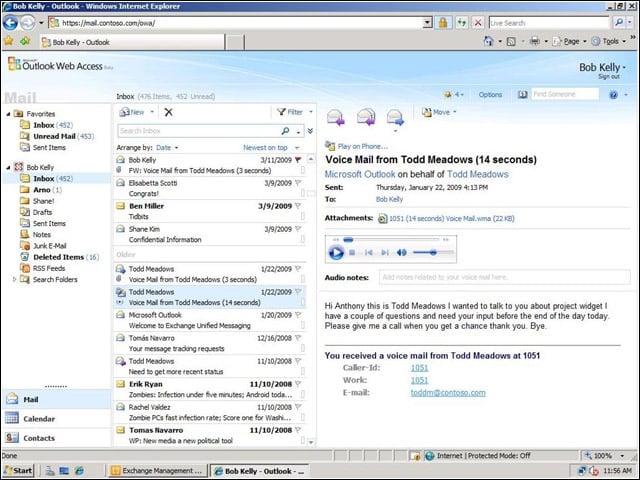
When viewing messages with attached voice mails, Exchange Server 2010 now provides a text transcript of the attached voice message.
Robust Web Client
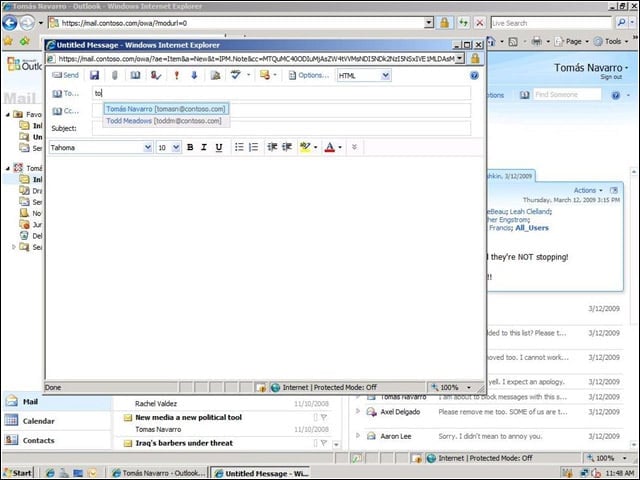
Standard Outlook features such as auto-suggestion of contact names when creating a message are now found in the Outlook Web Access client.
Best Practices
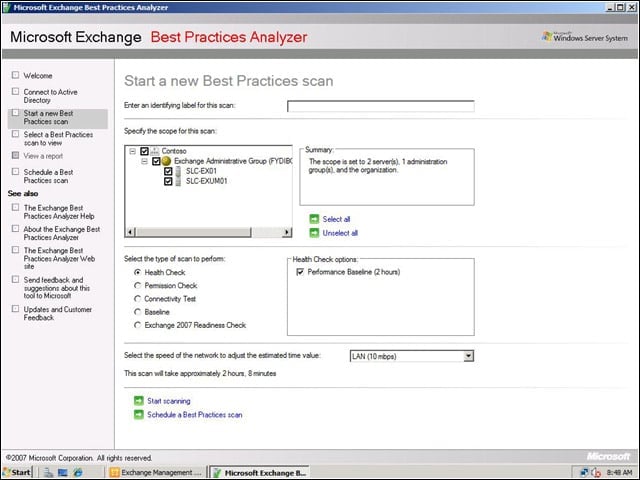
The Best Practices Analyzer in Exchange Server 2010 lets businesses look for potential problems in their Exchange deployments before they occur.