







- The Shift to Touch-Centric Mobile Computing
- What Makes Windows 8 So Different?
- What’s the Windows 8 Timeline?
- Can I Stick With Windows 7 if I Choose?
- Do Your Employees Rely On Multiple Devices?
- Can Touch-Centric Computing Differentiate Your Business?
- The Operating System Upgrade Risk
- Can Small Businesses Absorb Windows 8?
- Windows 8 and Bring Your Own Device
- When Should I Make a Decision on Win 8?
The Shift to Touch-Centric Mobile Computing
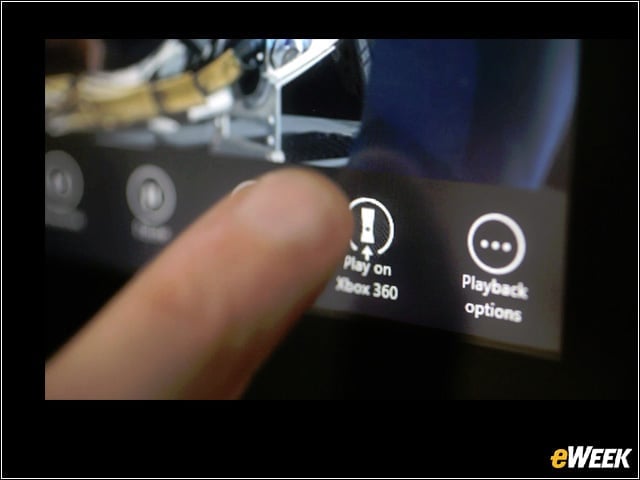
Windows 8, the most significant upgrade to the Windows operating system in more than a decade, takes its user-interface design concepts in part from Windows Phone. The tiled interface, full-screen view and emphasis on the applications themselves as opposed to the desktop view are aimed directly at the mobile user. The shift to mobile, touch-centric computing has resulted in many changes in the Windows 8 user interface.
What Makes Windows 8 So Different?
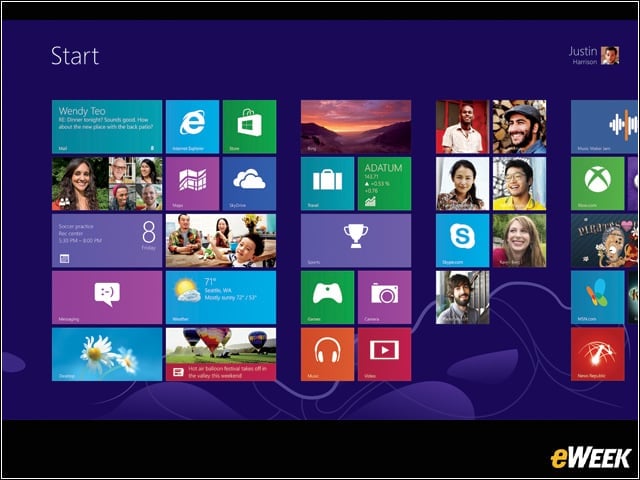
Windows 8 launches with a tiled app screen. The Windows Desktop to which we’ve become accustomed is just another tile on the start screen. When you launch the Windows Desktop, the start menu is nowhere to be found. For touch devices, the changes make sense. For those who are used to working with the mouse and keyboard, there may be confusion.
What’s the Windows 8 Timeline?
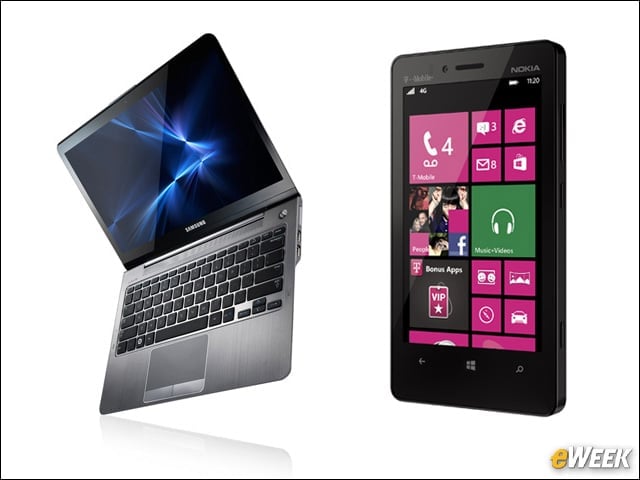
Windows 8 went on sale Oct. 26. New PCs and smartphones from Nokia, HTC, Samsung and Qualcomm are now shipping with Windows 8 installed (or a free upgrade to Windows 8 from the variant already installed). Executives at larger companies that are planning to upgrade should validate that their IT has a robust Windows 8 strategy in place. Smaller businesses should consider hiring a professional technical support provider to help plan for the transition.
Can I Stick With Windows 7 if I Choose?
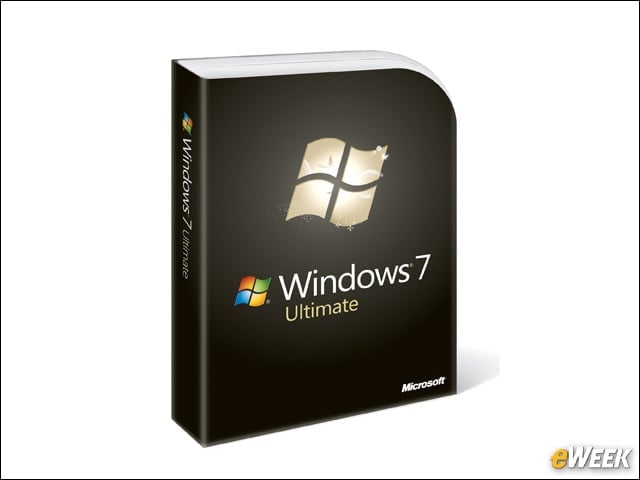
You don’t have to upgrade from Windows 7 to Windows 8; there are no published plans to discontinue Windows 7. After all, Windows XP still runs many computers. Getting a new computer without Windows 8 likely will be possible as will downgrading from Windows 8 to Windows 7. But unless you are a large enterprise that buys PCs in large volumes, it will be hard to avoid Windows 8 on a new PC.
Do Your Employees Rely On Multiple Devices?
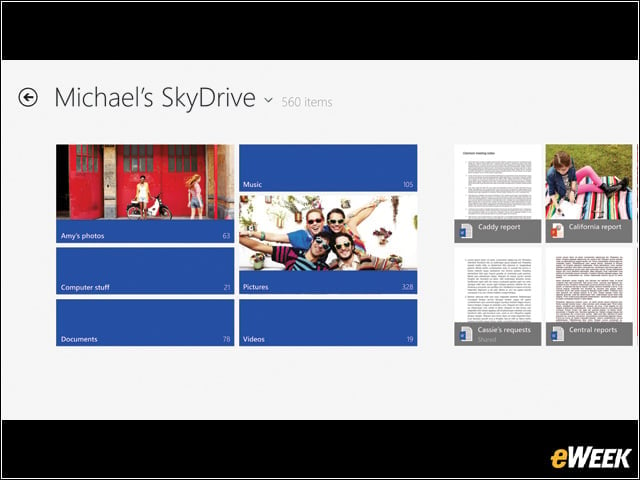
Windows 8 promises to make it easier for a Windows Phone smartphone or tablet user to move between Windows 8 devices seamlessly, thanks to cloud-based services. Can your employees benefit from moving seamlessly between multiple devices? Can all those devices upgrade to Windows 8? Those are the questions to answer.
Can Touch-Centric Computing Differentiate Your Business?
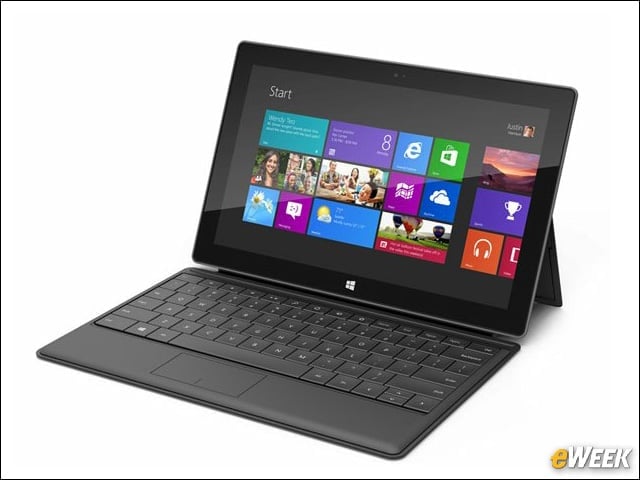
Windows 8 is optimized for touch-centric devices, but still works with a mouse and keyboard. Can your business be transformed by shifting from standard desktop-oriented PCs to touch-screen devices? In many use cases, the answer is a definite yes, especially in companies with field-based employees.
The Operating System Upgrade Risk

Significant operating system upgrades inevitably cause compatibility issues. Software and devices that used to work may no longer work, which will cause a long tail of technical support challenges. Companies with IT staff should test Windows 8 for device and application compatibility, and then prepare training materials before starting an upgrade cycle.
Can Small Businesses Absorb Windows 8?
Midsized and large enterprises usually have IT staff to wrestle through the complexity of upgrades, training and troubleshooting. Does your small business—short an IT staff—have access to technical expertise or a managed service to help with the Windows 8 decision and upgrade?
Windows 8 and Bring Your Own Device
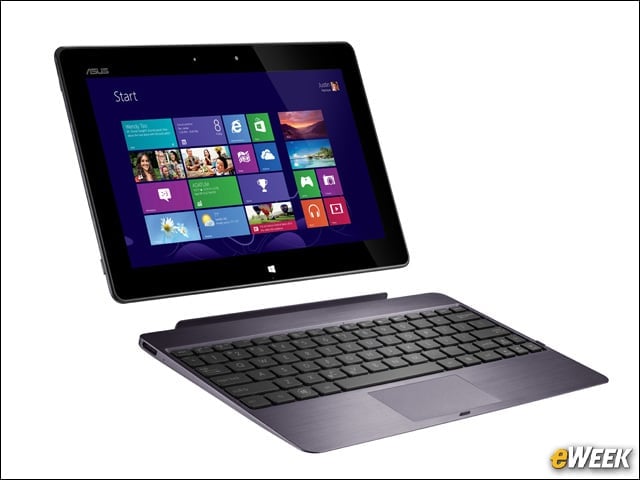
Regardless of your company’s official policy or long-term strategy, you need to be ready for Windows 8. Early adopter employees are inevitably going to install Windows 8 or bring a brand-new tablet to work and expect the same tech support they get from officially sanctioned devices. For smaller businesses, this means having access to tech support providers savvy in Windows 8.
When Should I Make a Decision on Win 8?

Of course, this all depends on your own enterprise system and the makeup of the workforce. But there is no particular rush to move to Windows 8 at this time. There is no reason to upgrade right away if you are getting your work done efficiently on older operating systems. But as time goes on, software and hardware change, and there’s not a lot users can do about it.