








- Zorin OS 12 Improves Linux Desktop Access for Windows Users
- New Desktop Experience for Zorin
- Users Can Adjust the Desktop Layout
- Wine Provides Windows Options
- PlayOnLinux Brings Windows Games to Linux
- Chromium Is the Default Browser
- Geary Provides Email
- Ultimate Edition Provides Support
- Zorin OS Is Powered by a Linux 4.4 Kernel
Zorin OS 12 Improves Linux Desktop Access for Windows Users
The New Zorin OS 12 Linux distribution release aims to make it easier for users of proprietary operating systems to work with Linux.
New Desktop Experience for Zorin
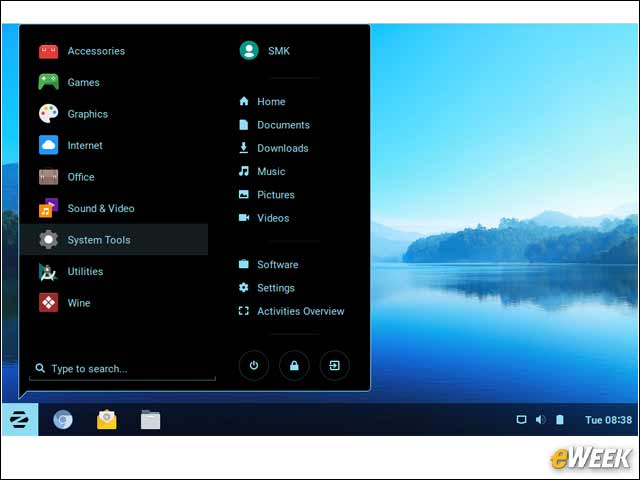
The Zorin Desktop 2.0 debuts in Zorin OS 12, based on Gnome Shell and providing a new look for icons and windows.
Users Can Adjust the Desktop Layout
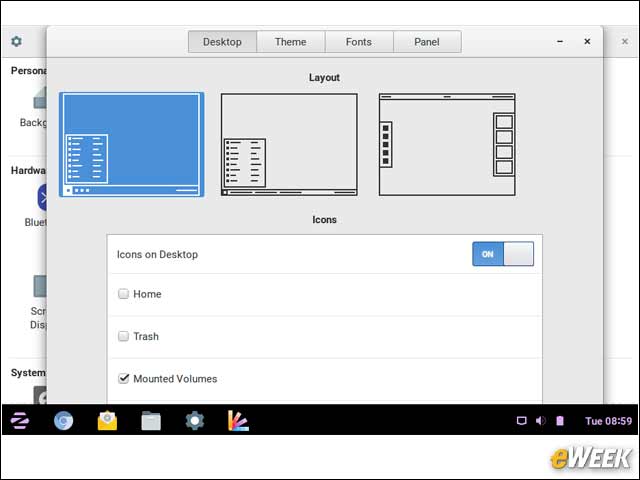
The Zorin desktop includes a tool called Zorin Appearance, which provides configurable options for layout, theme, fonts and panel display.
Wine Provides Windows Options
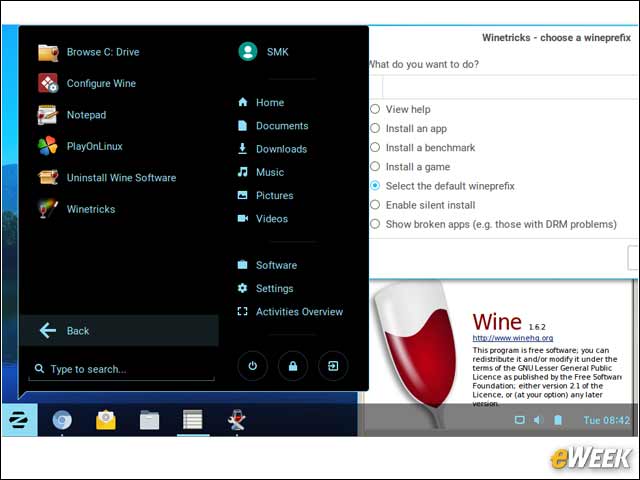
WINE, which is an acronym that originally stood for Wine Is Not an Emulator, is deeply integrated into Zorin OS. Wine is an open-source software compatibility layer that enables Linux users to run Microsoft Windows applications natively. Among the tools to help make Wine easier for Zorin OS users is the Winetricks application that enables installation of Windows applications.
PlayOnLinux Brings Windows Games to Linux
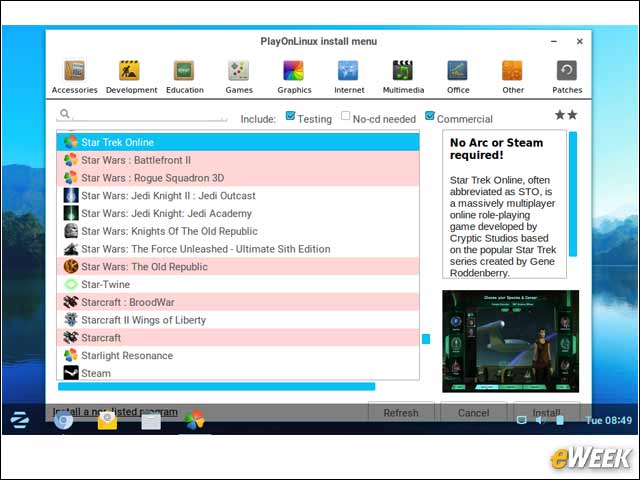
The PlayOnLinux tool is also part of the default Zorin OS 12 core release, providing users with a menu of games, internet, education and office applications from the Windows world
Chromium Is the Default Browser
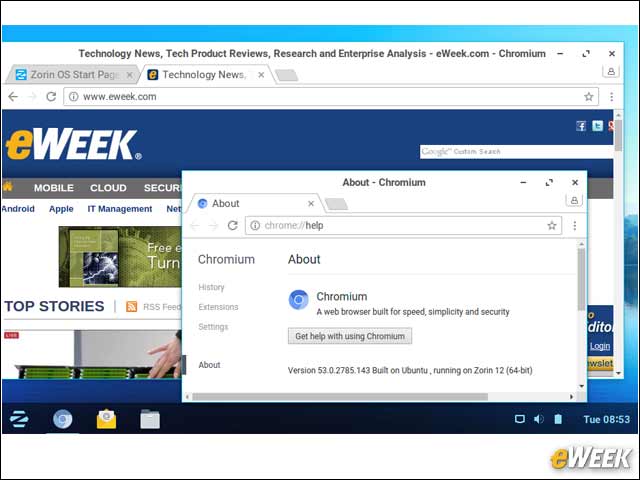
Although Mozilla Firefox often is the default in many Linux distributions, that’s not the case with Zorin OS. Instead, the Chromium web browser is the default browser choice. Chromium is the open-source version of the Google Chrome browser.
Geary Provides Email
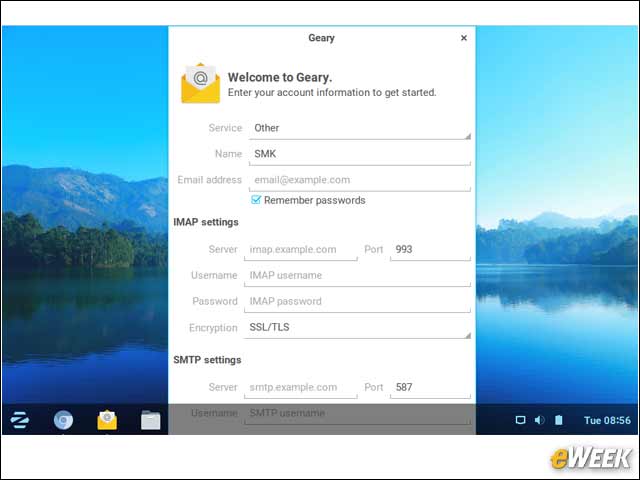
The default email client in Zorin OS is the open-source Geary application from the Gnome project.
Ultimate Edition Provides Support
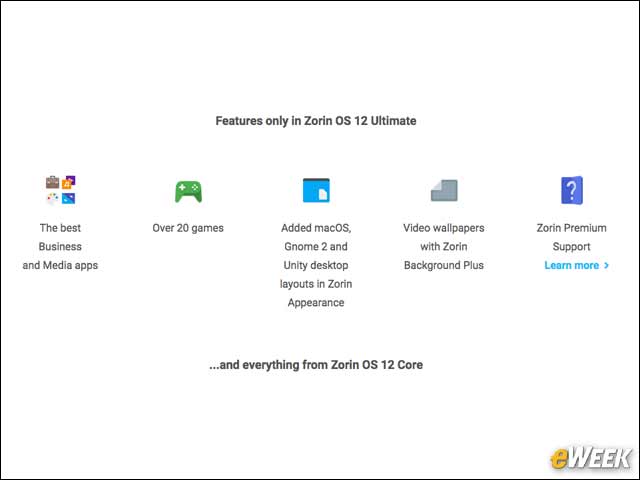
Zorin OS 12 is available in multiple editions, including the freely available Core and paid Ultimate editions. With the Ultimate edition, users get the benefit of macOS layouts in Zorin Appearance as well as support.
Zorin OS Is Powered by a Linux 4.4 Kernel
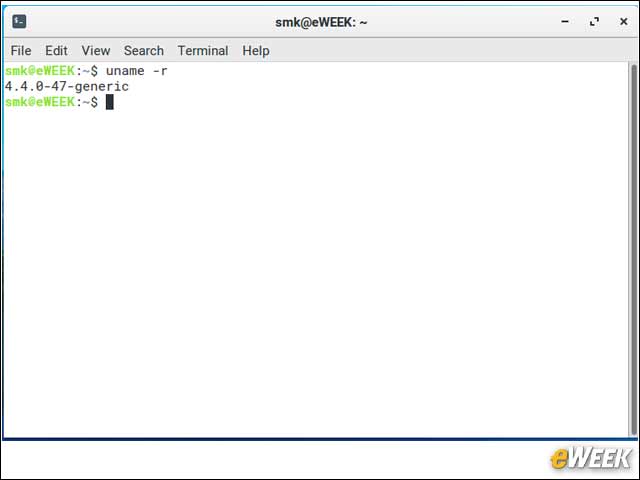
Zorin OS 12 is based on the Ubuntu 16.04 Long Term Support (LTS) distribution and uses the same Linux 4.4 kernel at the core of the operating system.