







- 10 Accessories to Extend the iPhone 7’s Functionality
- Listen to Tunes With Bose SoundLink
- A Handy Desk Mount From Mophie
- Capture and Store Video in the PhotoFast
- Polaroid Delivers Mobile Printing
- A Cable for the USB-C Lover
- Get Extra Juice from Mophie’s Powerstation
- Belkin Handles Charging on the Go
- Apple’s Oddly Shaped Smart Battery Case
- Protect That Screen With InvisiGlass Ultra
- Wireless Speakers Become the Rage With Sonos
10 Accessories to Extend the iPhone 7’s Functionality
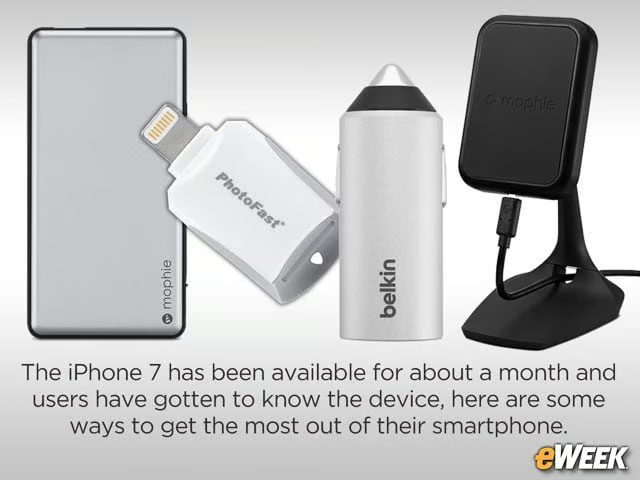
The iPhone 7 has been available for about a month and users have gotten to know the device, here are some ways to get the most out of their smartphone.
Listen to Tunes With Bose SoundLink
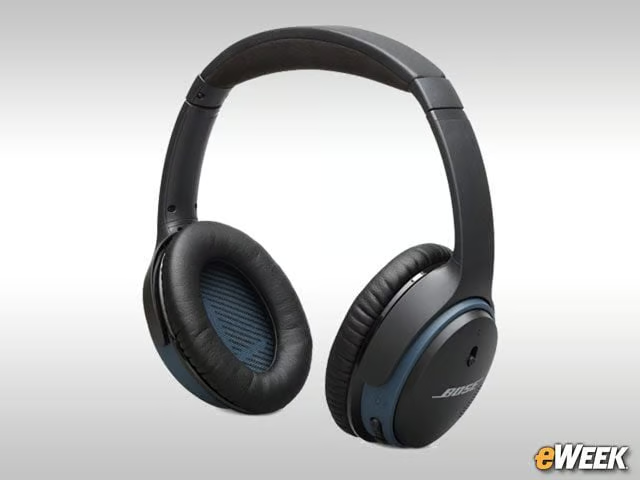
Since the iPhone 7 doesn’t come with a headphone jack, users might consider wireless headphones. One of the more popular headphones available now is the Bose SoundLink. The headphones, which cost $280, wrap around the ears and wirelessly connect to the iPhone 7 via Bluetooth. They offer up to 15 hours of play time on a single charge and come with a microphone so users can place calls while wearing them.
A Handy Desk Mount From Mophie
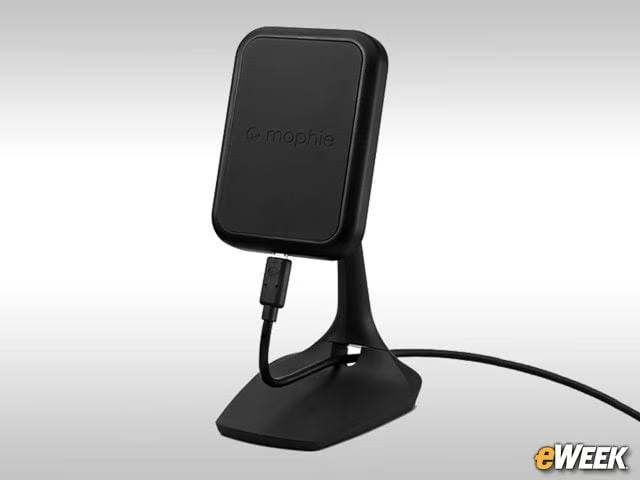
Since the iPhone 7 only comes with a standard charging cable, some users might find some value in the $60 Mophie Charge Force Desk Mount. The accessory is made to sit on a desk and prop up the iPhone 7, so users can tap around the display and get work done while it’s charging. A cable runs through the accessory to charge Apple’s smartphone, and the dock can be tilted to any angle for optimal viewing.
Capture and Store Video in the PhotoFast
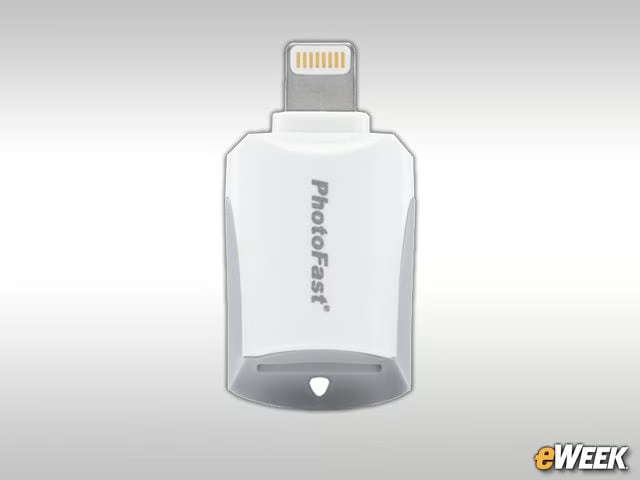
PhotoFast makes a handy tool for video lovers called the Video Capture and Storage Kit. The small dongle plugs into the iPhone’s Lightning port and allows users to play video content stored on its internal 64GB microSD card on the iPhone. Although it’s pitched as a video tool, the PhotoFast can transfer any kind of data or stream content to the iPhone 7 from a microSD card. The PhotoFast retails for $80.
Polaroid Delivers Mobile Printing
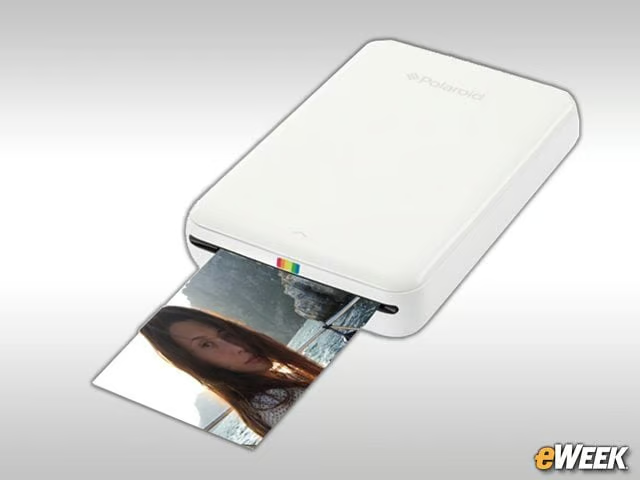
The Polaroid Zip Instant Mobile Printer is a great accessory for corporate users who travel often. The printer connects to the iPhone 7 via Bluetooth or near-field communication, and lets users print images or anything else from Apple’s smartphone to 2-inch-by-3-inch paper. To use the printer, iPhone 7 owners will need to download the free Polaroid Zip app, which comes with the printer. The device costs $130.
A Cable for the USB-C Lover
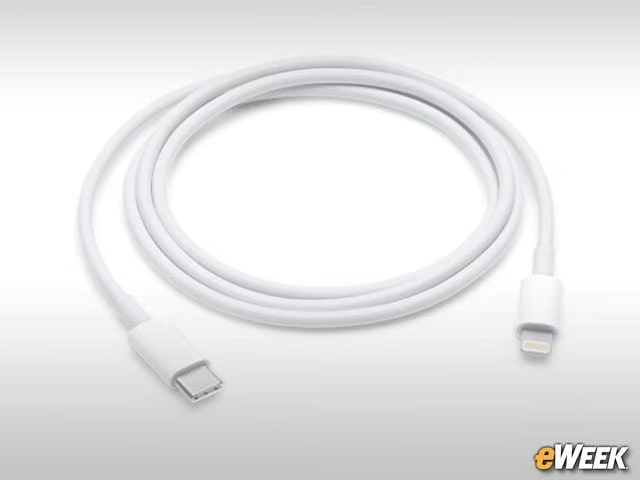
With devices such as Apple’s MacBook coming with USB-C connections, some users need Apple’s $25 USB-C to Lightning cable. The simple accessory is just what it sounds like: a cable that runs from the iPhone 7 to USB-C, allowing users to back up their handset, transfer data and more. Those who own a 12.9-inch iPad Pro can also use the cable to charge the tablet.
Get Extra Juice from Mophie’s Powerstation
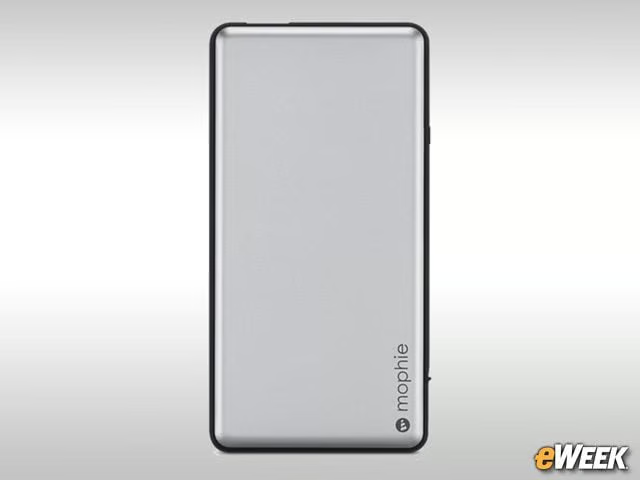
Mophie finds its way into this roundup for a second time, thanks to its Powerstation Plus Universal Battery. The $80 accessory connects directly to the iPhone’s Lightning port and acts as an external battery that delivers “hours” of additional charging time. Two USB charging ports let users charge other devices. It’s a nicely portable accessory, weighing just 5.65 ounces.
Belkin Handles Charging on the Go
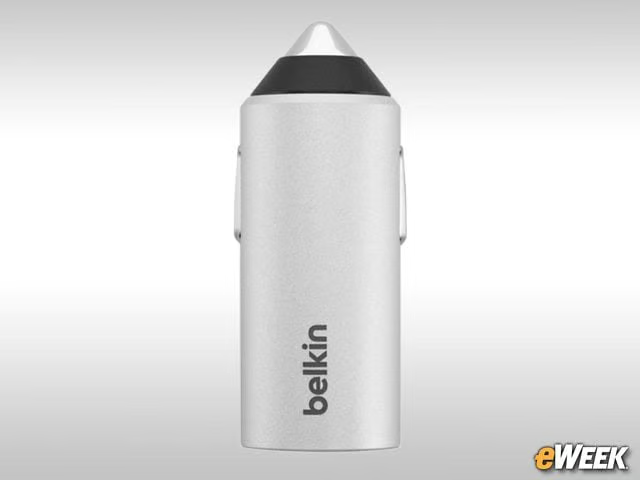
Belkin’s Car Power Valet Charger, which is available exclusively at the Apple Store, is designed for iPhone owners who don’t mind spending a little extra on a seemingly simple accessory. The charger plugs directly into the cigarette lighter in a car for users to charge the handset. The $80 accessory gets its expensive price tag from an internal smart chip called the Power Valet, which is capable of determining the type of device connected and delivers the optimal amount of power to charge the device quickly and efficiently.
Apple’s Oddly Shaped Smart Battery Case
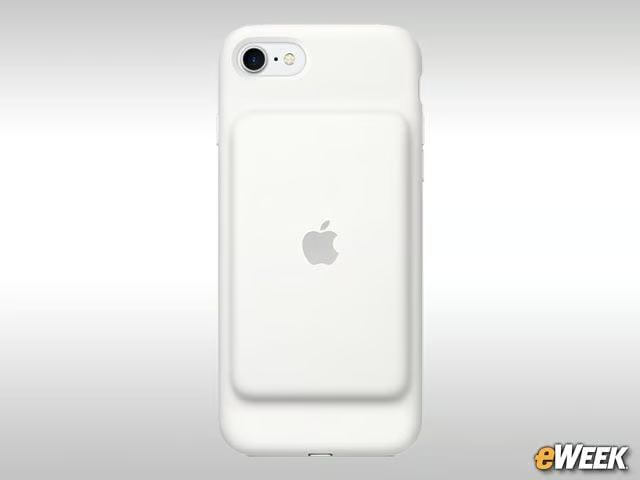
In its own bid to improve battery life, Apple sells an oddly shaped case known as the iPhone 7 Smart Battery Case. The $99 accessory protects the iPhone 7 from a fall, but has a bump on the back with an external battery that boosts the iPhone’s talk time up to 26 hours and Internet use up to 22 hours.
Protect That Screen With InvisiGlass Ultra
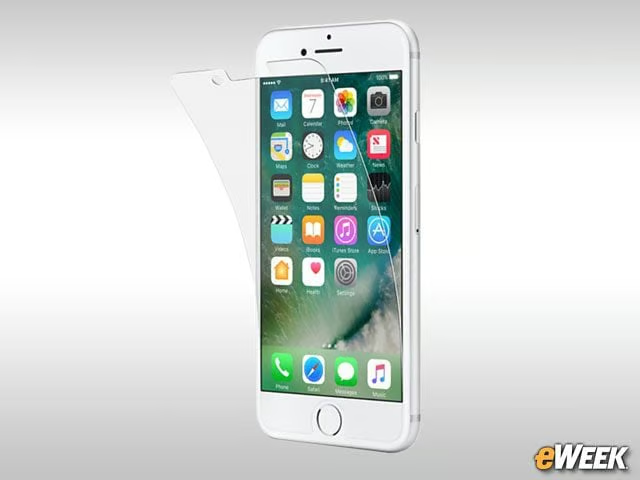
To protect Apple’s iPhone 7 screen from getting scratched or damaged, Belkin sells the InvisiGlass Ultra, a durable, scratch-resistant screen protector that attaches to the iPhone 7’s face. According to Belkin, the device improves scratch resistance up to five times and reduces screen cracking and breakage by 25 percent. Best of all, it doesn’t impact the iPhone 7 display’s touch responsiveness. The InvisiGlass Ultra is available for $40.
Wireless Speakers Become the Rage With Sonos
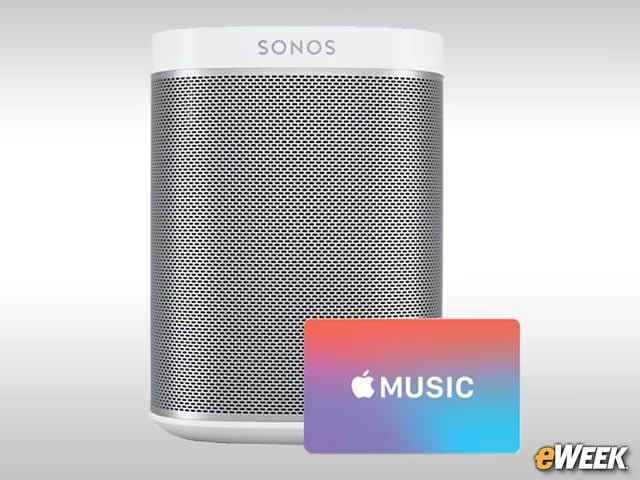
Apple has pitched wireless speakers as nice accessories for the iPhone 7. Specifically, the company has argued that wireless speakers from Sonos might be suitable. One of the cheaper options in Sonos’ lineup is the Sonos Play 1, a wireless speaker that connects to the iPhone via a dedicated app and streams wireless music via WiFi. Customers who buy multiple Sonos speakers can link the devices to stream music throughout the house. The Sonos Play 1 retails for $200.