








10 iOS Apps to Take With You on Summer Vacation
by Don Reisinger
WhatsApp Text Messenger
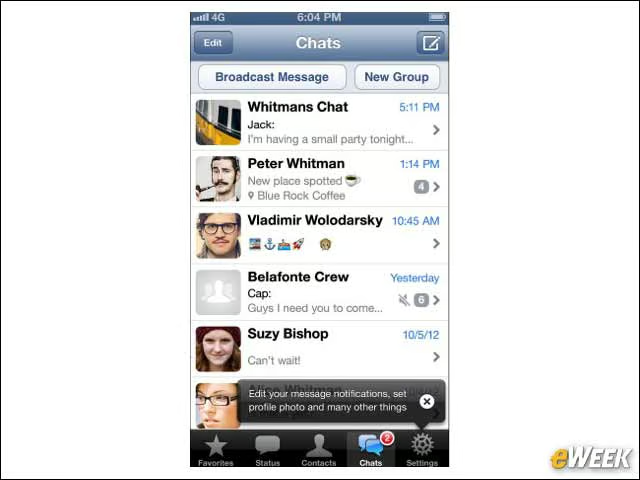
Spending cash on text messaging can get expensive when away from home. To alleviate that issue, consider downloading the WhatsApp Messenger. The 99-cent application works across platforms, including iOS and Android, and allows users to send text, photos, videos and audio notes to others. It’s a nicely useful program.
Twitter’s Vine Video-Sharing App

Twitter’s Vine is a great tag-along application to record and share fun memories from your vacation. The application is available for free in Apple’s App Store, and allows users to record short videos that can then be moved to the Web. It’s a fun application to have on a summer vacation.
TripIt Travel Organizer

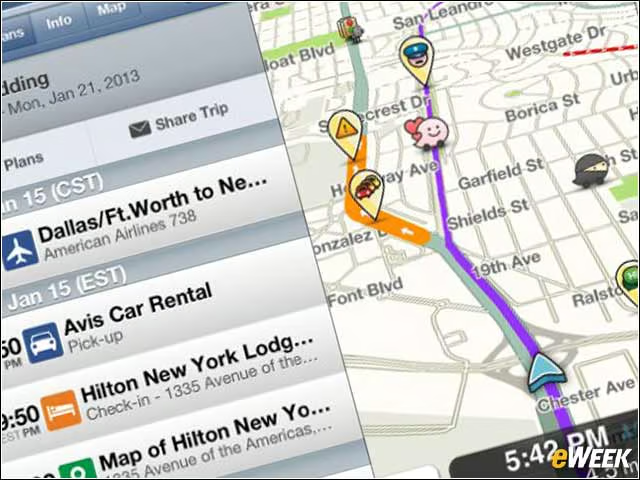
Although there’s a free version of TripIt Travel Organizer, that option comes with annoying ads. For just 99 cents, users can download the ad-free version, which comes with all the same features—full travel organizing, map information and access to tickets—without the annoying ads. The TripIt Travel Organizer is arguably one of the most useful applications in this roundup.
Hotels.com Room Reservations
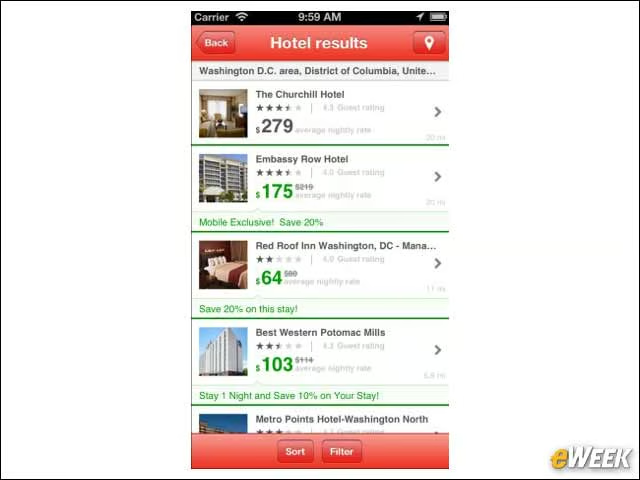
Some folks like to travel the world without having set plans. For those adventurers, it’s a great idea to download Hotels.com. The free application allows users to search for hotels, view results on a map and get great, last-minute deals.
Office Mobile for Office 365
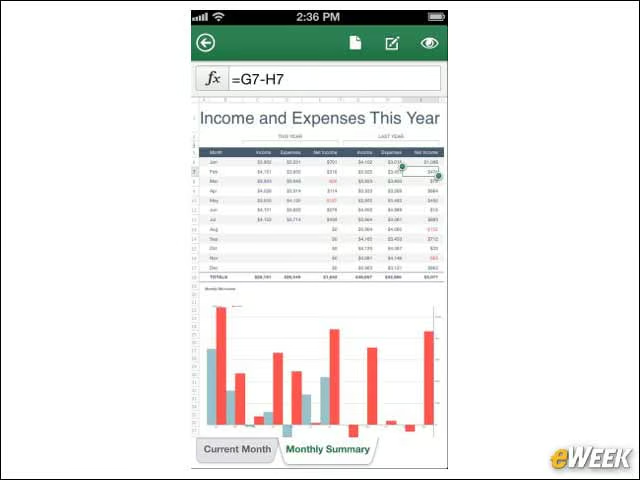
Office Mobile for Office 365 might have taken a long time to get to iOS, but the application is an absolute necessity. The free application allows users to access and edit Word documents, Excel spreadsheets and PowerPoint presentations while they are on the go. Best of all, it’s free.
Dropbox Online File Storage
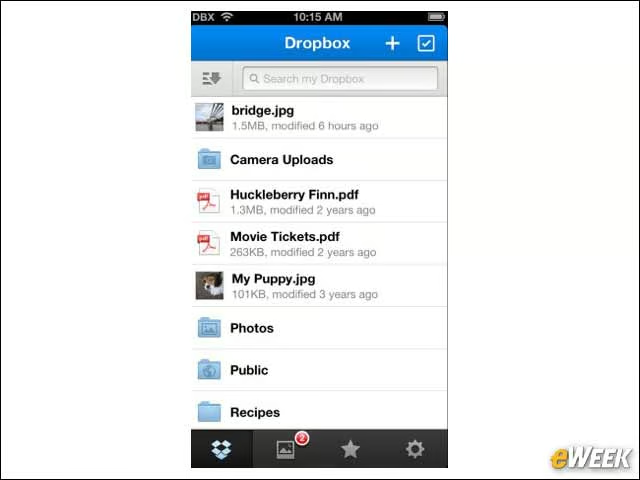
Dropbox is a handy application for the average workaholic who just can’t seem to get away from the office. The application, which is free, allows users to download and upload large files. In many cases, companies need folks to review large files. The best way to access those files is with Dropbox.
Angry Birds Star Wars

Looking for a little fun in your life? If so, try out the 99-cent Angry Birds Star Wars. The game is hugely addicting and would be a fun complement to a nice, quiet day on the beach. The game offers the same slingshot birds and mean pigs, but sets the entire game in the Star Wars universe. It’s a great, fun game to bring with you on a trip.
Google Maps
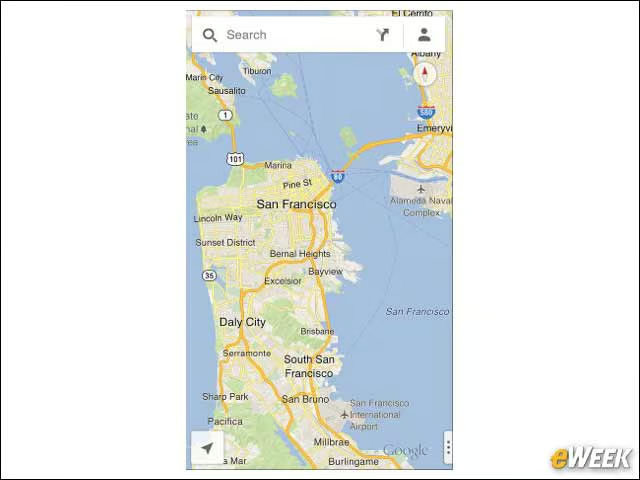
Who really wants to use Apple’s Maps? The software was a dog to begin with and still fails to offer the quality of mapping users can find in Google Maps. So, it’s a good idea to download Google Maps before leaving on a trip. The free application is the best mobile mapping application available.
Waze Social GPS
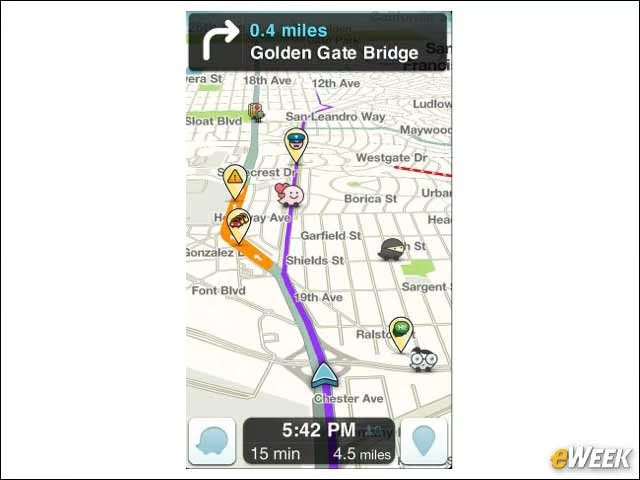
Although there are several GPS applications available, the Waze Social GPS might be one of the better options. Rather than rely on simple navigation information, Waze doubles as a social network, allowing users to share with others where there’s heavy traffic, an accident or even posted police officers. It’s a handy app to have when driving around in places you’re not familiar with. Plus, it’s free.
Find My iPhone

Apple’s Find My iPhone application is an important one for those who are traveling around the globe and have a tendency to forget where they placed things. The Find My iPhone app, which is free, allows users to quickly find out where their iPhone (or iPad) is, and see it on a map. So, if you leave it at the restaurant, you’ll be able to figure out exactly where it is and go back to pick it up. It’s a very important tool.