








10 iPad Air, iPad Mini Apps You’ll Want the First Time You Boot Up

By Don Reisinger
PDF Expert 5
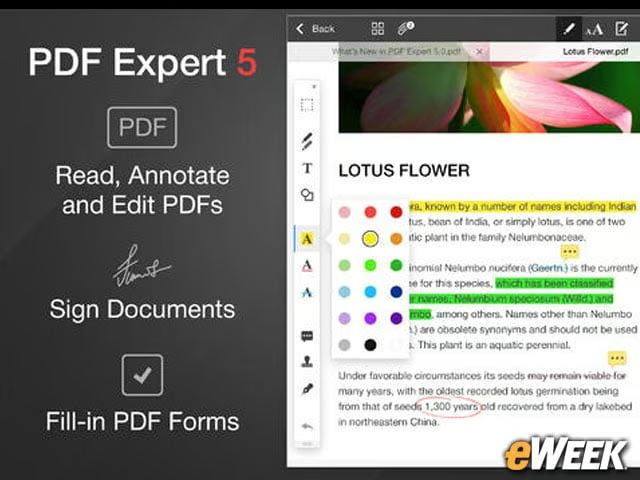
At $9.99, PDF Expert 5 is a little pricey. However, it’s arguably the best app in the App Store for those who want to read and edit PDFs. The application provides full PDF functionality, including the ability to fill in forms, edit items, highlight different parts of a document and much more. It’s worth the $10 price.
Angry Birds Star Wars II

Looking for a game that’ll keep you busy while you’re on the road? Angry Birds Star Wars II might just do it. Like its predecessor, the title includes Star Wars themes, but still provides the Angry Birds fun that people have come to expect. And at just 99 cents, it’s a cheap way to be entertained.
Polaris Office
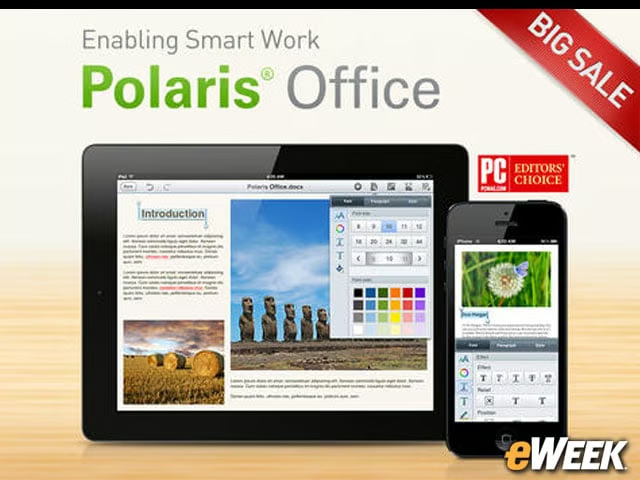
Polaris Office is a cheap way to be more productive while on the iPad. The 99-cent application includes the ability to create and edit documents, and offers a host of editing features for those who want to examine graphs or spreadsheets. Plus, it integrates nicely with standard Microsoft Office file types. It’s a great app.
Netflix
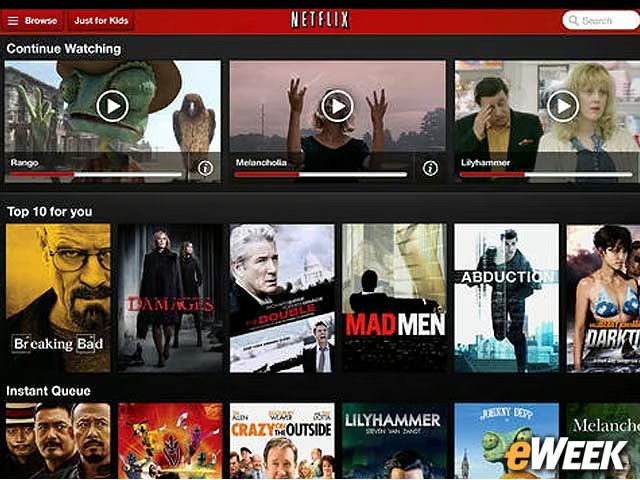
Those seeking entertainment on the iPad must download the free Netflix app. As long as you have a Netflix subscription, which costs just $8 per month, you can stream any of the company’s titles directly to the iPad. Netflix has established itself as a leader in streaming, and its mobile apps are a key reason for that. Check it out.
StockMarket HD
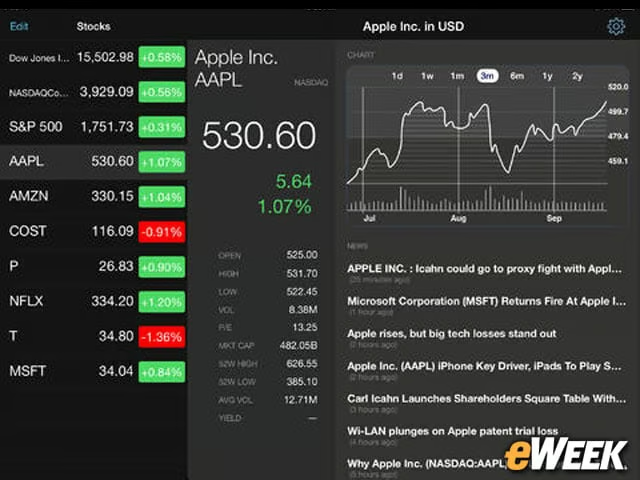
New iPad owners who want to stay up on the latest stock information will want to check out Stock Market HD. The $3 application includes the ability to see real-time stock quotes and access historical data to see what kind of value one can get from a potential buy. There’s even a handy news section to see what’s going on with a particular company.
OpenTable
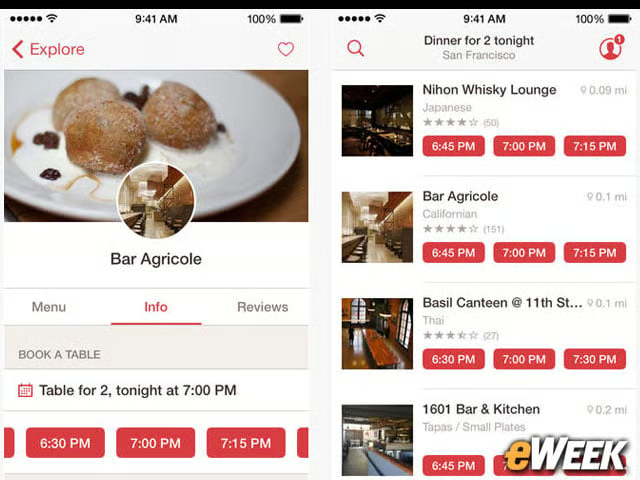
OpenTable is gaining popularity across North America, with more than 20,000 restaurants allowing users to make reservations without ever calling in. The iPad app is capable of tracking the user’s location and finding all restaurants within the area that have reservations open. Each restaurant also includes some basic information on what kind of food it offers, where to find parking and more. It’s a great, free app.
Pandora Radio
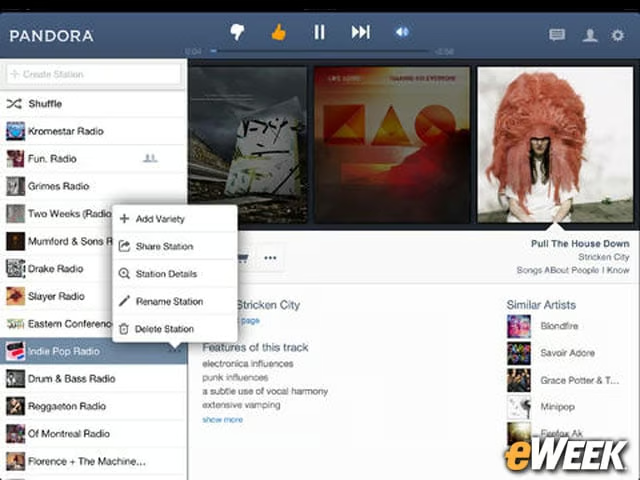
Music lovers should go to the App Store and immediately download Pandora Radio. The software provides full streaming over WiFi and Long Term Evolution (LTE) on the iPad, and it is free. After creating a Pandora music station, the app plans songs that match the user’s tastes. Pandora is a leader in streaming for a reason: It gets the music right.
Google Maps
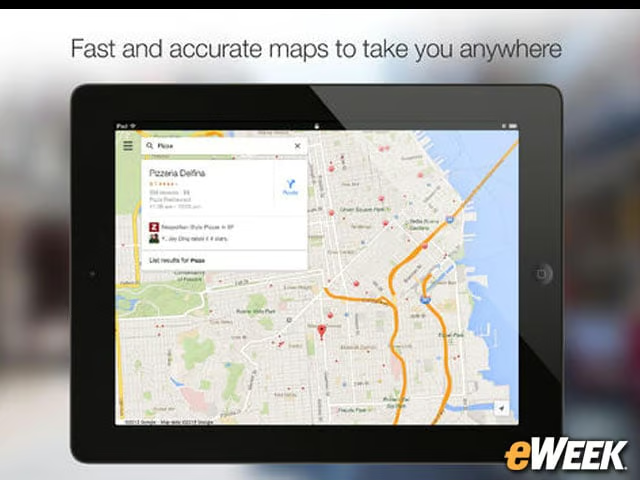
Google Maps is a must-have for anyone who doesn’t see the kind of value in Apple’s Maps that the company would like. Google Maps tends to have more accurate data than Apple’s alternative, and features like StreetView and the ability to explore locations makes the free app a must-have for anyone looking for directions or information on local establishments.
Adobe Photoshop Touch

Graphic designers won’t be able to get the full Photoshop experience on the iPad, but they can come close with Adobe Photoshop Touch. The $10 application includes several of Photoshop’s top features, including layers, adjustments and filters, and allows iPad owners to edit images from within iOS. Photoshop Touch may not be the perfect photo-editing tool, but it’s certainly one of the better options for iPad owners.
Dropbox
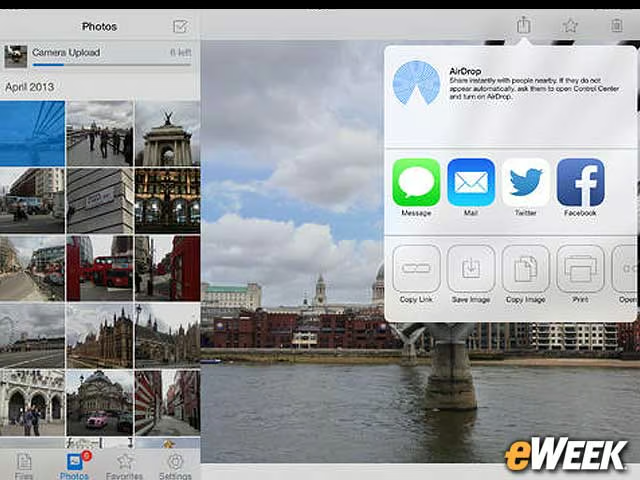
Dropbox’s free application is ideal for those who want to transfer large files and share them. After all, that’s Dropbox’s core function. The company’s feature set allows users to upload large files (from the iPad or elsewhere) and then make those accessible to others no matter where they are. Dropbox has established itself as one of the leaders in cloud storage, making it a must-have for most users.