









- Android 5.0 Lollipop Looks Like Solid Upgrade for Latest Devices
- Google Is Making a Push for Wearables
- Continuity Across Devices Is Now Possible
- Improved Touch Responsiveness
- Some Tablet Enhancements Are Nice
- Greater Control Over Pesky Notifications
- Better Handling of Power
- More Security Options Are Nice
- The Material Design Appears to Be Attractive
- Several Content Sharing Improvements
- Better Performance Across the Board, Google Says
Android 5.0 Lollipop Looks Like Solid Upgrade for Latest Devices
By Don Reisinger
Google Is Making a Push for Wearables
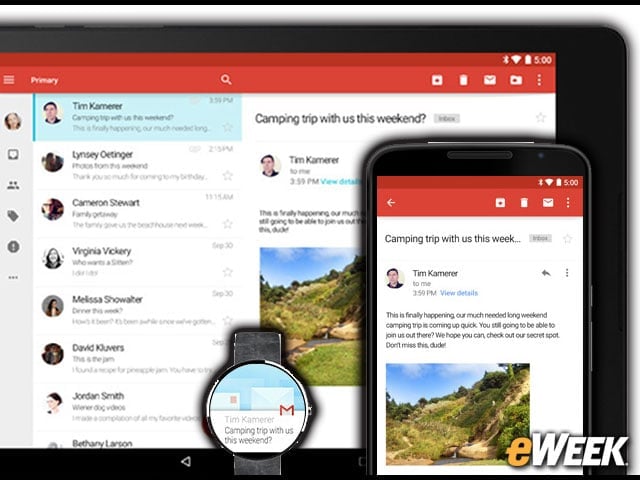
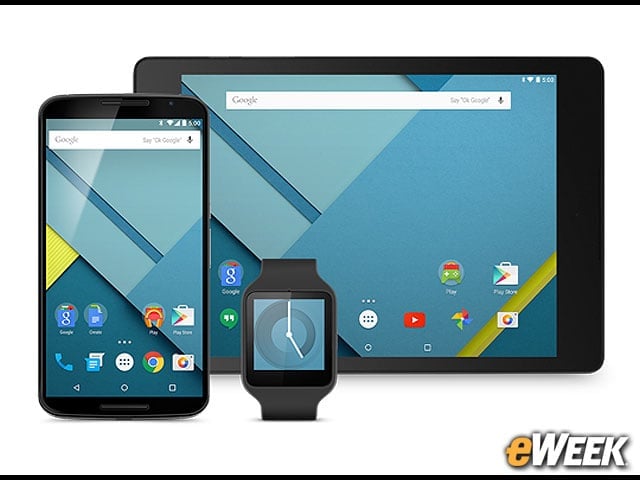
Google has made clear on its pages about Lollipop that it will be fully integrated with Android Wear. So, information that might be running on a Lollipop device will also be shown on a wearable. The automatic transfer of information and the integration between the devices are key components in Lollipop’s new build, according to Google.
Continuity Across Devices Is Now Possible
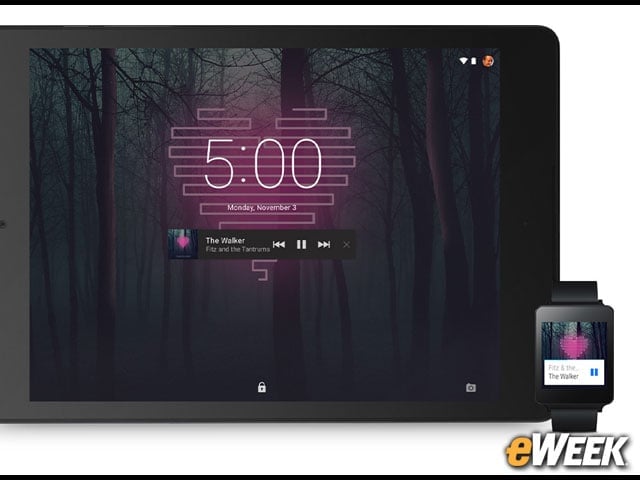
One of the big additions to Lollipop is the ability to pick where users left off, regardless of the device they’re working on at the moment. So, if they’re listening to a song on an Android Wear-based wearable and then switch to a tablet, that song will start playing right where it ended. The same is true for photo viewing, app support and recent searches.
Improved Touch Responsiveness
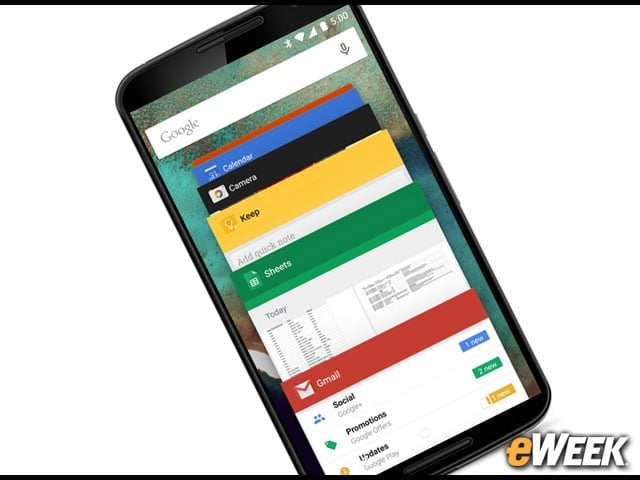
According to Google, Lollipop comes with a wide range of improvements to its touch responsiveness. Google says that when users interact with the operating system, some of the elements will respond in an “intuitive way.” For instance, users who flick through apps will find it easier to move around the screen and find what they want. Simply put, the operating system, which has long been designed for touch screens, now makes more sense when using fingers to navigate.
Some Tablet Enhancements Are Nice
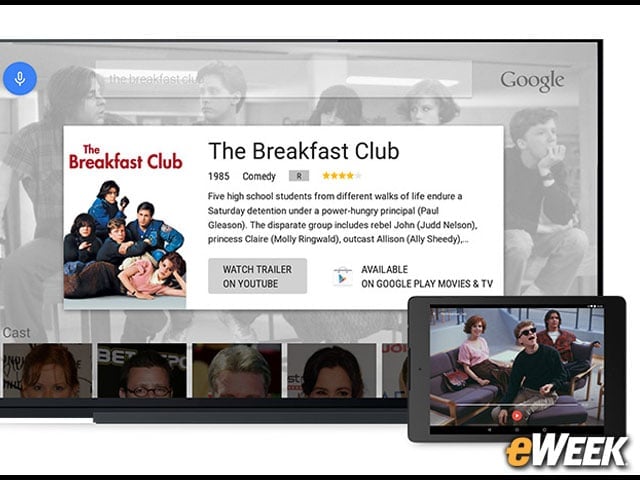
One of the nice things about Lollipop is that it includes tangible improvements to tablet screen handling. For instance, users who view an email on a tablet will find that the operating system uses the extra screen real estate to show more information than it normally would on a smartphone. That is a key feature for enterprise customers who want a more desktoplike experience in the tablet space.
Greater Control Over Pesky Notifications
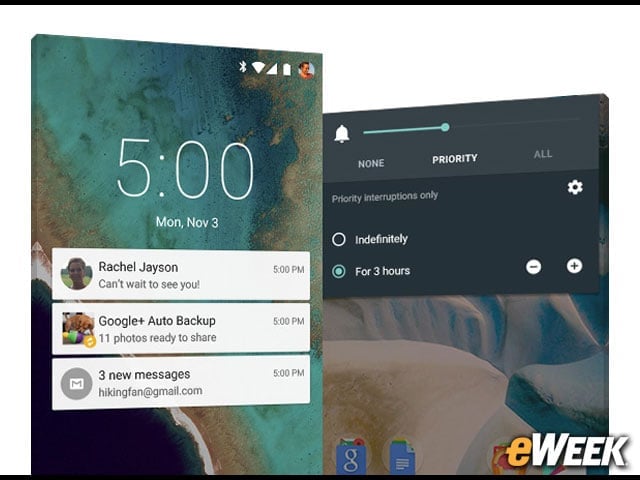
Google has improved the handling of notifications in Lollipop by providing a wide range of settings to determine what can get through and what will not. The notification settings are so granular in nature that users will be able to determine whether notifications from certain people will or will not be shown when they receive a text message.
Better Handling of Power
Using software enhancements to improve a device’s battery life is an obvious benefit for any new operating system. With that in mind, Google says that it has optimized the operating system to extend a device’s battery life up to 90 minutes. The operating system’s charging feature also says how much time is left to charge before a device’s battery is filled to capacity.
More Security Options Are Nice
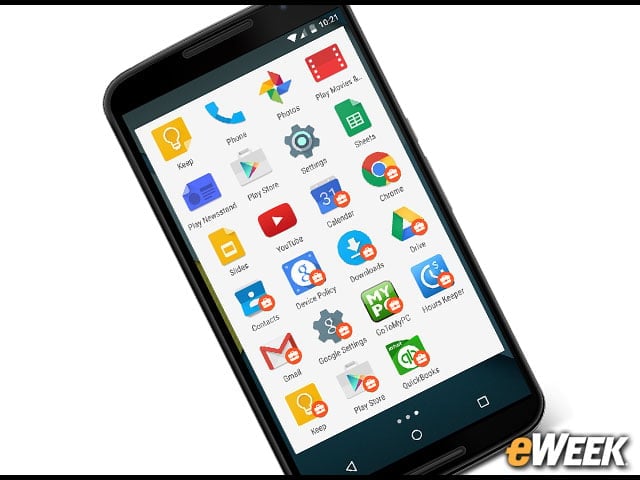
Security has become a core component in the development of Lollipop. Now users can create a guest user mode, so other folks can try out a device without seeing any personal information. The operating system also supports multiple user accounts and a lock feature that secures a device by pairing it with another product.
The Material Design Appears to Be Attractive
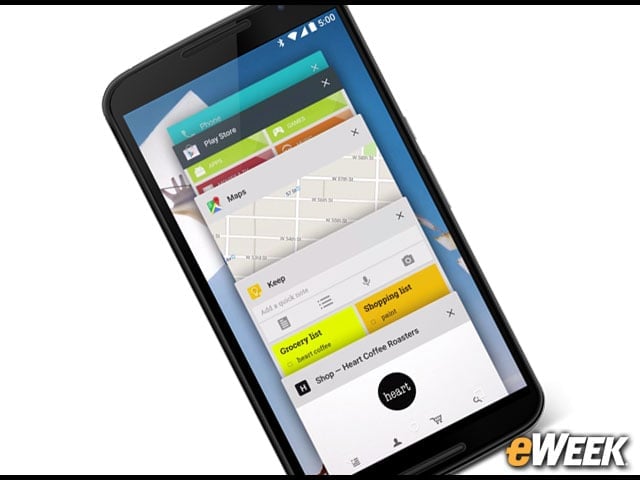
Although I haven’t had a chance to take the Material Design for a spin, it looks to be quite attractive. The typography has been improved to be more readable, and Google has enhanced its layout and color scheme to put content front and center. Google also says that the new design makes navigating the platform easier.
Several Content Sharing Improvements

Content sharing has been improved in a dramatic way in Lollipop. Users can pin a screen to a device so another person can access only that content. Users can also log into a Lollipop-based device that’s not their own and access their friends list to place calls. Sharing content between devices is now much easier in Android, thanks to Lollipop.
Better Performance Across the Board, Google Says
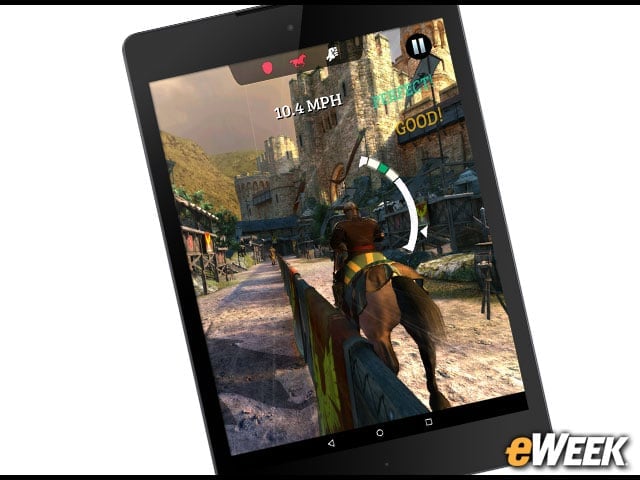
According to Google, Lollipop delivers much better performance across the board. A new runtime environment called ART delivers up to four times performance improvements, and background apps and services are compacted so they don’t chew up system resources as badly as they once did. Lollipop also fully supports 64-bit processors.