







BlackBerry Torch 9800 Delivers Goods, But Needs Tweaks
by Nicholas Kolakowski
BlackBerry Torch 9800
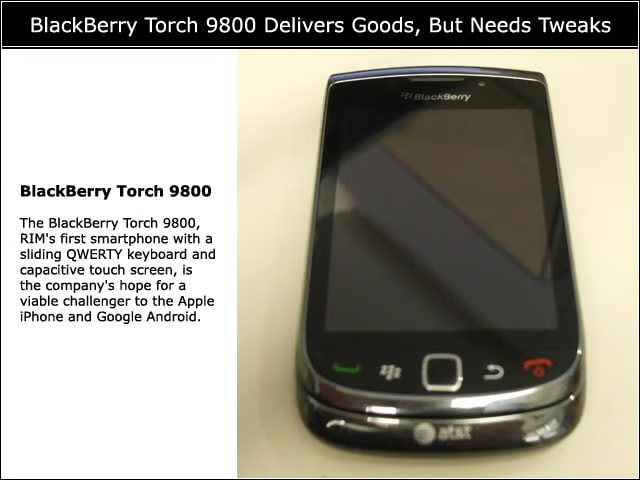
The BlackBerry Torch 9800, RIM’s first smartphone with a sliding QWERTY keyboard and capacitive touch screen, is the company’s hope for a viable challenger to the Apple iPhone and Google Android.
Sliding Screen
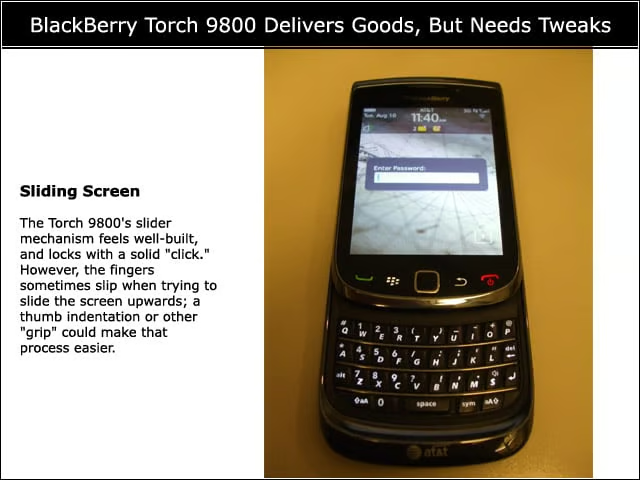
The Torch 9800’s slider mechanism feels well-built, and locks with a solid “click.” However, the fingers sometimes slip when trying to slide the screen upwards; a thumb indentation or other “grip” could make that process easier.
QWERTY Keyboard
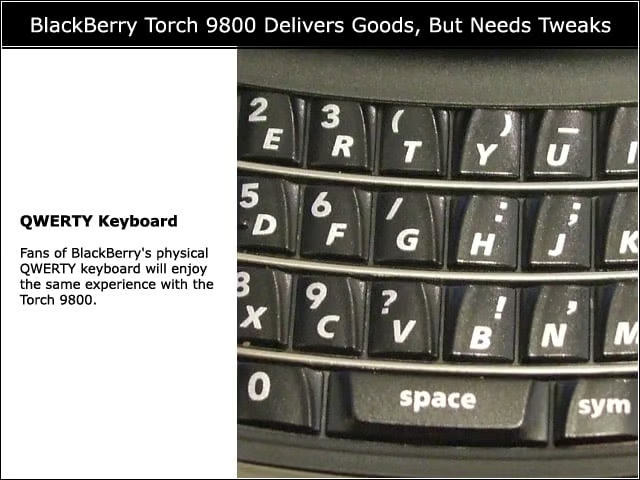
Fans of BlackBerry’s physical QWERTY keyboard will enjoy the same experience with the Torch 9800.
Virtual Keyboard
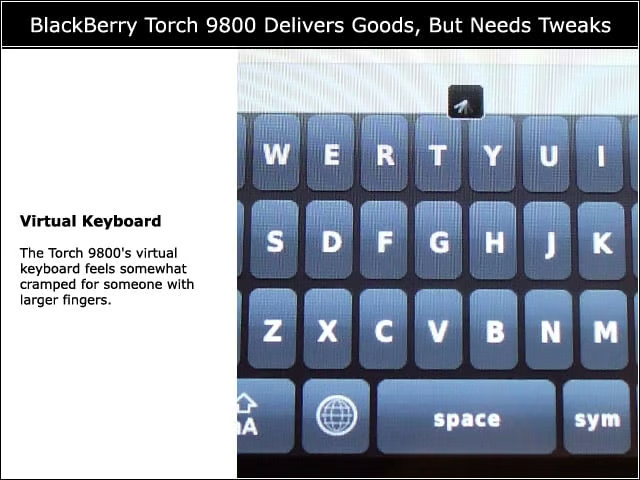
The Torch 9800’s virtual keyboard feels somewhat cramped for someone with larger fingers.
BlackBerry 6 OS
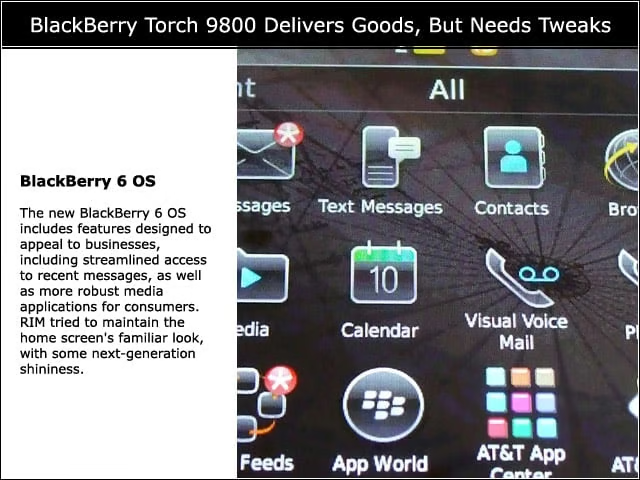
The new BlackBerry 6 OS includes features designed to appeal to businesses, including streamlined access to recent messages, as well as more robust media applications for consumers. RIM tried to maintain the home screen’s familiar look, with some next-generation shininess.
Notification Bar
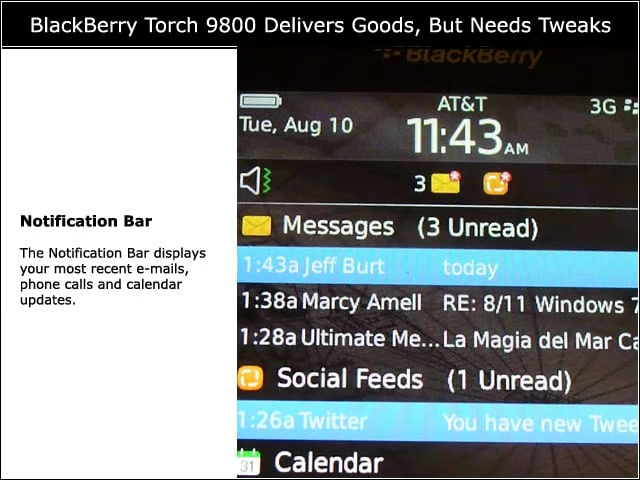
The Notification Bar displays your most recent e-mails, phone calls and calendar updates.
Finding Favorites
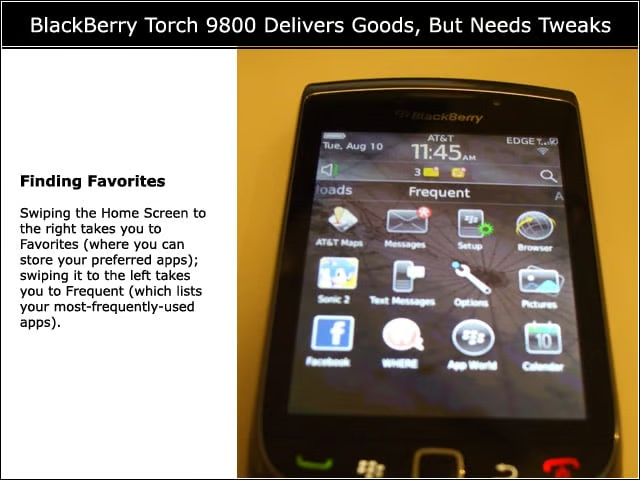
Swiping the Home Screen to the right takes you to Favorites (where you can store your preferred apps); swiping it to the left takes you to Frequent (which lists your most-frequently-used apps).
Slow Browser
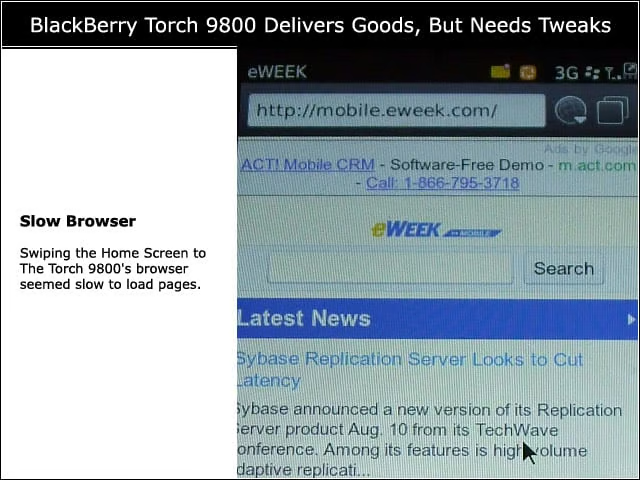
The Torch 9800’s browser seemed slow to load pages.
Enterprise Features
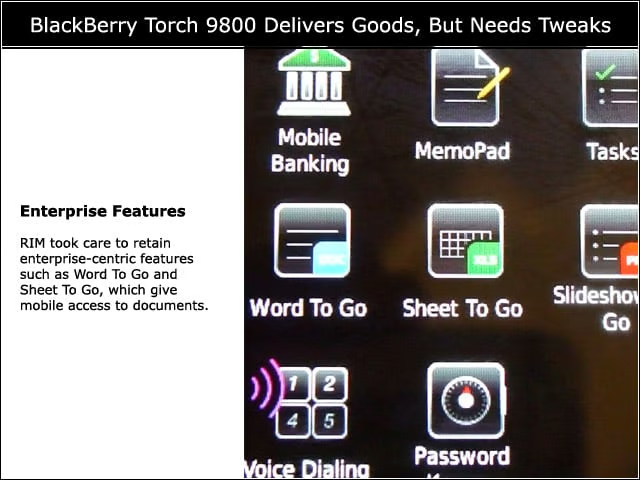
RIM took care to retain enterprise-centric features such as Word To Go and Sheet To Go, which give mobile access to documents.
Universal Search
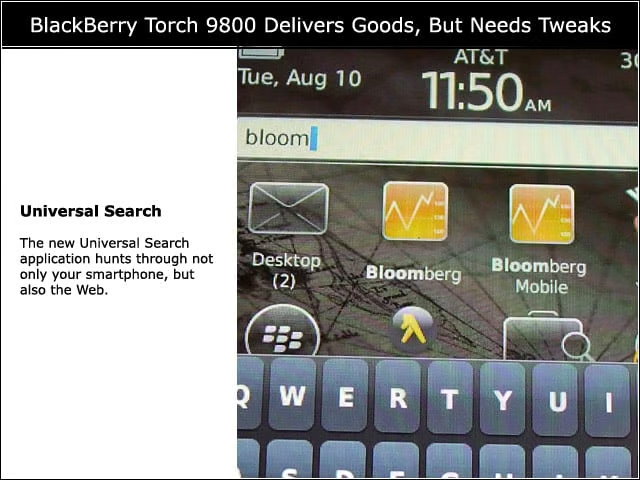
The new Universal Search application hunts through not only your smartphone, but also the Web.
Maps
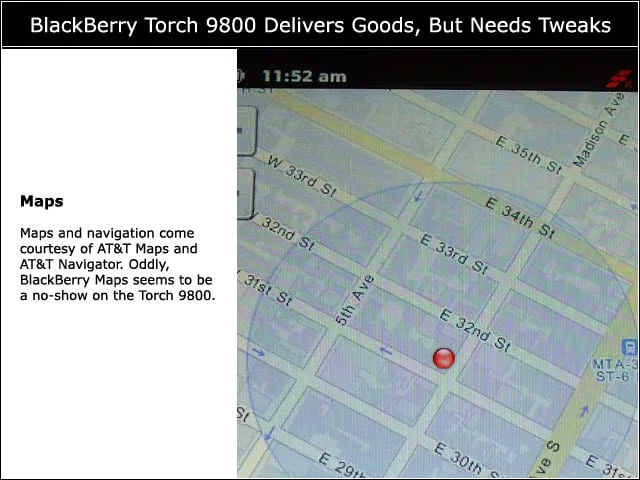
Maps and navigation come courtesy of AT&T Maps and AT&T Navigator. Oddly, BlackBerry Maps seems to be a no-show on the Torch 9800.
For Developers
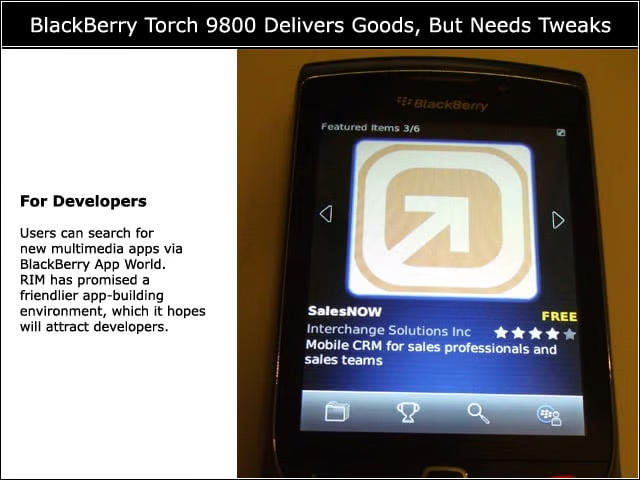
Users can search for new multimedia apps via BlackBerry App World. RIM has promised a friendlier app-building environment, which it hopes will attract developers.
Camera Issues
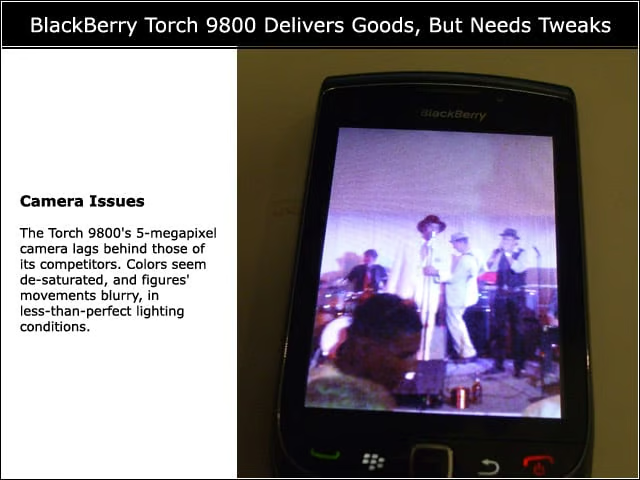
The Torch 9800’s 5-megapixel camera lags behind those of its competitors. Colors seem de-saturated, and figures’ movements blurry, in less-than-perfect lighting conditions.
Easy to Send
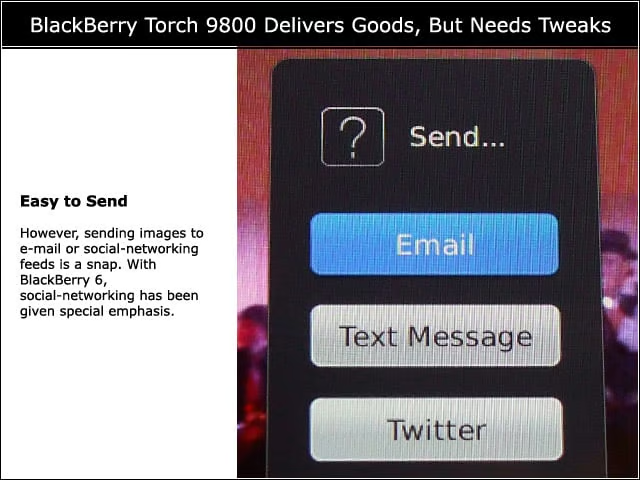
However, sending images to e-mail or social-networking feeds is a snap. With BlackBerry 6, social-networking has been given special emphasis.
AT&T Alliance
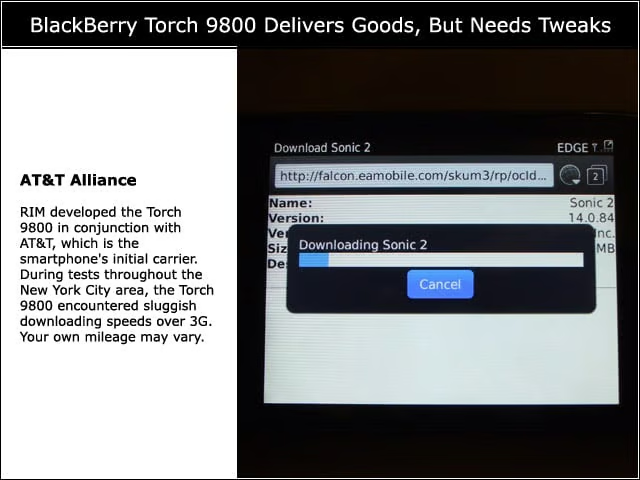
RIM developed the Torch 9800 in conjunction with AT&T, which is the smartphone’s initial carrier. During tests throughout the New York City area, the Torch 9800 encountered sluggish downloading speeds over 3G. Your own mileage may vary.