







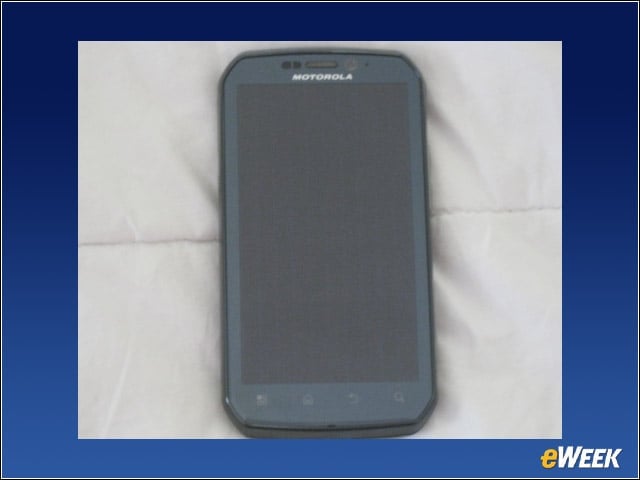
Front View
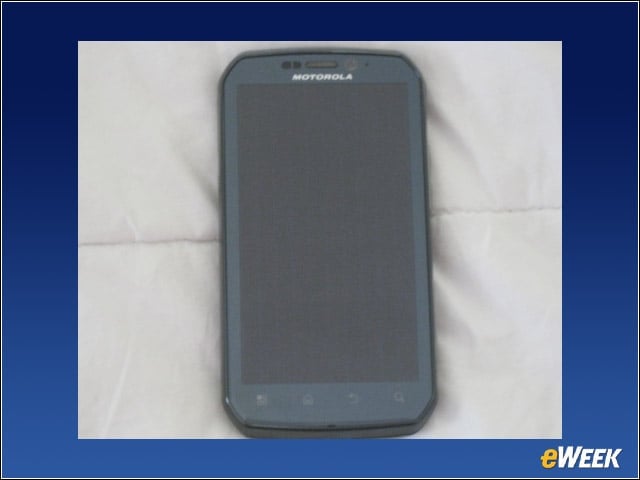
The Photon 4G device measures 5 inches long, 2.63 inches wide and less than half an inch thick. It weighs a formidable 5.6 ounces, owing partially to the 1700 mAh battery, which we found respectable until we tasked it to power YouTube apps and surface content on our TV.
Back View
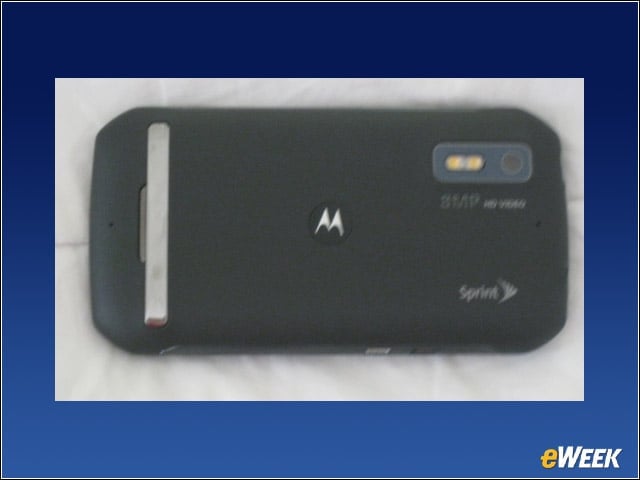
The back is unspectacular, but you’ll note the metal kickstand, which plays an integral role in the Photon 4G’s existence as a music and video player. The 8 megapixel camera takes great pictures (front-facing VGA camera for video chat) and captures video to 720p, with 1080p playback.
Side View
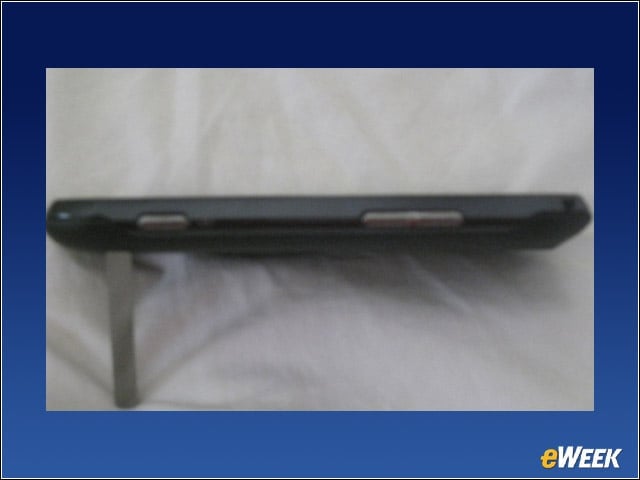
Speaking of cameras, here’s the Photon 4G side view. We’re not a fan of the beveled metal volume and photo shutter buttons. They stick out on this device and make it seem cheap and toyish, which we assure you it’s not.
Power It Up
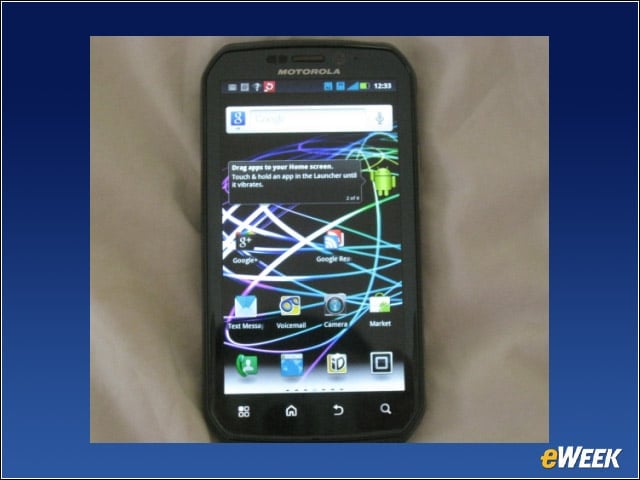
After powering up the phone, you get a great sense of how crisp the 4.3-inch qHD display with a 540×960 resolution is. It’s made of Corning’s Gorilla glass, providing “dual anti-reflection” protection.
Music Player
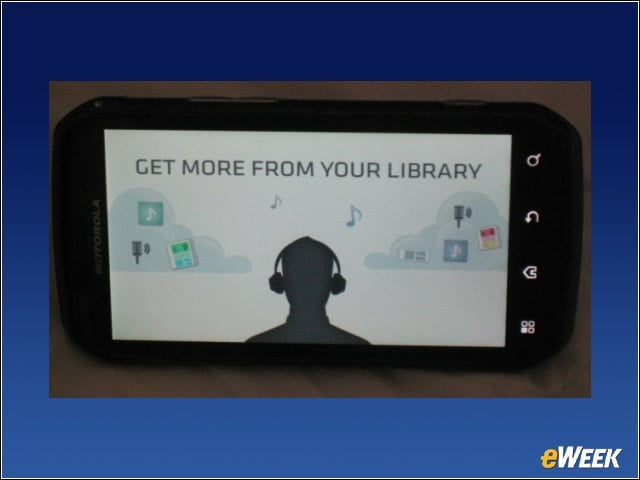
Photon 4G has a nice little music player that lets users access and manage their tunes.
Share Tunes
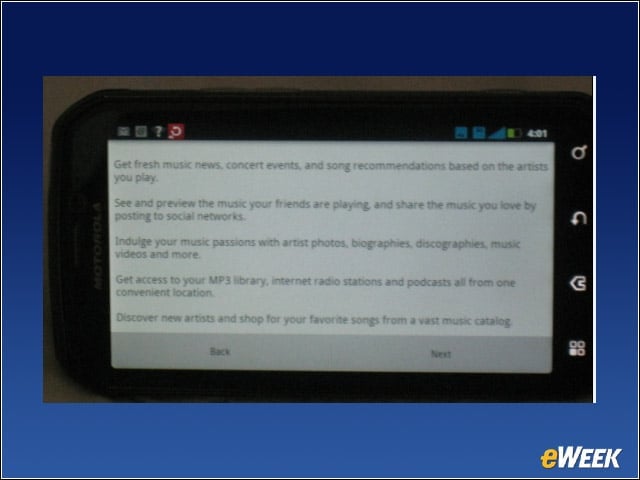
The player also lets users discover new music and share tunes via Facebook and other social networks.
Foo Fighters
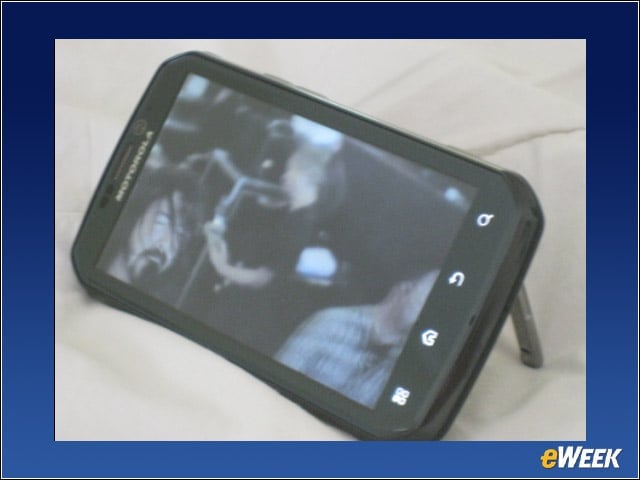
We watched the Foo Fighters rock out some retired fireman’s garage in New Jersey on YouTube from the Photon 4G. It’s only grainy because the rockers’ heads are banging.
Google+ Access
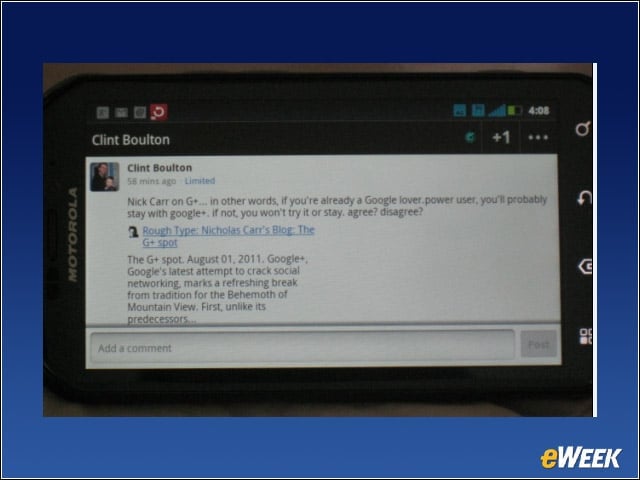
We posted updates to Google+ from the Photon 4G.
Sprint ID
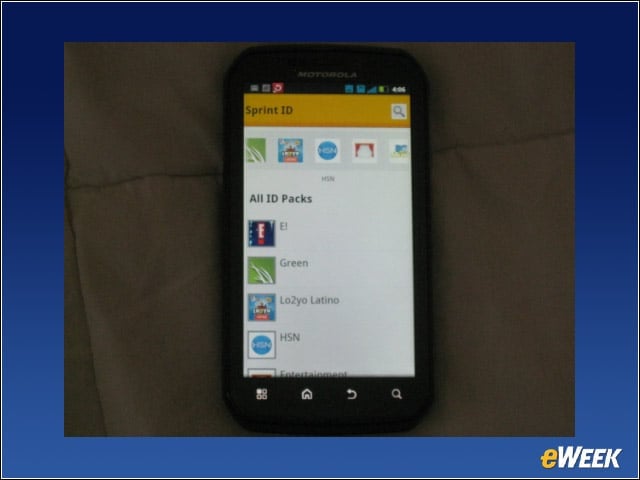
Here’s one app suite we don’t like: The Sprint ID packs of apps, widgets and ringtones are just one of the many annoying forms of carrier bloatware preinstalled on the Photon 4G.
Flashing on TV
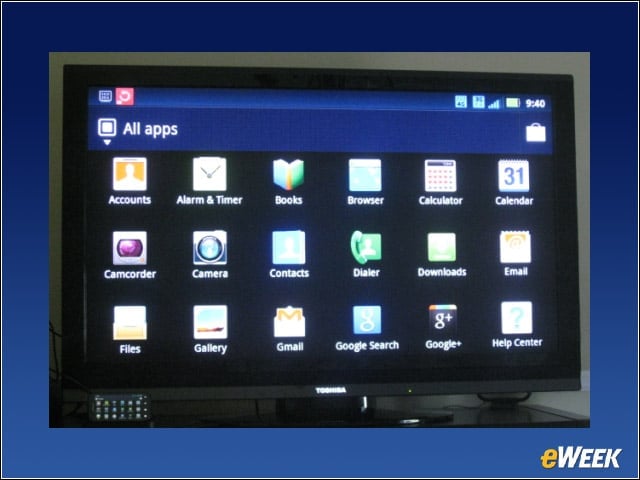
Here’s the fun part about the Photon 4G. You can use the HD Station to bring photos, videos, music and more to your TV. However, it will cost you an extra $99 for the Motorola HD Station dock. You attach the phone to the dock, connect the dock to your HDTV’s HDMI port and access your phone’s content. Is it worth it for media lovers? Perhaps, but we found much of the visual translation from phone to TV grainy.
Picture Display
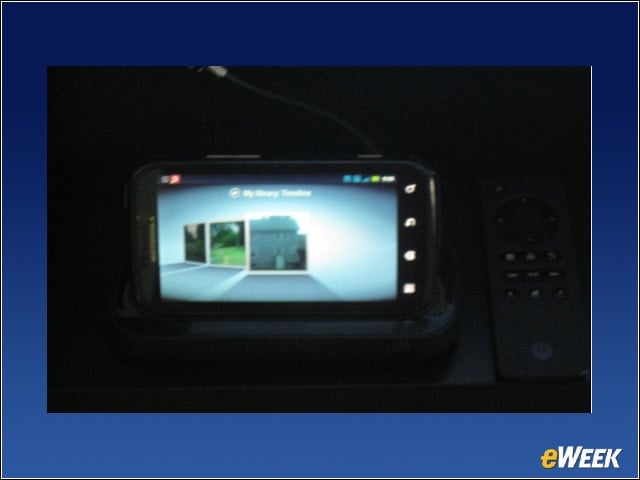
Check out the pictures on the phone, plugged into the HD Station.
Big Screen
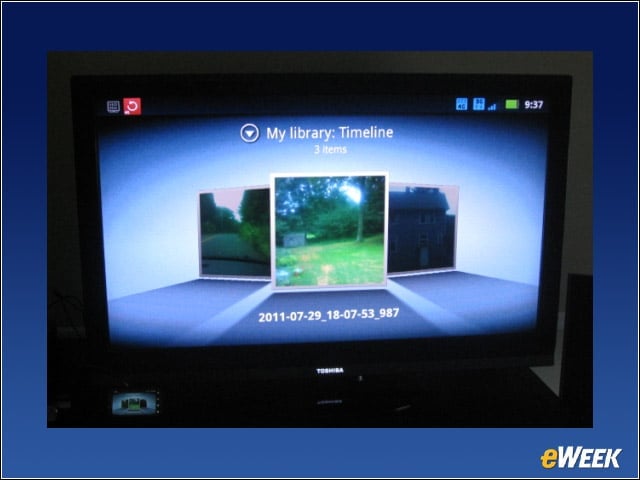
Now see the same pics on our HDTV. Cool!
Facebook Gallery
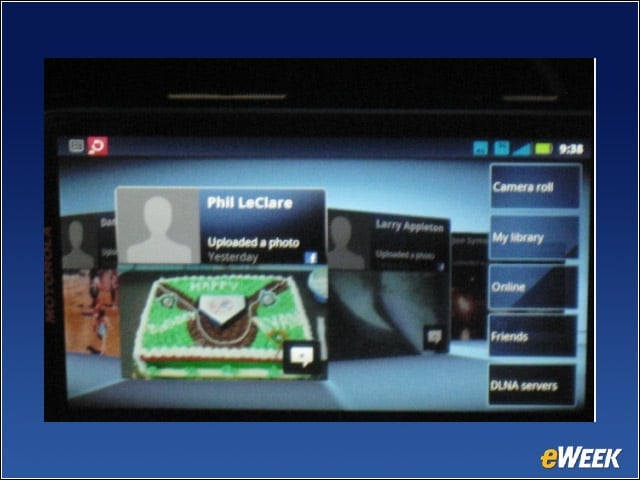
Here is a display of Facebook and other content from our phone in a collage.
Webtop Applications
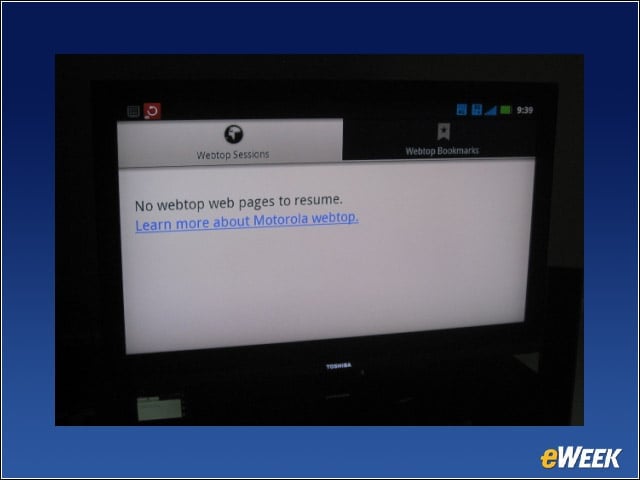
The Webtop application is arguably the coolest part of the HD Station connection. It allows users to bring documents and other contents to the big screen with the Webtop app, which pops a Mozilla Firefox 4.0 browser on your TV from the phone.