







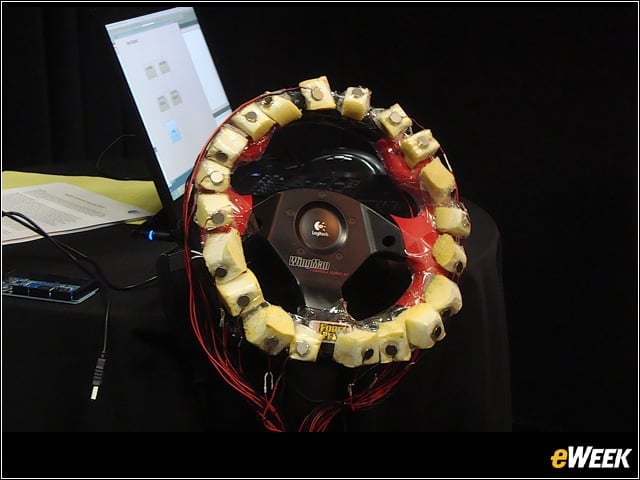
Haptics-Enhanced Steering Wheel
Taking GPS navigation to the next level, this haptics-enhanced steering wheel is dotted with “actuators” that vibrate in succession—clockwise for a right turn, counter-clockwise for a left—to help a driver better intuit when to turn while keeping his eyes on the road.
A Better Way to Steer
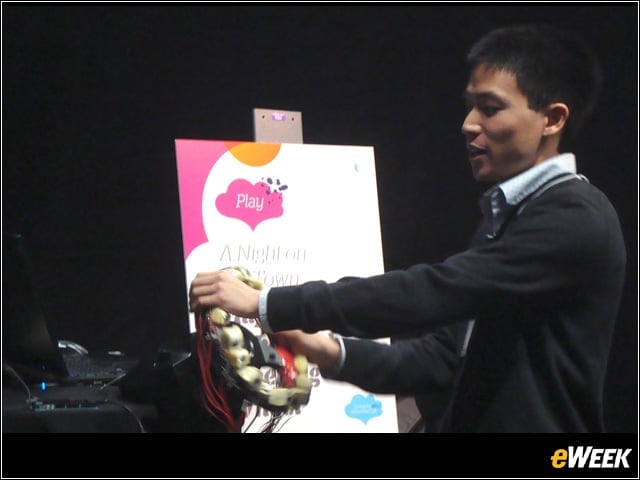
Developed by AT&T Labs Researcher Kevin Li, pictured here, the circle sensation created by the vibrating actuators becomes faster as the driver nears the turn. The sensation is a pleasant one—like a gentle hand massage.
ShadowPuppets for Pico Projectors
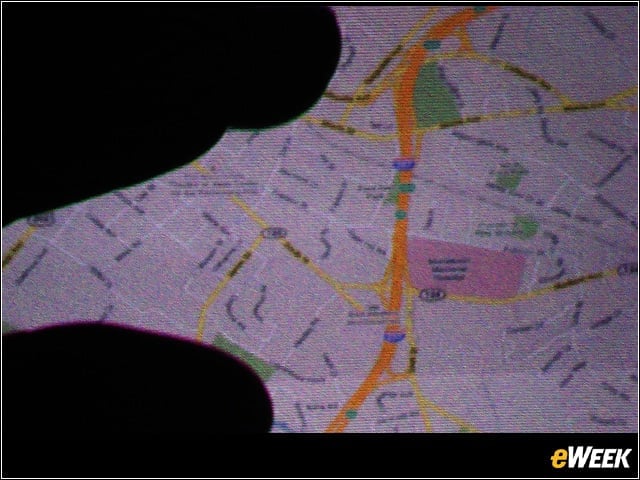
Li also helped create “ShadowPuppets,” a way for multiple users to manipulate the image projected by a smartphone’s pico projector. Using their fingers’ shadows, users can zoom or pinch maps, scroll through photos or ideally click on links in searches.
QNX Meets Watson
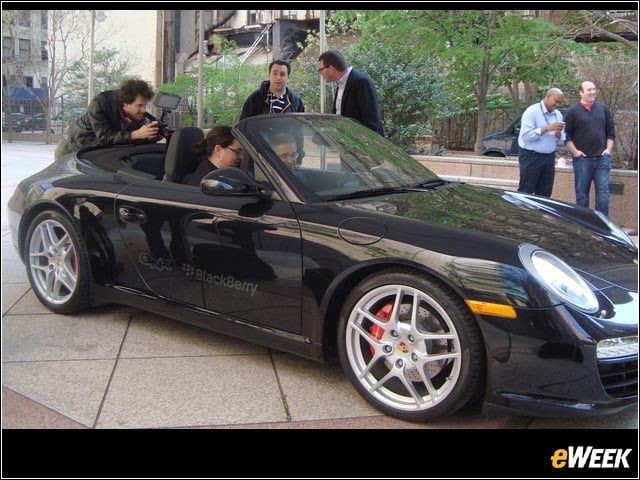
AT&T Labs’ Watson speech-recognition technology is being used by QNX Software Systems for its in-car solutions. Bringing Apple’s Siri to mind, the car can connect to a smartphone and read the driver new emails or messages and, using voice-to-text, send responses.
Watson and Voice Commands
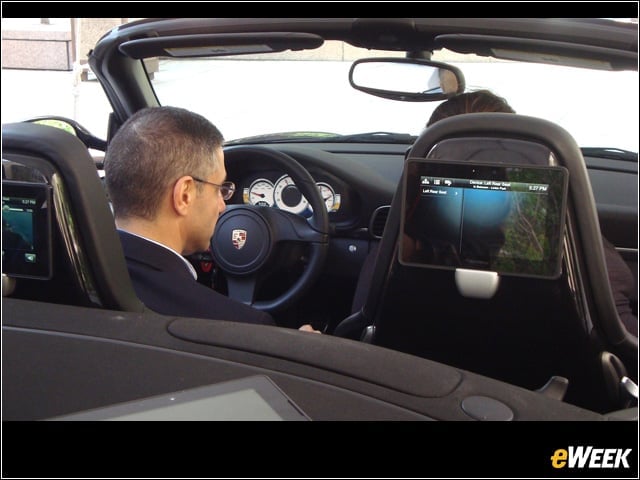
With the QNX-Watson software, a driver can also give voice commands to control rear-seat displays, for example, ask the car to put on a certain song or find it directions to their nearest bank branch.
AT&T Translator
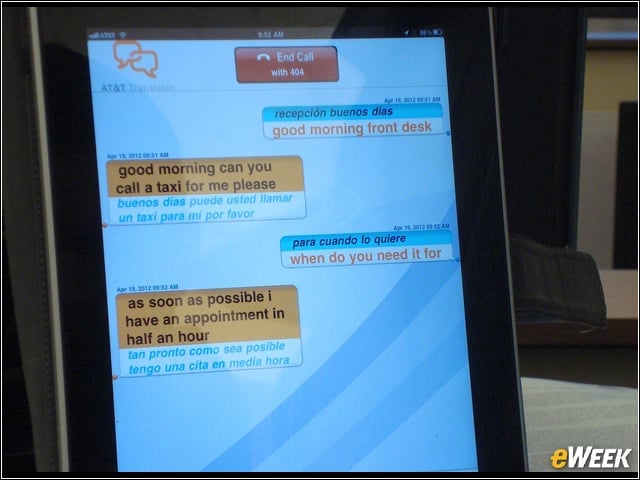
Watson is also the brain behind AT&T Translator, which can, in real time, make it possible for two people speaking different languages to have a conversation. Here, a man speaking (heavily accented) English is asking a Spanish-speaking dispatcher to send a taxi.
Your Smartphone as Your Hotel Door Key
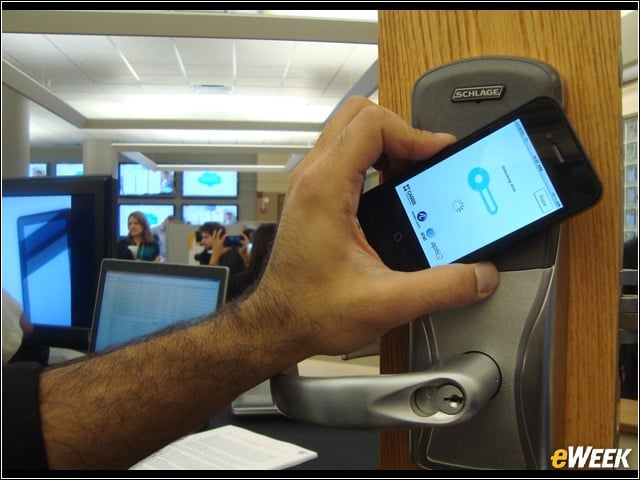
An AT&T Foundry innovator created an app that pairs near-field communications technology with an over-the-air component. An app from a hotel, for example, could send a traveler’s room number directly to her phone, enabling her to skip the front desk and her phone to, with a tap, act as the door key.
Toggle for Personal
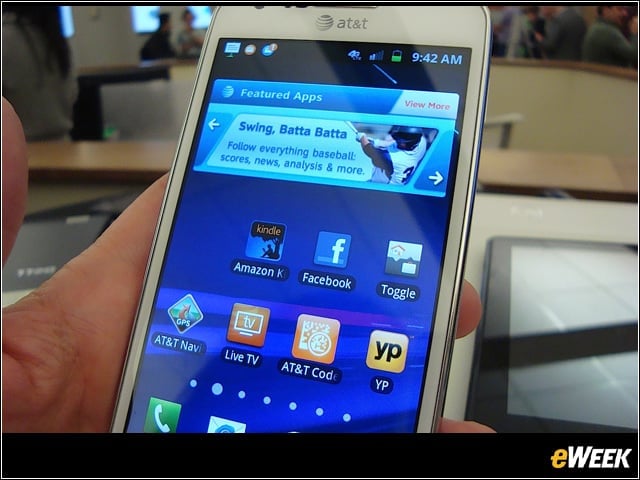
A cloud-based solution ideal for those sensitive to the bring-your-own-device (BYOD) trend creates a “container” on the device where secured corporate apps and data can live and be managed, completely separated from a user’s personal apps and data. Shown here: the personal side of things.
Toggle for Business
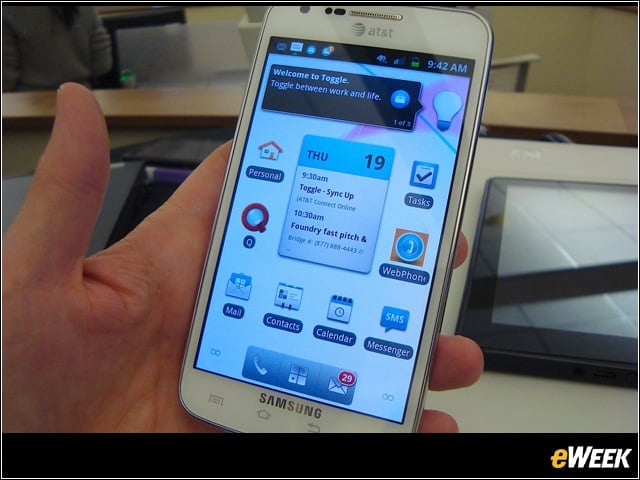
Toggle over, and the user is in a new “corporate world,” with apps for email, messaging, contacts and more. Using a Web portal, an IT manager can access corporate information but has zero access or insight into what’s on the personal side—or outside the “corporate container.”
Toggle for Android
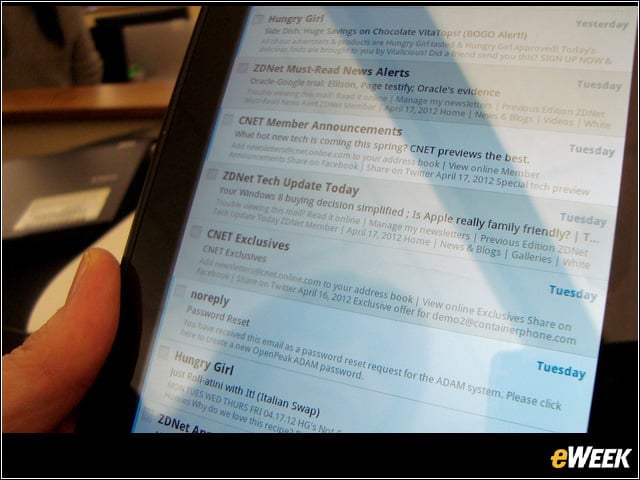
Designed for Android-running smartphones and tablets, Toggle’s creators were thrilled to discover it also works on Amazon Kindle devices, email included.
My Stuff
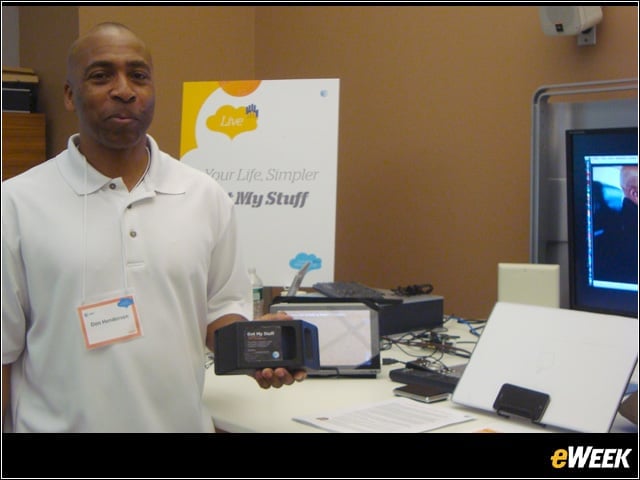
Don Henderson created a way for people to make sure they have the stuff they need with them when they need it. A user puts tiny radio-frequency identification (RFID) tags on the stuff they need to keep track of—say, their briefcase, smartphone, tablet, even sunglasses, their driver’s license or a child’s lunchbox.
My Stuff in the Car
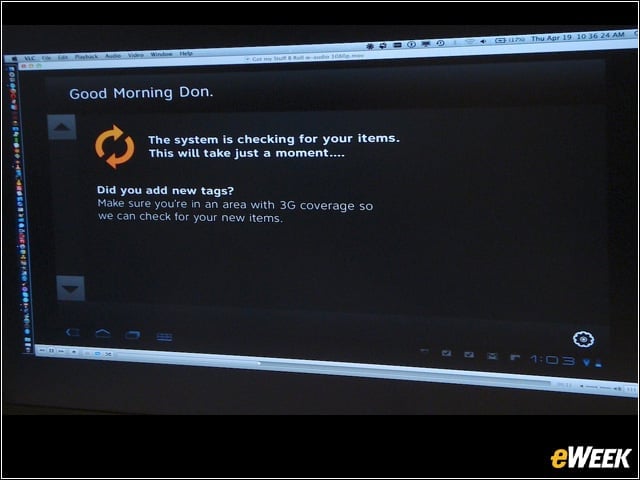
Tied to the user’s in-car software, as soon as the engine is turned on, the car can sense—and tell the user—if he’s forgotten an important item. Lists can be created, but the system also learns—the lunchbox, for example, is something the car knows the driver should likely have at 8 a.m. on Monday, but not on Saturday night.
Good-Bye, Channel Surfing
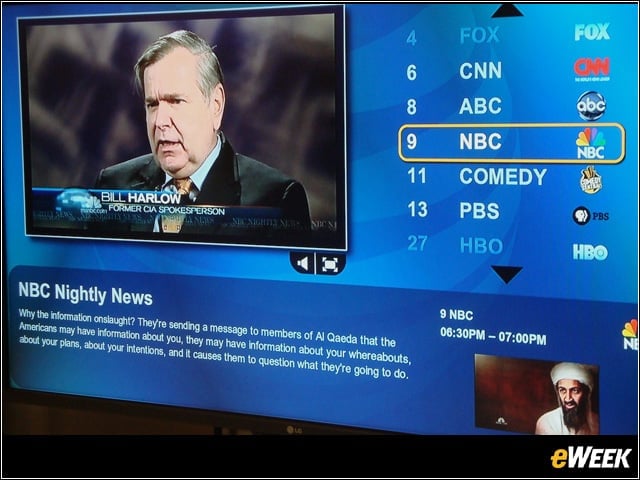
Content augmenting media (CAM) is a software tool that delivers to a viewer programs based on content that they’re interested in. Using keywords a user selects or inputs, and can turn on or off, a summary of a program CAM has found can pop up on the bottom of the screen.