








- Nokia Lumia 1020 Rewards Those Willing to Commit to It
- Nokia Lumia 1020: Big Is Beautiful
- Nokia Lumia 1020 Protruding Lens
- The 1020 Doesn’t Sit Flat
- Consolidated Buttons
- Clean Lines
- Lumia 1020: From the Top
- The Display
- Home Screen
- Apps
- Nokia Music
- Nokia Music
- Camera Technology
- Pro Cam vs. Smart Cam
- Smart Cam
- Best Shot
- Nearly 3D
- Pro View Camera
- Zoom
- Night Photos
Nokia Lumia 1020 Rewards Those Willing to Commit to It
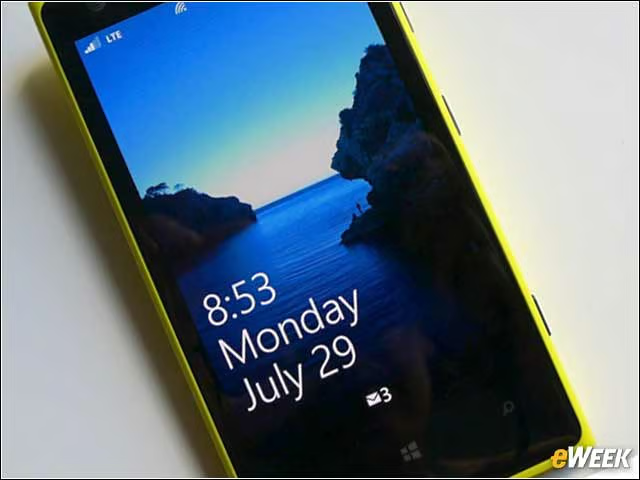
by Michelle Maisto
Nokia Lumia 1020: Big Is Beautiful
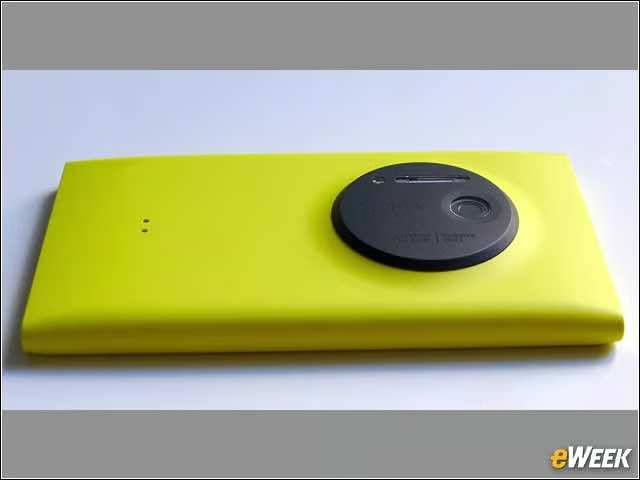
The Lumia 1020 is no wallflower. Color aside (it also comes in black and white), the 1020 measures 130.4 by 71.4 by 10.4mm. For context, the Nokia Lumia 928 and the original HTC One, which both have 4.5-inch displays but not protruding camera lenses, measure 133 by 68.9 by 10.1mm and 133.5 by 67.6 by 9.2mm, respectively.
Nokia Lumia 1020 Protruding Lens
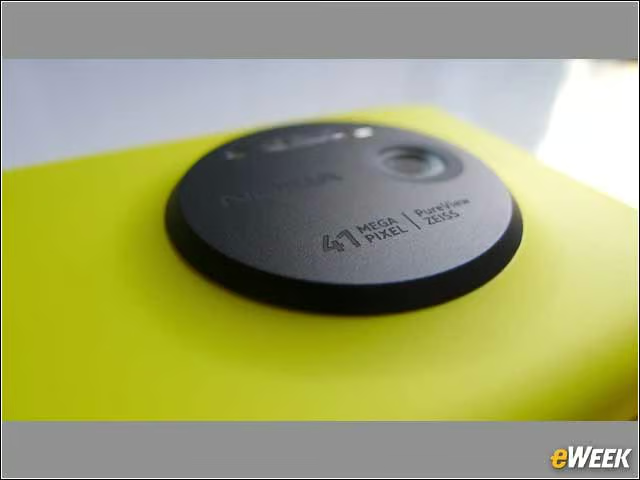
The camera technology in the 1020 outdoes, by leaps and bounds, anything currently in a smartphone. The protruding lens on the 1020, however, prevents it from sitting flat on a surface when placed screen-up. Some will find this awkward. Others may appreciate that this angles the display toward a user, offering the best view of the time, or information like the song playing in Nokia Music—a great free app.
The 1020 Doesn’t Sit Flat
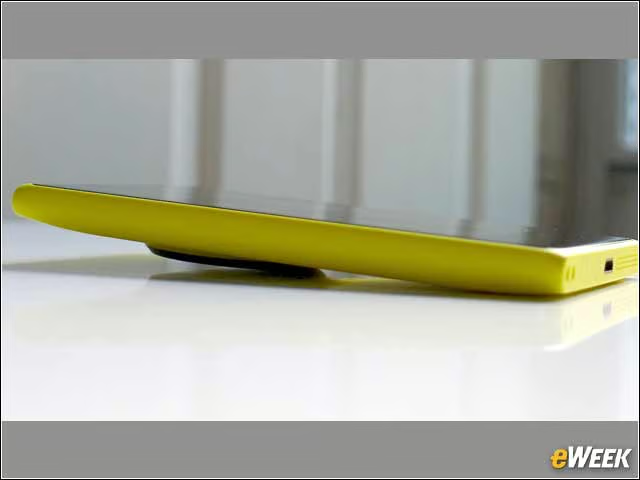
Some will find the 1020’s refusal to sit flat awkward. Others may appreciate that this angles the display toward a user, offering the best view of the time, or information like the song playing in Nokia Music—a great free app.
Consolidated Buttons
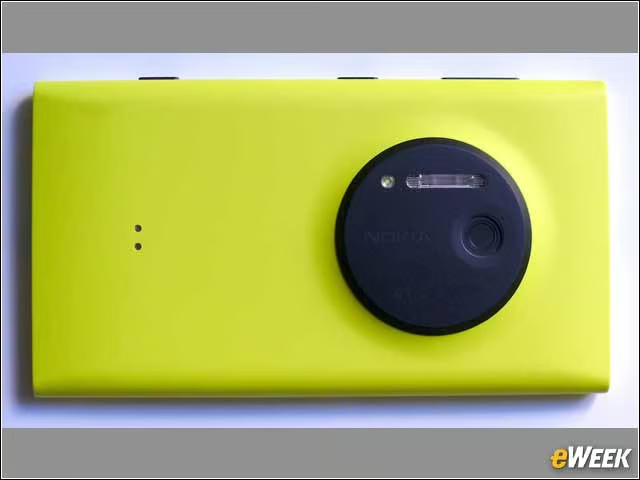
Viewed from straight on, one can see that all the buttons on the 1020 are on one side. As viewed here, farthest right is the volume rocker, in the center is the power button, and at left is a shutter button for the camera (though one can also tap the display to take a photo).
Clean Lines
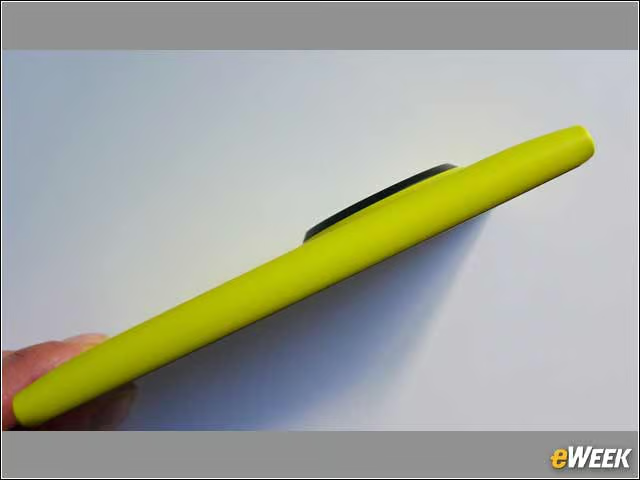
The other side—which presses into the palm of a right-handed user—is simply the smooth, cool, matte polycarbonate. Nokia says the phones feature “inherent colors,” meaning that color is throughout the material and scratches or scuffs won’t reveal anything but more color.
Lumia 1020: From the Top

On the top are the SIM card tray and headset jack.
The Display

The Display, which is covered in Corning Gorilla Glass 3, feels great—in addition to being bright and crisp and lovely. It’s a WXGA with a resolution of 1280 by 768 and 334 ppi. Additionally, it features Super sensitive touch technology, so users can wear gloves, or tap with a fingernail.
Home Screen
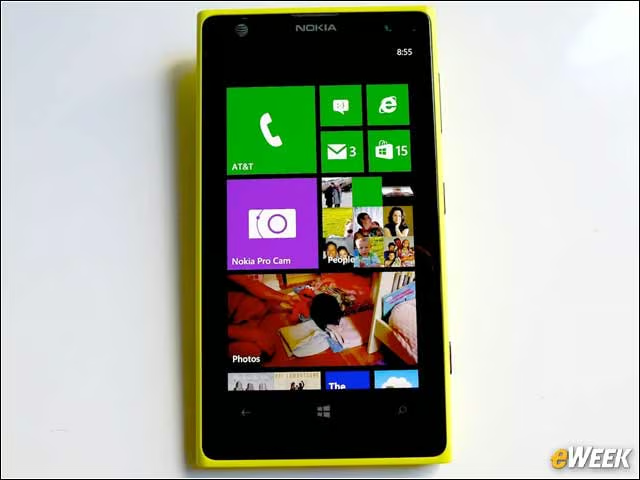
The Lumia 1020 runs Microsoft’s Windows Phone 8, with its live-tiles home screen. The titles flip and update, preventing the screen from feeling static, and titles can easily be resized—from a full title to a fourth of one—and dragged where you’d like them.

A user can slide up the locked-screen display like a shade to, for example, look at new emails. While I didn’t care for the 1020’s email format—I like to view more emails at a glance, versus this airy layout—I was shocked by how willing the phone was to compress and email even 30-second videos, a feat many other phones would balk at.
Apps
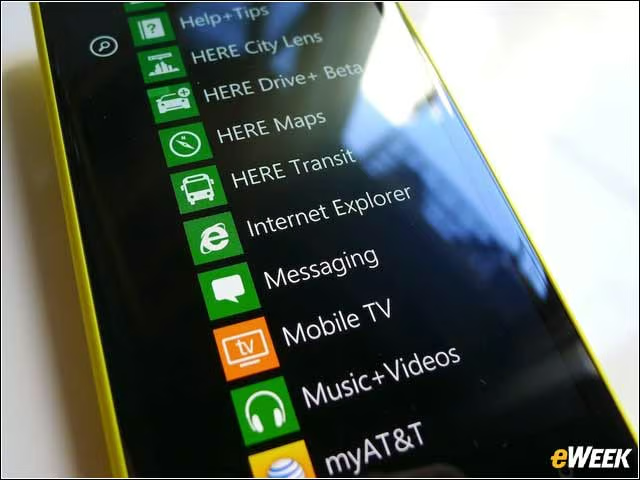
Apps can be added to the tiles on the home screen, but swipe to the left and the full alphabetical list is offered. While Windows Phone is faring better than BlackBerry, many popular apps, like Instagram, are noticeably absent.
Nokia Music
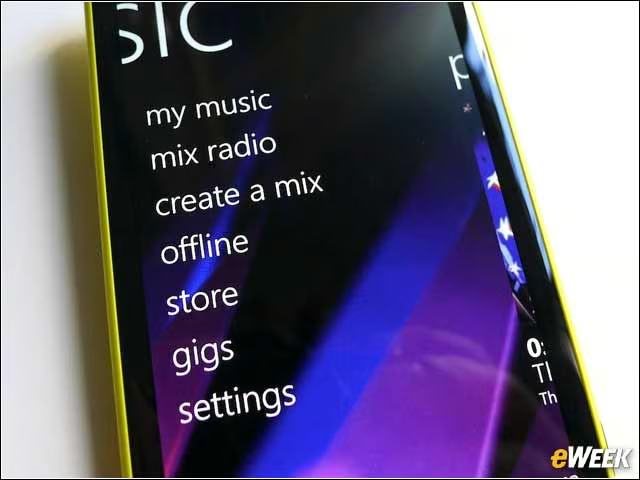
The Nokia Music app is available for free with to 22 million songs. You can make your own playlists, tell Nokia what kind of music you’d like to hear—indie pop, electronic ’80s, etc.—listen to exclusive tracks offered by AT&T and even listen offline.
Nokia Music
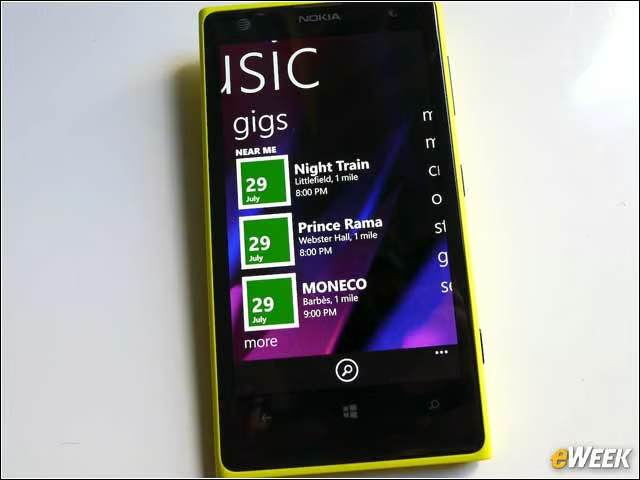
Nokia Music, if you allow it to know your location, can even tell you about music events happening nearby.
Camera Technology
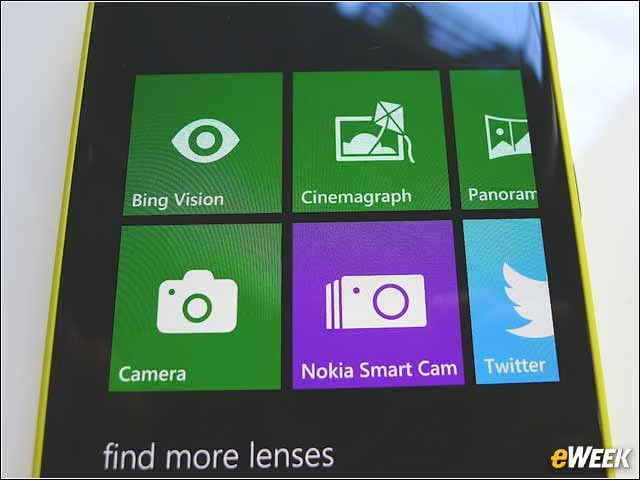
Users are presented with the options of a Pro Camera or a Smart Camera. This is the beginning of feeling overwhelmed by the photographic options in the 1020, which captures 38-megapixel images but also more-shareable 5-megapixel “oversampled” images. Oversampling, says Nokia, ensures the images are “incredibly sharp, natural and low noise.”
Pro Cam vs. Smart Cam
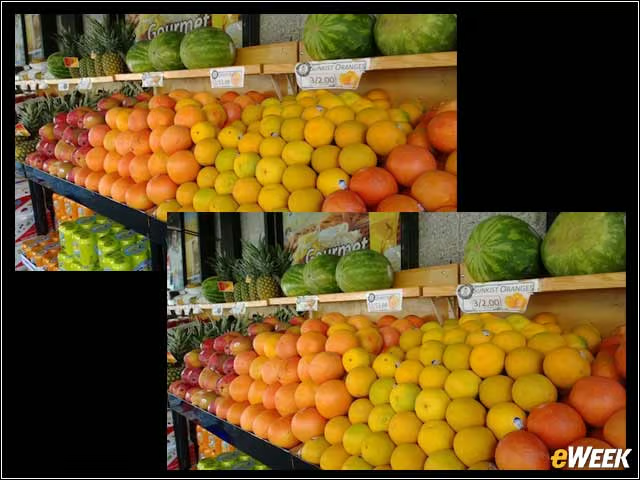
Sometimes, the difference between them isn’t much. Here, the image on the left is from the Smart Cam, and the image on the right is from the Pro Cam. The Pro Cam excels in low light and captures rich details. The Smart Cam takes a smaller, quicker photo—better for catching kids and pets and other fast-moving objects in motion—though not much better.
Smart Cam

With the Smart Cam, you can do things like take an Action shot, which consists of combining several photos of something moving—like a child sliding down a slide.
Best Shot
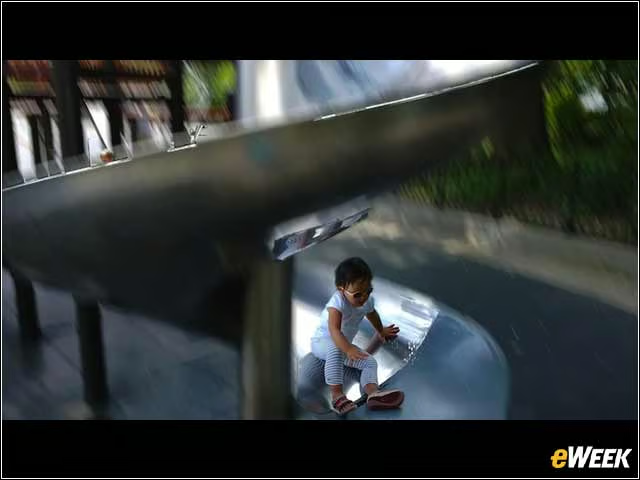
A feature called Best Shot lets you choose the best of several options. I put my finger on the screen and could—in a neat, fluid way—slide my daughter up and down the slide and settle on the position I liked best.
Nearly 3D

The 1020’s camera also features 2.5D technology—nearly 3D. In this image, taken with the Smart Cam, the red roses stand out in a nearly 3D way.
Pro View Camera
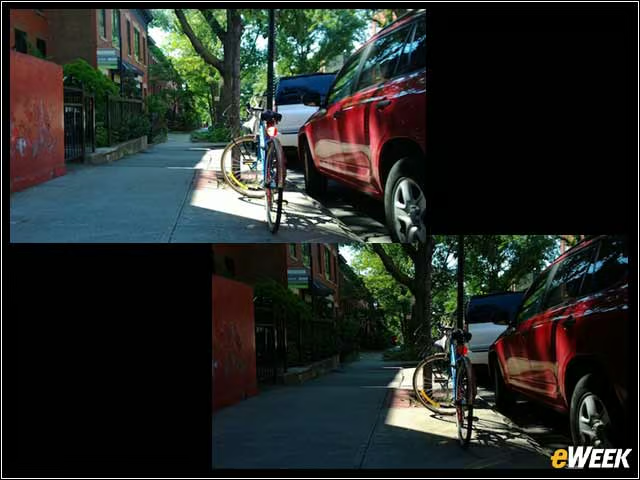
The Pro View camera steps into professional territory by allowing a user to adjust the white balance, the shutter speed, the focus, the exposure valuation (EV) and the ISO, a term that refers to the lens’s sensitivity to light. Here, I fiddled with the EV, to put the bike in the spotlight (on the right), versus the shot the Auto settings created (on the left).
Zoom

Nokia says it has reinvented zoom. In this snap with the Pro Cam, it’s possible to zoom in to the point where one can see this moth’s legs.
Night Photos

At night, the flash on the 1020 is excellent—no one looks blinded, or like they’re about to ascend into heaven. It’s not at all obvious that what one is looking at is a flash photo. In this photo, an admittedly not-great, late-night shot with nothing close for the flash to work with, the lens still captured a detail it’s easy to miss when crossing this street: Lady Liberty, standing off miles in the distance.