







- Samsung Droid Charge Unboxed
- Charge Front
- Charge Side View
- Rear Camera
- Charge Home Screens
- Verizon 4G LTE
- Fast YouTube Videos
- Social Apps
- Samsung Media Hub
- Charge Pre-Installed Apps
- Verizon V-Cast Appstore
- Working with Widgets
- Easy Texting
- Keyboard Toggles Between QWERTY, 3 by 4 Mode
- Mobile Hotspot
- Location, Location, Location
- Google Location
- Googles Warning
- Search Location
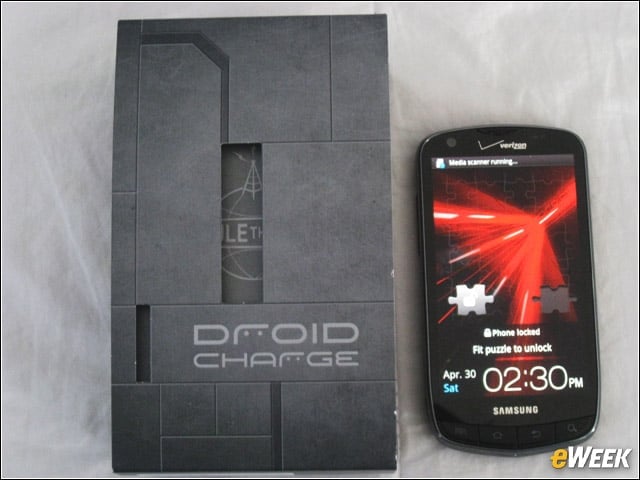
Samsung Droid Charge Unboxed
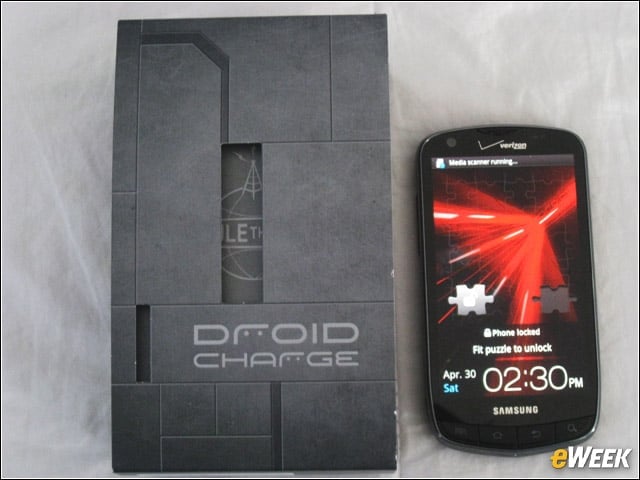
The Droid Charge revealed in all its pretty, but pricey glory.
Charge Front
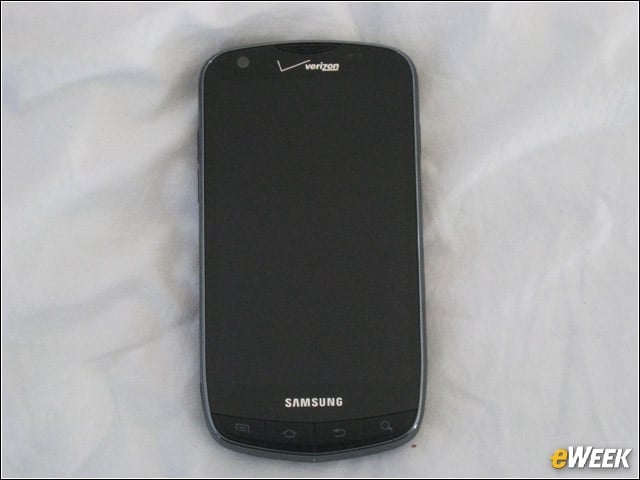
Don’t be fooled by the nondescript screen, which when turned on revealed a beautiful 4.3-inch Super AMOLED (active-matrix organic LED) Plus display. Some people say they can’t see the difference between Samsung’s Super AMOLED and Super AMOLED Plus, but we’ve tested three Samsung Galaxy S handsets and believe Charge’s screen to be the clearest in light and dark environments to date. The phone itself is 5.1 inches long by 2.66 inches wide.
Charge Side View
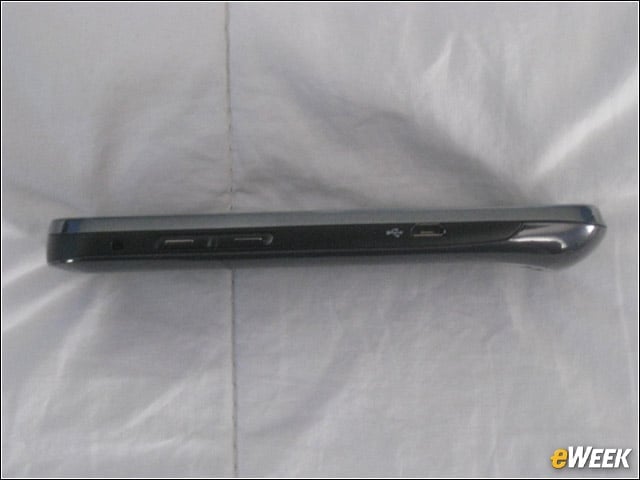
The big display meant the Charge was wider than the typical smartphone. However, the handset was only 0.46 inches thick, making it nice and slim for pockets. This device also weighed 5 ounces, making it far lighter than the ThunderBolt’s 6.23 ounces. Samsung clearly used a lighter battery than the ThunderBolt.
Rear Camera
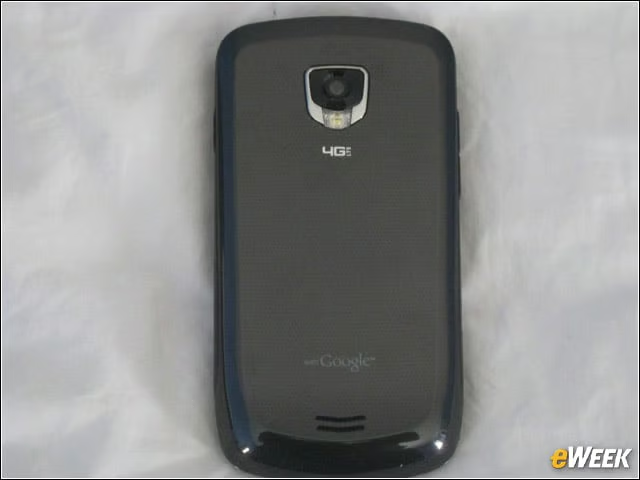
Encased in a slick, masculine mirror-gray-black plastic casing, the Droid Charge’s 8MP camera takes crisp, steady pictures for easy sharing via Gmail and text messages. There is also a front-facing 1.3MP camera for video chat, which should come in handy when Samsung upgrades the Charge to Android 2.3 “Gingerbread,” which supports Google’s new voice and video chat application for Android. But theres no timetable for that upgrade. But be patient. The Charge isn’t even available for you to buy yet!
Charge Home Screens
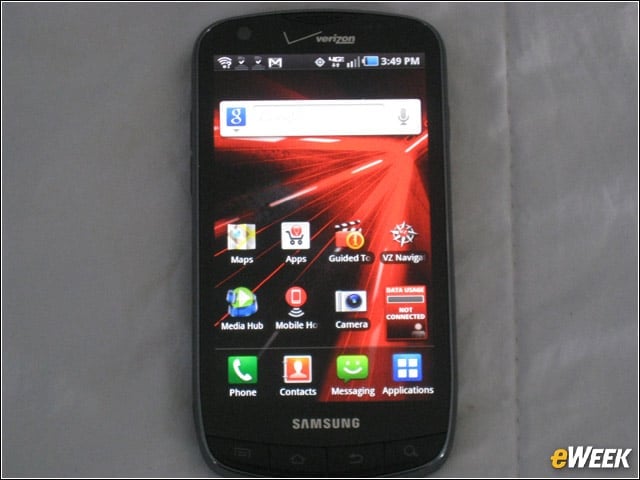
The Charge features seven customizable home screens for application and widget disbursement.
Verizon 4G LTE
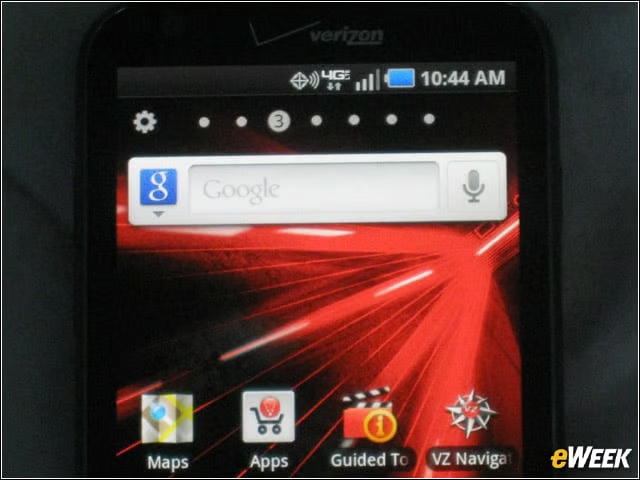
Note the surprise 4G network signal shows three bars in Connecticut, allowing us to enjoy speedy video content play and application downloads. Verizon said customers can expect download speeds of 5 to 12M bps and upload speeds of 2 to 5M bps in 4G Mobile Broadband coverage areas. Battery life was just fine for 3G, but drained quickly when offering 4G data speeds.
Fast YouTube Videos
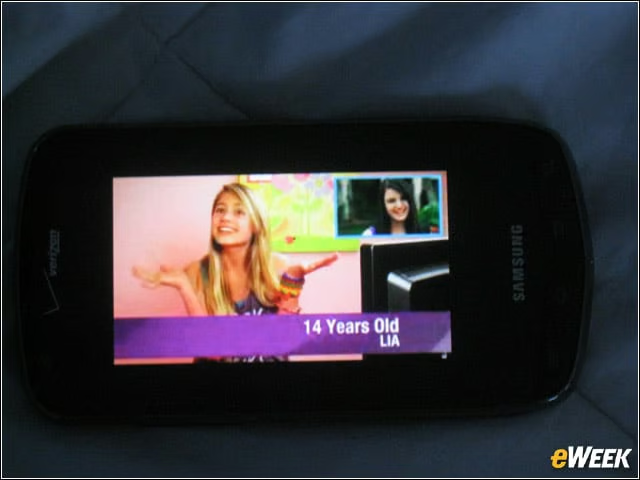
Once we tapped the play button on YouTube, videos rendered wonderfully fast, thanks to Verizon’s 4G LTE network. Adobe Flash content on ESPN.com and other Websites also played back great.
Social Apps
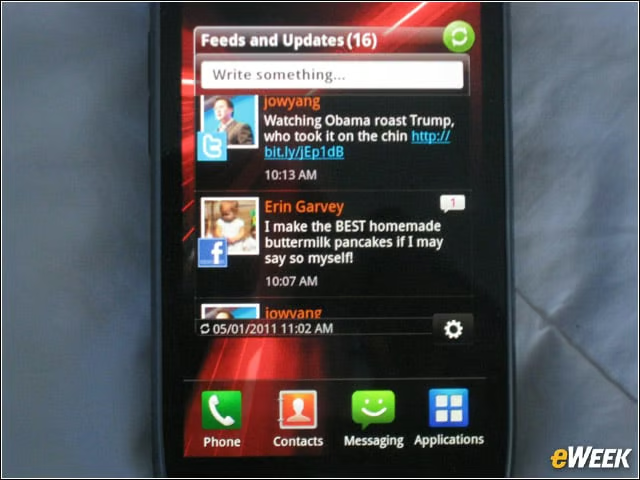
The Droid Charge lets users add their Facebook and Twitter accounts in a special social widget stream.
Samsung Media Hub
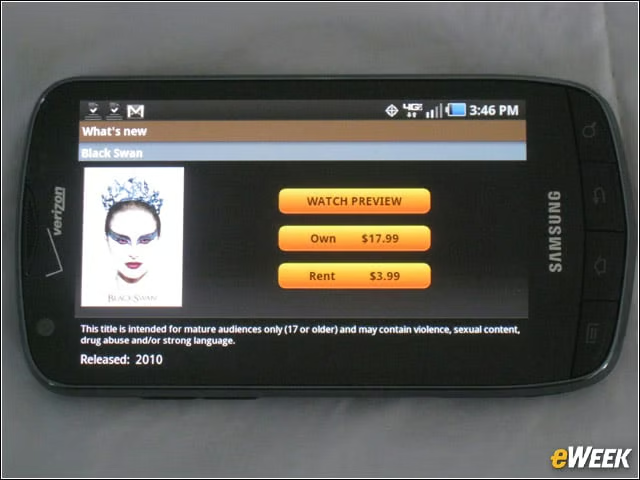
Samsung also pushes its Media Hub of movie content hard, and why not? At 4G speeds, movie playback experienced minimal latency.
Charge Pre-Installed Apps
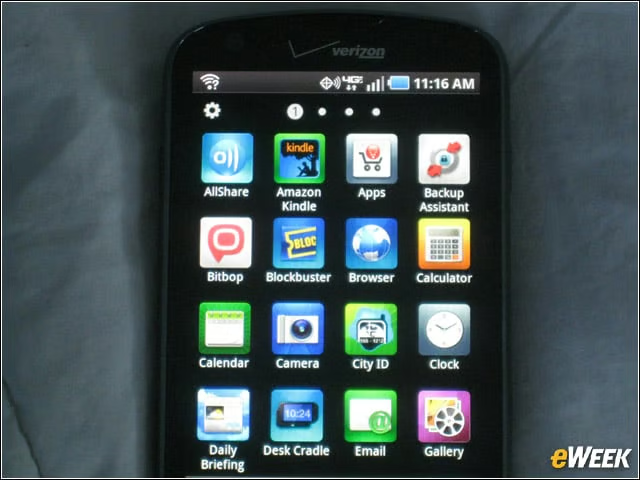
The Charge is pre-populated with three screens full of applications, including the ubiquitous Amazon Kindle mobile application and several games.
Verizon V-Cast Appstore
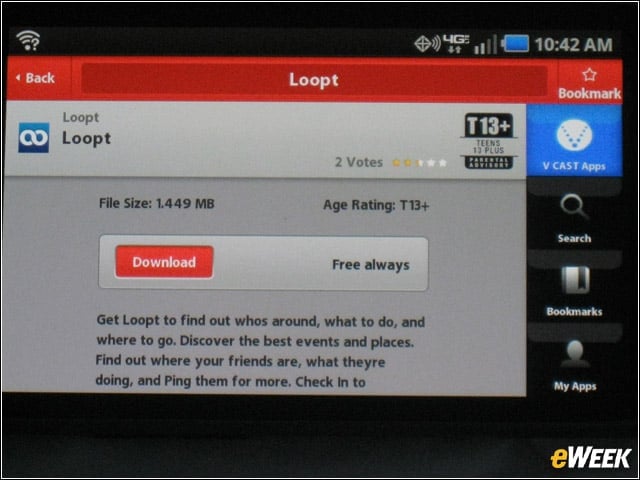
Users don’t have to stick with the Android Market if they don’t like the choices. Verizon’s V-Cast Appstore for Android gets prominent placement on one of the home screens. We found V-Cast’s user interface a little lacking to our taste.
Working with Widgets
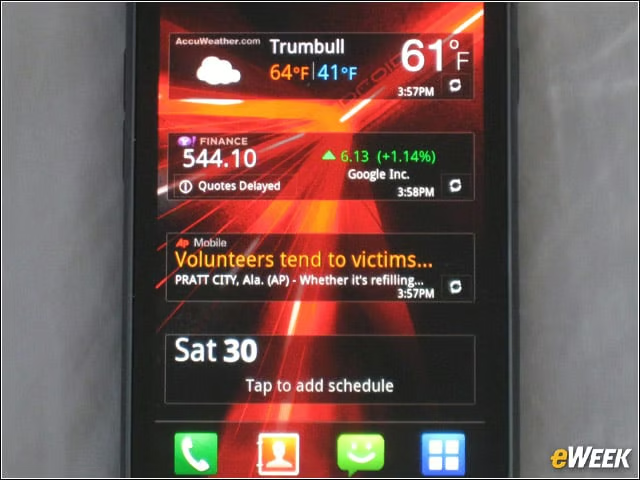
We love the Charge’s widgets and shortcuts, allowing us to set up weather, news and finance feeds in addition to social-network accounts.
Easy Texting
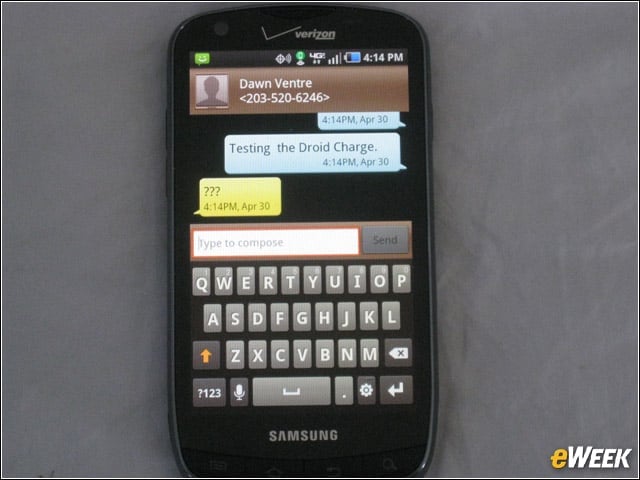
We found the Charge’s virtual keyboard easy to use, though a little narrow, for texting and typing email.
Keyboard Toggles Between QWERTY, 3 by 4 Mode
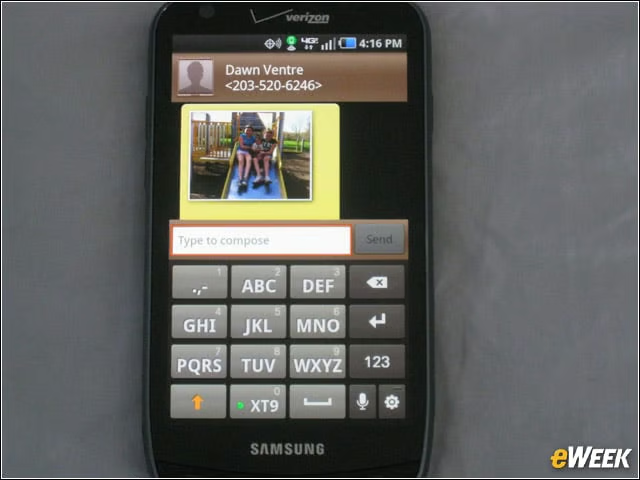
Samsung also included a toggle button to let the user switch from a QWERTY keyboard to the 3 by 4 keyboard mode, as well as an integrated Swype button for gesture input.
Mobile Hotspot
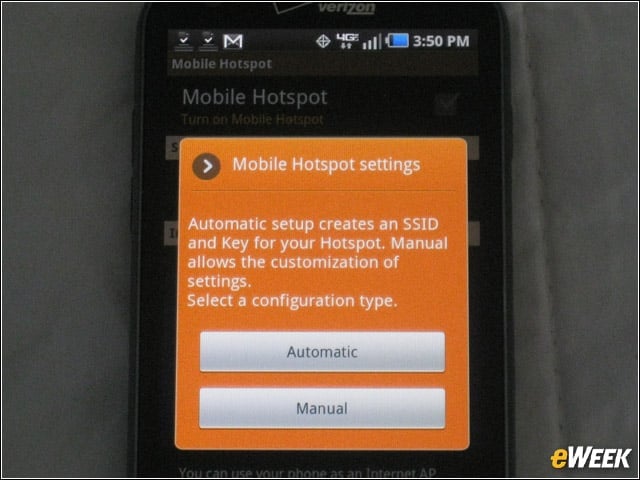
We also enjoyed the mobile hotspot, which lets users share 4G connection with up to 10 WiFi-enabled devices or a 3G connection with up to five devices. This will be available for free for a limited time, a departure from Verizon’s typical $20 per month fee for up to 1GB for the mobile broadband tethering service.
Location, Location, Location
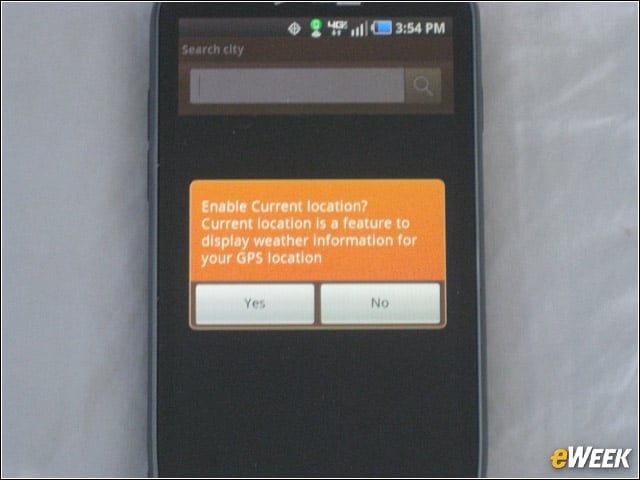
Google and Apple have taken a lot of flak in the media over their leveraging of location information on Android smartphones and iPhones, respectively. At several steps during the Droid Charge set-up process, eWEEK was warned about an application’s use of location data. Notice this prompt triggered by the WeatherBug weather widget.
Google Location
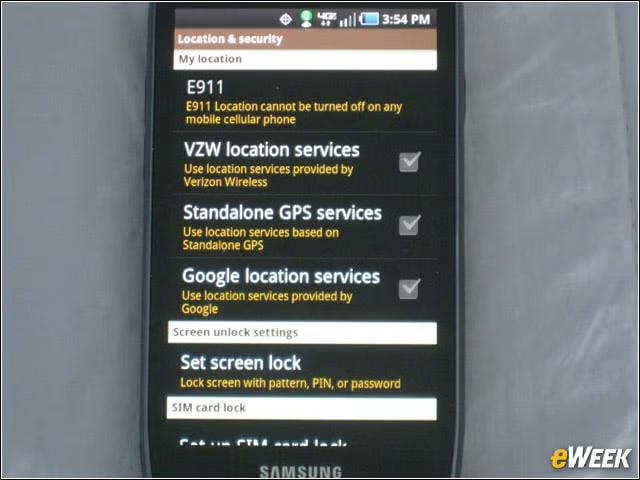
Off by default on the Charge, the Google Location services option must be manually activated for applications, such as WeatherBug.
Googles Warning
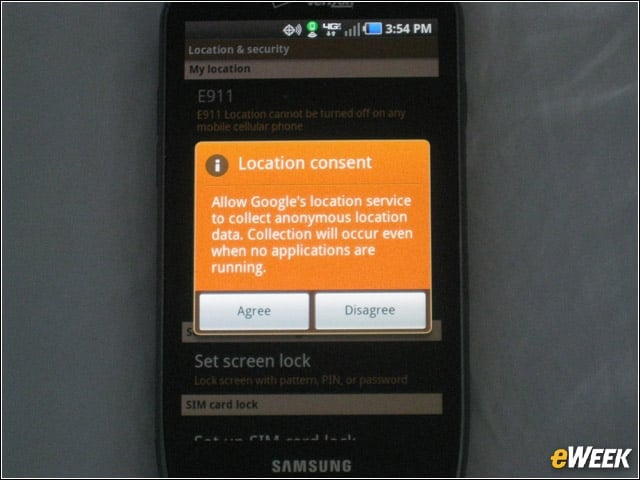
Google warns here that online location data collection will occur even when applications that require it aren’t running. Google and Apple both perform location checks using WiFi hotspots and cellular towers. GPS tends to identify the user’s location more accurately.
Search Location
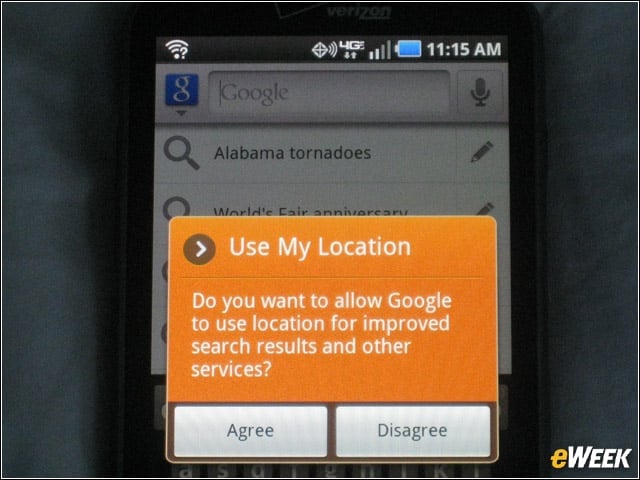
Even Google’s Search application on the Charge offers the location data prompt, as you can see here. One wonders how, or if, Google will augment its location disclosure practices at the behest of Congress, which is holding a hearing on the matter May 10.