






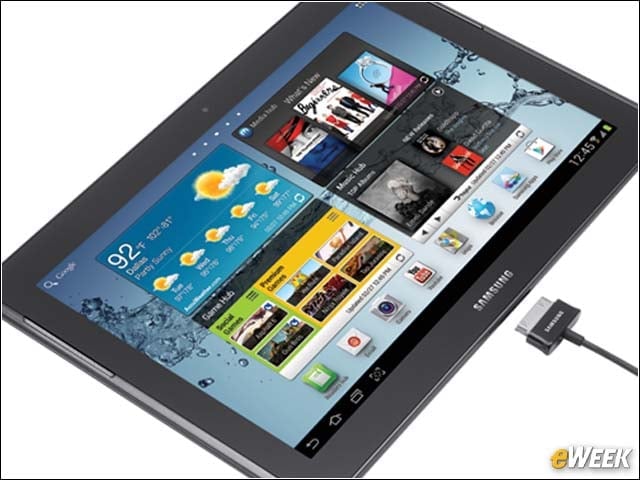

- Samsung Galaxy Tab 3 Joins the Galaxy Family
- Galaxy Tab 3 Runs Android Jelly Bean
- Galaxy Tab 3: Packed With Communication Services
- Galaxy Tab 3: Slim and Packing Silicon
- Room Enough for Media Addicts
- Galaxy S 4 Smartphone Raises the Stakes
- Built to Compete
- Galaxy Tab 10.1 Sports Largest Samsung Tablet Display
- Galaxy Tab 10.1: A Worthy Competitor to the iPad
- Galaxy Note 10.1 Offers a Stylus
- Multitask With Multi Window
Samsung Galaxy Tab 3 Joins the Galaxy Family
by Nathan Eddy
Galaxy Tab 3 Runs Android Jelly Bean
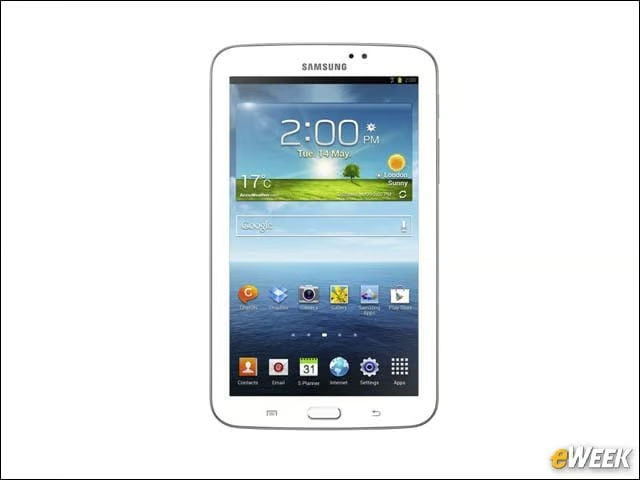
The tablet will run the Jelly Bean version of Google’s Android operating system (version 4.1).
Galaxy Tab 3: Packed With Communication Services
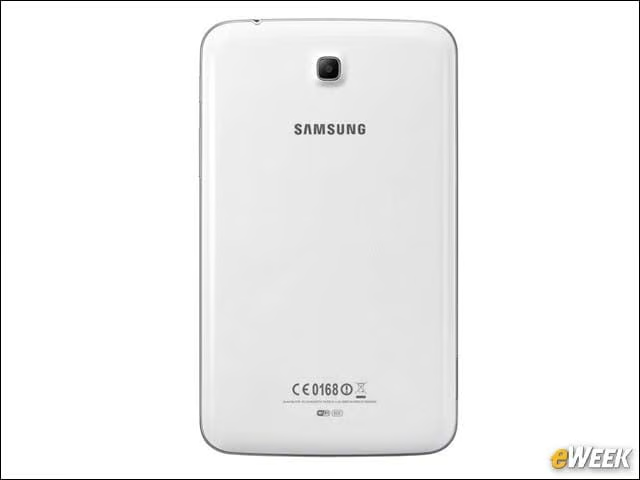
The device comes with Samsung’s ChatON mobile communication service, as well as apps for Google Talk, and other Google mobile services.
Galaxy Tab 3: Slim and Packing Silicon
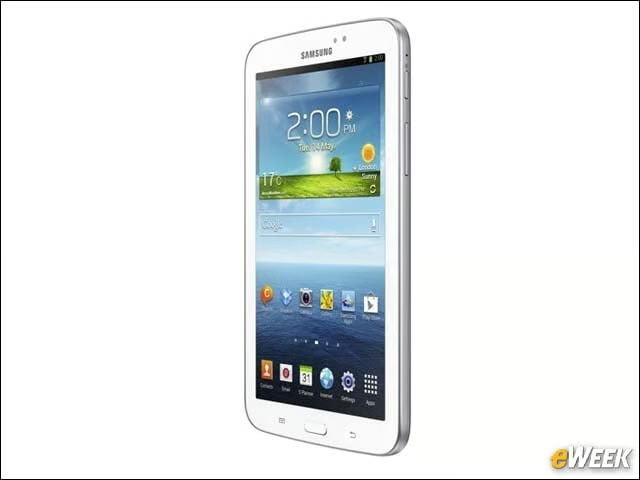
The tablet has a thinner bezel than its predecessor and sports a 1.2GHz dual-core processor inside.
Room Enough for Media Addicts
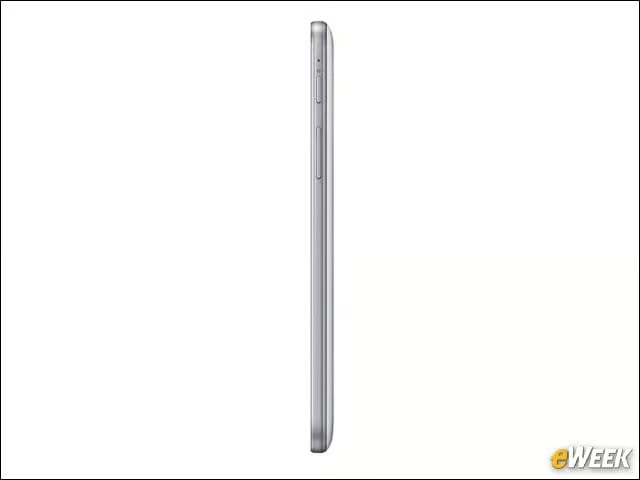
The Galaxy Tab 3 is offered with either 8 or 16GB of internal storage plus up to 64GB of expandable memory to hold photos, music, apps, videos and more.
Galaxy S 4 Smartphone Raises the Stakes
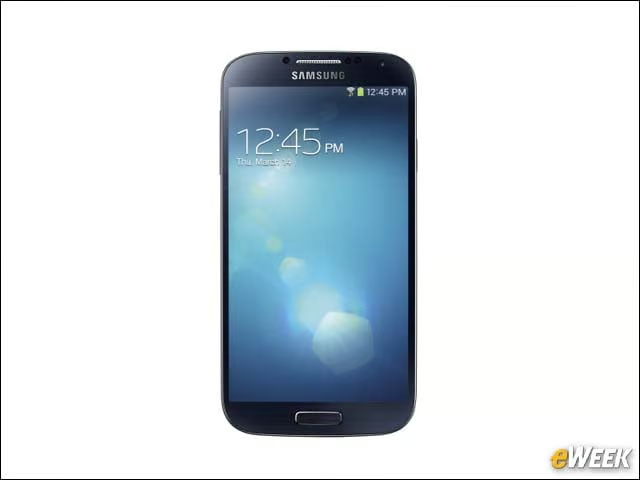
The Galaxy S 4 is the first device to enable consumers to control the device with touch-less features, including scrolling or turning a page, and viewing documents within a file folder or a link on a Web page.
Built to Compete
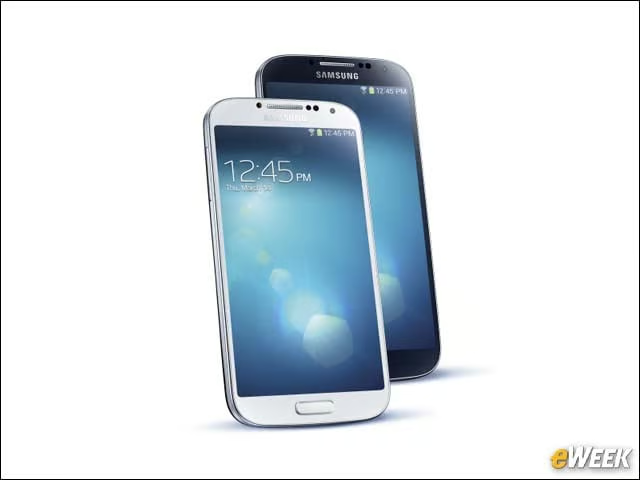
The Galaxy S 4 includes Android 4.2.2 (Jelly Bean) with TouchWiz enhancements, a 1.9GHz quad-core CPU and 2GB of internal memory.
Galaxy Tab 10.1 Sports Largest Samsung Tablet Display
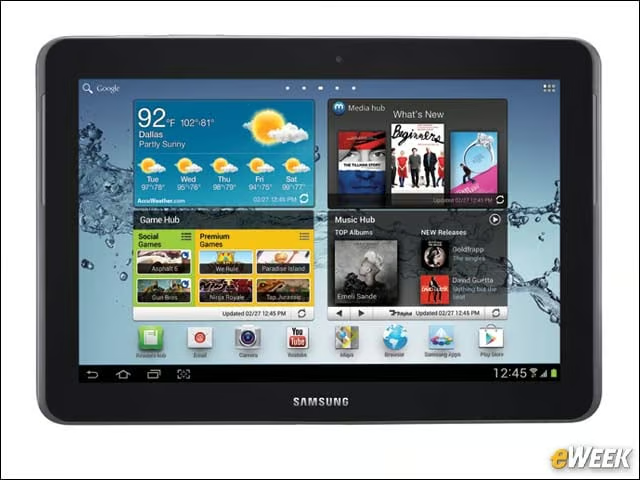
This 32GB flash memory, WiFi-only tablet has a 10.1-inch display rendering a 1280 by 800 resolution and a 1GHz dual-core Nvidia Tegra 2 processor.
Galaxy Tab 10.1: A Worthy Competitor to the iPad
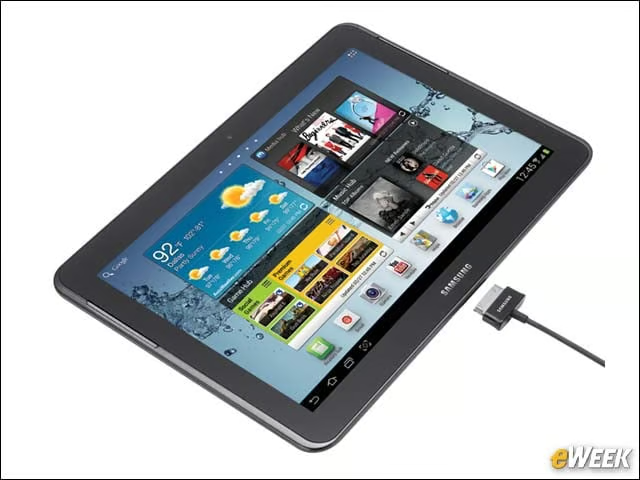
There is a 3-megapixel rear-facing camera capable of recording 720p video, and a 2-megapixel front-facing camera for video chat. Video plays back in crisp 1080p high definition.
Galaxy Note 10.1 Offers a Stylus
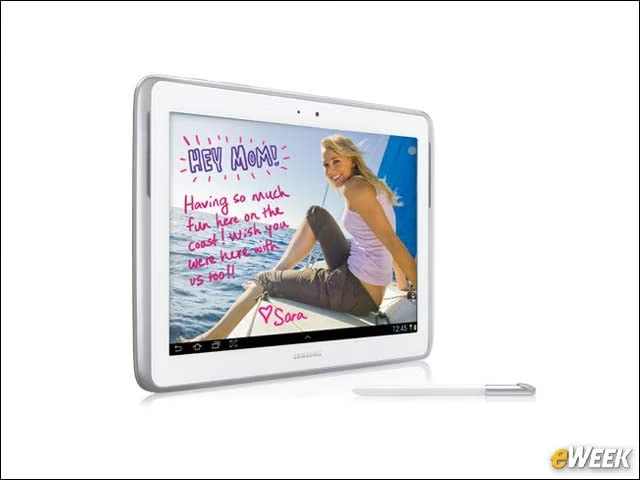
The S Pen quickly activates applications and services people use most often, while Photo Note lets you write your memories on the back of your photo with the S Pen, similar to notes on an analog photo.
Multitask With Multi Window
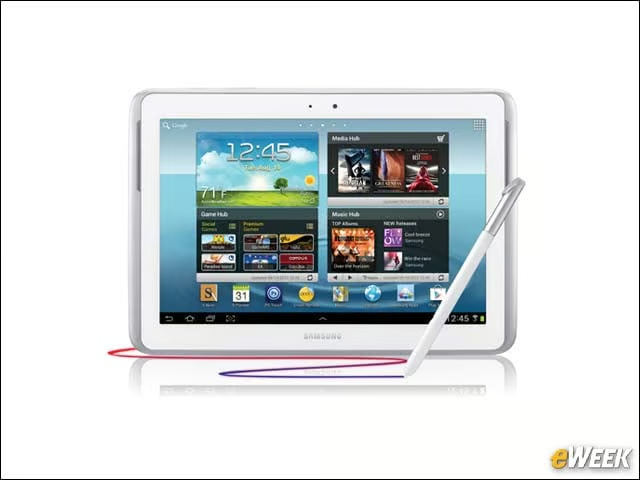
The Galaxy Note lets you view multiple applications simultaneously, which you can move around and resize.