







- Trim Design Is Light, Comfortable to Hold
- Touch Performance Is Excellent
- Instant-On Gets You Started Quickly
- Clarity of Screen
- The Battery Lasts All Day
- Feature Set Outstanding
- Home Screen Ads Are Not a Positive Presence
- Accelerometer Has Mind of Its Own
- Pricing: Reasonable, Indeed
- Bottom Line: The Nexus 7 Is Highly Recommended
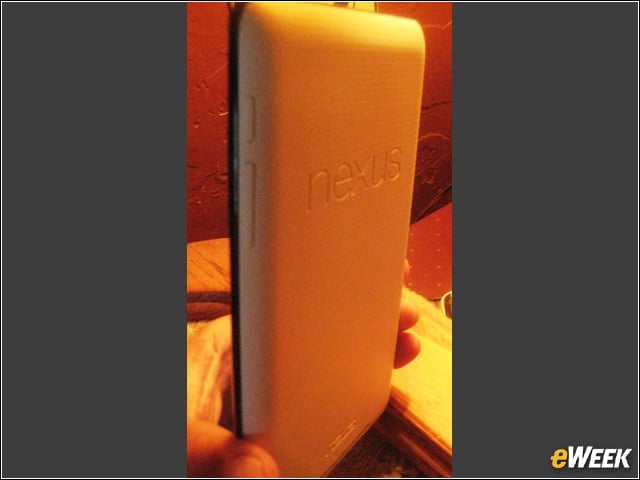
Trim Design Is Light, Comfortable to Hold
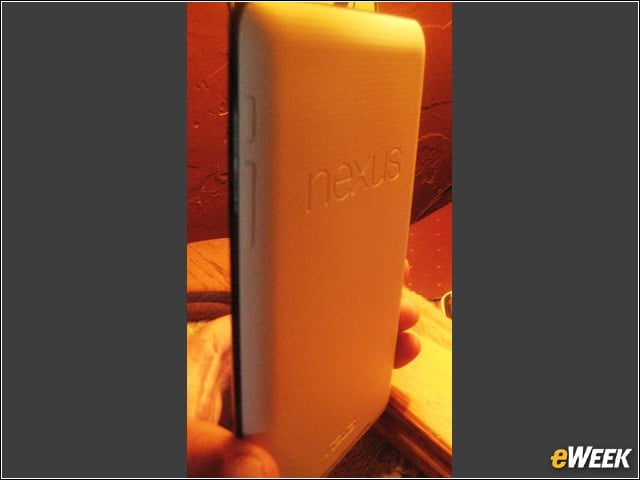
Google’s Nexus 7 weighs only a bit more than a pound and fits comfortably in the hand and wherever you need to stow it due to its 7-inch size.
Touch Performance Is Excellent
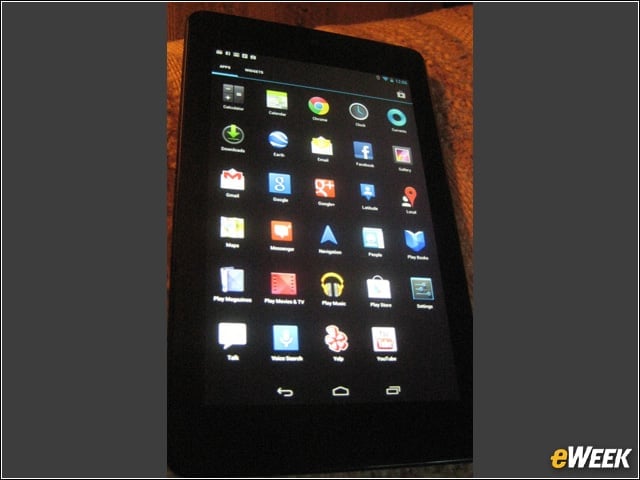
Nexus 7 does what you tell it, and quickly. It is also Bluetooth-enabled, if you’d rather use a real keyboard. The touch action is quick and accurate, equal to an iPad and better than other Android and BlackBerry devices.
Instant-On Gets You Started Quickly
Nexus 7 is quick on the draw and gets you working quickly, thanks to its 1.3 GHz, Tegra 3 quad-core processor and 1GB RAM—the most powerful processor-memory combination released in a tablet PC.
Clarity of Screen
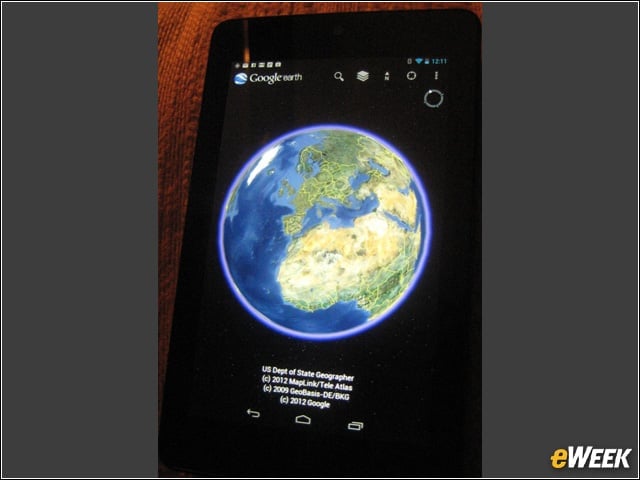
Nexus 7 is easy on the eyes. It features a generous screen resolution of 1280×800 pixels and a 1.2-megapixel camera. Storage options are 8GB or 16GB for the debut model.
The Battery Lasts All Day
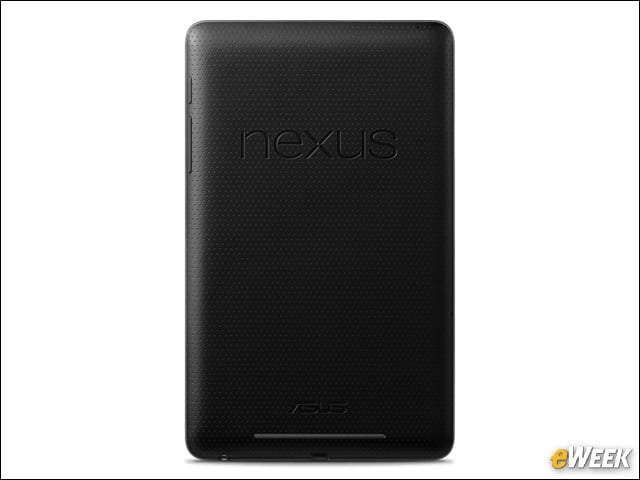
Google claims that the Nexus 7’s battery that can support up to nine hours of HD video. In our initial user’s test, the Nexus 7 lasted more than 11 hours before needing a recharge.
Feature Set Outstanding
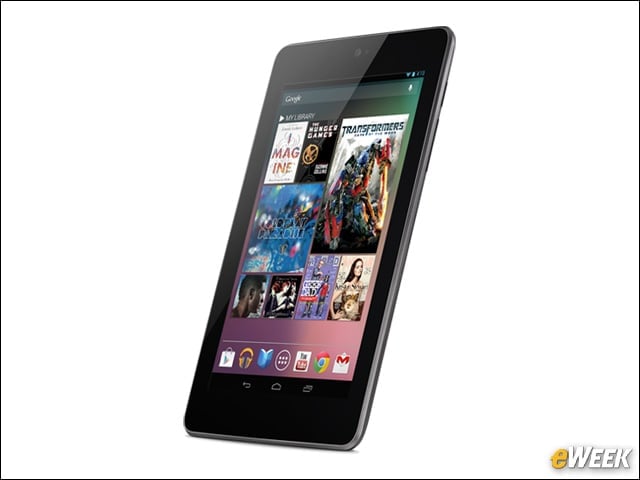
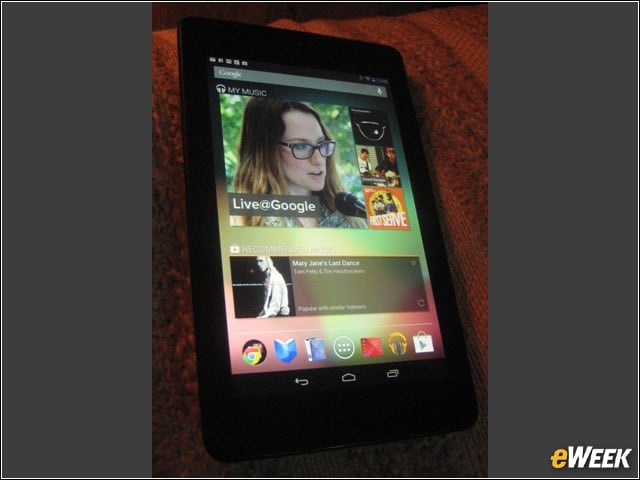
Google has gone all-out to supply this and future devices with easy-to-use, practical applications such Live@Google and Google Events that people actually use on a regular basis.
Home Screen Ads Are Not a Positive Presence
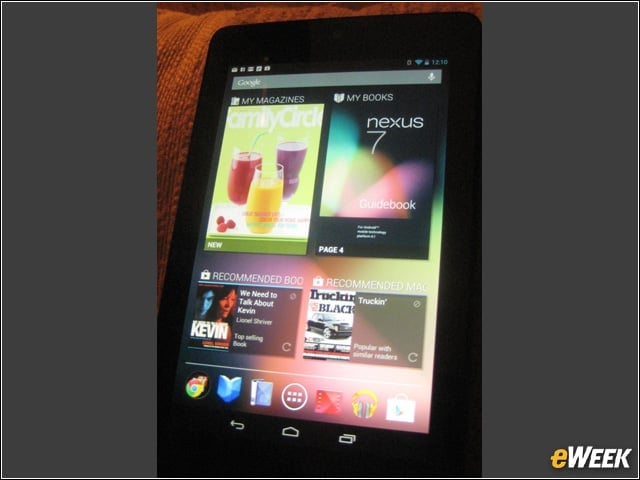
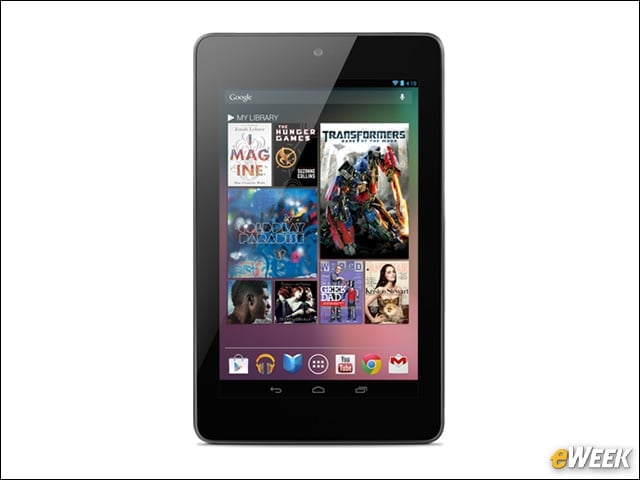
Nexus 7’s home screen shows not only application icons, but also covers of books and magazines that are preloaded on the device, such as a novel, “Esquire” magazine, and a movie. Recommended apps, books, music and movies are also displayed when swiping across to a secondary home screen. The icons represent the useless bloatware and adware that already clutters too many desktop and mobile PC home screens.
Accelerometer Has Mind of Its Own

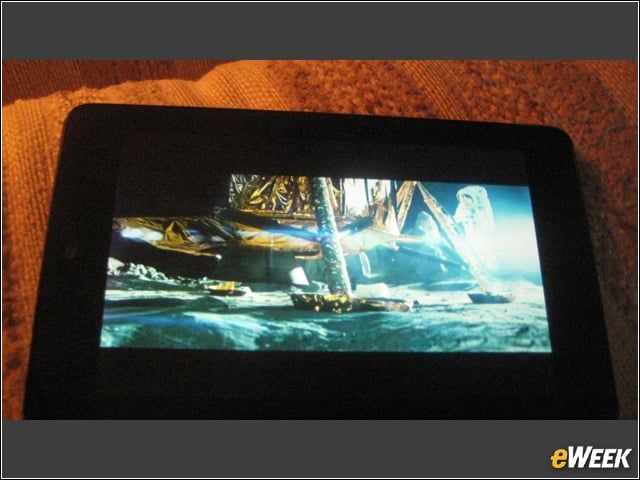
This view-balancing device is picky about when it decides to work. The normal view it offers is vertical. However, many people prefer a horizontal view most often. We could not induce the device to change over during a browsing session, for example, or for simply navigating the device. Thankfully, it went horizontal for the movie, as it did for the camera. It’s apparent that the Nexus 7 isn’t like the iPad, Motorola Xoom or others that allow users to deploy any view desired.
Pricing: Reasonable, Indeed
At $199, the Nexus 7 price equals that of the Amazon Kindle Fire, which has fewer features. The Nexus 7 costs hundreds of dollars less than Apple’s iPad, which goes for $500 and up.
Bottom Line: The Nexus 7 Is Highly Recommended
The Google Nexus 7 is highly recommended for excellent performance, feature set, battery life and pricing.