






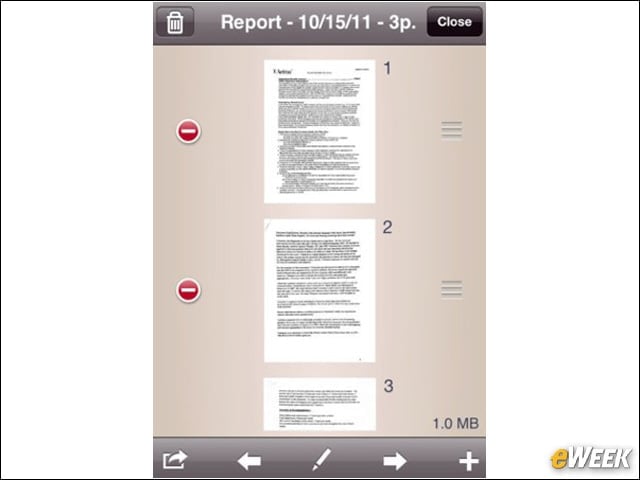


TurboScan
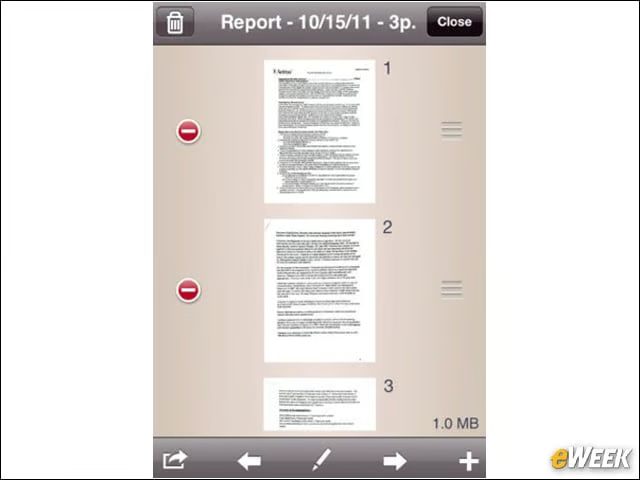
Although someone might be on vacation, there’s always a chance that they’ve brought with them documents that they should have left in the office. In those cases, TurboScan comes in handy. The application allows users to take a scan with their iOS-based device, and send it off via email, quickly and easily.
Outlook Web Email
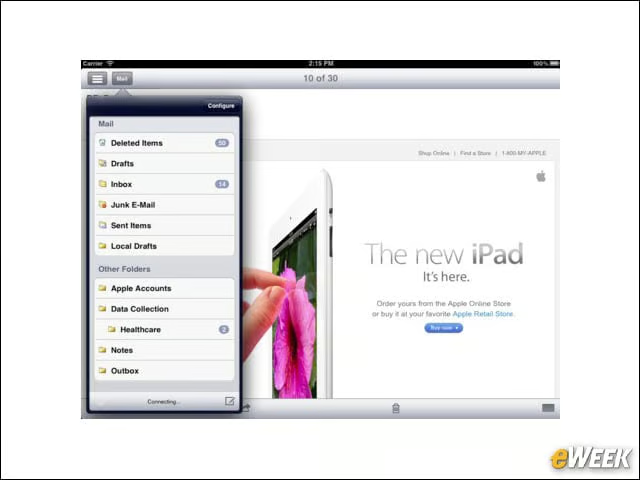
The name might just say it all with Outlook Web Email. The application lets users access their business email and calendar, housed in Outlook, without having to access it in the browser. However, be aware that this program comes from iKonic Apps LLC and not Microsoft.
Splashtop Remote Desktop
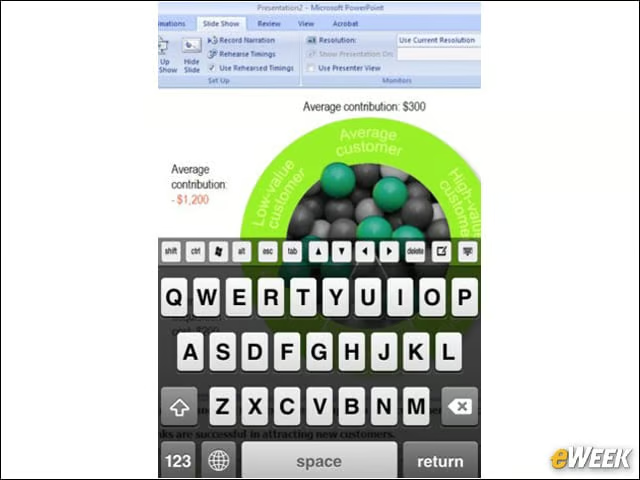
The Splashtop Remote Desktop is just what you would think: an application that lets users access their computers while away from the office. Splashtop’s application is one of the more popular business tools in the App Store, which should help quell some concern among corporate IT decision makers only looking for reputable services.
FileApp Pro
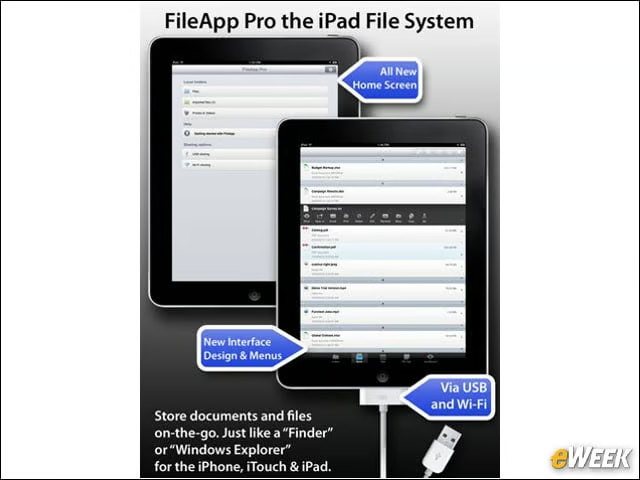
One of the biggest issues with working while away from the office on an iPhone and iPad is that those devices lack file managers. With FileApp Pro, that situation is taken care of by allowing users to organize documents, files and folders. It’s a nice tool to have handy.
HoursTracker
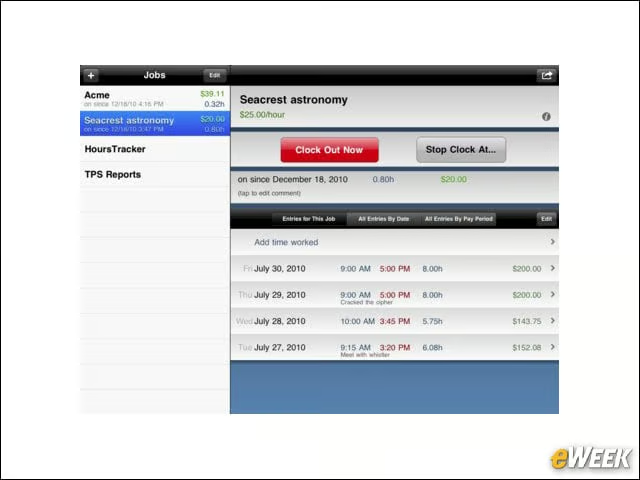
Although vacations will take time away from the number of vacation days a person might have, working while away should add some time back if not provide some extra pay. So, no one should be without HoursTracker, an application that’s designed to keep track of all the time a person spends on a particular project. And just in case users forgot to clock in, the app lets them go back in time to set something up.
Dragon Dictation
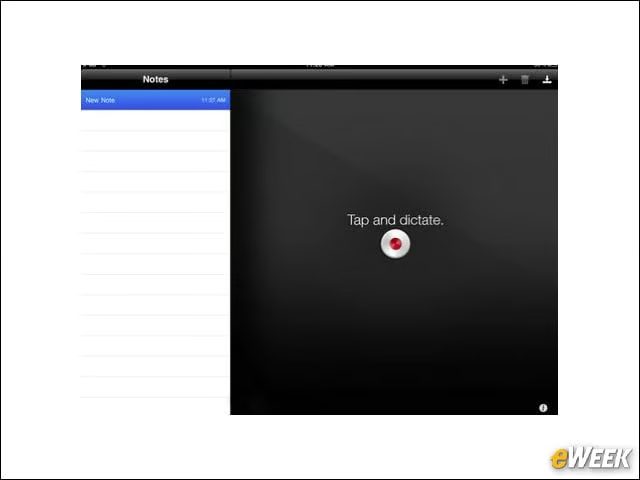
Thoughts, ideas and inspiration can hit anybody at any time, especially during downtime while on vacation. Whether a user is on the beach or thinking of something for the office, they can turn on Dragon Dictation and speak their thoughts. From there, it can be sent off to an administrative assistant to draft a letter or email. Not bad.
GoToMeeting
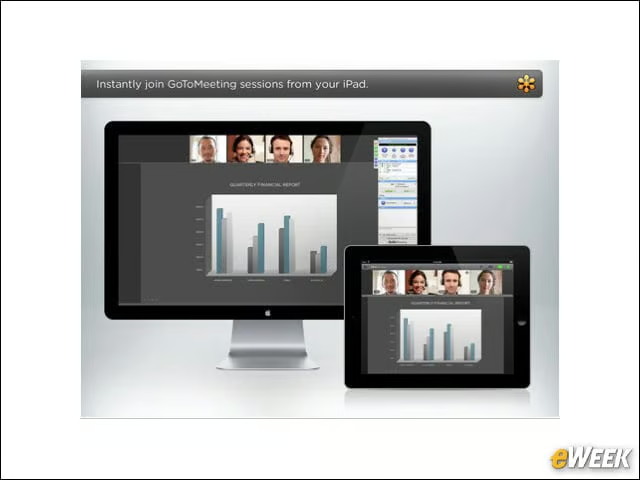
Although sitting on a beach doesn’t necessarily lend itself to holding meetings, with help from GoToMeeting’s iPhone and iPad applications, it’s actually possible. From the app, users can log in to meetings and see up to six participants with help from the platform’s HDFaces feature. In addition, GoToMeeting provides support for presentations, mock-ups and reports.
Citrix Receiver
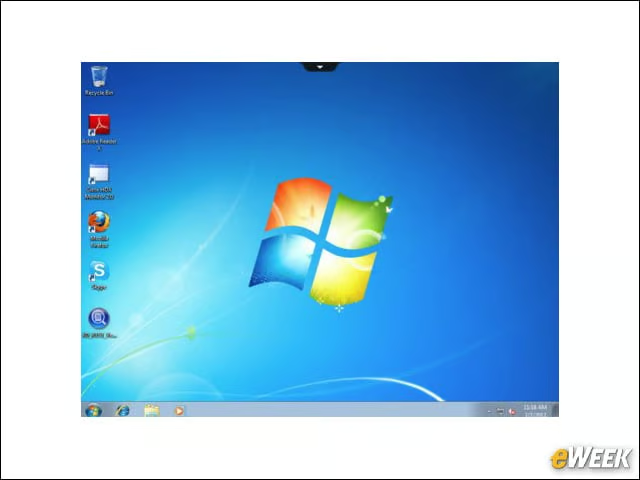
For companies that use Citrix, there is an application available to both iPhone and iPad users, called Citrix Receiver, that lets folks check their email, review documents and log in to project dashboards. In order to use Receiver, iPhone or iPad, users must have a URL.
QuickOffice Pro HD
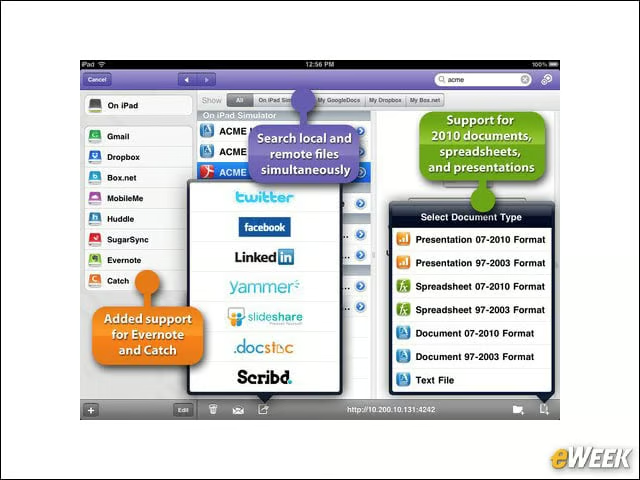
Although editing documents is possible on the iPad with iWork, there are other applications out there to help users. One of those is Quickoffice Pro HD, an application that lets users edit documents, spreadsheets, and presentations as well as view PDFs. It works quite well.
Jump Desktop
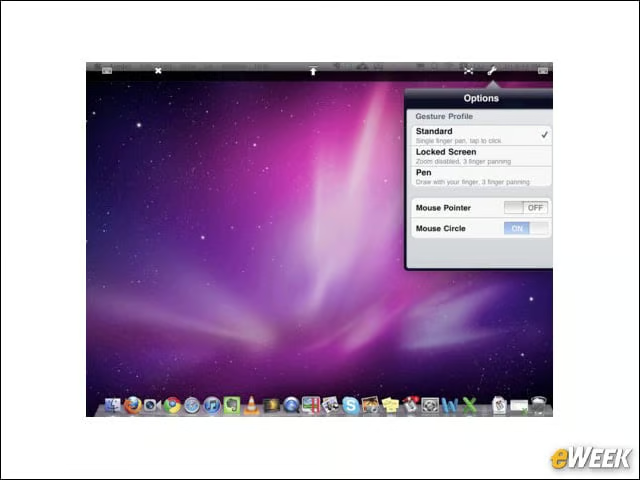
Jump Desktop is designed with enterprise users in mind. After installing the application on the iPhone or iPad, users can access their desktop and perform tasks on their office PC without ever leaving their mobile device. Best of all, it works on both Windows and Mac.