








- Why a Faster, More Secure Android Oreo Is a Worthwhile Upgrade
- Google Touts Speed Improvements
- Oreo Now Includes Picture in Picture
- Notifications Offer Quick Access
- What Are Android Instant Apps?
- Oreo Features Security Improvements
- Android Oreo Offers Better Battery Life
- Google Makes Improvements to Autofill
- Oreo Reduces the Background Noise
- Oreo Has Minor Improvements Also
- What Is Oreo’s Availability?
Why a Faster, More Secure Android Oreo Is a Worthwhile Upgrade
The mobile operating system battle has a new contender with Google’s latest platform, Android Oreo. The operating system features a decidedly Android design, making it easy for current Android users to navigate with little trouble. But Oreo also includes several new features, including faster performance and improved notifications support, aimed at making the operating system even more appealing. In addition, Android Oreo has a number of security features that will serve both consumers and enterprise users well. For those shopping for a new mobile operating system, Android Oreo is an upgrade worth considering. This eWEEK slide show will dissect the operating system and discuss its many virtues. Read on to learn more about Android Oreo.
Google Touts Speed Improvements
Google said Android Oreo should work more efficiently than previous versions of its operating system. The operating system boots up more quickly than previous iterations (twice as fast, in fact) and launches apps with no delay, according to Google.
Oreo Now Includes Picture in Picture
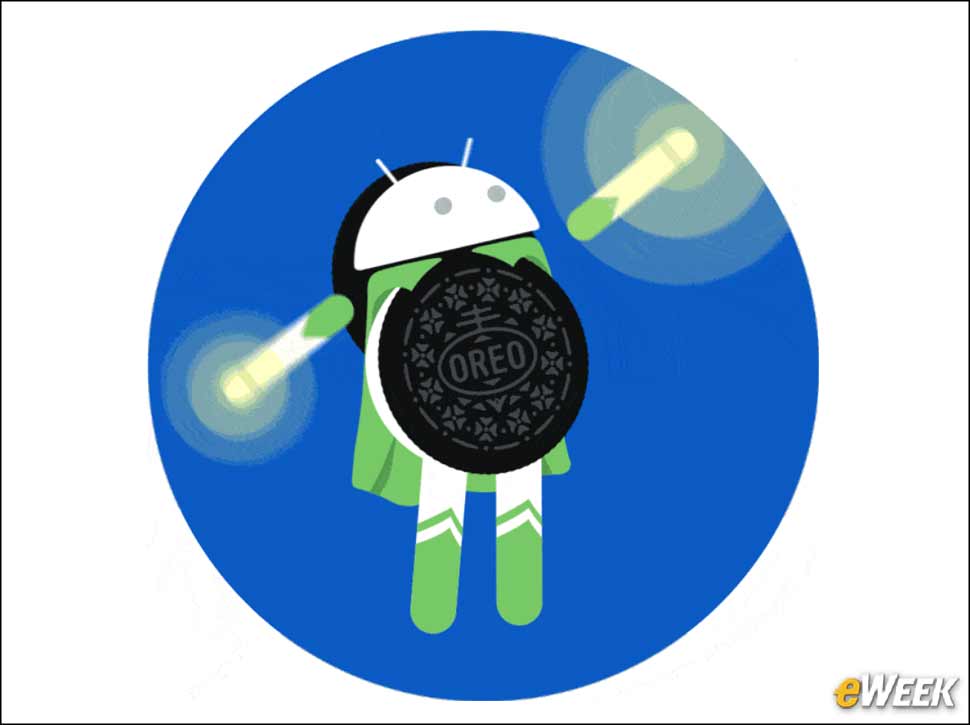
Android Oreo ships with what Google calls a picture-in-picture feature, which allows users to see two apps at once. For instance, while users are checking their email or calendars, they also can see a video of whomever they’re interacting with over video conference. Plus, they can switch between apps to keep working at any time.
Notifications Offer Quick Access
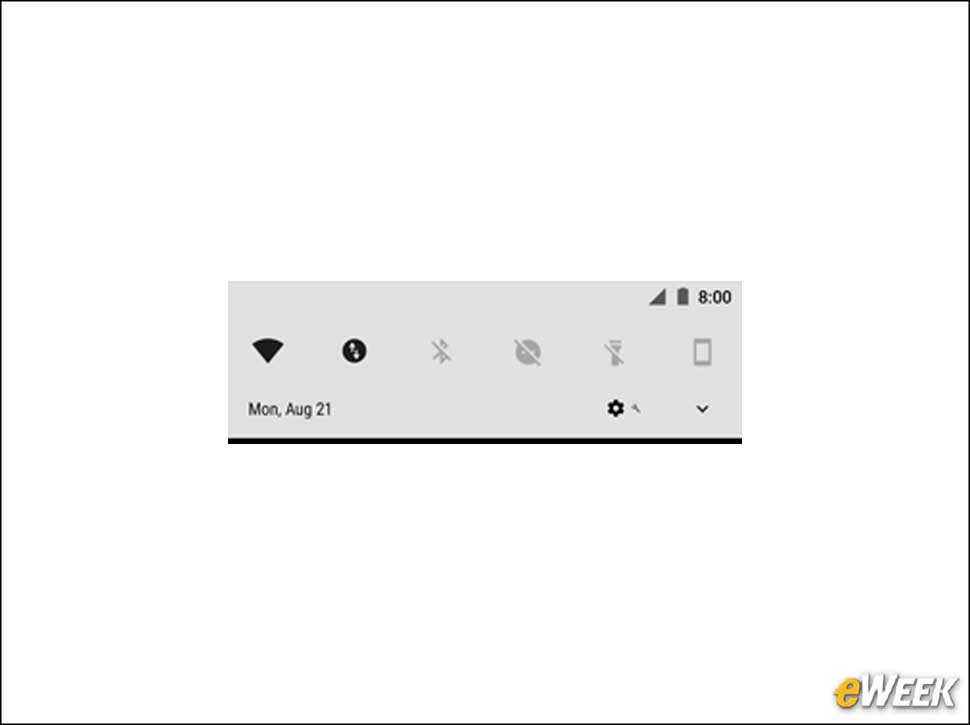
Notifications have been reworked in Android Oreo to provide quicker access to information. Notification Dots are now displayed on an app’s icon, and users can open them to see what’s new without opening the program itself. The Dots also can be cleared by swiping without leaving the home screen.
What Are Android Instant Apps?
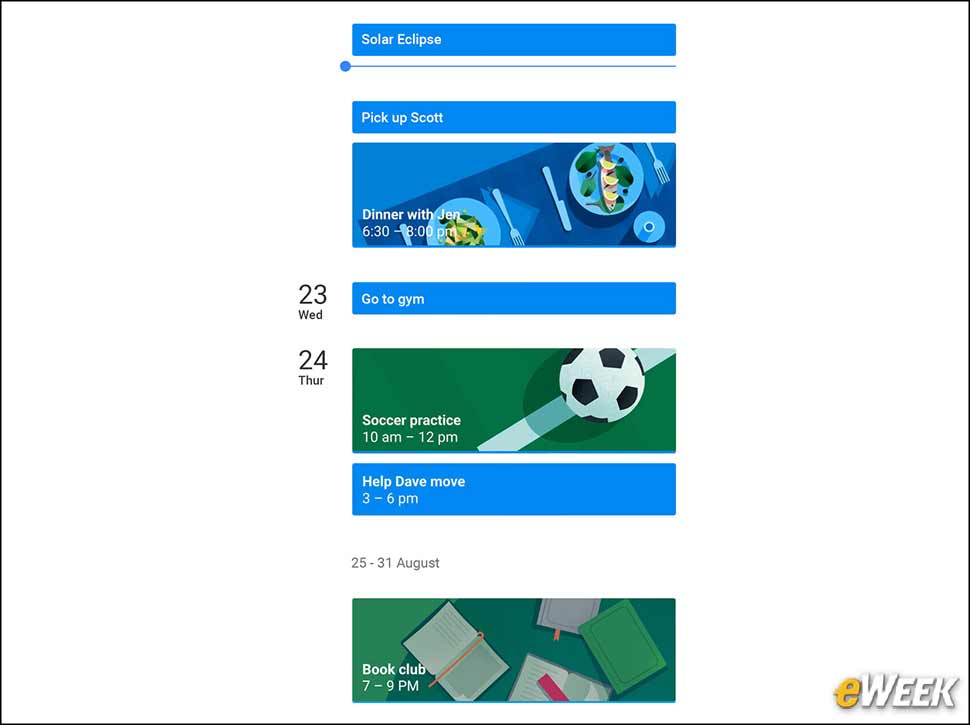
Android Oreo also comes with Instant Apps. With Instant Apps, users can go directly into new apps they might be interested in from within the browser. No app installation is needed, so users can get working quickly without wasting time.
Oreo Features Security Improvements
Google’s Android Oreo comes with several security improvements designed to prevent some, but not all, mobile operating system threats. Google also included Google Play Protect, a feature that can scan more than 50 billion apps per day, including ones users haven’t installed, to ensure they’re free from malware.
Android Oreo Offers Better Battery Life

Google has built Android Oreo to be more power-efficient than previous versions. Although the company didn’t provide details on how it has improved battery efficiency, it did say the improvements should allow the smartphone’s battery to remain “strong and full of life.”
Google Makes Improvements to Autofill
It’s a simple feature, perhaps, but Google has made important improvements to Android Oreo’s autofill tool. Now, when given approval to do so, Android Oreo will remember the user’s logins and automatically input them. Google said the feature will work “at supersonic speed,” so it won’t hold folks up.
Oreo Reduces the Background Noise
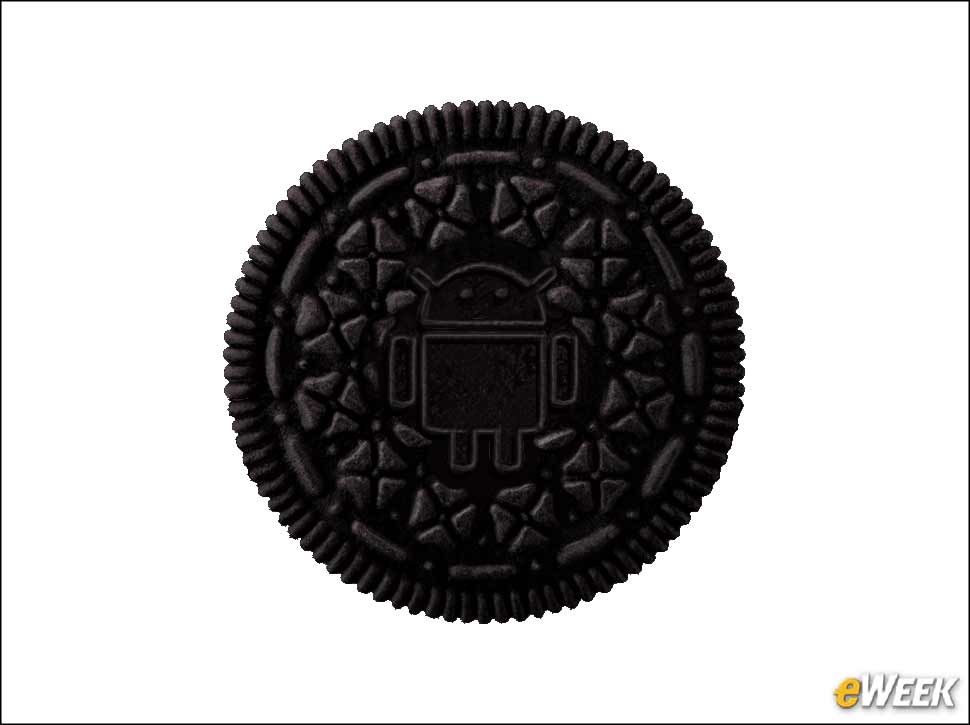
Another behind-the-scenes improvement, Android Oreo now includes an automatic background-limiting feature. Oreo will turn off, or at least reduce, activity on apps running in the background that aren’t often used yet hog system resources, to improve Android Oreo’s performance.
Oreo Has Minor Improvements Also
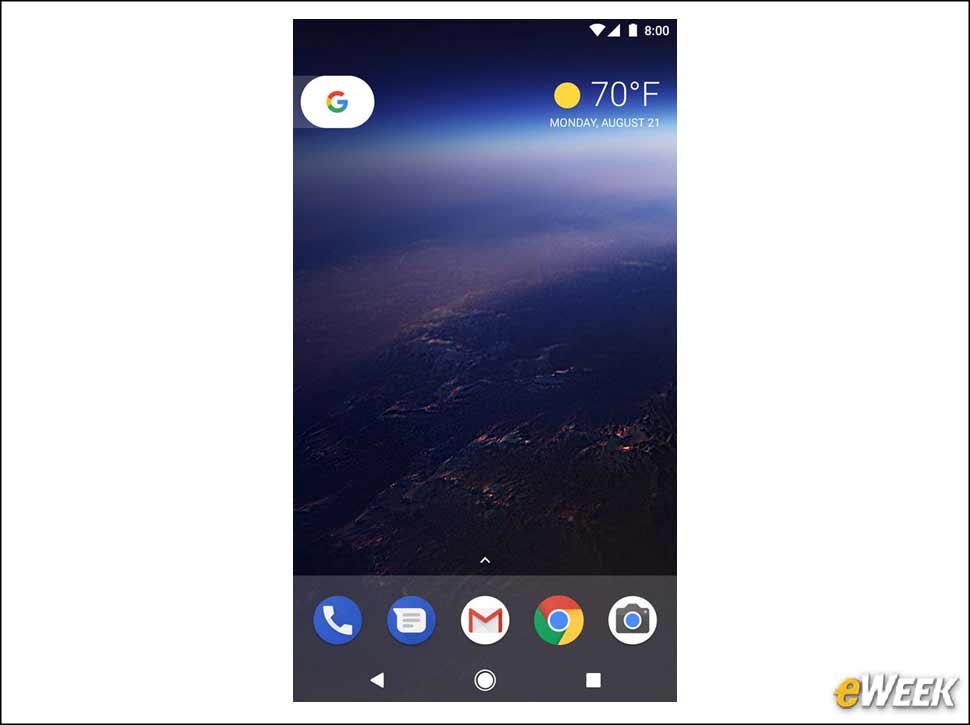
Android Oreo also has several minor upgrades that collectively enhance the broader user experience. For example, users now have more control over how apps can run in the background and can limit how often apps are updated with location information. Also, unknown “hostile apps” now can only run with user permission. Plus, Oreo is now compatible with Mopria-certified printers.
What Is Oreo’s Availability?
Android Oreo will be coming to a range of Google devices soon, starting with the Nexus 5X, Nexus Player, Pixel, Pixel XL and Pixel C. By year’s end, other companies plan to deploy Oreo, including Samsung, Essential, HTC and Motorola. The operating system will be available as a free update on existing devices.