






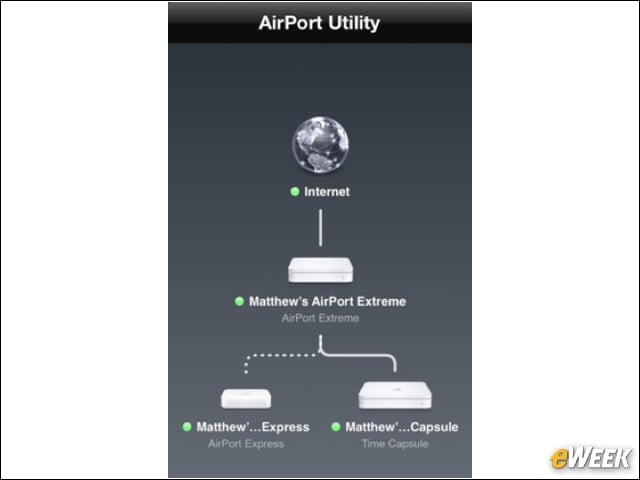


AirPort Utility (Free)
Manage your WiFi network and AirPort base stations from your iOS device, including security modes, wireless channels and network information.
Free Wi-Fi Finder (Free)
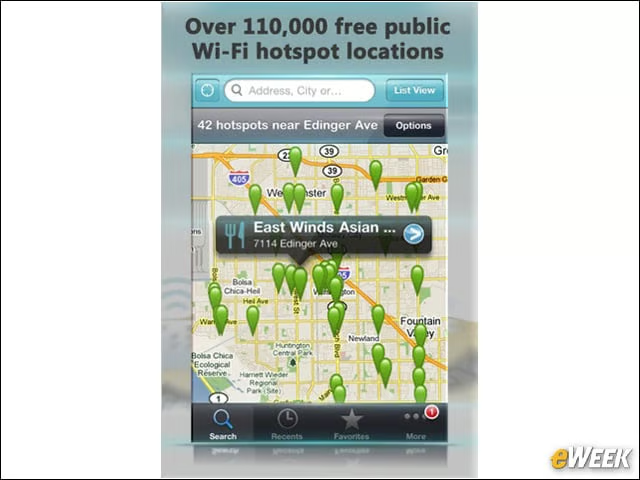
This app uses your iPhone’s GPS and network triangulation capabilities to locate free WiFi around the world.
PrintAgent Pro ($3.99)
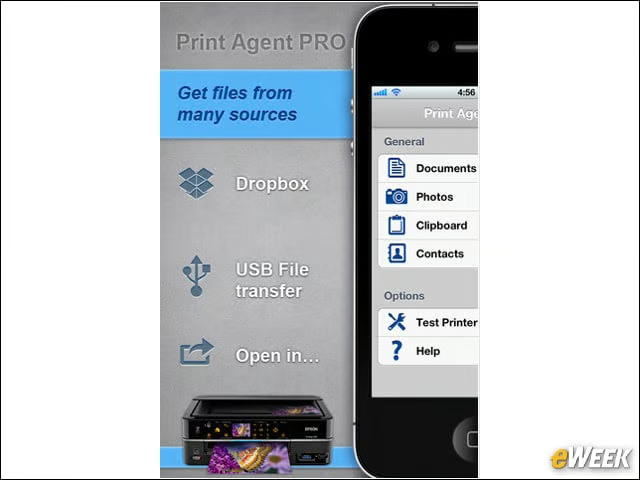
Print wirelessly to the printers on your network, with our without AirPrint support, as well as organize documents through the built-in file manager.
Wireless Drive ($0.99)
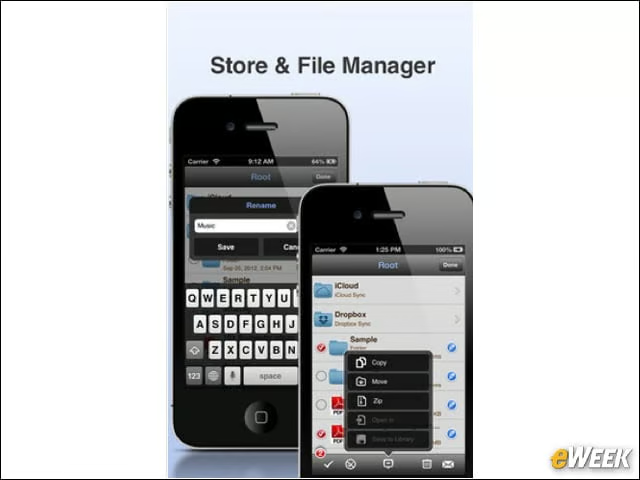
Turn your iPhone into a portable wireless flash drive and connect to any Mac or PC to securely share files and folders.
Networking Toolkit (Free)
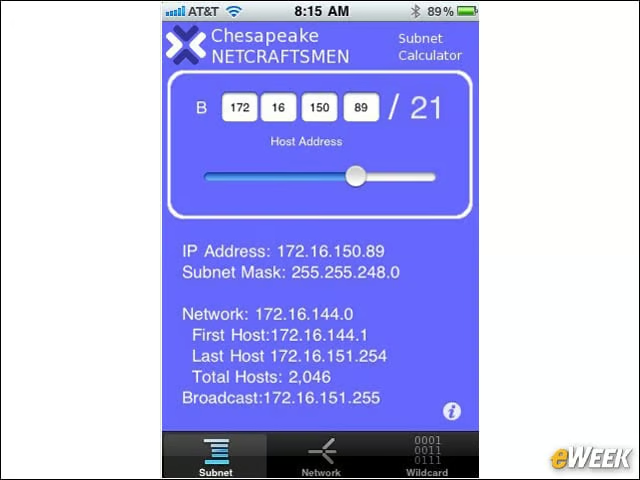
The app offers three tools, a subnet calculator, a network calculator and a wildcard mask calculator to help IT pros configure networks and make design choices.
PocketCloud Remote Desktop Pro ($14.99)
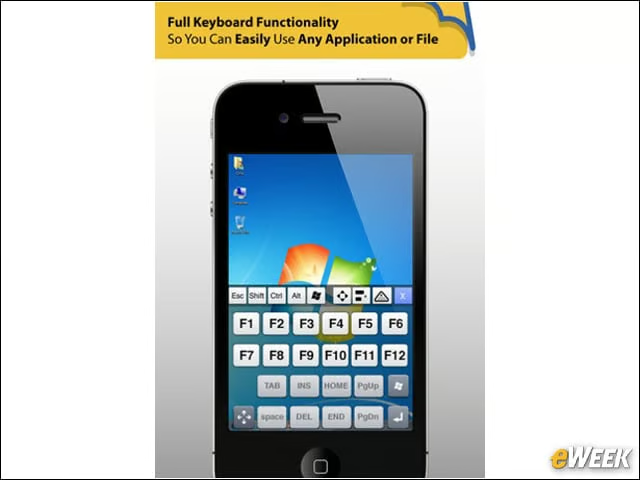
This app allows you to remotely connect your Windows or Mac desktop with your iOS device, offering advanced setup options.
Scany ($5.99)
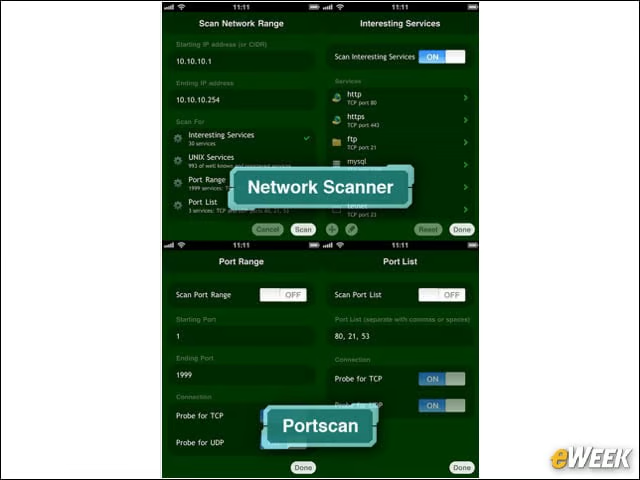
Find connected devices, look up detailed device information, network troubleshooting, and test network security and firewalls with this app.
Speedtest.net (Free)
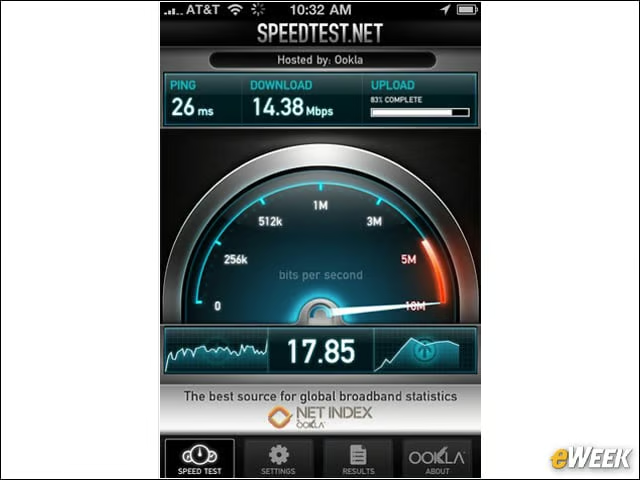
This app offers one-tap connection testing in less than 30 seconds and allows you to view past tests and share the history.
System Status ($2.99)
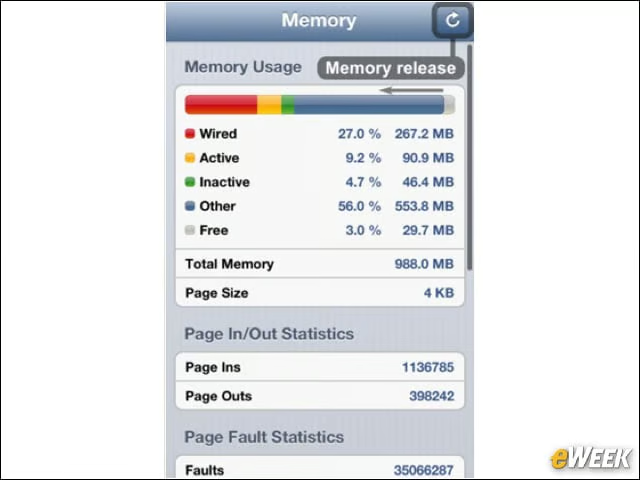
Monitor and optimize your iOS device performance, including lists of network connections and IP and MAC addresses of your current location.
IP Network Scanner ($9.99)
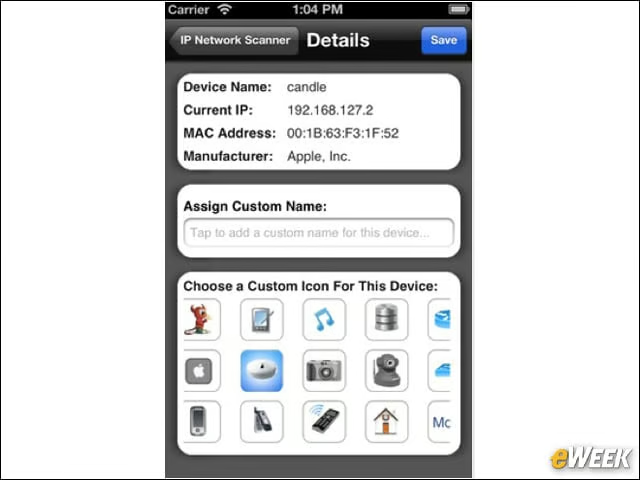
Scan your LAN to determine the identity of Internet devices and machines on the LAN, with the ability to save past and current searches.