







- Cisco 6500 Goes Virtual
- Cisco 6500 Goes Virtual – Virtual Switch Mode Conversion
- Cisco 6500 Goes Virtual – Checking Hardware and Software Requirements
- Cisco 6500 Goes Virtual – Define Configuration Parameters
- Cisco 6500 Goes Virtual – Remove OSPF
- Cisco 6500 Goes Virtual – SPT Active but Unnecessary
- Cisco 6500 Goes Virtual – Active and Standby
- Cisco 6500 Goes Virtual – See More Slide Shows Like This One
Cisco 6500 Goes Virtual
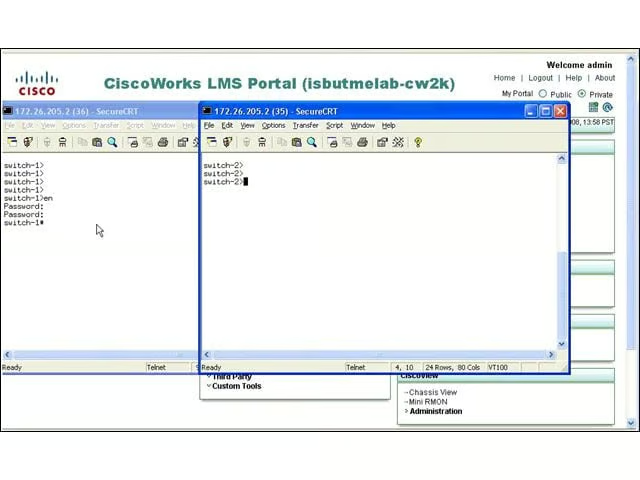
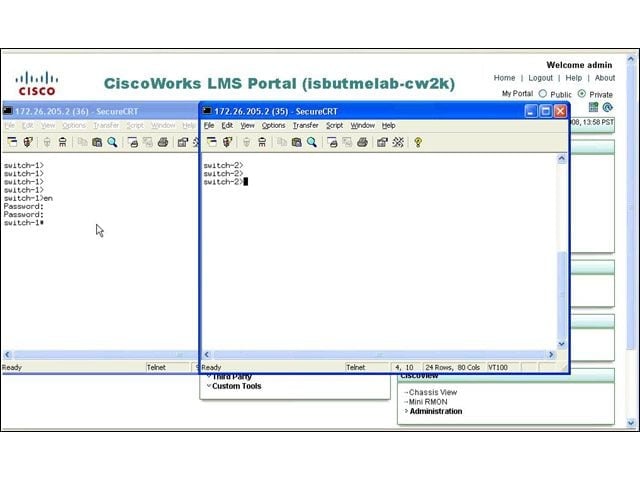
This screen shows two stand-alone Catalyst 6500 switches equipped with the Virtual Switching Supervisor 720-10G blade, both running HSRP (Hot Standby Router Protocol) and ready to be converted into a single virtual switch with Cisco’s Virtual Switching System 1440. Both switches must have the latest supervisor blade.
Cisco 6500 Goes Virtual – Virtual Switch Mode Conversion
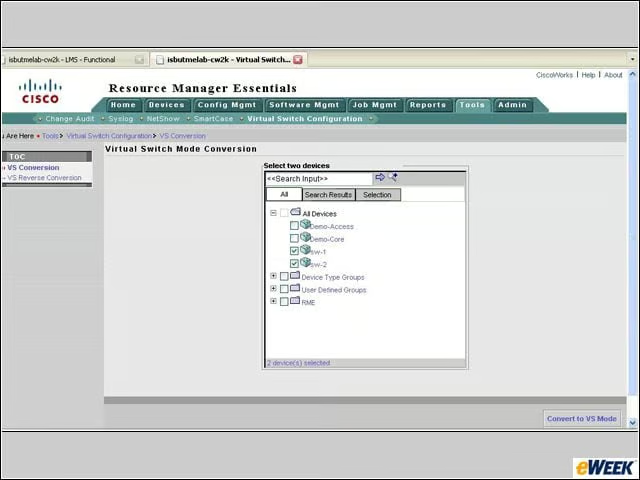
CiscoWorks includes a Virtual Switch Mode Conversion tool that’s used to select the switches to be converted. Here, you can see that sw-1 and sw-2 are selected for conversion.
Cisco 6500 Goes Virtual – Checking Hardware and Software Requirements
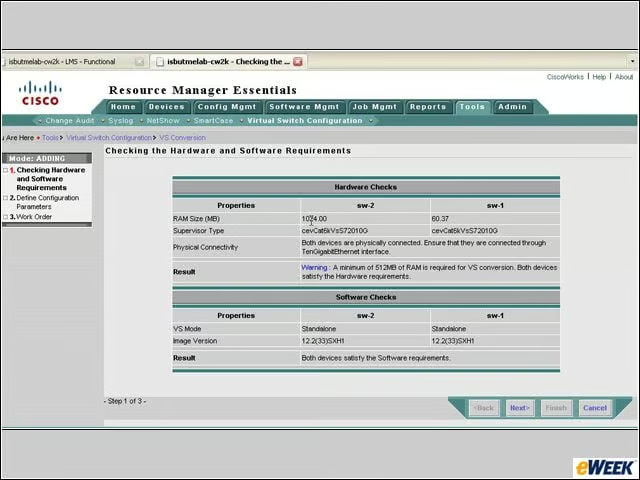
The conversion tool checks for hardware and software requirements. For example, both Catalyst 6500 switches must be running IOS 12.2(33)SXH1. (Note that the switches don’t need to be configured with identical hardware.)
Cisco 6500 Goes Virtual – Define Configuration Parameters
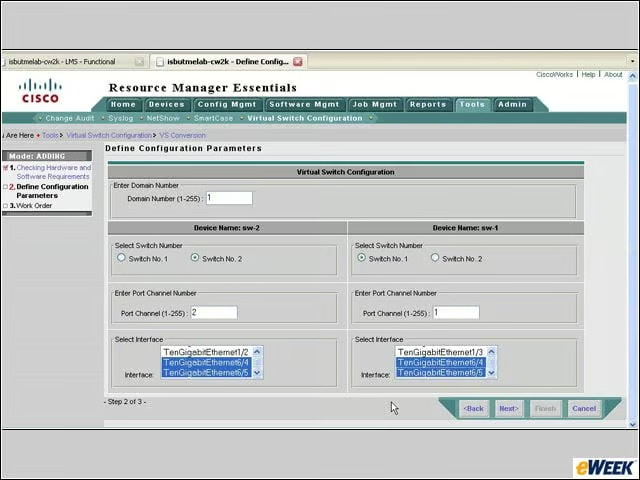
Notice here that in the Select Interface box that is used to set up the Virtual Switch Link between the two chassis, the interfaces are in the traditional form of blade/port (that is, 10 Gigabit Ethernet 6/4). This will change after conversion.
Cisco 6500 Goes Virtual – Remove OSPF
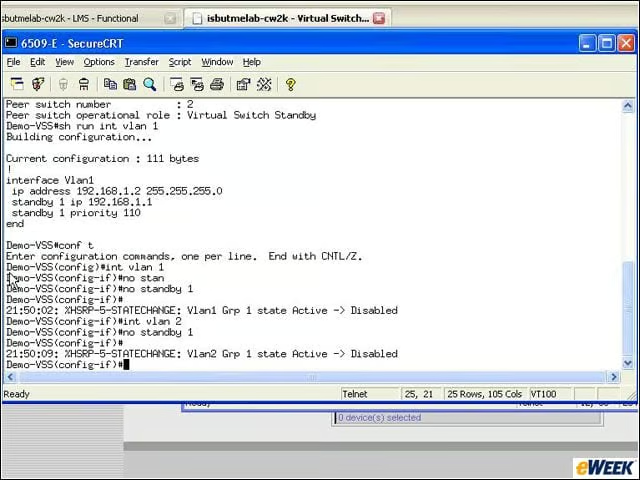
The OSPF (Open Shortest Path First) protocol usually forms a peer between distribution switches and core switches. Now that the Virtual Switching Supervisor has converted the switch pair into one, the peering commands and neighbor commands should be removed. This screen shows the removal of OSPF.
Cisco 6500 Goes Virtual – SPT Active but Unnecessary
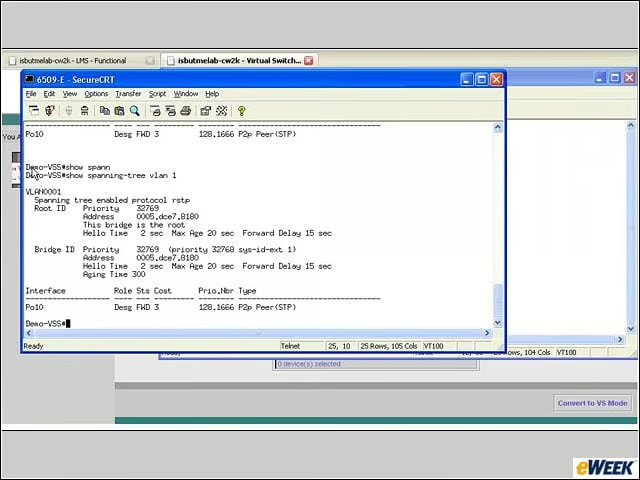
SPT (Spanning Tree Protocol) is not needed, except as a failsafe mechanism to prevent accidental loops (the original use of the protocol). SPT is running on the switch pair and is left in place even after the Virtual Switching Supervisor is enabled. The active switch is the spanning tree root.
Cisco 6500 Goes Virtual – Active and Standby
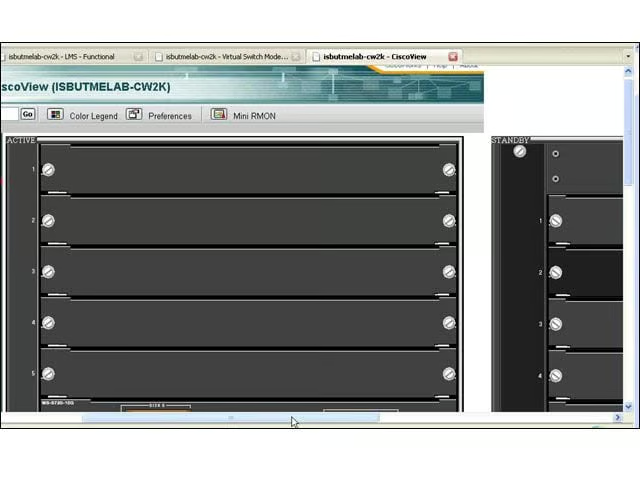
In CiscoView, you can see the Active and Standby switch configuration in the upper-left corner of each chassis.
Cisco 6500 Goes Virtual – See More Slide Shows Like This One

Twelve Things IT Managers Should Resolve to DoThe Most Important Infrastructure Stories of 2007The eWEEK Guide to Green ITby Eric Lundquistillustrated by Brian MooreCisco’s Venerable Catalyst 6500 Line Gets Virtual Refresh