








- eWEEK Labs Walk-Through: IronPort Systems C600
- eWEEK Labs Walk-Through: IronPort Systems C600 – IronPort Virus Outbreak Filters
- eWEEK Labs Walk-Through: IronPort Systems C600 – IronPort Quarantine Message View
- eWEEK Labs Walk-Through: IronPort Systems C600 – IronPort Host Access Table Overiew
- eWEEK Labs Walk-Through: IronPort Systems C600 – IronPort Report Configuration
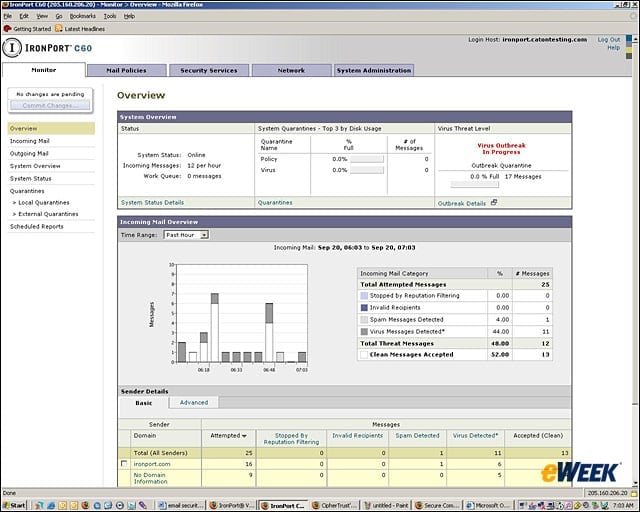
eWEEK Labs Walk-Through: IronPort Systems C600
Administrators get a summary view of e-mail activity when they log onto IronPorts Web-based administration tool.
eWEEK Labs Walk-Through: IronPort Systems C600 – IronPort Virus Outbreak Filters
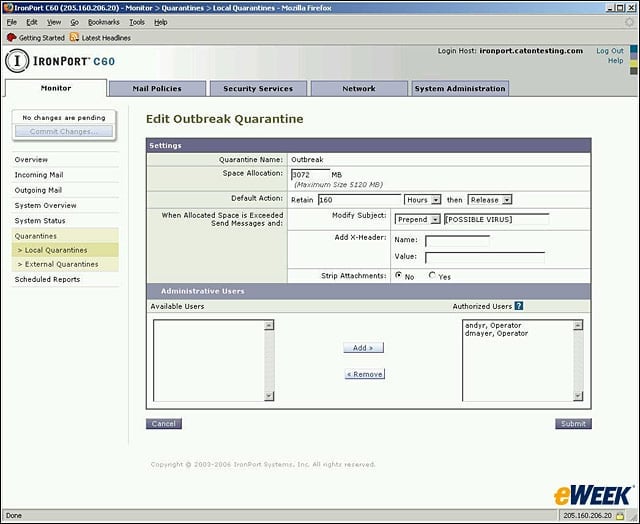
IronPorts Virus Outbreak Filters allow administrators to define the amount of time messages sit in quarantine and other actions.
eWEEK Labs Walk-Through: IronPort Systems C600 – IronPort Quarantine Message View
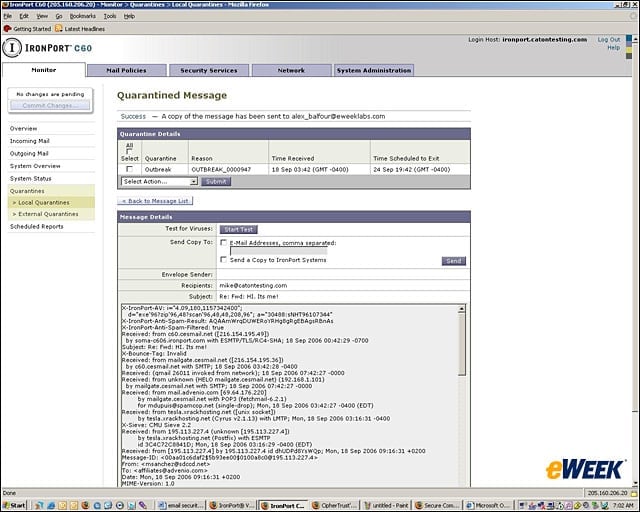
Administrators can look at a message quarantined by IronPorts Virus Outbreak Filters to see if it is a legitimate e-mail.
eWEEK Labs Walk-Through: IronPort Systems C600 – IronPort Host Access Table Overiew
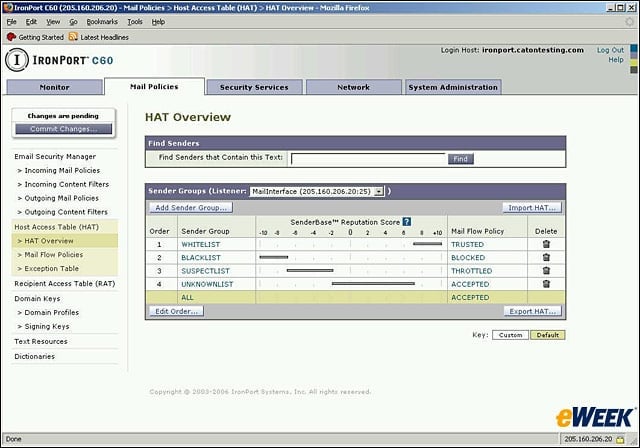
IronPorts SenderBase reputation system defines legitimate e-mailers. This view shows administrators how senders are weighted.
eWEEK Labs Walk-Through: IronPort Systems C600 – IronPort Report Configuration
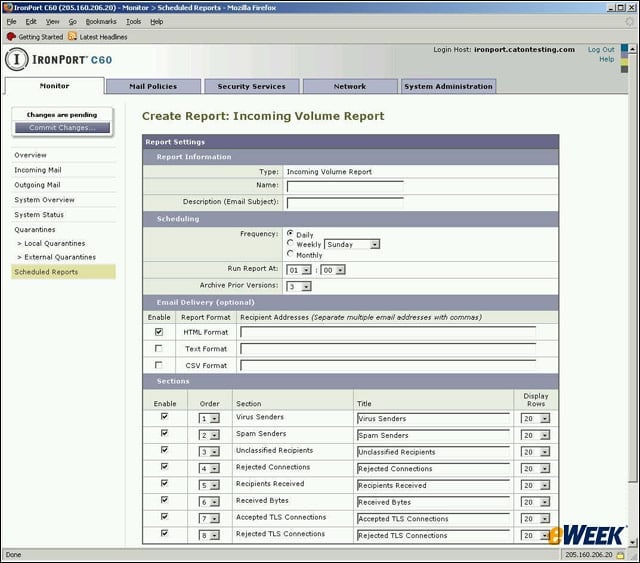
Administrators have a good deal of control over types of reports and report details through the administration console.