








- eWEEK Labs Walk-Through: LifeSize Communications’ LifeSize Room
- eWEEK Labs Walk-Through: LifeSize Communications’ LifeSize Room – High-Definition Camera
- eWEEK Labs Walk-Through: LifeSize Communications’ LifeSize Room – Appliance
- eWEEK Labs Walk-Through: LifeSize Communications’ LifeSize Room – LifeSize Phone
- eWEEK Labs Walk-Through: LifeSize Communications’ LifeSize Room – Control Software
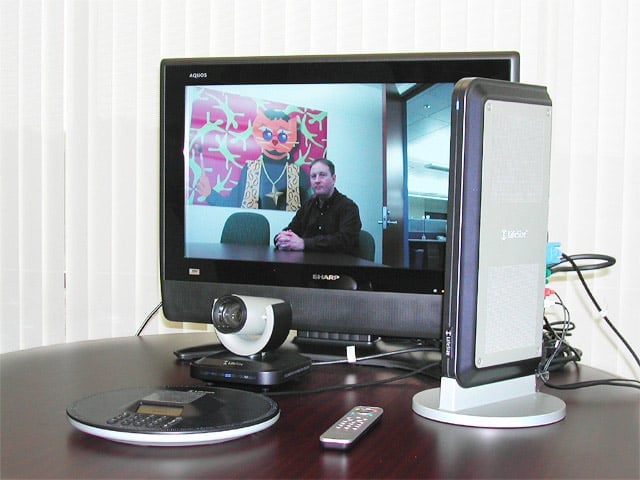
eWEEK Labs Walk-Through: LifeSize Communications’ LifeSize Room
LifeSize Room includes an appliance, camera, phone and remote control. The monitor must be purchased separately.
eWEEK Labs Walk-Through: LifeSize Communications’ LifeSize Room – High-Definition Camera
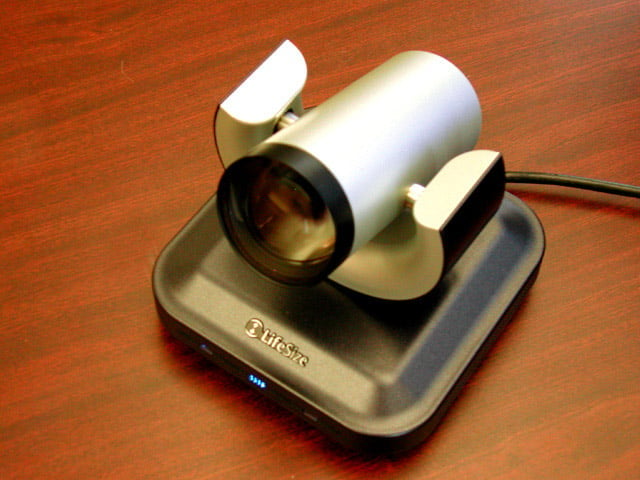
The LifeSize high-definition camera provides enough video detail that attendees can see props or text written on whiteboards.
eWEEK Labs Walk-Through: LifeSize Communications’ LifeSize Room – Appliance
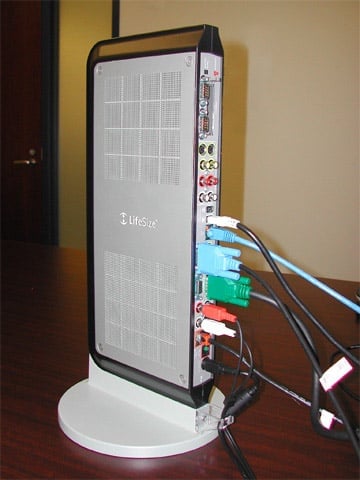
The LifeSize appliance provides ample ports for connecting peripheral audio and video equipment, such as a second monitor or document camera.
eWEEK Labs Walk-Through: LifeSize Communications’ LifeSize Room – LifeSize Phone
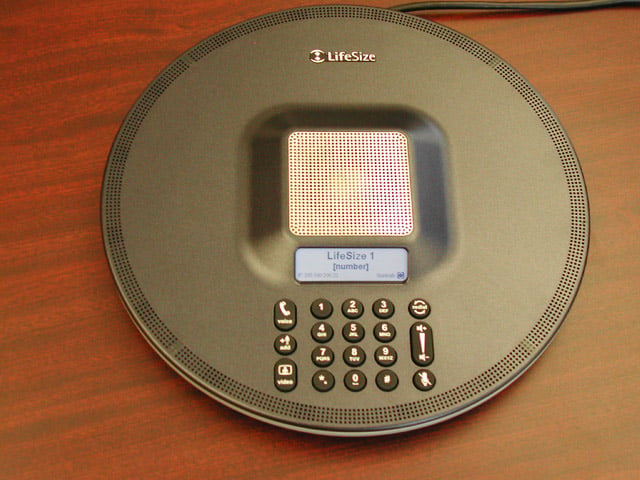
Although the LifeSize Room system has an on-screen address book and dialer, attendees can dial out to a remote location using the phone.
eWEEK Labs Walk-Through: LifeSize Communications’ LifeSize Room – Control Software
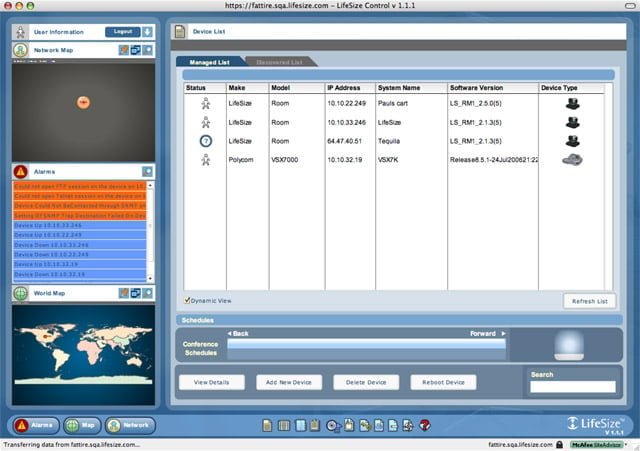
LifeSize also has a remote management application, LifeSize Control, for managing Room appliances and integrating with the corporate directory.