








- eWEEK Labs Walk-through: nCircle DP3000
- eWEEK Labs Walk-through: nCircle DP3000 – Ports 1, 2 and 3
- eWEEK Labs Walk-through: nCircle DP3000 – DP3000 and CCM
- eWEEK Labs Walk-through: nCircle DP3000 – Strict Windows XP test
- eWEEK Labs Walk-through: nCircle DP3000 – Changes
- eWEEK Labs Walk-through: nCircle DP3000 – See More Slideshows Like This One
eWEEK Labs Walk-through: nCircle DP3000
The DP3000 is a very plain, 1U (1.75-inch) hardware appliance that can be booted into separate modes for compliance or vulnerability scanning.
eWEEK Labs Walk-through: nCircle DP3000 – Ports 1, 2 and 3
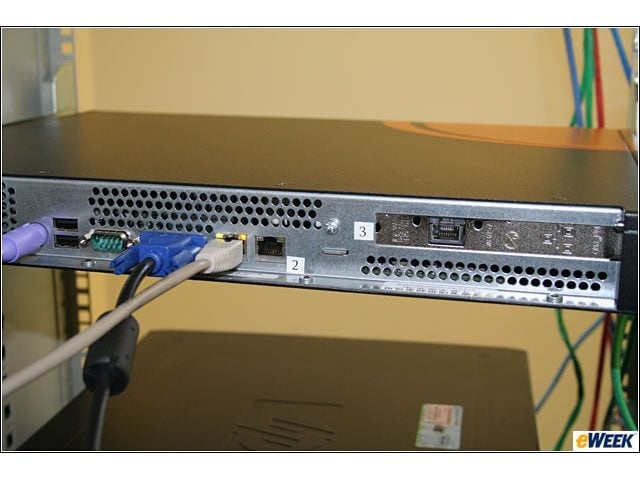
The DP3000 has three NICs that can be connected to separate networks to bypass network security devices or routers that might otherwise interfere with scan capabilities. In this shot, port 1 is connected to my test network.
eWEEK Labs Walk-through: nCircle DP3000 – DP3000 and CCM
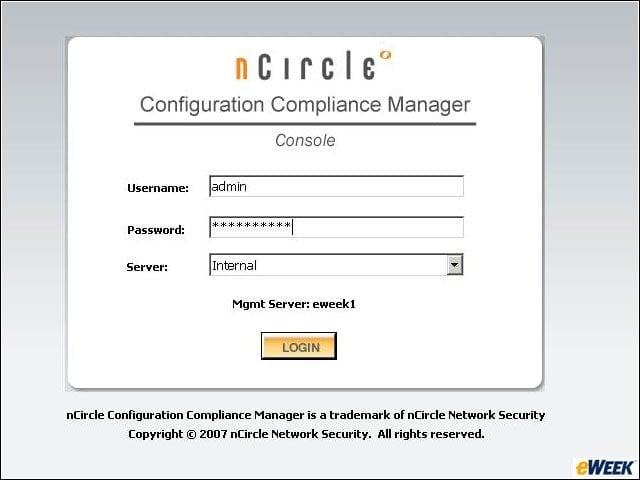
I used the DP3000 with nCircle’s CCM (Configuration Compliance Manager). The DP3000 is the first nCircle appliance to integrate technology from Cambia, the compliance reporting software that nCircle
This report shows the results of some of my initial scans for compliance, running against a variety of Cisco, Linux and Windows devices in our lab.
eWEEK Labs Walk-through: nCircle DP3000 – Strict Windows XP test
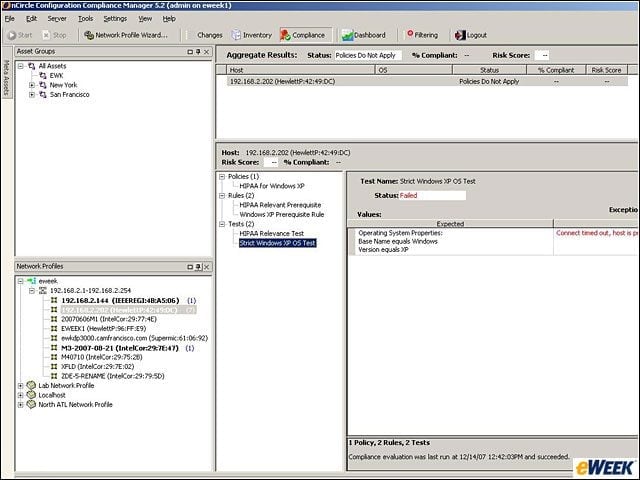
Starting at the middle left, notice that I’ve selected a machine with an IP address that ends in .202. Moving right, you see that I’m looking at the Strict Windows XP OS Test, and at the far right you can see that the status is fai
eWEEK Labs Walk-through: nCircle DP3000 – Changes
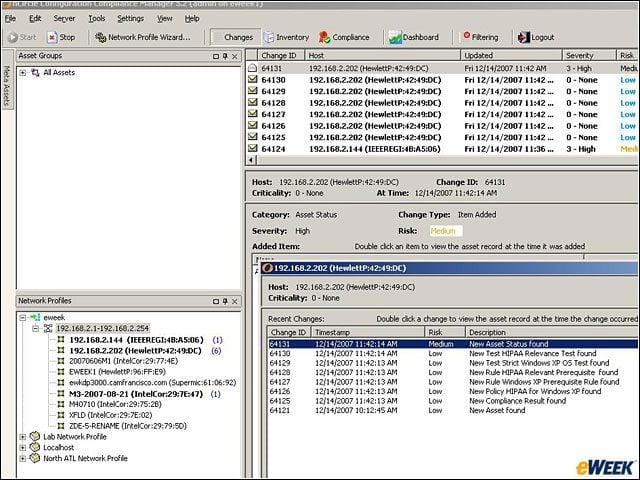
Here, I’ve selected all the systems on my local test network. At the top right you see the changes detected by the DP3000 and reported in the CCM interface, noting the risk associated with each change. I’ve also opened a window that shows all the chan
eWEEK Labs Walk-through: nCircle DP3000 – See More Slideshows Like This One
- ShadowProtect Provides Ghost-Like Images for Windows
- eWEE