








- eWEEK Labs Walk-through: Stratus ftServer 6200
- eWEEK Labs Walk-through: Stratus ftServer 6200 – Management Page
- eWEEK Labs Walk-through: Stratus ftServer 6200 – Server Info
- eWEEK Labs Walk-through: Stratus ftServer 6200 – Server as Tested
- eWEEK Labs Walk-through: Stratus ftServer 6200 – Server Two Ways
- eWEEK Labs Walk-through: Stratus ftServer 6200 – Hot-Swap Server
eWEEK Labs Walk-through: Stratus ftServer 6200
One of the ways that the Stratus VTM (Virtual Technician Module) remote manager keeps in touch is by sending status e-mails. As you can see, this can result in a lot of e-mail. The e-mail shown, sent to my personal account, arrived during a period of less
eWEEK Labs Walk-through: Stratus ftServer 6200 – Management Page
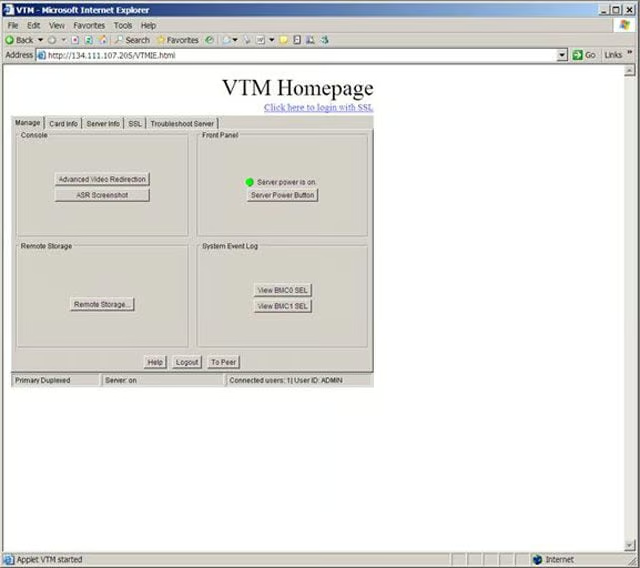
The Stratus VTM includes a number of remote management pages. This one provides limited access to management functions and current status.
eWEEK Labs Walk-through: Stratus ftServer 6200 – Server Info
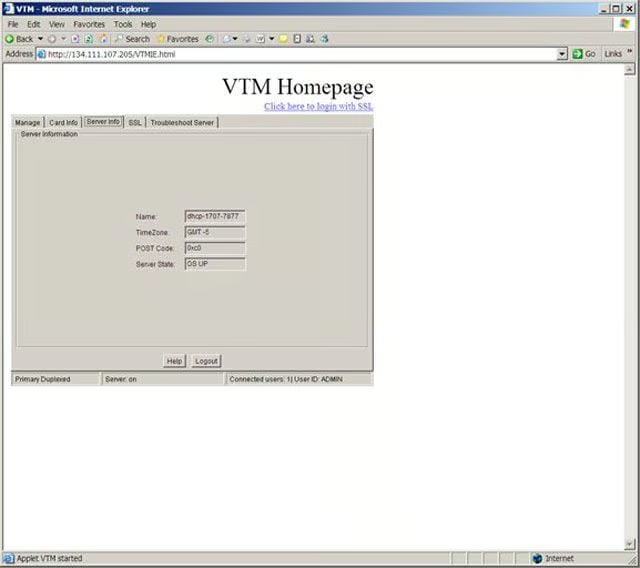
Since it’s likely that a large enterprise will have more than one Stratus ftServer, the VTM can also provide basic server information to the remote manager.
eWEEK Labs Walk-through: Stratus ftServer 6200 – Server as Tested
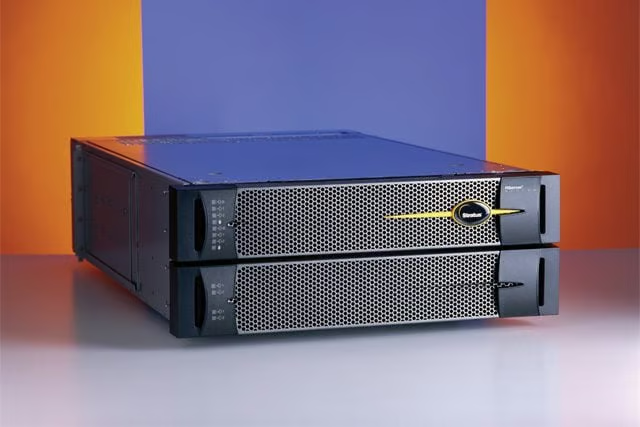
The Stratus ftServer 6200 I tested was a rack-mount version. Each server consists of a pair of 2U server chassis, joined by a mounting cage and backplane.
eWEEK Labs Walk-through: Stratus ftServer 6200 – Server Two Ways
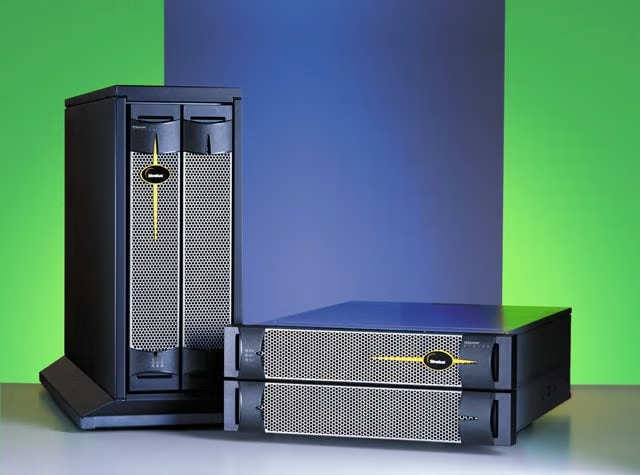
The Stratus ftServer 6200 comes in either a tower or rack-mount configuration.
eWEEK Labs Walk-through: Stratus ftServer 6200 – Hot-Swap Server
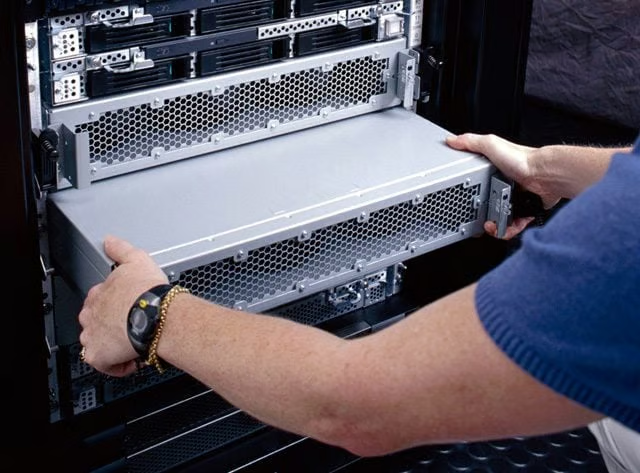
Administrators can simply replace one of the ftServer chassis with a working one when something dies. Once you insert the new server chassis, it synchronizes with the existing server, providing failover protection again.