







- The TravelMate 8481T Has a Small Footprint
- The 8481Ts Odd Battery Pack
- A 14-Inch Display in a 13-Inch Body
- Biometric Security Comes With the 8481T
- The 8481T Keyboard Takes Some Getting Used To
- The 8481Ts Additional Ports
- Acers Many Security Features
- Easy, Hands-Off Backup
- Decide How to Back Up Content on the 8481T
- Windows XP Mode
- Is Netflix Necessary?
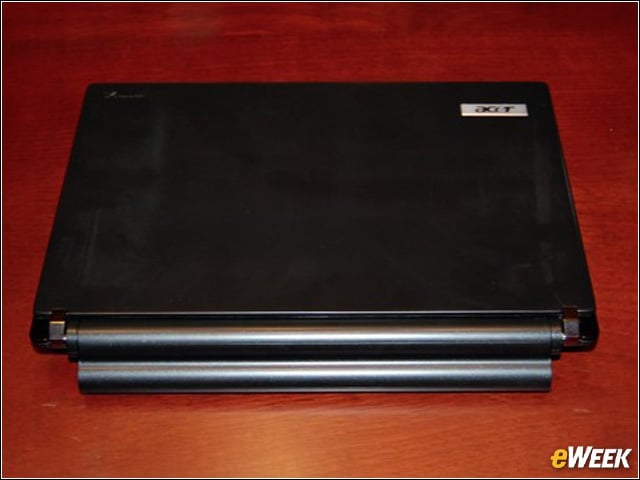
The TravelMate 8481T Has a Small Footprint
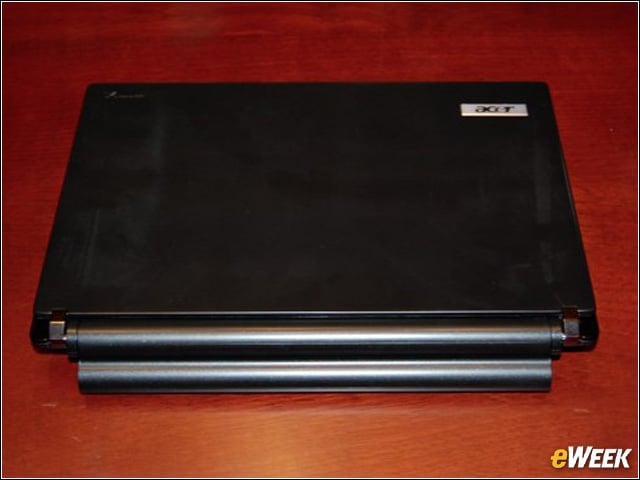
The Acer TravelMate Timeline 8481T’s 13-inch body and 4 pounds of weight with the battery pack connected makes it quite easy to slip into a purse or computer bag, and carry it around town.
The 8481Ts Odd Battery Pack
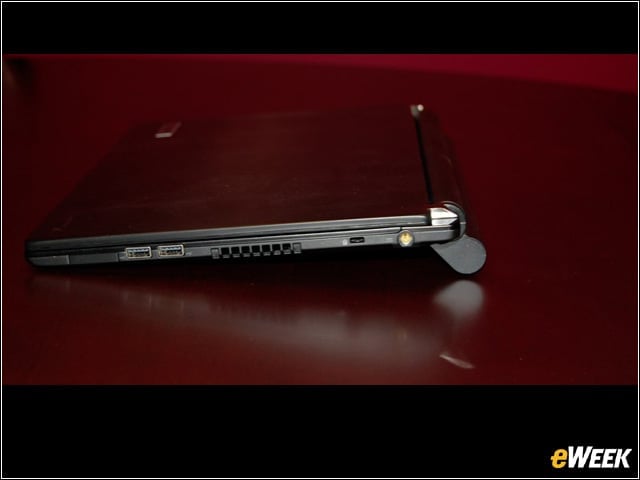
The 8481T’s battery pack connects to the back of the notebook. Unfortunately, it has a strange shape that makes the PC sit on a desk in a somewhat awkward fashion.
A 14-Inch Display in a 13-Inch Body
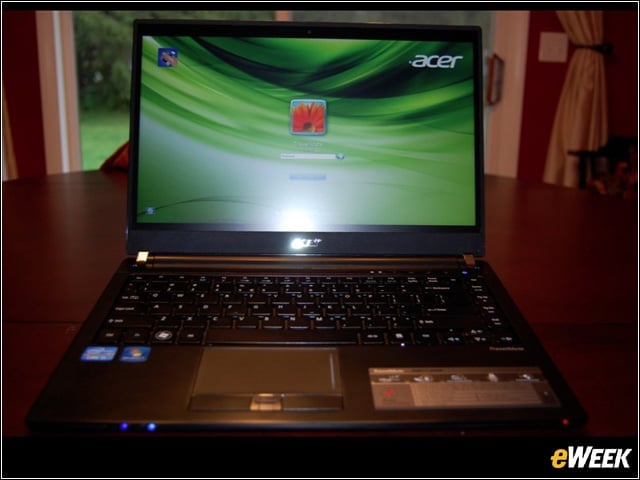
As mentioned, the 8481T comes in a body size that would normally feature a 13-inch screen. However, by reducing the size of the bezel, Acer has been able to offer a 14-inch LED LCD display in the notebook.
Biometric Security Comes With the 8481T
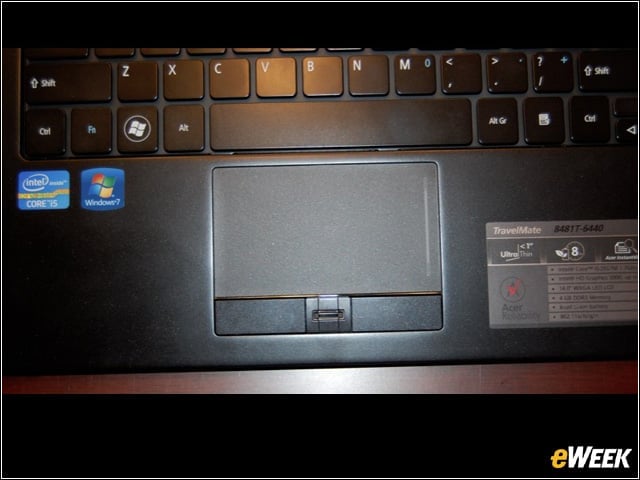
Sandwiched between the left- and right-click buttons on the 8481T’s notebook is a biometric sensor that adds an additional layer of security to the PC. To access the device, users will need to swipe their fingers across the sensor.
The 8481T Keyboard Takes Some Getting Used To
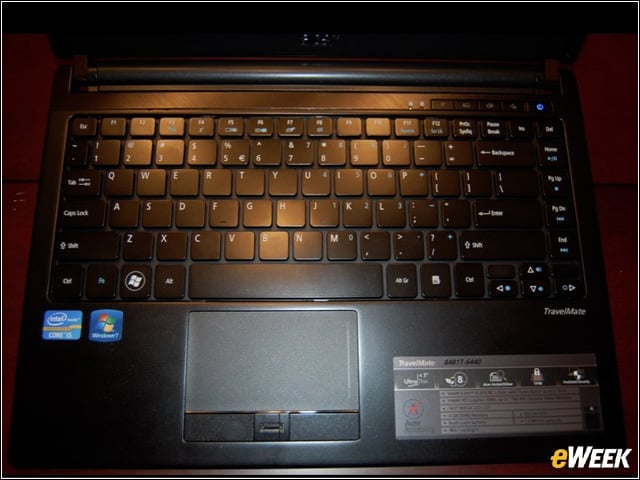
The 8481T’s keyboard might look nice, but trying to get used to it will take some time. The keys are flush with the bottom panel of the notebook and are somewhat shallow, making it a little more difficult to type than some might like.
The 8481Ts Additional Ports
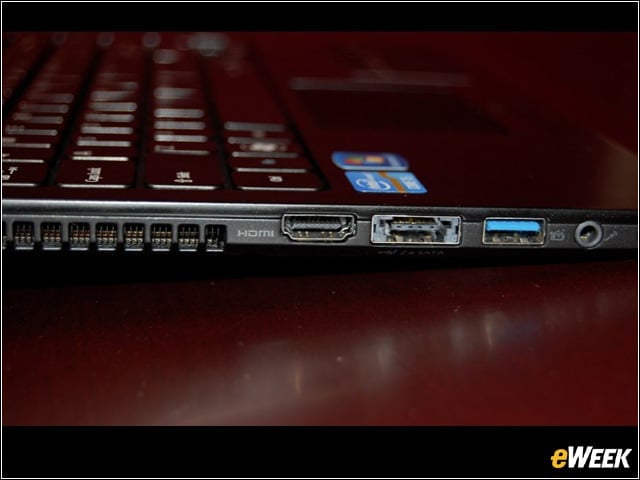
The nice thing about the 8481T is that it comes with a host of useful ports. On the left side of the PC is an HDMI port, as well as a USB 3.0 port. Users can also connect devices via eSATA and USB 2.0.
Acers Many Security Features
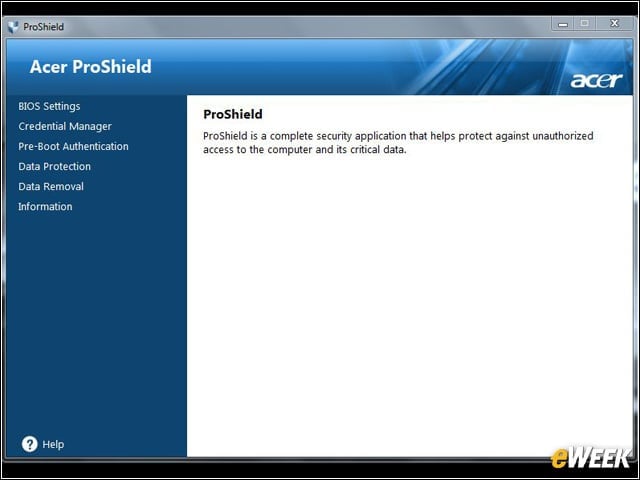
Acer’s Pro Shield software is arguably one of the best features of the 8481T. Pro Shield allows IT staffs to do everything from setting BIOS security to choosing files to “shred.” Acer’s software makes the 8481T even more secure than many comparable devices on store shelves.
Easy, Hands-Off Backup
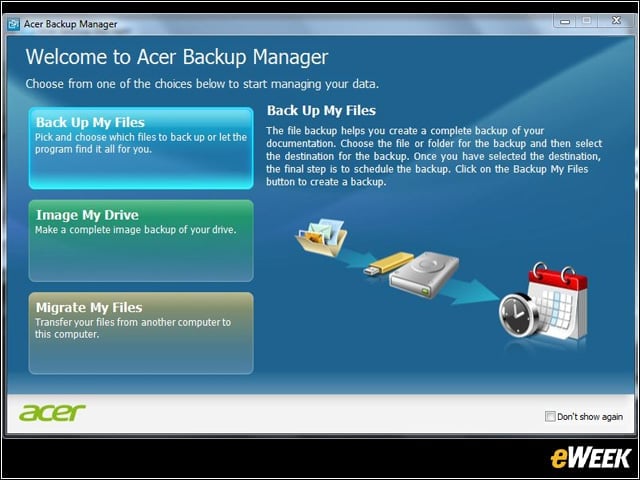
Since backing up is so important in today’s corporate world, it’s no wonder Acer has made it easy for users to quickly and efficiently back up content on their hard drives. The software also provides automatic backup for a hands-off approach.
Decide How to Back Up Content on the 8481T
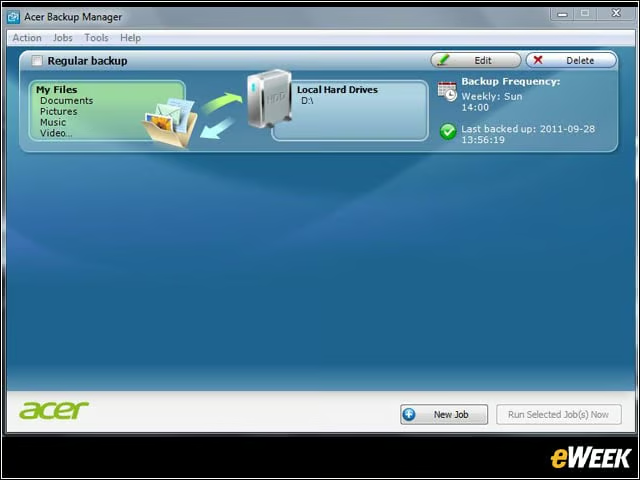
One of the nice things about the 8481T is that the computer’s 320GB hard drive is partitioned out of the box, allowing users to quickly back up contents to a second virtual drive as soon as they start adding content to the machine.
Windows XP Mode
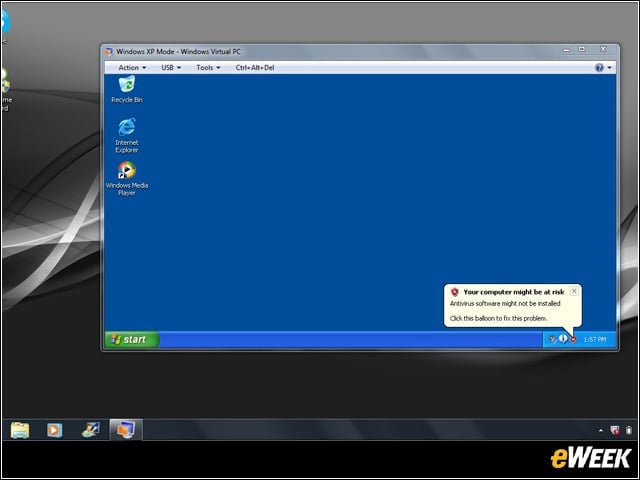
Thanks to its Windows 7 Professional installation, the 8481T allows employees to run a virtual installation of Windows XP from the computer. Windows XP Mode is arguably one of the most enterprise-friendly software packages on Windows, ensuring near-universal support for software and accessories already running in the office.
Is Netflix Necessary?
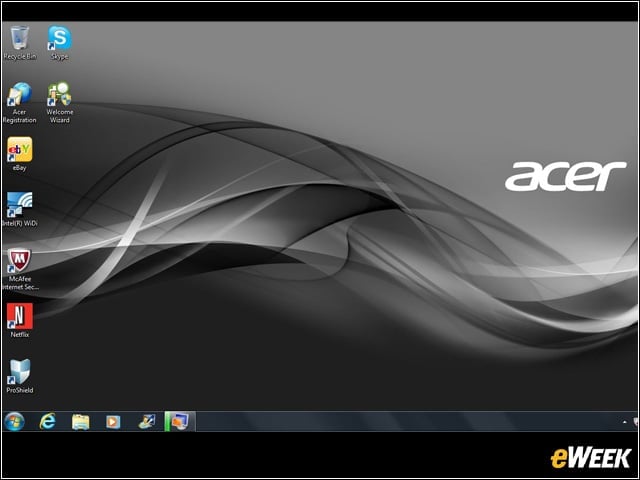
Acer made the surprising decision to bundle Netflix with the 8481T. That decision might be nice for general consumers or employees who want to relax over lunch, but for CIOs concerned with productivity, it could be an issue.