






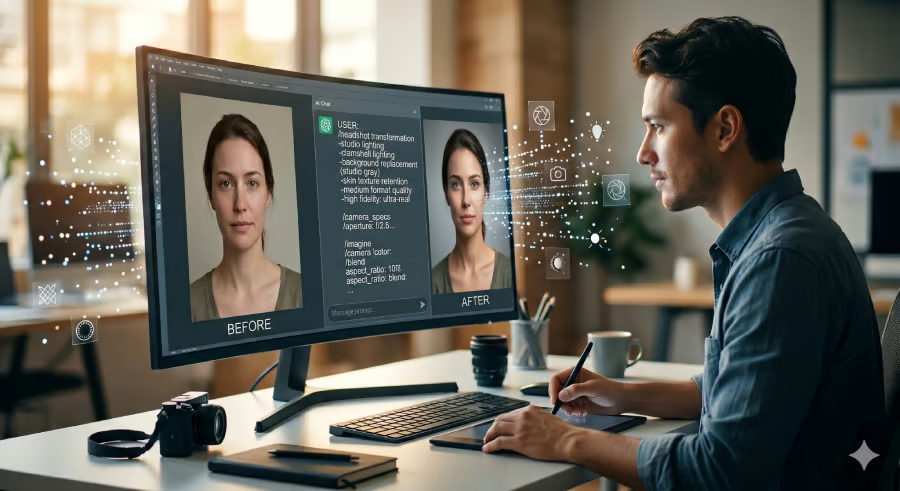


At first, I just wanted better images.
Like most people, I started by throwing simple prompts into ChatGPT and Gemini: "Make this photo look professional." "Improve the lighting." "Add cinematic vibes."
The results were impressive at first glance. But after looking closer, I kept noticing the same problems. Skin looked too smooth. Eyes were unnaturally bright. Backgrounds didn't match the lighting. Clothing textures felt fake. Some images looked beautiful, but almost none of them looked real.
That's when I started testing prompts differently.
Instead of chasing dramatic edits, I focused on realism. I tried prompts across ChatGPT, Gemini, Qwen, Meta AI, and other prompt-based image editing tools, tweaking the wording until the results looked like something a photographer could have actually captured.
The biggest lesson I learned is this: realism doesn't happen by accident. AI needs direction. The more specific you are about lighting, textures, shadows, and what should stay unchanged, the more believable the image becomes.
Below are the six prompts that delivered the most realistic results in my testing.
Background replacement with natural lighting
This is the first prompt I perfected because background swaps are where AI usually falls apart.
Early on, I would ask AI to replace a background, only to end up with subjects floating awkwardly in the scene. The lighting wouldn't match, shadows pointed the wrong direction, and the image looked obviously edited. Once I started describing the light source and the direction of the shadow, everything changed.
Prompt
"Remove the original background and replace it with a modern office interior. Match the direction of light to the subject, preserve natural shadows and reflections, add a subtle depth-of-field blur to the background, and ensure the final image looks as if it were captured in a single photograph. Keep facial features and skin texture unchanged."
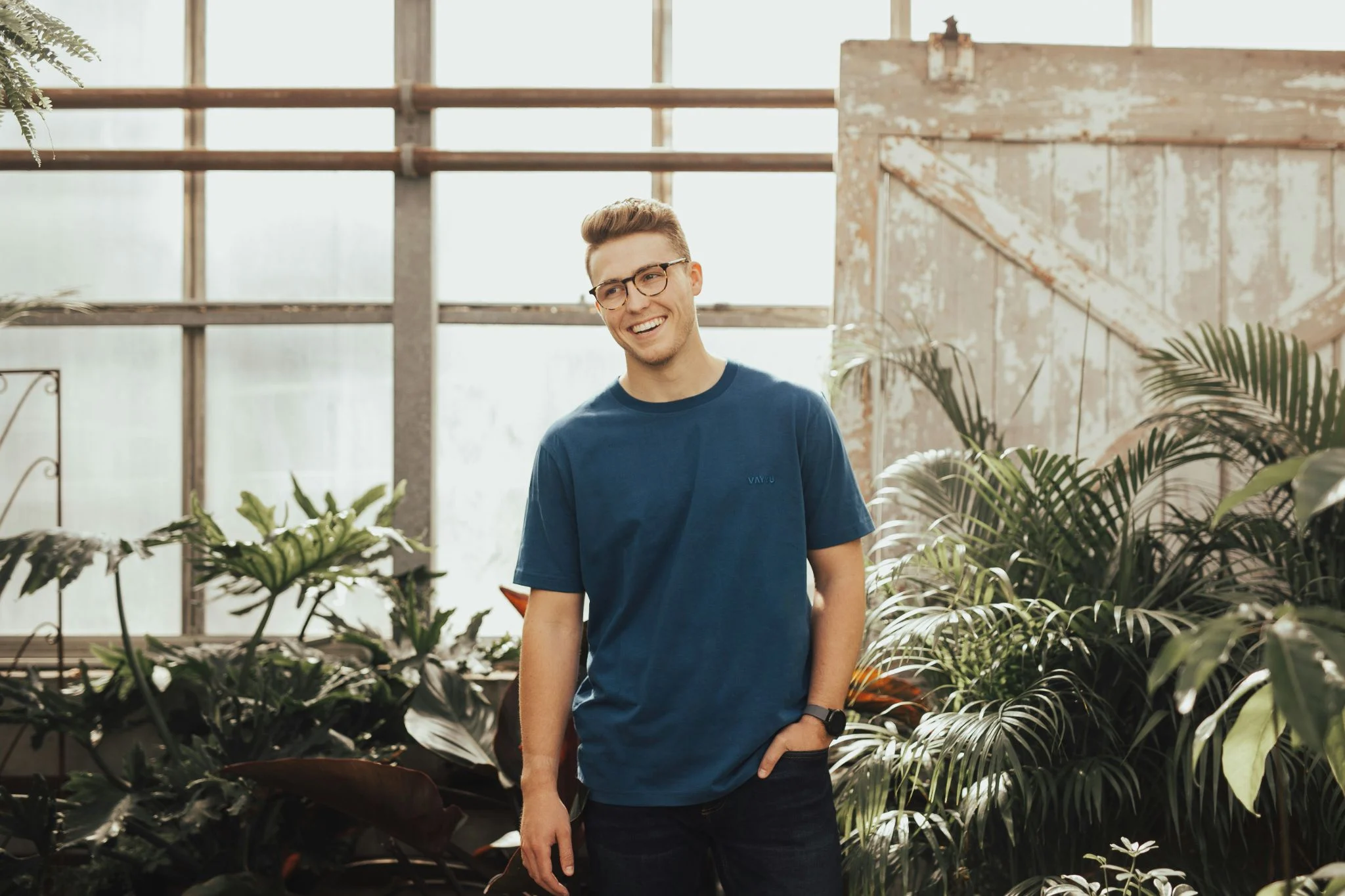
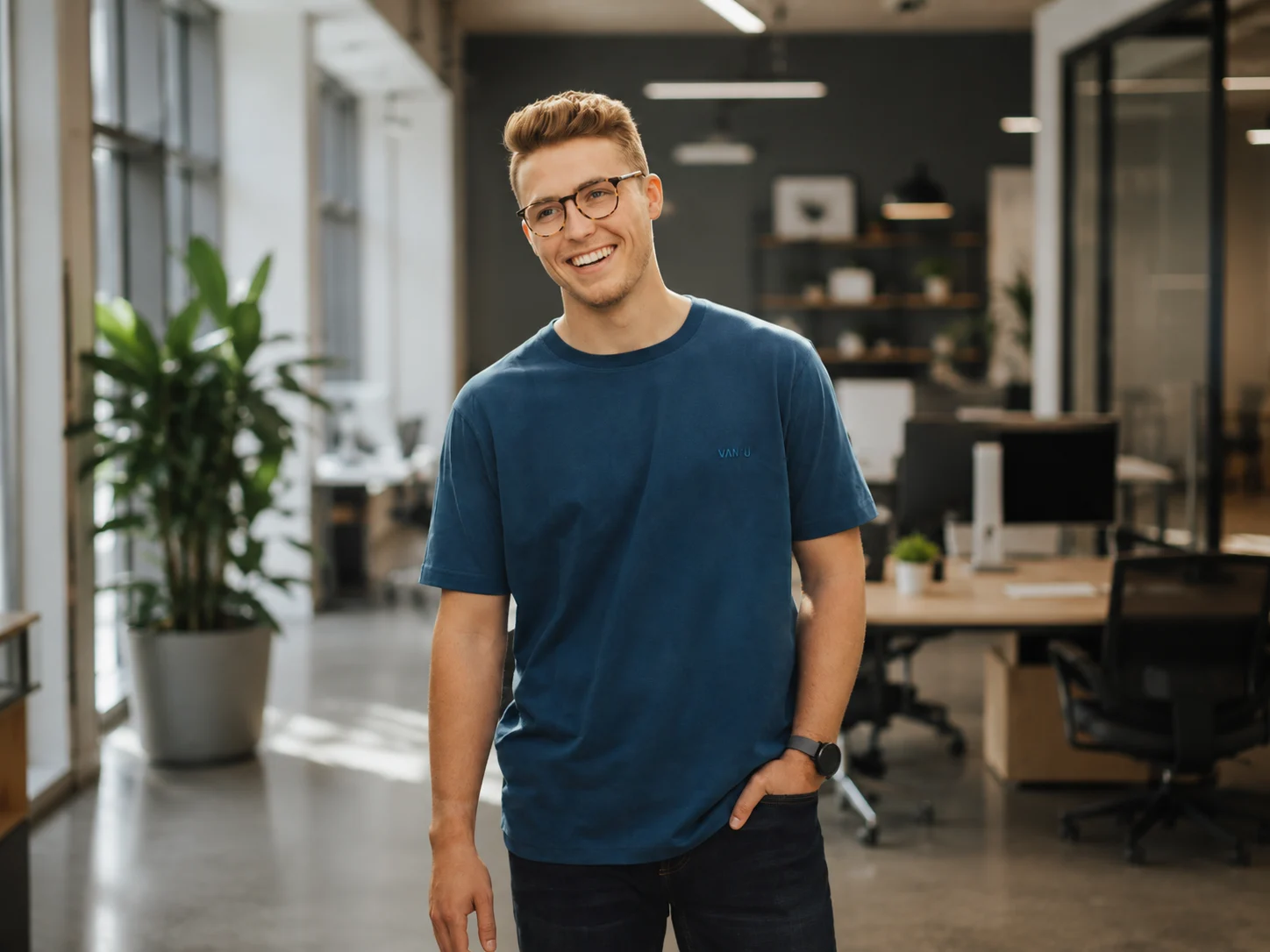
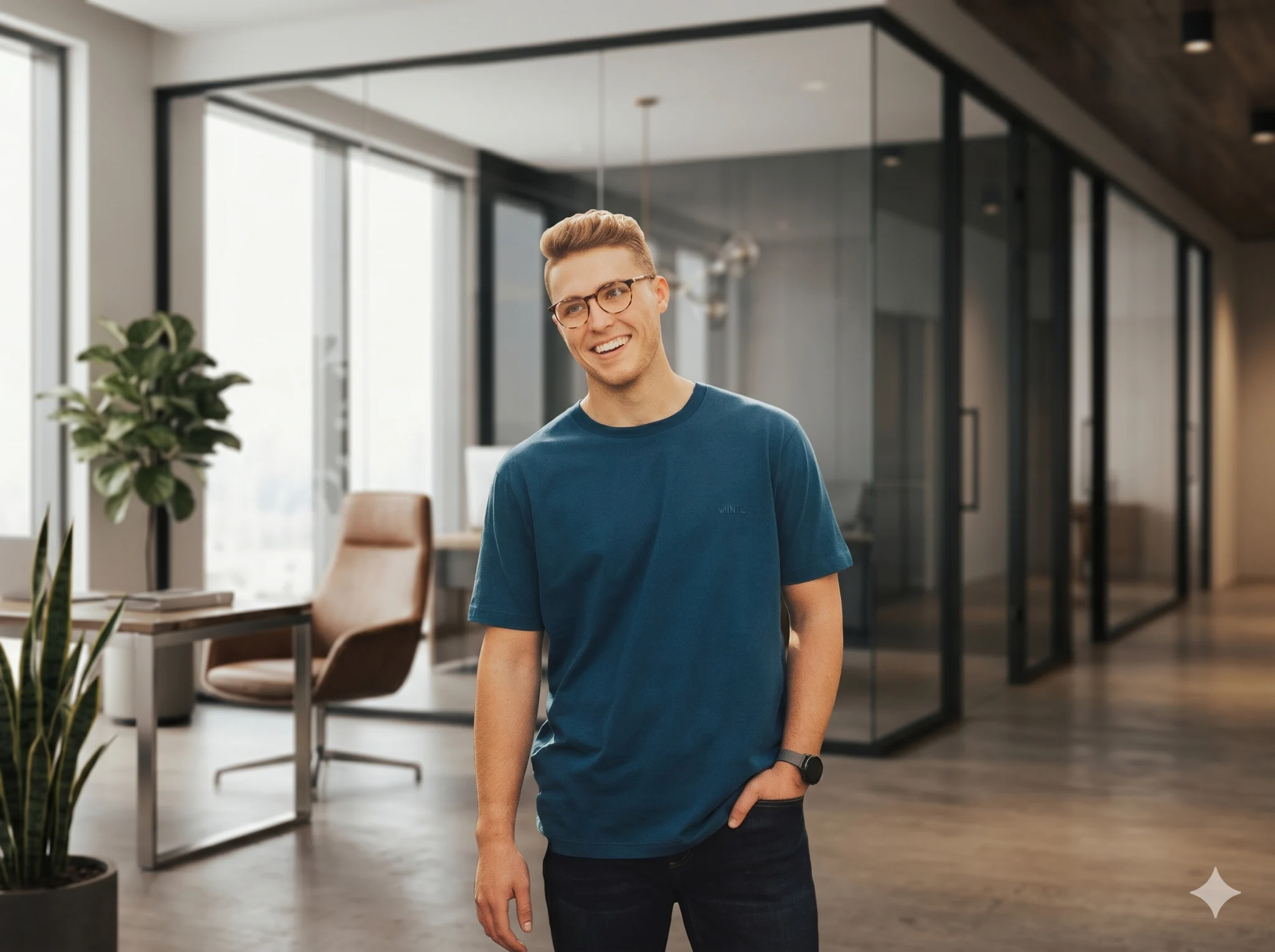
I found ChatGPT and Gemini especially good at understanding lighting relationships. The key isn't the new background itself. It's telling the AI how the subject should interact with that environment.
Professional headshots that preserve identity
I tested dozens of headshot prompts because this is one of the most popular use cases. The problem is that many AI tools try too hard. They reshape faces, excessively brighten eyes, and smooth skin until the person barely resembles themselves.
I started adding strict instructions about preserving identity, and the results improved dramatically.
Prompt
"Convert this image into a professional corporate headshot. Add soft studio lighting from the front and slightly above. Replace the background with a clean off-white studio backdrop. Preserve my exact facial identity, natural smile, skin texture, and eye shape. Remove harsh shadows but avoid excessive skin smoothing. The final result should look like a professionally photographed studio portrait."
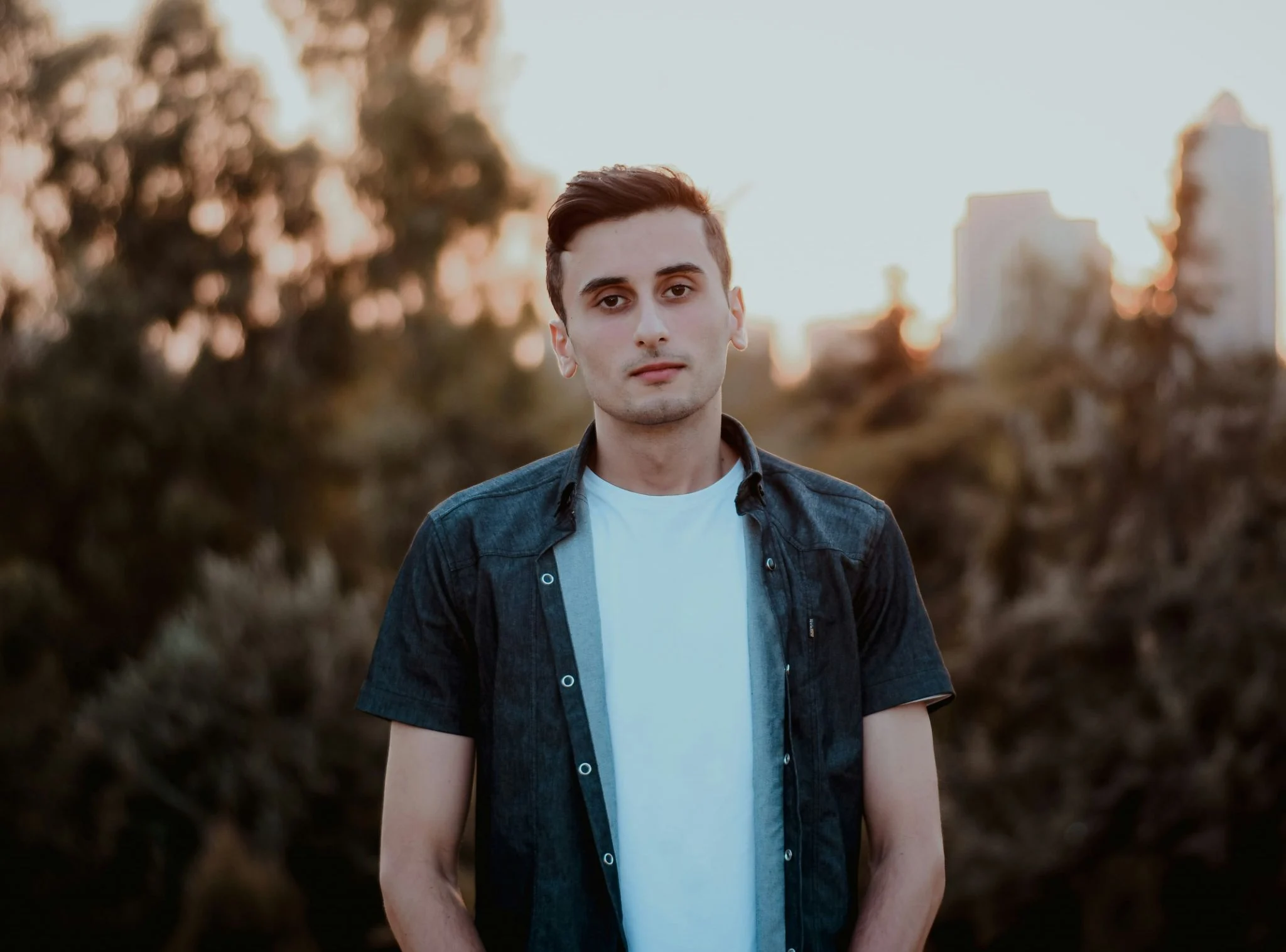
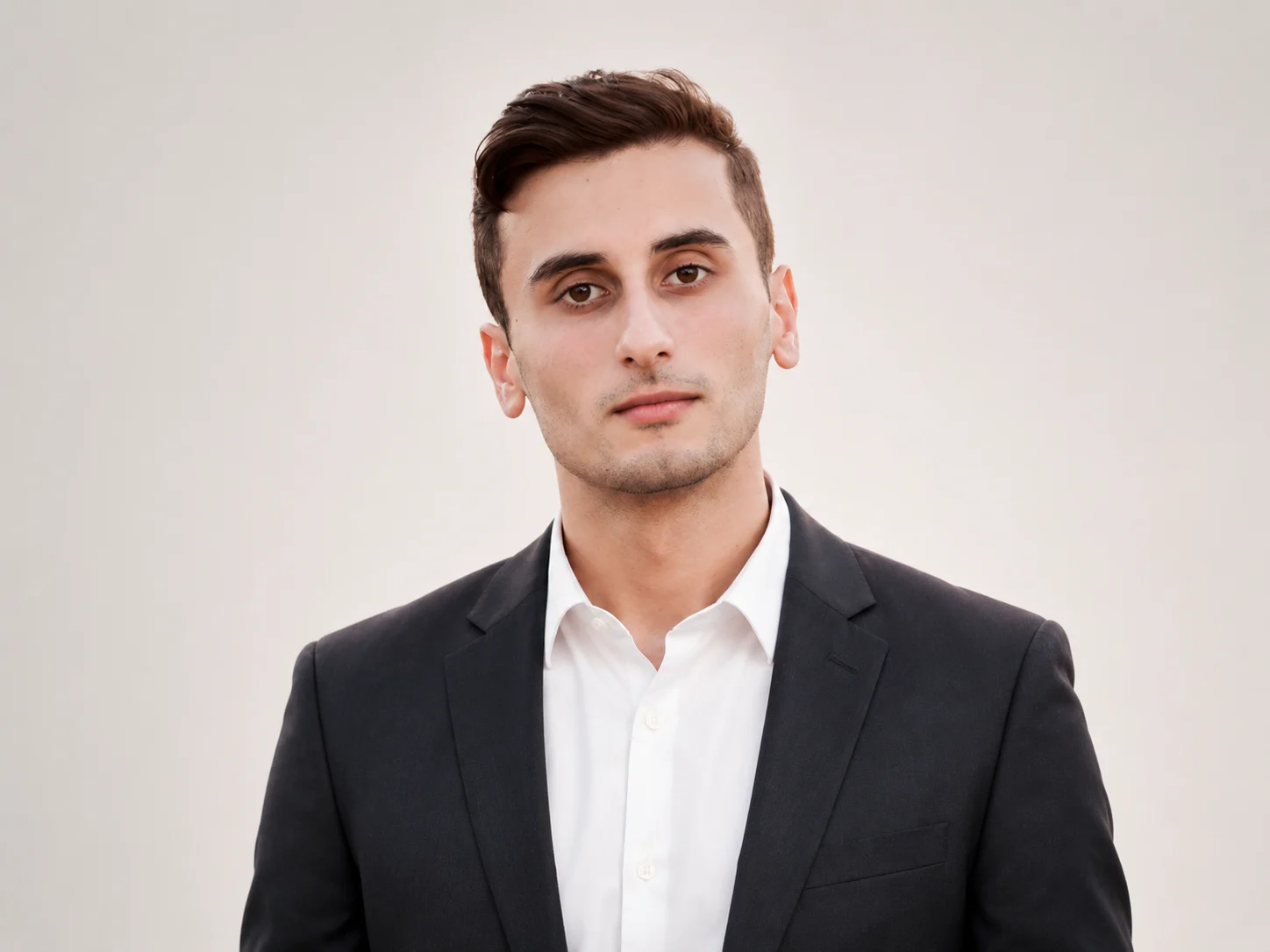
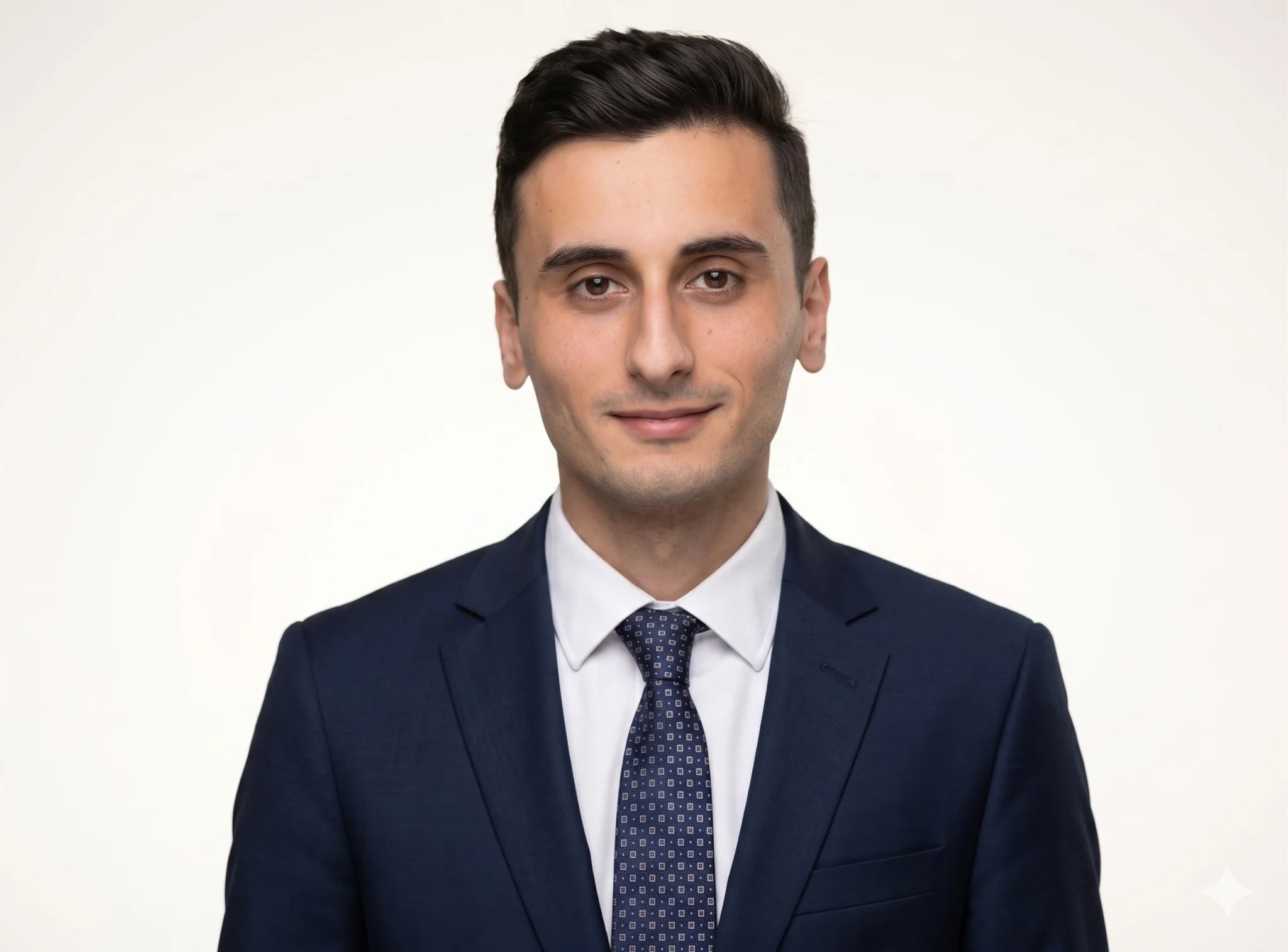
In my testing, ChatGPT consistently kept identities intact, while Gemini produced excellent lighting and color balance.
Ultra-realistic image enhancement
Sometimes I don't want to change a photo at all. I simply want it to look sharper, cleaner, and more polished while remaining faithful to the original image. This is where I see people make one of the biggest mistakes: asking AI to "enhance" without defining limits.
I now explicitly tell AI what not to change.
Prompt
"Enhance this image with realistic detail. Improve sharpness, refine textures, balance exposure, and reduce noise while preserving natural skin texture and original colors. Do not oversaturate, oversharpen, or alter facial features. The image should look like a high-quality camera photo."
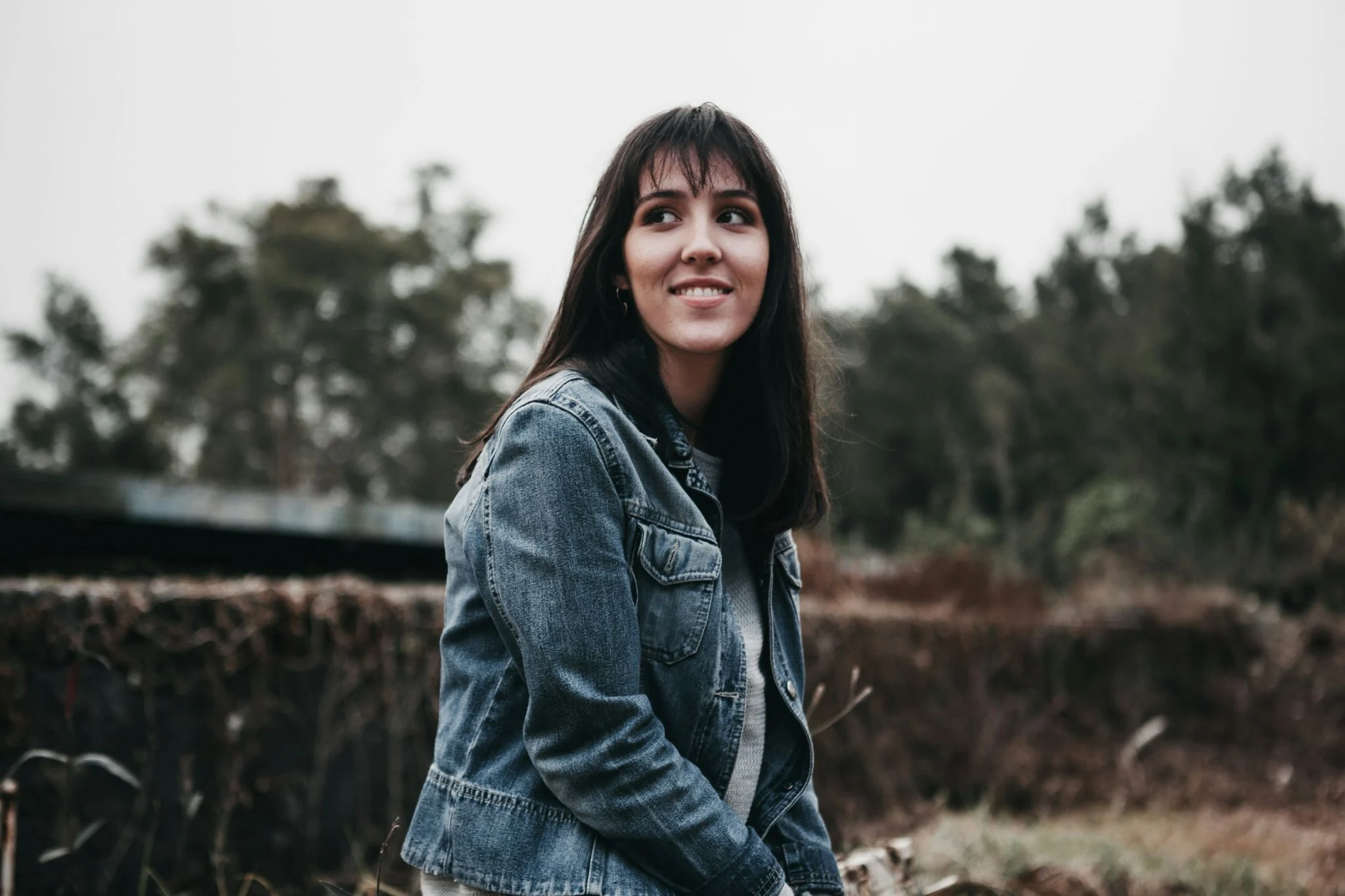
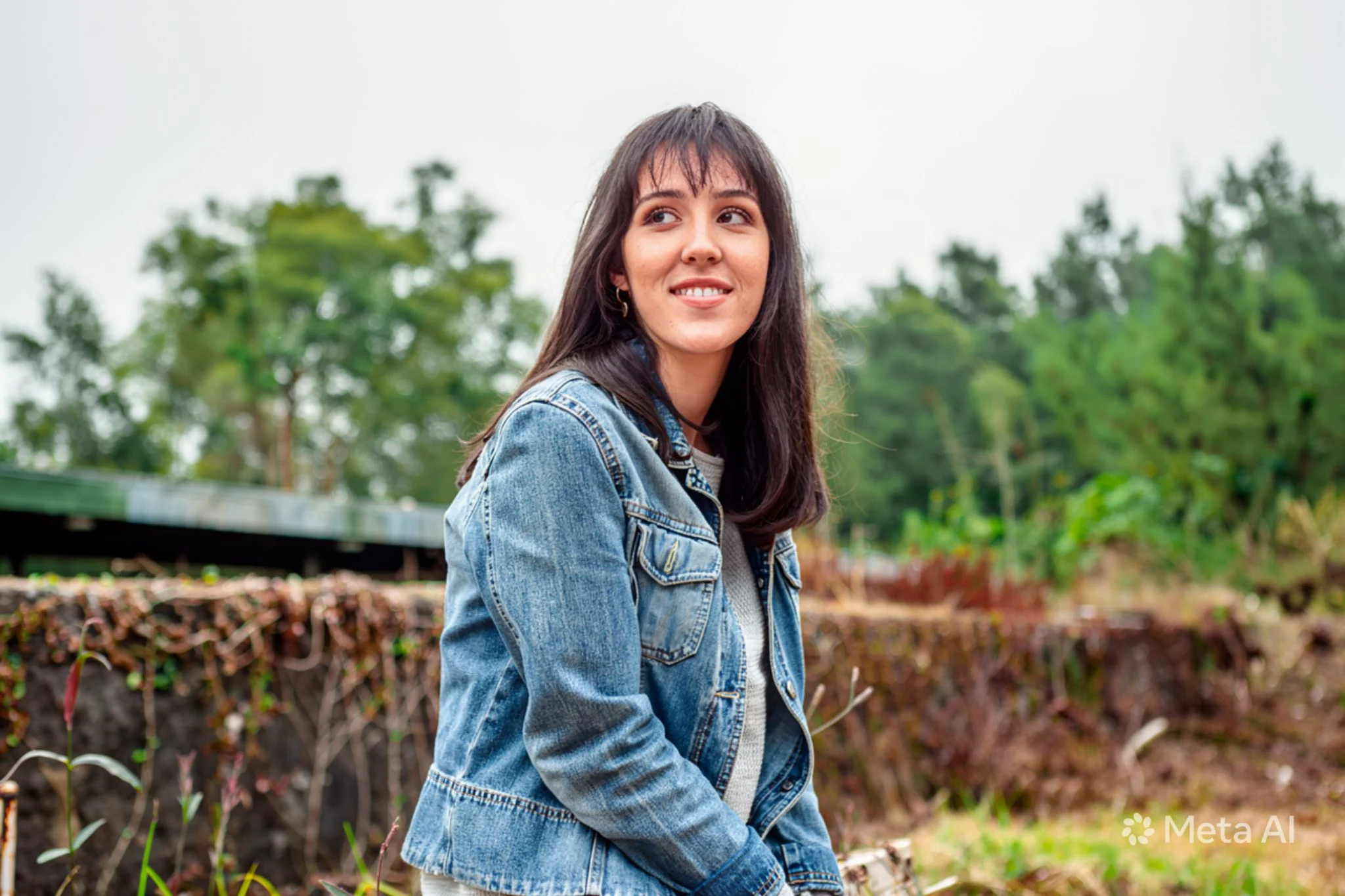
This prompt works surprisingly well across almost every major AI editor because the instructions are straightforward and realistic.
Remove objects without leaving traces
Object removal sounds simple until you try it. I tested removing people, signs, bags, and random distractions from photos. The biggest giveaway was always the background reconstruction.
I learned to be extremely specific.
Prompt
"Remove the selected object [bike and car] completely and reconstruct the background naturally. Match surrounding textures, lighting, shadows, and perspective perfectly. Ensure there are no visible artifacts, repeating patterns, or signs that the object was ever present."
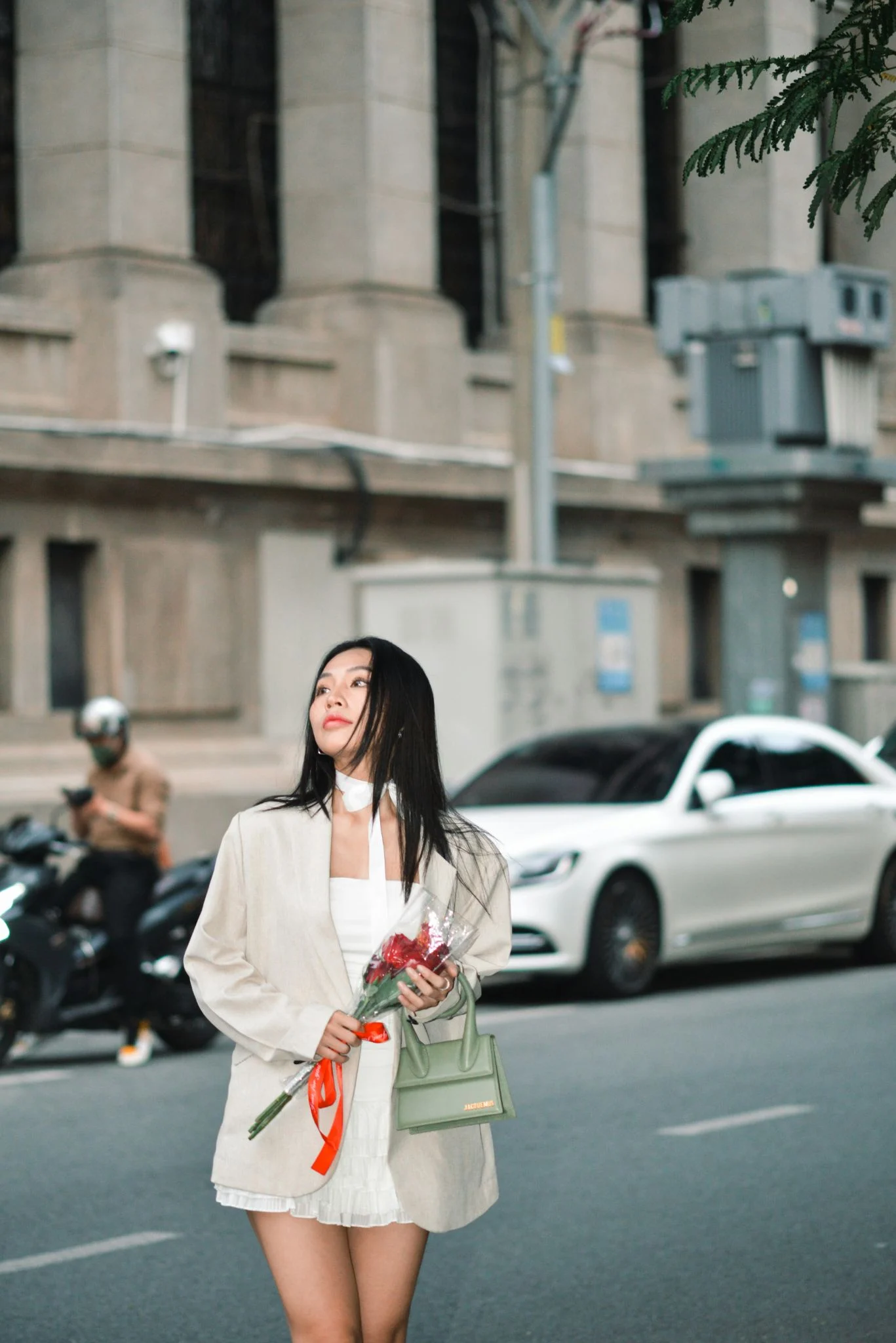
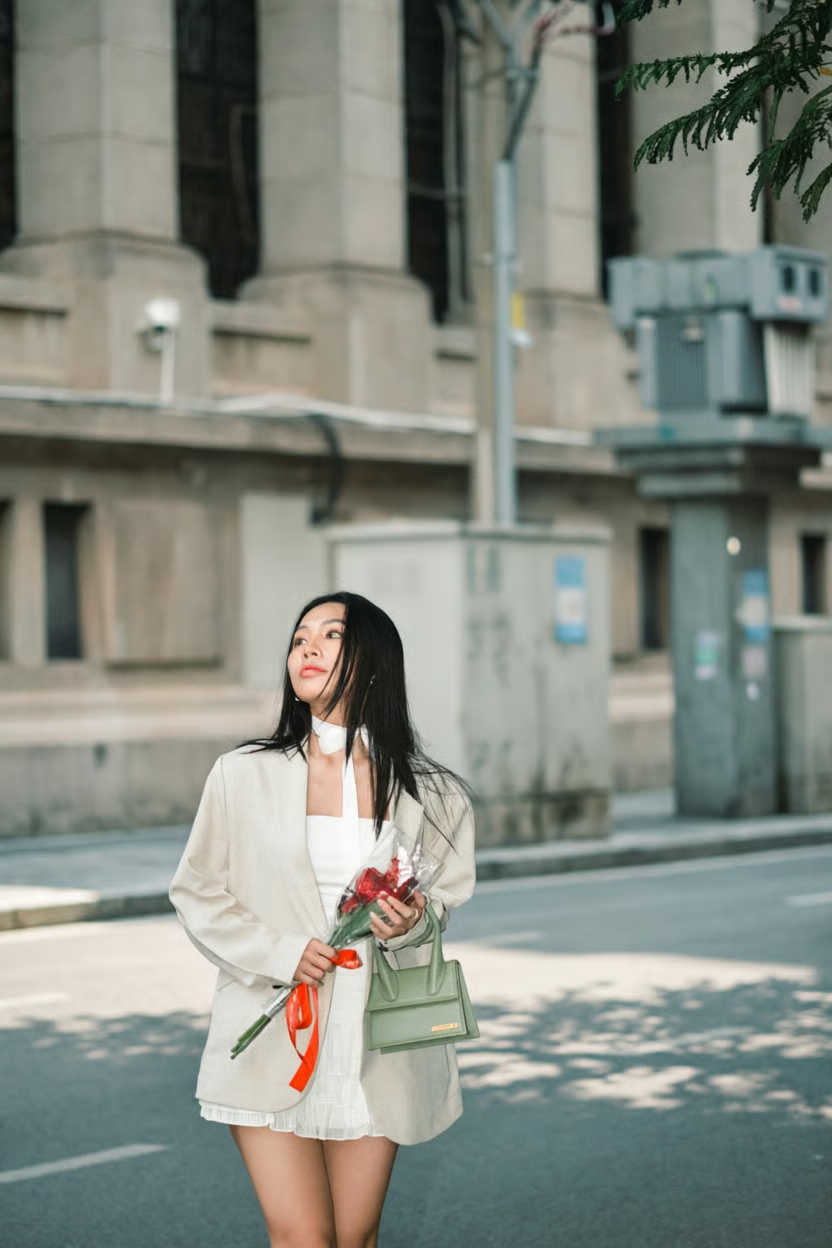
The more context AI has about matching textures and perspective, the more convincing the edit becomes.
Realistic clothing and outfit changes
AI outfit transformations have improved dramatically, but fabric realism remains a challenge. I noticed that mentioning folds, texture, and light reflection made a substantial difference.
Prompt
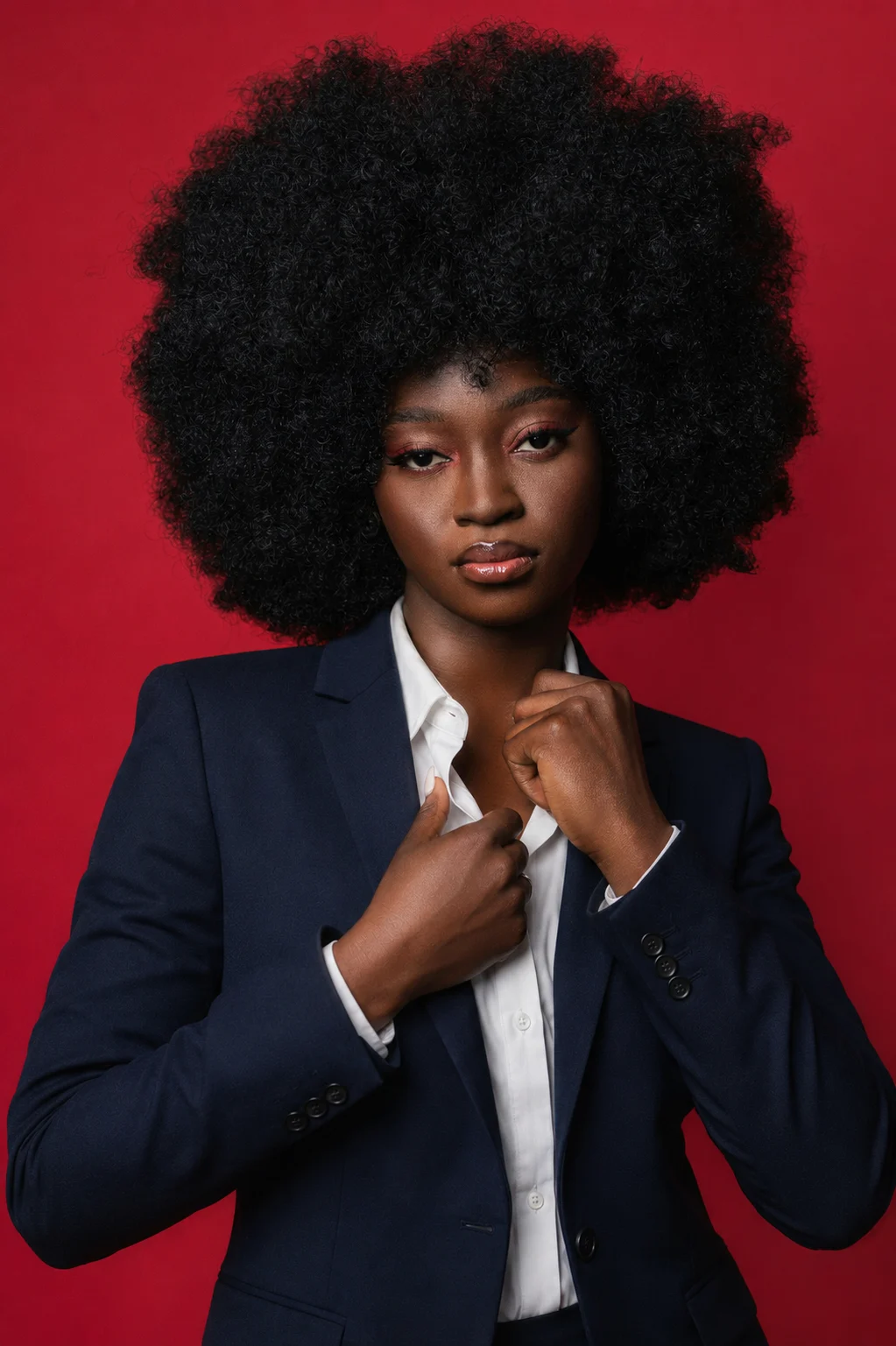
"Replace my outfit with a tailored navy blazer over a white dress shirt. Preserve my body shape and posture exactly. Make the fabric appear realistic with natural folds, subtle wrinkles, and accurate shadows. Match the lighting and texture to the original image so the clothing looks physically worn rather than digitally added."
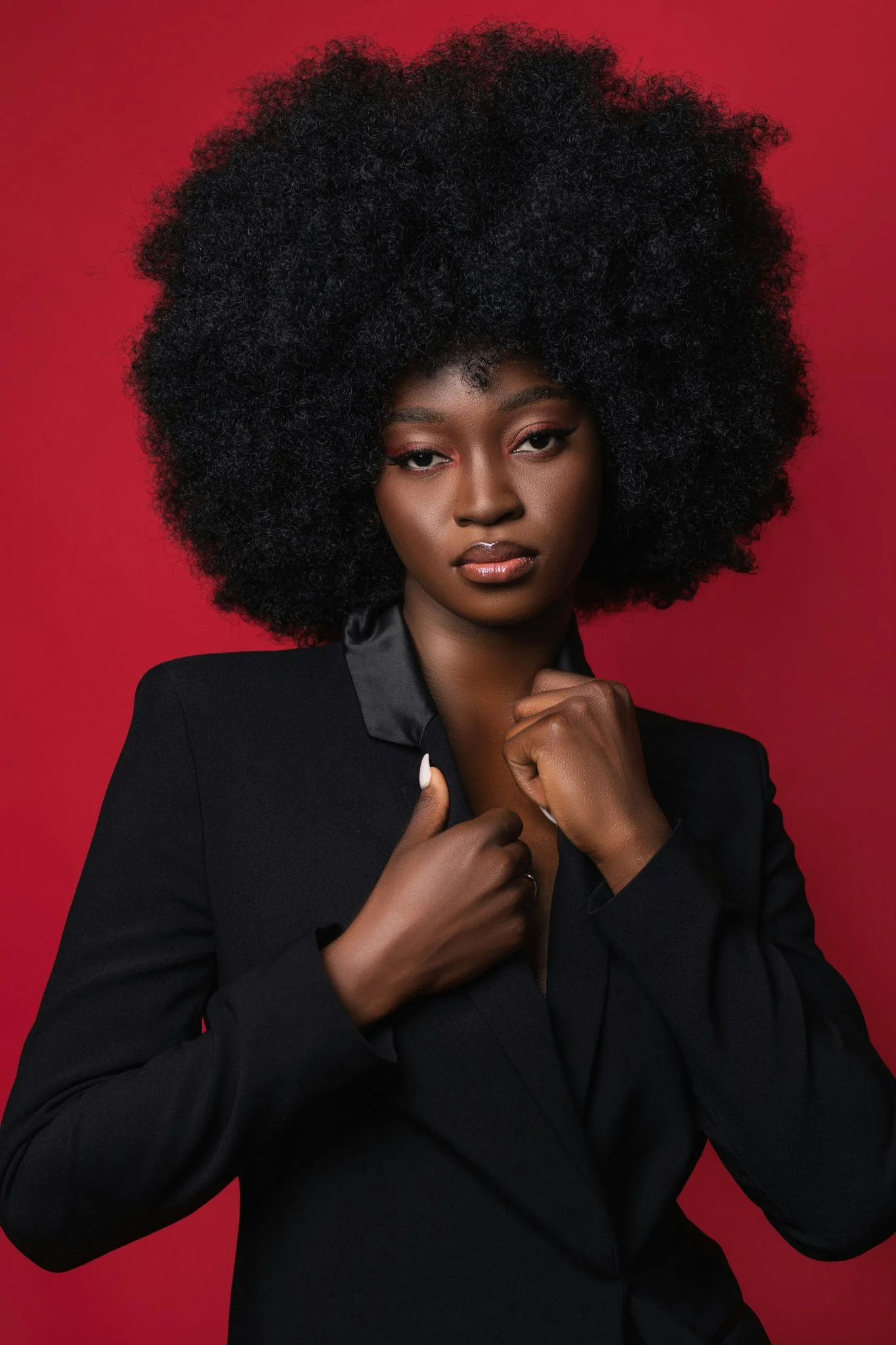
Realistic skin retouching
This is the prompt I use most often now. I've never liked the plastic-looking skin that many AI editors produce. Real skin has pores, tiny imperfections, and texture. The goal should be improvement, not perfection.
Prompt
"Retouch this portrait naturally. Reduce temporary blemishes and uneven lighting while preserving pores, freckles, and skin texture. Maintain realistic skin tones and avoid excessive smoothing. The final image should look professionally retouched but completely natural."
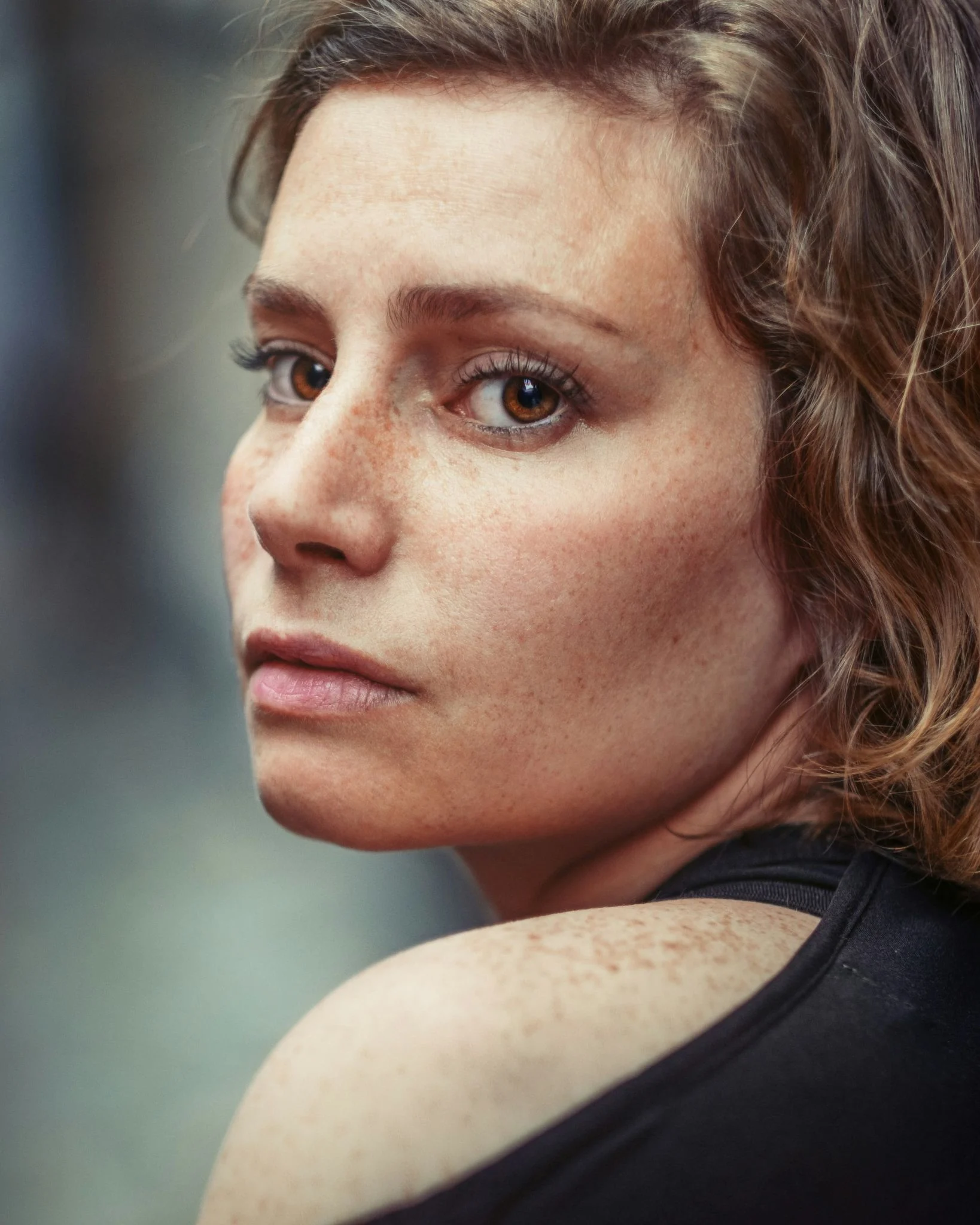
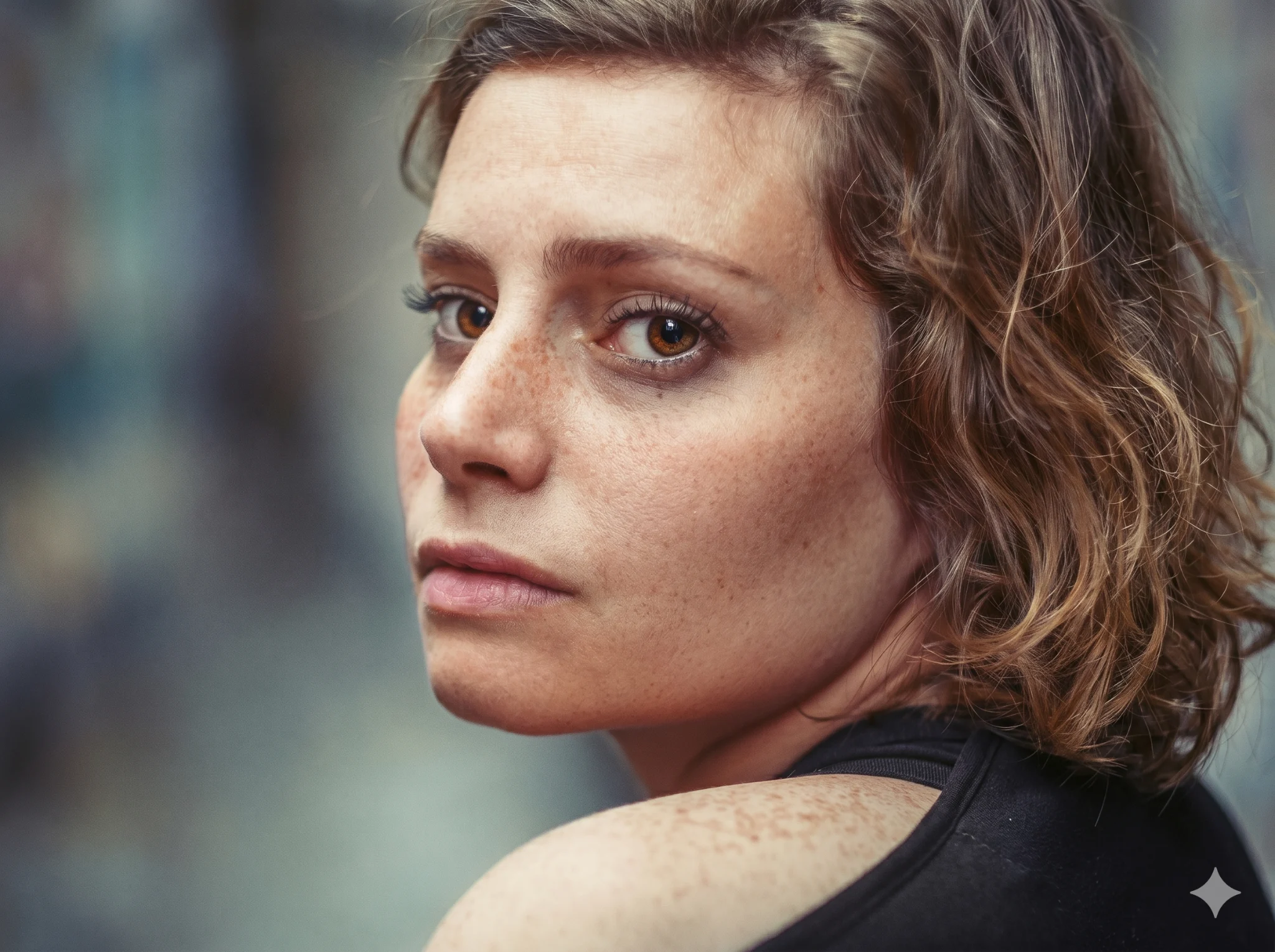
I tested this repeatedly because I wanted edits that people couldn't immediately recognize as AI-generated. The best results always preserved imperfections.
What I learned after testing hundreds of photo editing prompts
After experimenting with countless prompts across multiple AI platforms, I found that realism comes down to specificity.
The most effective prompts almost always mention lighting direction, texture preservation, shadow consistency, color accuracy, and identity protection. Whenever I left those details out, the AI often filled the gaps with unrealistic assumptions.
I also discovered that the best results usually came from treating AI like a photographer rather than a graphic designer. Instead of saying "make this look amazing," I got much better outcomes when I described exactly how light should behave, how textures should appear, and what elements should remain untouched.
Perhaps the most important lesson was that realistic photo editing is rarely achieved with a single perfect prompt. I often refined prompts over several attempts, adjusting one detail at a time until the image looked genuinely photographic.
In my experience, that small amount of iteration is what separates average AI edits from results that are difficult to distinguish from real photography.
Also read: Our list of the best free AI tools for work includes ChatGPT, Gemini, Claude, Perplexity, NotebookLM, Canva AI, and more.