







LABS GALLERY: Outlook 2010 Eases Common Tasks, Fully Adopts Ribbon Interface
by Jim Rapoza
Ribbon Interface
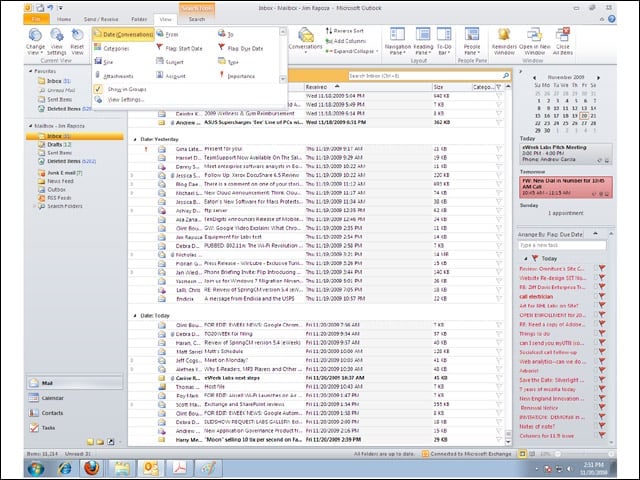
With the 2010 beta, Outlook now fully adopts the ribbon interface found in the rest of the Microsoft Office suite.
Conversation View
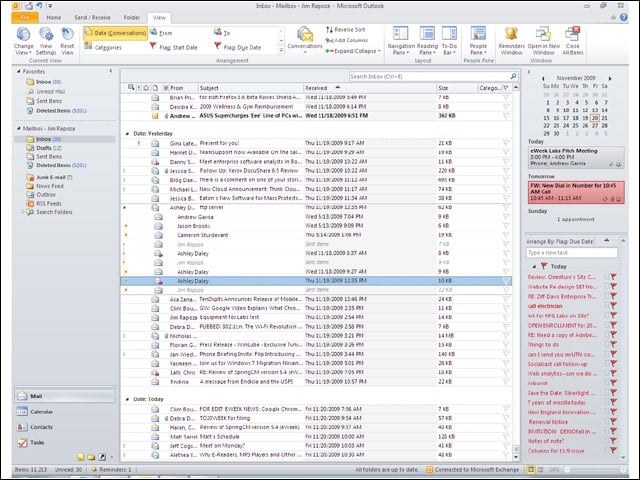
The Conversation View in Outlook 2010 boosts the ability to view full e-mail threads by expanding any message in the thread.
Quick Steps
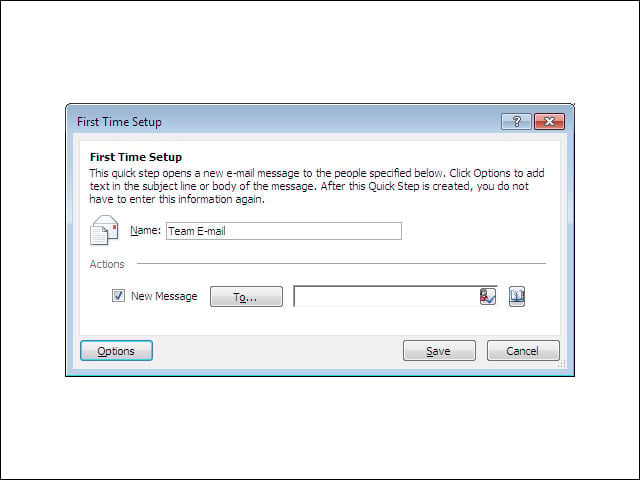
The new Quick Steps feature in the Outlook 2010 beta lets users carry out frequently performed tasks within Outlook with a single click. Outlook 2010 comes with several preconfigured Quick Steps, such as group e-mails, reply and delete.
Build-Your-Own Quick Steps
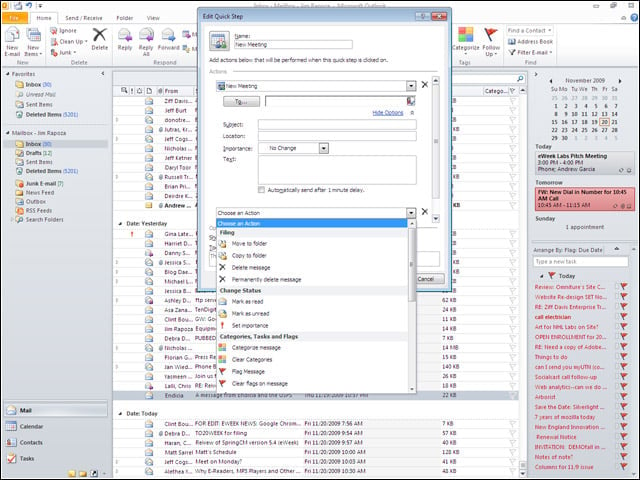
Users can also build their own Quick Steps for quickly handling different tasks in Outlook 2010.
Social Connector
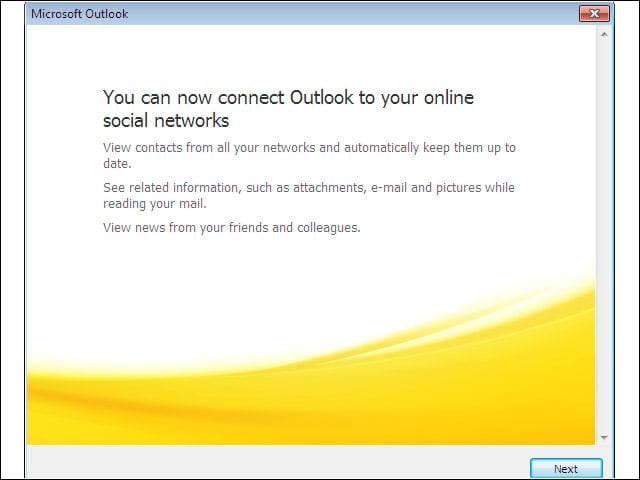
The Social Connector in Outlook 2010 makes it possible to link up to collaborative spaces and have social information about contacts visible while viewing an Outlook message.
SharePoint Only
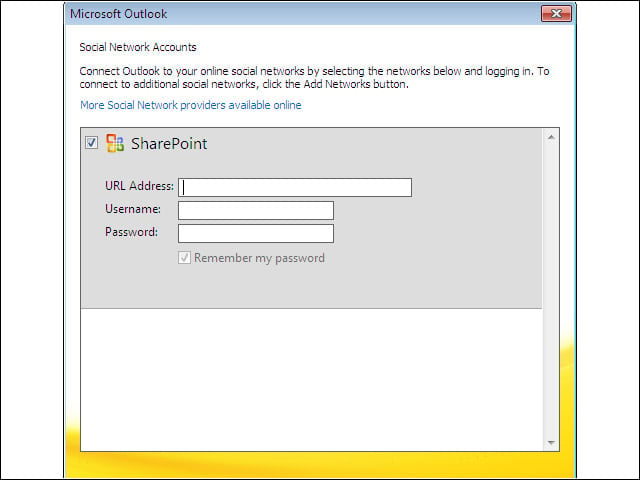
In the current beta, the only social network that Outlook 2010 can connect to is Microsoft’s own SharePoint.
Backstage
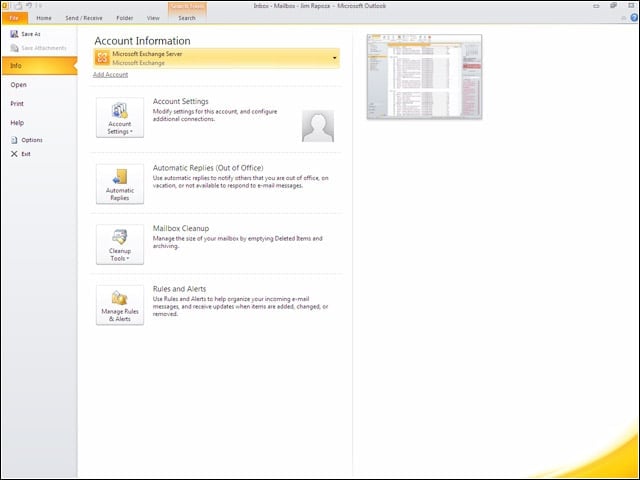
Backstage is the new management view for Outlook 2010, launching a full management window for a user’s Outlook deployment rather than just using a standard File menu.
Suggested Contacts
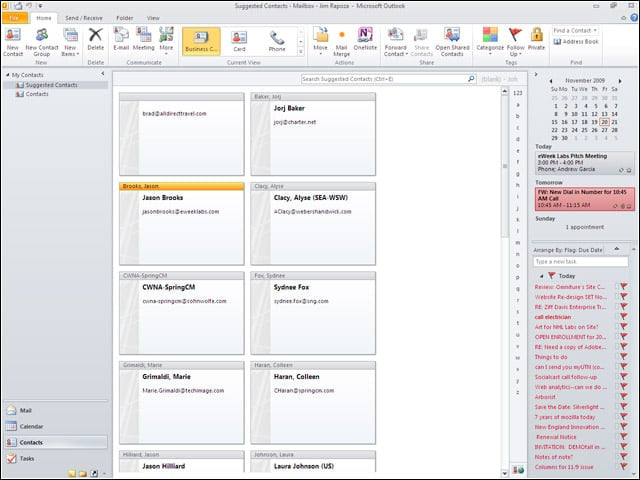
The Suggested Contacts tab builds a list of recipients of e-mails that don’t belong to any of your address books.
Image Editing
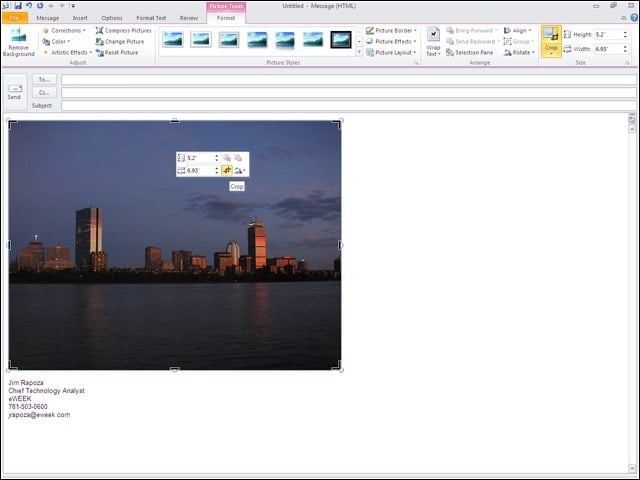
A nice feature in the Outlook 2010 beta makes it possible to edit images directly within Outlook without the need for external image editing tools.
Cut and Paste
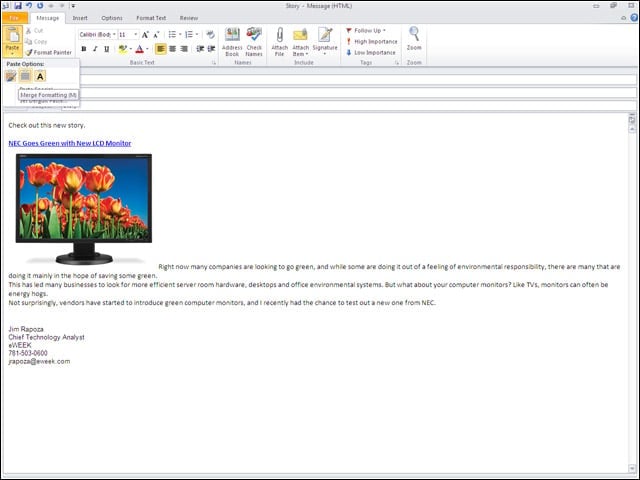
Cutting and pasting content into Outlook 2010 has been improved with preview features that let a user see how content will look before pasting it into a message.
Paste Screenshot
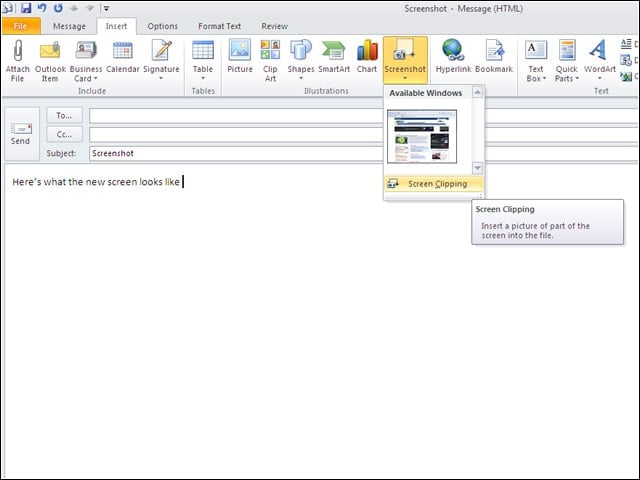
A new feature in Outlook 2010 let me paste a screenshot directly into Outlook without having to first save it as an image file.
Message Themes
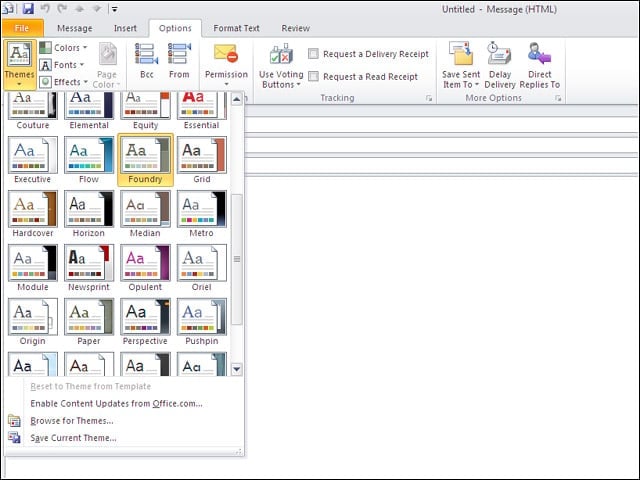
Several new message themes have been added in the beta of Outlook 2010.