EliteBook 8440w Is HP’s 14 Mobile Workstation Debut

EliteBook 8440w Is HP’s 14 Mobile Workstation Debut
Published: Feb 4, 2010
Updated: Feb 2, 2021
1 minute read
eWeek content and product recommendations are editorially independent. We may make money when you click on links to our partners. Learn More


EliteBook 8440w Is HP’s 14 Mobile Workstation Debut

1

EliteBook 8440w is HP’s 14″ mobile workstation debutBy Cameron Sturdevant


EliteBoolk 8440w
2

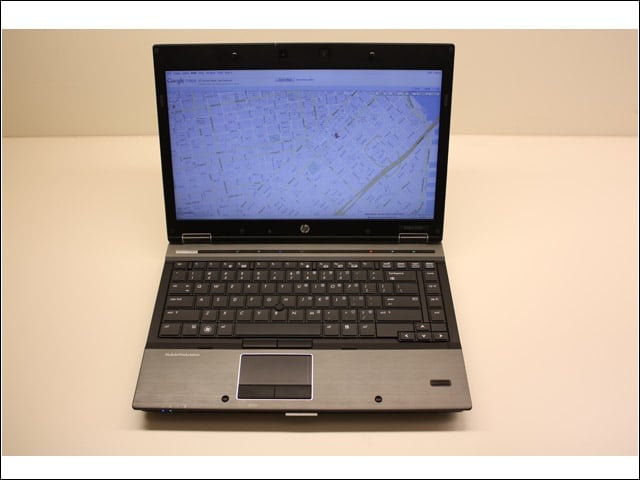
The 14″ screen marks HP’s debut in the mid-size mobile workstation segment.


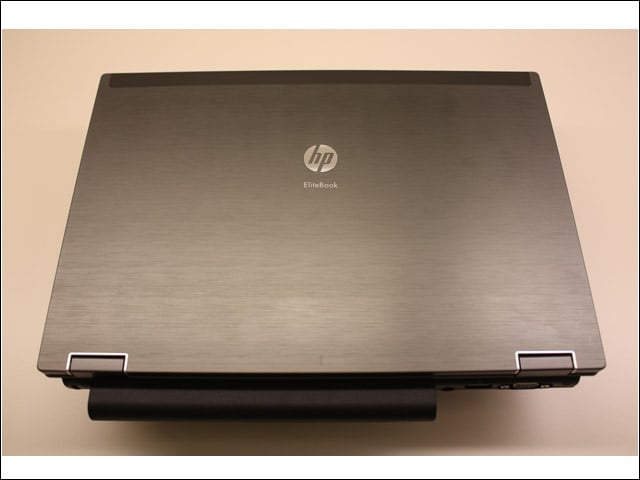
Battery jut
3

Seen from the top and rear, the 9-cell battery juts unevenly from the 8440w.


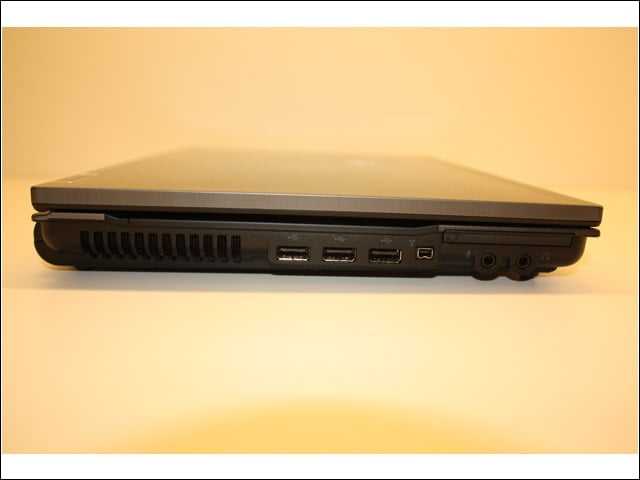
Left side
4

(left to right) 3 USB, 1 1394 Firewire, microphone and headphone jacks.


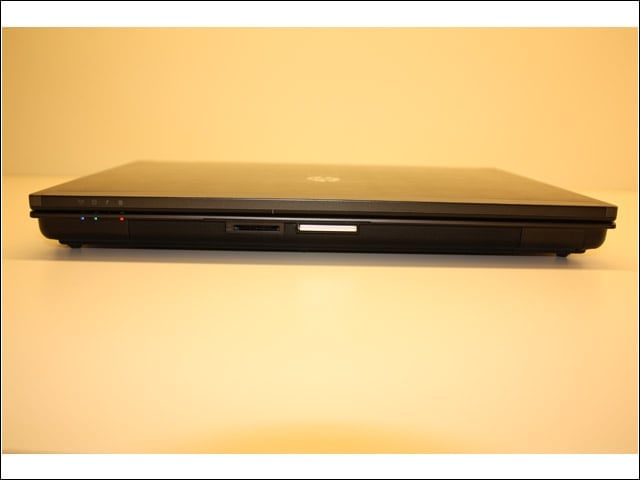
front edge
5

(left to right) indicator lights, SD card slot, lid latch are all in the speaker grille.


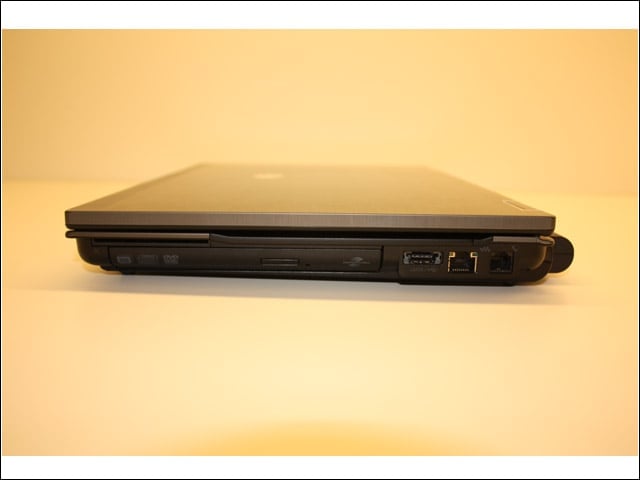
right side
6

(left to right) SC slot (hard to see, just above the optical drive and the far left), optical drive, eSATA/USB combo, network, phone modem ports.


underside
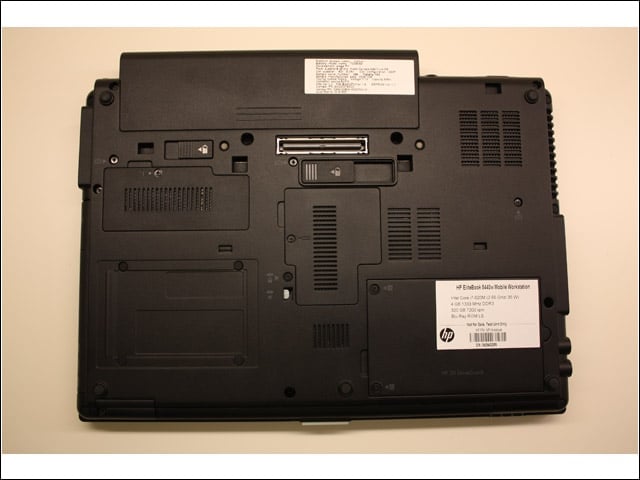
7

Easy access to nearly all field serviceable parts.


Touchpad
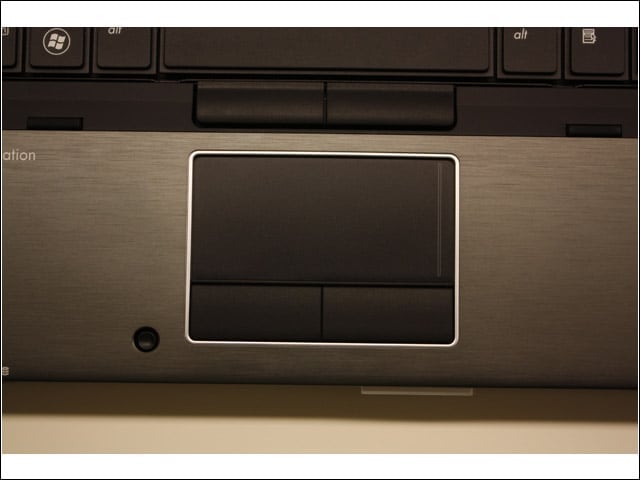
8

Gesture enabled and nicely recessed to avoid stray palm input.


Advertisement

Keyboard

9

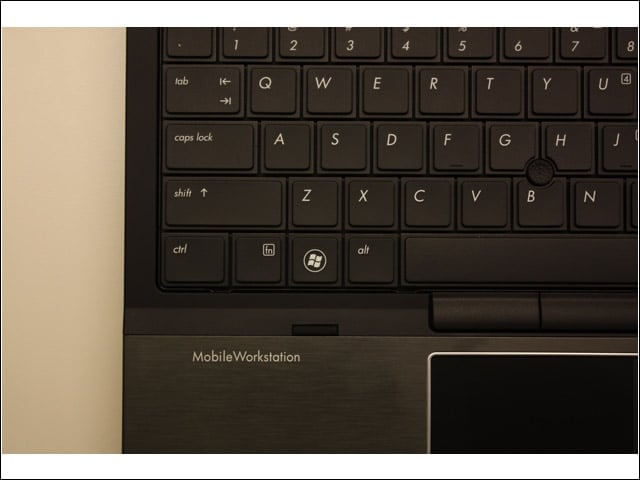
Squared off keys had a surprisingly good key press action. The keyboard is in a tray that channels liquids to a gutter instead of sensitive internal components.


Work light
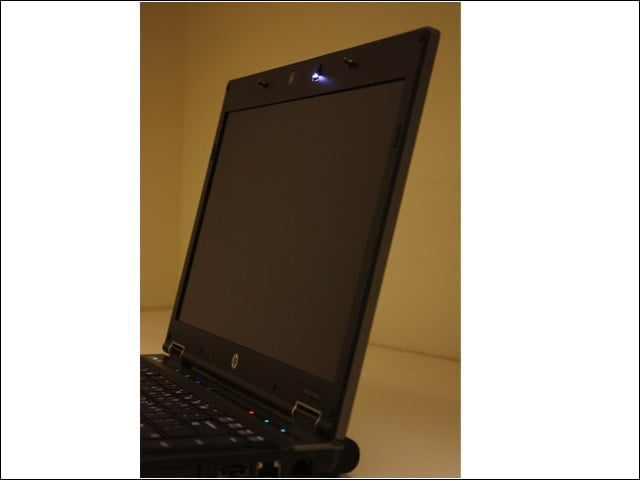
10

Pop out work light seen here in the top edge of the display bezel.


Quick access access
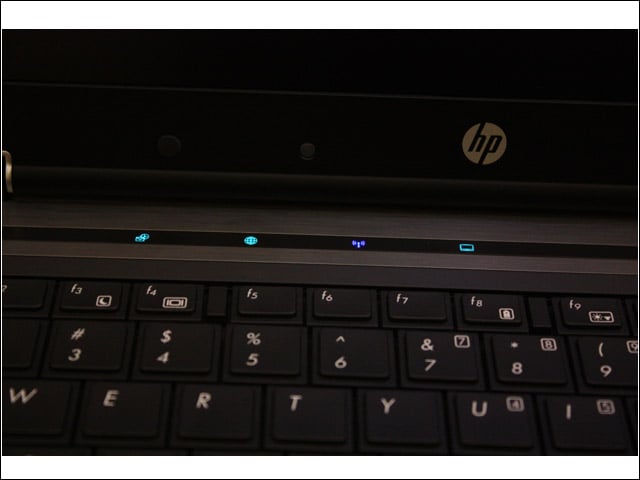
11

Here you see the touch-sensitve keys used to activate/deactivate (left to right) QuickLook and QuickWeb, along with wireless and battery indicators.


QuickWeb
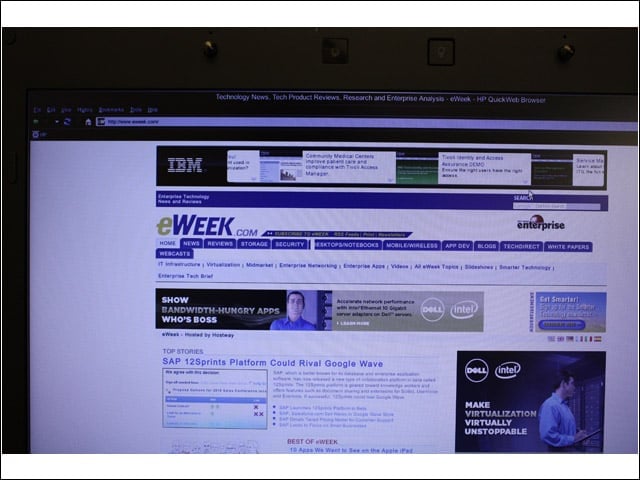
12

It’s hard to tell, but this is the eWEEK.com site as seen from the HP QuickWeb browser, which can be used instead of fully booting up the 8440w.

Cameron Sturdevant

Cameron Sturdevant is the executive editor of Enterprise Networking Planet. Prior to ENP, Cameron was technical analyst at PCWeek Labs, starting in 1997. Cameron finished up as the eWEEK Labs Technical Director in 2012. Before his extensive labs tenure Cameron paid his IT dues working in technical support and sales engineering at a software publishing firm . Cameron also spent two years with a database development firm, integrating applications with mainframe legacy programs. Cameron's areas of expertise include virtual and physical IT infrastructure, cloud computing, enterprise networking and mobility. In addition to reviews, Cameron has covered monolithic enterprise management systems throughout their lifecycles, providing the eWEEK reader with all-important history and context. Cameron takes special care in cultivating his IT manager contacts, to ensure that his analysis is grounded in real-world concern. Follow Cameron on Twitter at csturdevant, or reach him by email at cameron.sturdevant@quinstreet.com.

eWeek Logo

eWeek has the latest technology news and analysis, buying guides, and product reviews for IT professionals and technology buyers. The site's focus is on innovative solutions and covering in-depth technical content. eWeek stays on the cutting edge of technology news and IT trends through interviews and expert analysis. Gain insight from top innovators and thought leaders in the fields of IT, business, enterprise software, startups, and more.

Property of TechnologyAdvice. © 2026 TechnologyAdvice. All Rights Reserved

Advertiser Disclosure: Some of the products that appear on this site are from companies from which TechnologyAdvice receives compensation. This compensation may impact how and where products appear on this site including, for example, the order in which they appear. TechnologyAdvice does not include all companies or all types of products available in the marketplace.