







- How HP Envisions Making Printing Available Anywhere You Happen to Be
- HP Starts Whole New Printing Initiative
- Explaining That E-Printing Will Soon Be Available Everywhere
- Decision-Makers of the First Deployments
- Searching for the Printer Location
- You Are Now Printing …
- At the Printer Location
- Multiple BlackBerrys at Work
- Separate Components That Soon Will Become One Unit
How HP Envisions Making Printing Available Anywhere You Happen to Be
by Chris Preimesberger
HP Starts Whole New Printing Initiative
Paper docs aren’t going away, probably ever. HP’s is already the world’s largest and most successful client-based printer manufacturer, but now the company is expanding its horizons to include the cloud. Using its own data centers around the world, HP can connect a BlackBerry user to the nearest publicly available connected printer to produce important paper documents on demand. Think of how convenient this would be to produce contracts, legal briefs, health records, financial statements, and other sensitive documents while on the road.
Explaining That E-Printing Will Soon Be Available Everywhere

At the ePrint launch, Bruce Dahlgren, HP vice president of Global Enterprise Business of the Imaging & Printing Group, lays out the overview of the new cloud printing service. ePrint Enterprise is a key new addition to HP’s Enterprise Production Print Solutions. This is a suite of options that provide enterprises with several onsite, offsite and near-site production print capabilities.
Decision-Makers of the First Deployments

A group of early adopters discusses their own perspectives on e-printing at the launch event. From left: John Tomesco, HP vice president of Enterprise Market Development; FedEX Office CEO Brian Phillips; Mike Gruber, director of Platform Partners and Global Alliances for Research In Motion; John Johansky, vice president and general manager of HP’s Imaging and Printing Group; and Jeff Bane, vice president of Worldwide MPS Service Delivery for HP.
Searching for the Printer Location
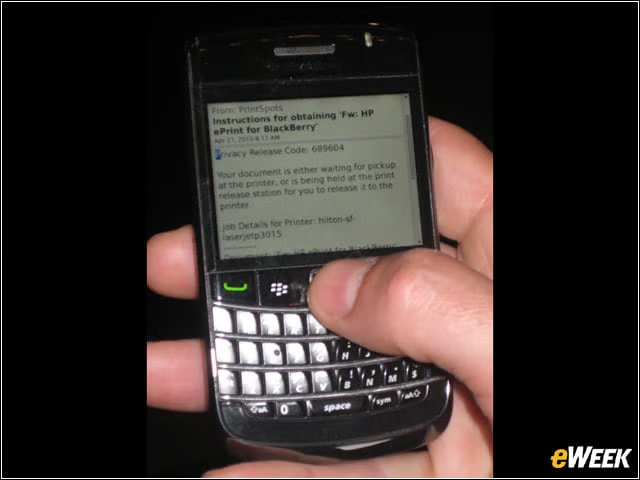
RIM’s Mike Gruber said he considers printing from a connected device like the BlackBerry a “function, and not an app,” meaning that it should work more like a “GPS, for example.” After you identify the print doc you want to make, you use ePrint search for the nearest publicly available machine. Once identified, you are given the address and a security code to use to identify yourself and for the machine, once you arrive at the location.
You Are Now Printing …
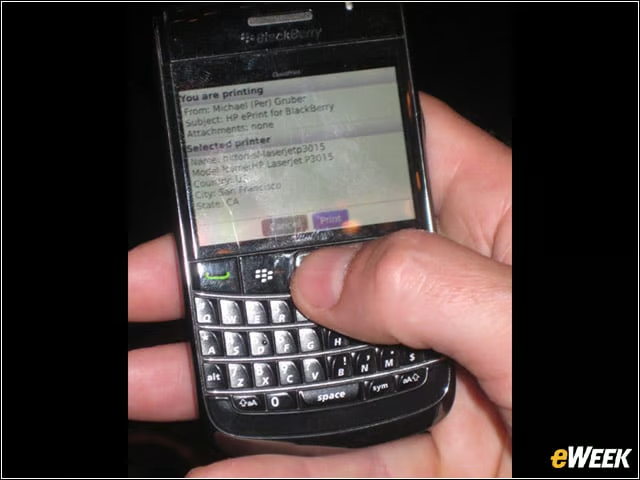
Once you choose the printer and issue the “print” order, the ePrint function then queues up the order and send you a confirmation that the job is ready to be completed.
At the Printer Location
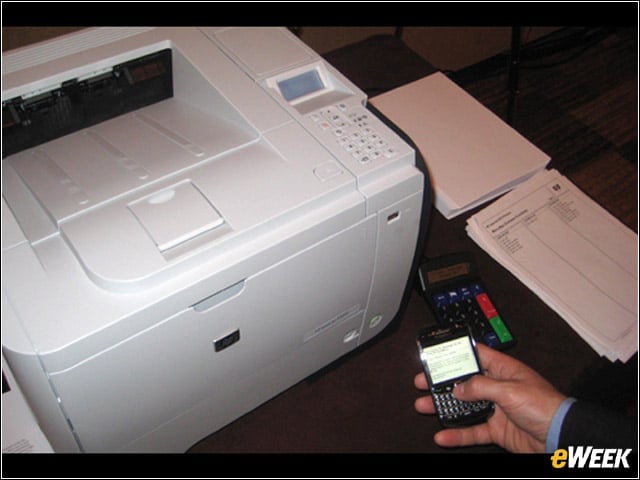
When you arrive at the location (at the moment it could be a FedEx Office location or Hilton property, with many more locations in the works), you simply enter the security code that ePrint gave you earlier, and the print is made on the spot.
Multiple BlackBerrys at Work
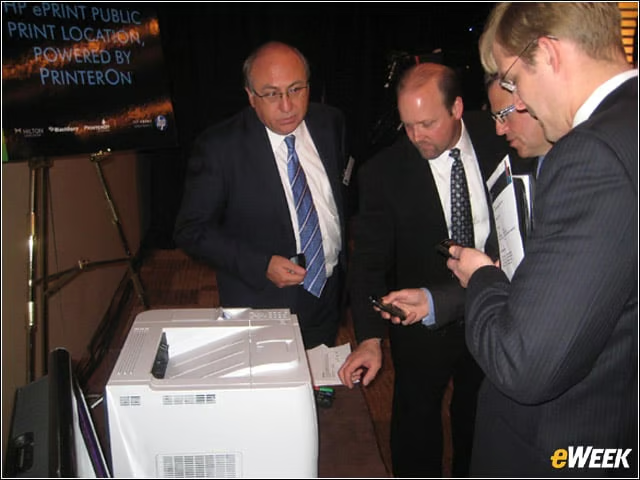
HP execs Victor Garcia (left) and Jeff Fox join with RIM’s Mike Gruber and a Hilton exec to try out the system for themselves. PrinterOn was the print location supplier.
Separate Components That Soon Will Become One Unit
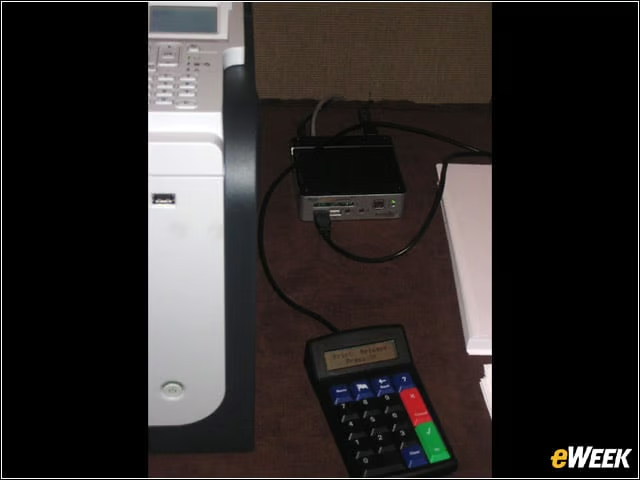
At the moment, the ePrint system is comprised of separate elements, with the printer, a small hard drive and a data entry pad all connected. HP will soon be making integrated smart printers that will include all of the above.