






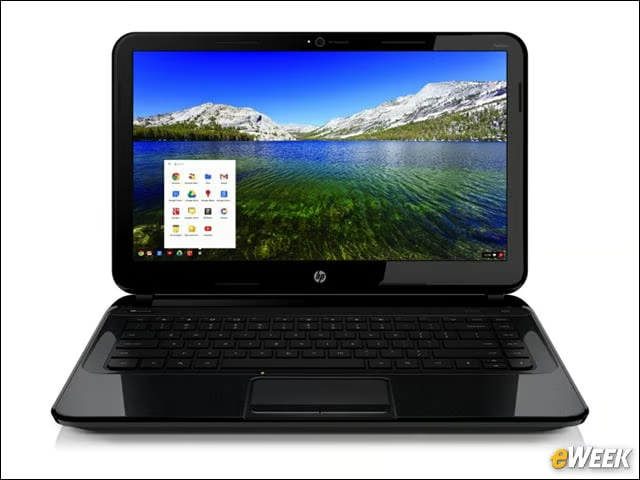

HP Pavilion ($330)
The Intel-powered notebook boasts a 14-inch display that’s about 2 inches wider than other Chromebook notebooks on the market.
HP Pavilion 14
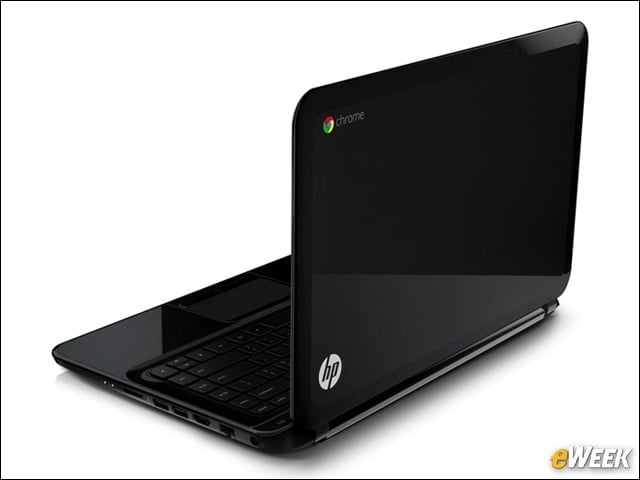
Weighing in at just less than 4 pounds, the notebook also offers an array of ports, including High-Definition Multimedia Interface (HDMI), USB 2.0 and Ethernet jack.
HP Pavilion 14
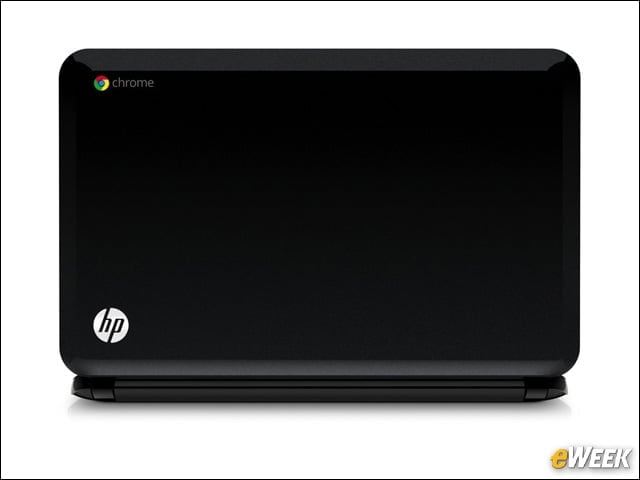
Other features include up to 4GB of memory, a removable battery with up to four hours and 15 minutes of power, an HP TrueVision HD Webcam, and 100GB of free storage on Google Drive for two years.
Lenovo ThinkPad X131e ($499)
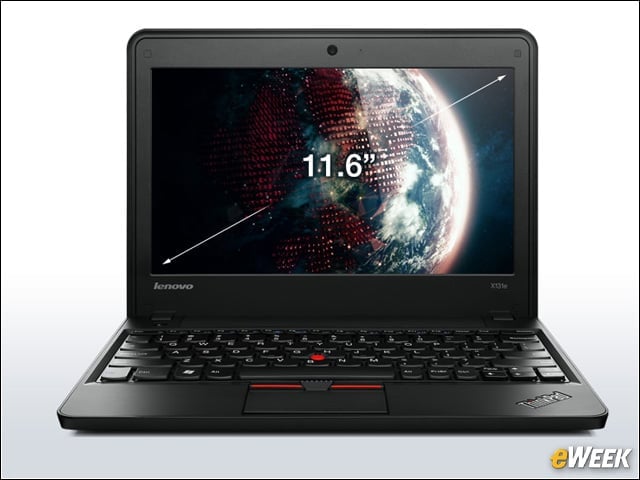
The 11.6-inch notebook features an Intel processor, a high-definition (HD) LED anti-glare screen, and three USB ports, as well as a rubber bumper around the top cover and stronger corners.
Samsung 550 ($450)
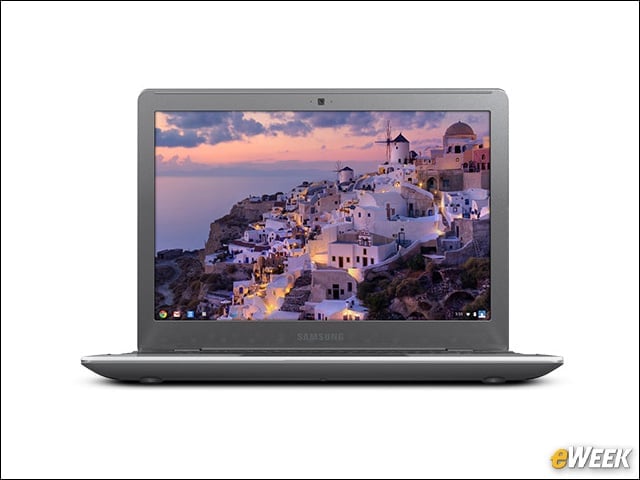
This 12.1-inch notebook is powered by an Intel Core processor and offers 4GB RAM, built-in virus protection and weighs just over 3 pounds.
Samsung 550
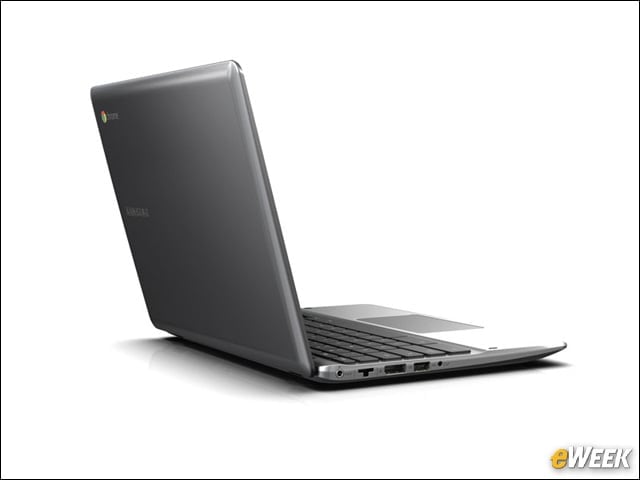
The Kensington key lock-compatible device also sports an HD camera, 4-in-1 memory card slot, two USB 2.0 ports and built-in dual-band WiFi.
Acer C7 ($200)
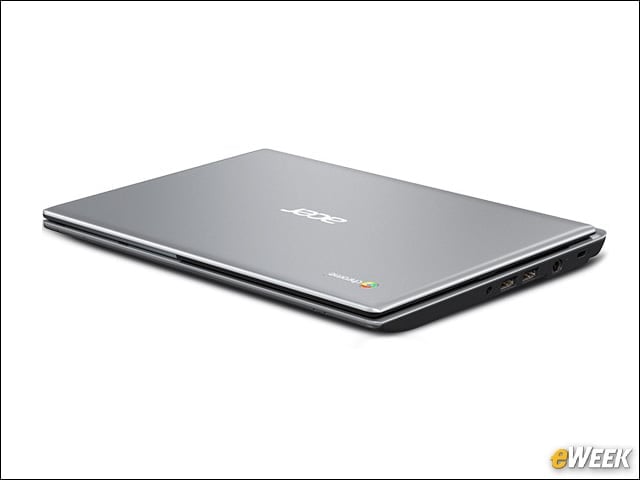
This Chromebook supports HDMI and VGA output, and includes three USB ports. A dual WiFi chip makes it easier to connect to wireless networks, and comes with 12 free sessions of Gogo Inflight Internet.
Acer C7
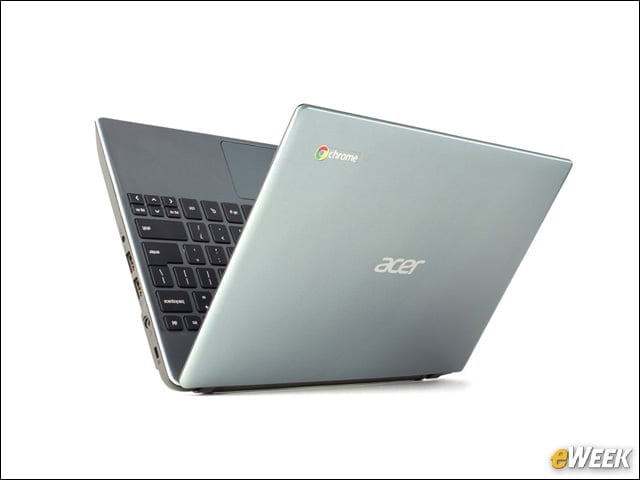
The notebook runs a dual-core Intel Celeron processor, and boasts an HD camera and 100GB Google Drive cloud storage free for two years.
Samsung Chromebook ($250)
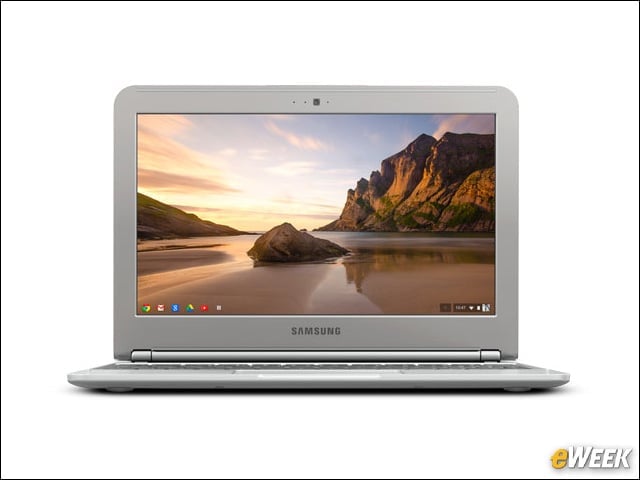
This entry-level notebook sports an 11.6-in. display, 16GB solid-state drive (SSD), more than 6.5 hours of battery life and weighs just under 2.5 pounds.
Samsung Chromebook
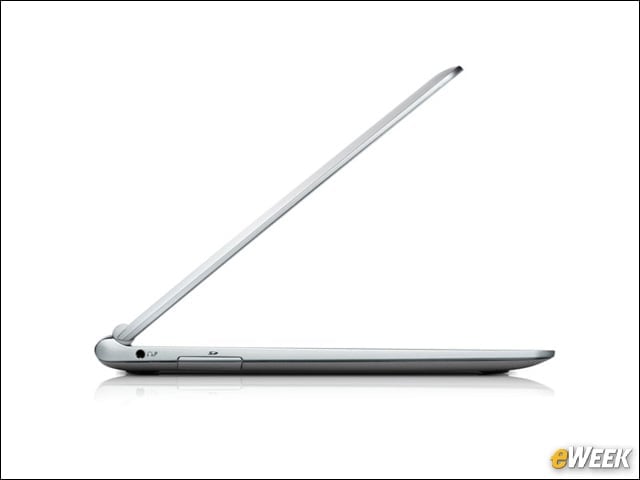
It’s built to stay cool, so it doesn’t need a fan and runs silently, and has dual WiFi to make it easier to connect to wireless networks.