







- iPad Pro Tablet vs. MacBook Pro Notebook: Choosing Between the Two
- Do You Like Working With Tablets or Notebooks?
- There’s No Real Winner on Screen Size
- The Two Computers Provide Different Touch Control Options
- What Is Your Operating System Preference?
- Performance Concerns Need to Be Considered
- Don’t Underestimate the Apple Pencil’s Appeal
- Many of the Same Apps Run on Both Devices
- How Important Is Flexibility?
- How Will LTE Connectivity Sway the Decision?
- There’s a Big Difference in Prices
iPad Pro Tablet vs. MacBook Pro Notebook: Choosing Between the Two

Check out this point-by-point comparison of Apple’s newest tablet—the iPad Pro—and the company’s lightweight, high-powered, notebook—the MacBook Pro.
Do You Like Working With Tablets or Notebooks?

Ultimately, the decision between the MacBook Pro and Apple’s iPad Pro may come down to which device you are most comfortable working with and makes you more productive. Those who like tablets because they offer mobility comparable to a smartphone while providing a larger screen will likely choose a tablet. Those who prefer lightweight notebooks because they let you sit down and do some serious work will pick a notebook.
There’s No Real Winner on Screen Size

While the MacBook Pro comes with a 13.3-inch display, that isn’t a very sizable advantage over the 12.9-inch screen built into the iPad Pro. In fact, if one were to measure the devices by pixels per inch, or the amount of pixels a display can pack into a screen to enhance its picture, the smaller iPad Pro would win at 264 pixels per inch. The MacBook Pro features 227 pixels per inch.
The Two Computers Provide Different Touch Control Options

It’s important to understand that while touch gestures are obviously supported on the iPad Pro’s touch display, they’re not forgotten in the MacBook Pro. In fact, the MacBook Pro’s built-in touch-pad comes with support for several touch gestures, including pinch-to-zoom and swiping. In addition, the trackpad built into the MacBook Pro has Force Touch support, meaning it’s pressure-sensitive and software will respond based on how much pressure is applied.
What Is Your Operating System Preference?

Customers choosing between the iPad Pro and MacBook Pro must ultimately determine which OS they prefer. The iPad Pro runs on iOS 9 and comes with full support for iOS apps. It also has multitasking and split-view support for improved productivity. The MacBook Pro, however, comes with OS X El Capitan, an entirely different operating system altogether. OS X is more powerful than iOS, but if power and support for certain programs doesn’t matter, that may not be a bad thing.
Performance Concerns Need to Be Considered

There are major differences in the components plugged into these devices. The MacBook Pro runs on Intel’s Core i5 processors for the base models but can be configurable up to a 3.1GHz dual-core Intel Core i7. The computer also comes with up to 16GB of on-board memory. The iPad Pro runs on Apple’s A9X processor, which the company claims is more powerful than many notebook processors. It’s unknown, however, how it will fare against the MacBook Pro until benchmark testing is completed. At first blush, it would appear the MacBook Pro would take the prize.
Don’t Underestimate the Apple Pencil’s Appeal
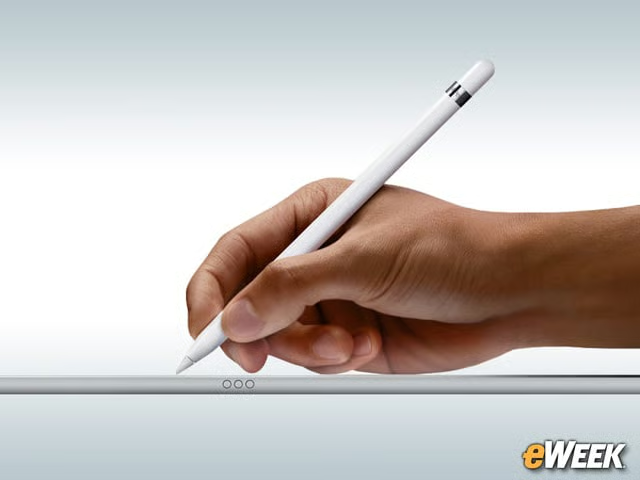
One of the main selling points for the iPad Pro is its support for Apple Pencil, a stylus that allows users to write on the screen with keen precision. The MacBook Pro does not support Apple Pencil, which may prove to be an issue for those who like the idea of writing on a screen.
Many of the Same Apps Run on Both Devices

Although OS X and iOS are technically running different App Stores, they come with many of the same apps. In fact, customers who are running productivity suites on a MacBook Pro will likely find their mobile alternatives on the iPad Pro. Better yet, developers who want to take advantage of the iPad Pro’s extra power may optimize their apps for that experience, making it much more like the MacBook Pro desktop apps than currently available alternatives.
How Important Is Flexibility?
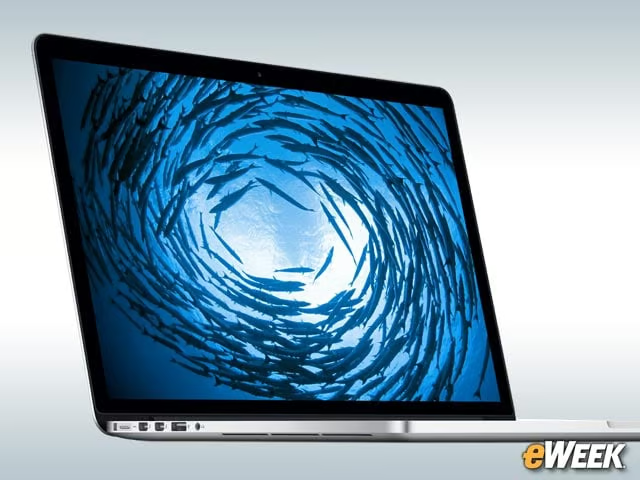
Flexibility could be an important selling point for customers. The MacBook Pro is a clamshell product that comes with a keyboard firmly affixed to its screen; it’s not a hybrid. The iPad Pro, however, supports a detachable keyboard, allowing the device to be used as a notebook in when needed and a tablet in other cases. The iPad Pro is the more flexible option among the two devices.
How Will LTE Connectivity Sway the Decision?
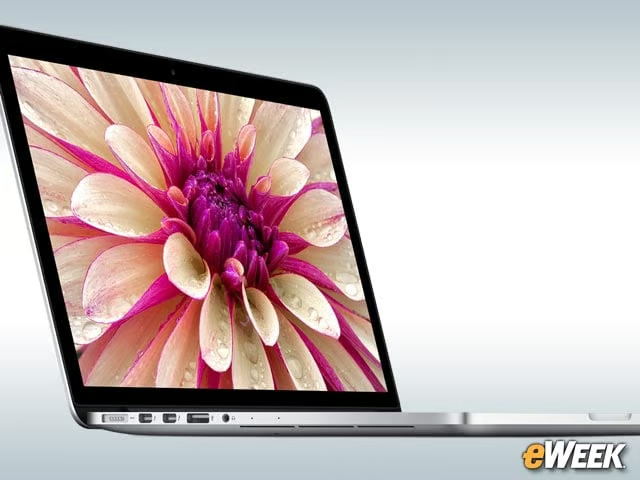
The MacBook Pro comes with the latest support for WiFi connectivity, but doesn’t support a key feature offered in the iPad Pro—LTE connectivity. So, customers who are on the road will have Web connectivity no matter where they go with the iPad Pro as long they have a carrier plan. The MacBook Pro will require a WiFi connection to get Internet access.
There’s a Big Difference in Prices

So, what do these devices cost? The 13-inch MacBook Pro, which comes with the Apple Retina Display, starts at $1,299 and goes up to $1,799 for one of the higher-end options. Configurations will add costs to those prices. The iPad Pro has three configurations. The first two are available for $799 and $949 for 32GB and 128GB of storage, respectively, and are WiFi-only. The LTE model comes in only a 128GB configuration and sells for $1,079.