







10 Essential Third-Party Security Apps for Windows 7
by Don Reisinger
AVG Anti-Virus 9.0

AVG Anti-Virus 9.0 provides security for free. And unlike so many of the other free solutions out there, this one does the job. The app features the ability to find viruses that might be affecting Windows 7. It won’t catch all the threats, but it’s widely considered the best free anti-virus service on the Web.
TrueCrypt
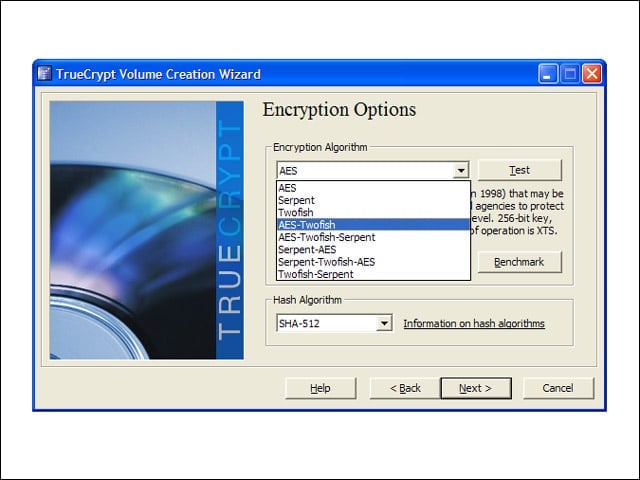
Since encrypting the drive can be one of the most important aspects of any security plan, TrueCrypt should do the job. It encrypts data in AES, TwoFish and several other protocols. Users need only to input a password to gain access to the encrypted files. But whenever someone else tries to gain access to them, they’ll have a tough time doing it. Like AVG, it’s free.
Webroot Anti-Virus with Spy Sweeper
Webroot Anti-Virus with Spy Sweeper is a fine security offering. Not only does it find viruses, but the software will also identify and remove spyware, adware, worms, pop-ups, Trojans, key loggers and rootkits. It costs $59.95.
McAfee Internet Security
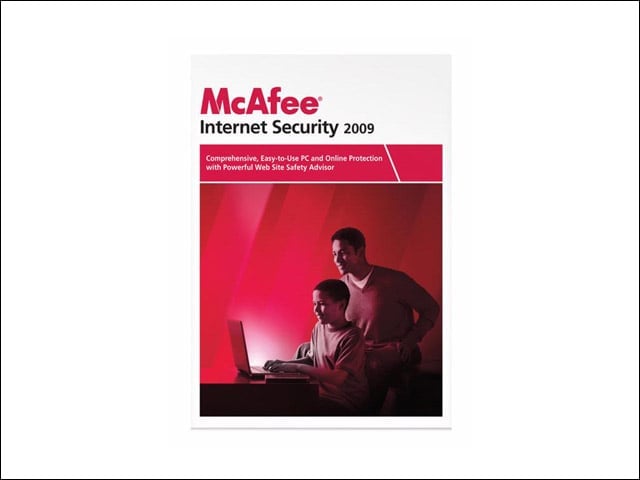
McAfee enjoys a long tradition of providing security software for Windows. Its McAfee Internet Security, which costs $69.99 per year, addresses the vast majority of security issues that can impact Windows. The software not only catches viruses and spyware, but it also finds phishing schemes and provides firewall protection, parental controls, data backup and more.
Norton 360
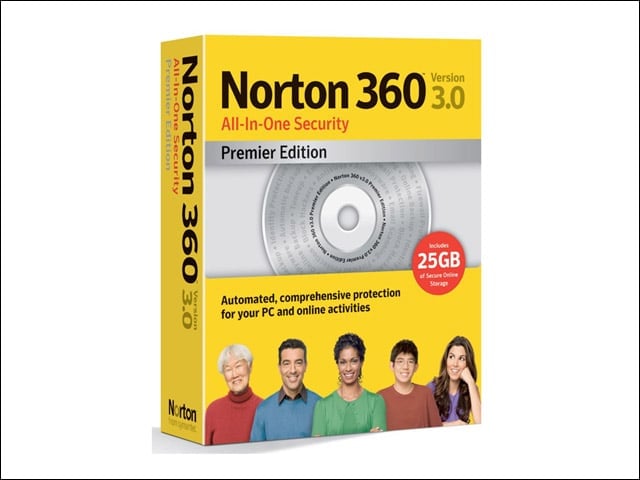
Symantec’s Norton 360 is one of the company’s most capable software packages for protecting Windows against the many threats that affect it. The software does the basics, like blocking spyware and viruses. But it also provides protection for those who input personal credentials online into shopping sites. And it features one-click log-in into sites to keep passwords away from malicious hackers. It costs $99 for that and much more.
PC Tools Spyware Doctor
Spyware Doctor from PC Tools won’t feature all the bells and whistles users will find in software from McAfee or Symantec. But what it will offer is a solid anti-malware tool that costs just $39.95 for installation on up to three computers. The software also uses PC Tools’ IntelliGuard feature, which alerts users when it detects a virus or spyware.
ZoneAlarm Internet Security Suite
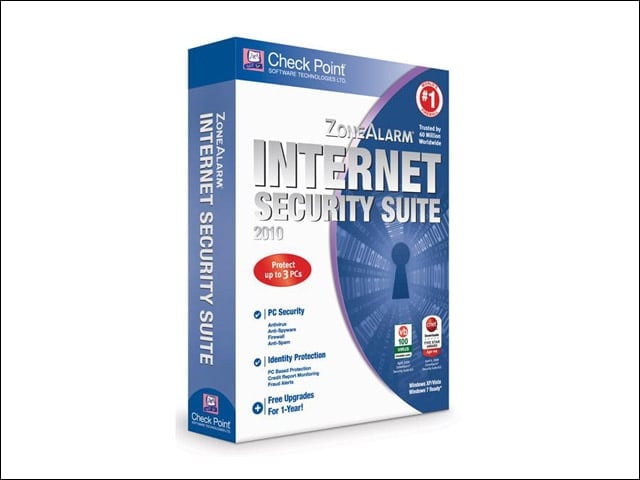
ZoneAlarm’s Internet Security Suite provides a slew of protections for just about any Windows user. Aside from catching viruses and spyware, the tool offers download protection, a firewall, parental controls and, ironically, credit monitoring, to ensure no one has stolen the user’s identity. It’s a good value at $39.95 per year.
Panda Global Protection

Panda Global Protection provides all the security features the security firm can pack into a single software pack. Panda Global Protection boasts anti-malware protection and a firewall. It also backs up important files in case of data loss. It costs $69.95 for one PC or $89.95 for up to three PCs.
BitDefender Internet Security 2010
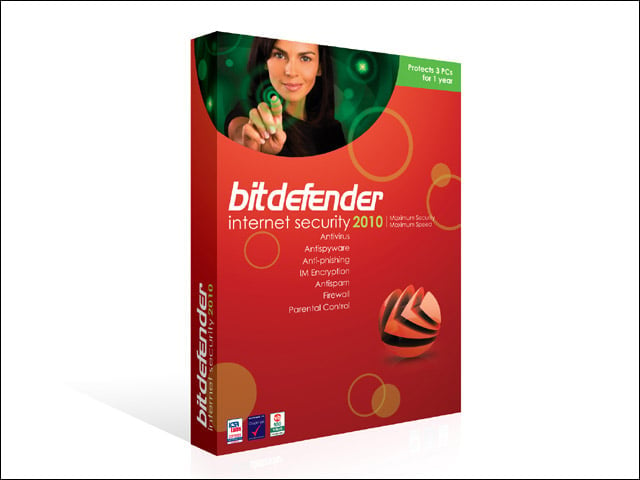
BitDefender might not have the name recognition enjoyed by some of the other security firms in this roundup, but the company’s Internet Security 2010 sports several security features, including anti-malware protections, parental controls, identity protection and the ability to encrypt data on the hard drive. It also fights spam. Not bad for $49.95.
TrendMicro Internet Security

TrendMicro’s Internet Security is well-known for doing a fine job of providing security to Windows PCs. Its Internet Security software is arguably its most capable service. It features anti-malware protection, firewall support and protection against identity theft, to name just a few features. It also protects connections over Wi-Fi. The software costs $49.95.