








Apple iPad Security Considerations for the Enterprise
by Brian Prince
Data Encryption

Encryption will be a key issue for the iPad. Encryption for the iPhone 3GS came under fire last year when a researcher showed how it could be circumvented. “Does the iPad offer devicewide encryption for all user documents? There was no mention of this, and the iPhone’s encryption mechanism proved fairly straightforward to bypass by anyone with a modicum of hacking knowledge anyway,” said Gartner analyst Bob Walder.
Corporate VPN Support
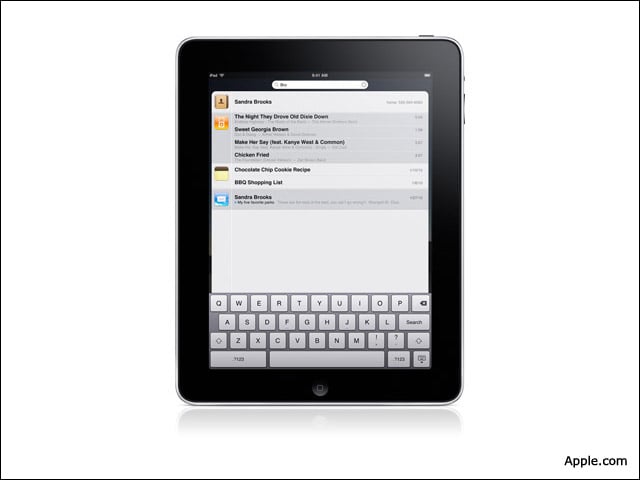
Several analysts and security pros said they would like Apple to ensure that there is corporate VPN support so that users can securely access enterprise networks.
Password Management

Users should have the ability to set policies for passwords such as locking down the machines after a certain number of incorrect log-in attempts or requiring that passwords be updated periodically.
Remote Wipe

Apple should add a remote wipe feature to protect the device if it is lost or stolen. “The iPad evolves the computing power of mobile devices and so it actually becomes much closer in capability to that of a traditional personal computer,” said Gerry Egan, director of Symantec Security Response. “As such, there will be a bigger temptation to possibly ‘load it up’ with more sensitive information than would typically be the case for an iPhone or [iPod Touch]. It is therefore critical that much attention be given to how this data is protected.”
WiFi Management
Unlike the iPhone, which connects to a cellular network, the iPad is meant to primarily be used as a WiFi device. Therefore, the iPad’s WiFi features should make it clear to the user that not all WiFi connections are secure and ensure that they know the dangers of using a nonsecure connection, Egan said.
Third-Party Software Security
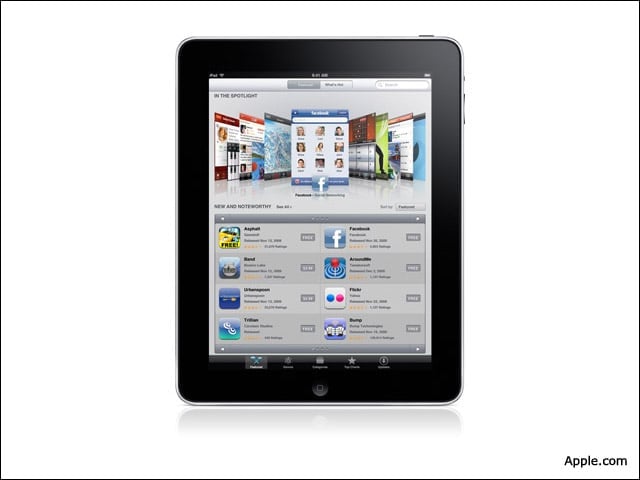
As it does with the iPhone, Apple is expected to restrict the access of third-party applications on the iPad. Such restrictions have the side effect of offering another layer of protection against malware attacks. However, it should be noted that attackers have succeeded in sneaking malicious applications into mobile app stores in the past; Google removed suspicious banking apps from its Android Market application store just a few months ago.
Browser as a Target

“I think the browser is by far the most likely attack vector for non-jailbroken iPads,” said Graham Cluley, senior technology consultant at Sophos. “Targeting browser vulnerabilities would be the obvious way to try to infect and steal information from users. We are also seeing more and more attacks via social networks, which clearly don’t care what kind of device you are using to connect to the Internet.”
Patch Management

“It’s impossible to guarantee a world free of such software bugs; so, having a robust patch management capability as part of the device’s core software will be key to ensuring that users keep up with the latest updates for the software on their device,” said Symantec’s Egan. “For critical updates, it should be very hard for end users to ignore recommendations that they download and install available updates.”