







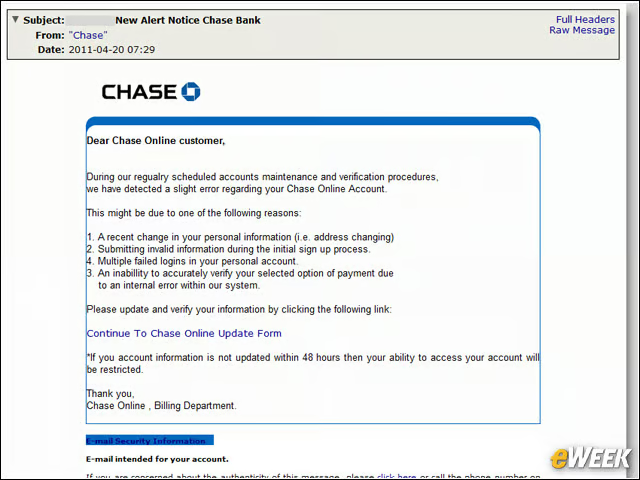
Password Resets
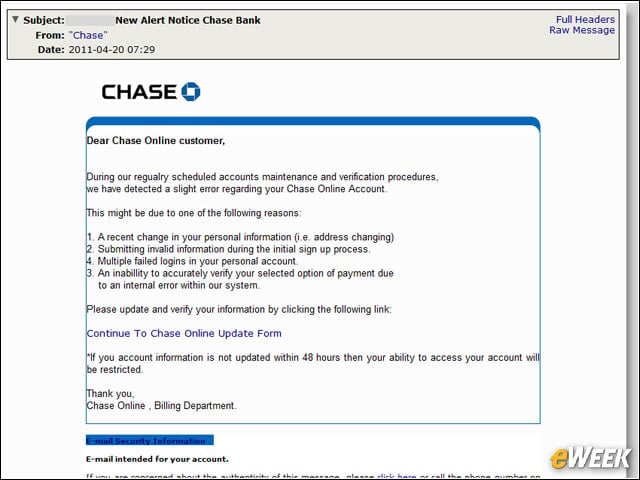
Perhaps the most well-known type of phishing, the email claims something is wrong with the user account and asks that the user log in to reset or secure the account. This may be a link to a page or an attached HTML file.
That Enticing Ad
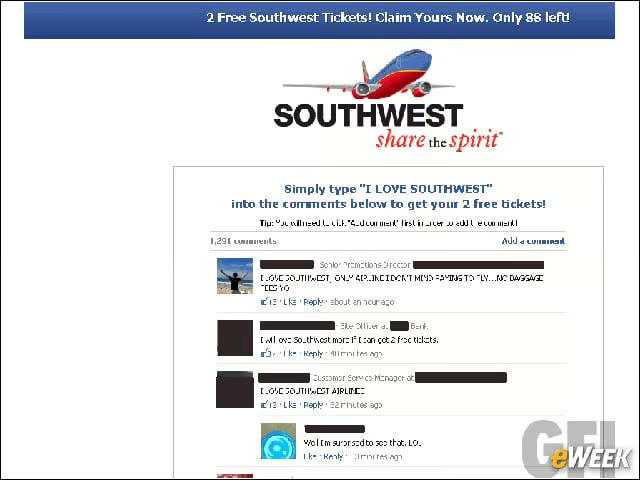
Perhaps its a free iPad, or you won free airplane tickets because Osama bin Laden is dead. Or the ad is for an online multiplayer game everyone has been talking about. Malvertisements, or advertisements that link to malicious sites, are a growing problem and can trick users into going to phishing sites while surfing on legitimate pages.
The All-Important Work File
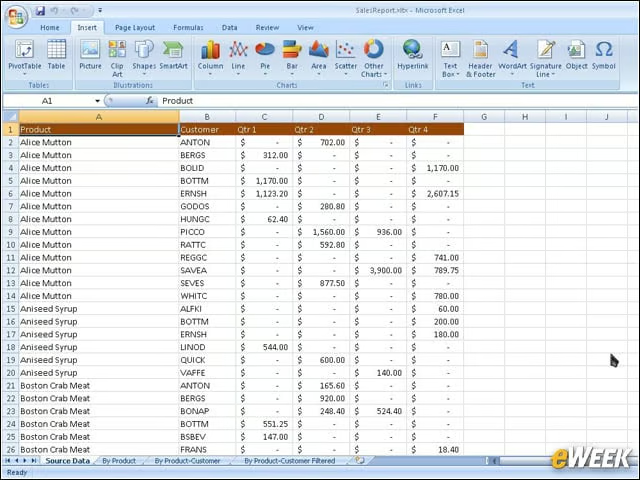
These are commonly seen in large organizations where no one is familiar with all the managers or employees. This scam pretends to be an internal message with a relevant attachment. It can be a new template for expense reports, or an updated organization chart. The latest PDF exploits successfully used this scam to download data-stealing malware onto the users machines.
Wanted: A Job
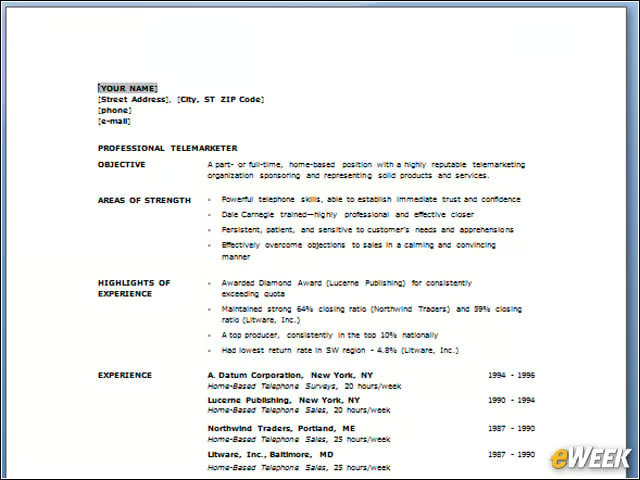
Attackers can respond to a job posting on any of the legitimate boards and attach a document or include a link under the pretext of applying for a job. No HR person would think twice about clicking on the link or opening an attachment loaded with data-stealing malware, such as a keylogger.
LinkedIn Requests
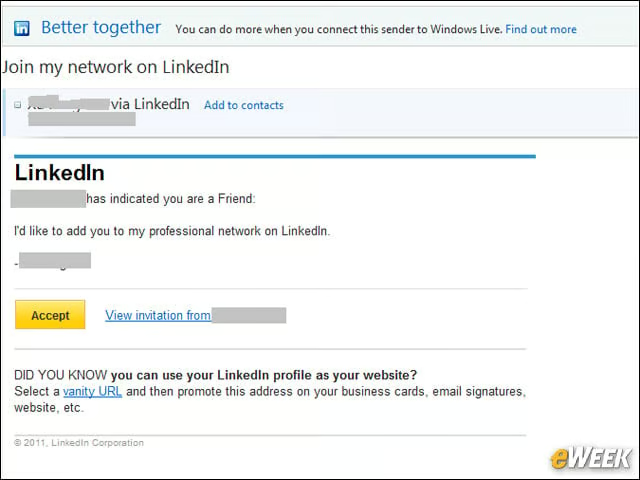
Heres a good example of how attackers select victims to spear-phish. Based on the job title or company name, attackers identify the pool of people to send a fake LinkedIn request. When the user clicks on the link, they are directed to a fake LinkedIn page and asked to log in. Dont accept LinkedIn requests by clicking on the link; go to the site manually.
Fake Auctions
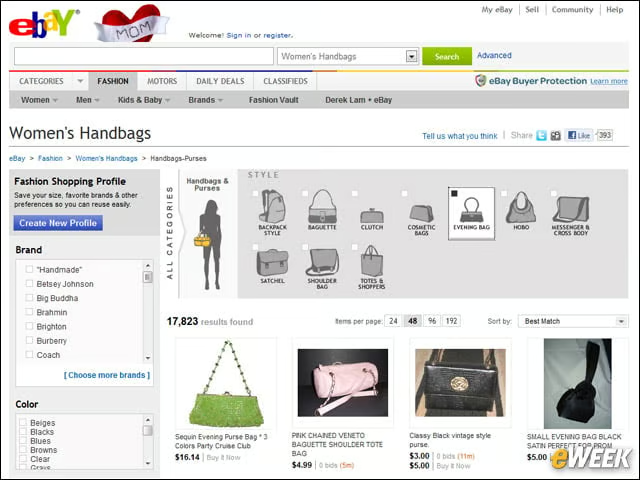
Attackers can put up a fake auction on eBay and other legitimate sites. Users looking for a deal find the auction listing and click on the link purporting to have more details—an image of the sale item, for example. When they are redirected to the malicious portal, data-stealing malware is downloaded onto the computer.
Help! I am Stranded!
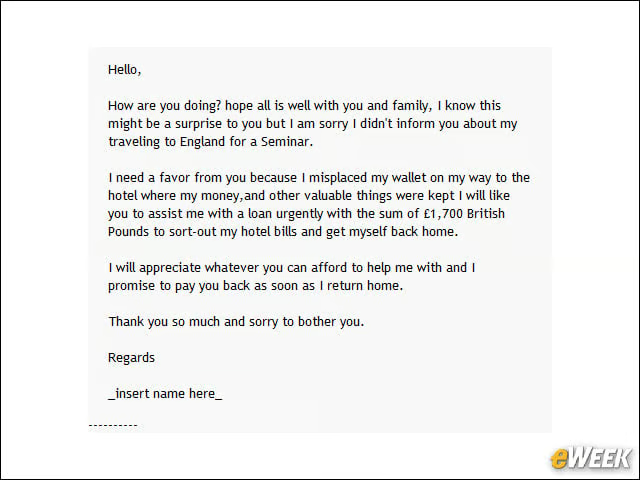
Someone has been robbed while in Spain, London, somewhere, for a visit. No money, no passport. Please wire money, they say. Even if its your favorite Uncle Andy, dont click on the link. Uncle Andy can call collect and ask for help. (Or call Aunt Bea to make sure Uncle Andy is in Spain in the first place.)
Nigerian Scam
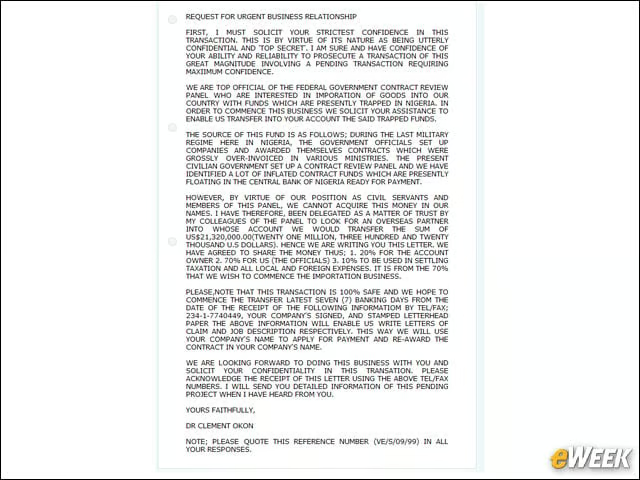
While derided for its poor grammar and unbelievable claims of untold wealth, these scams are around precisely because people still fall for them. Purporting to be from a well-connected person in Nigeria, China, North Korea, Libya, etc., trying to move money out of the country, the user is offered a cut of the money for providing a bank account to help transfer the funds. Even more unbelievable is that people will foolishly send the number for an active savings or checking account that contains their personal funds. When they do, the scammers will clean out the account and leave behind shattered dreams of wealth.
The Unexpected Bequest
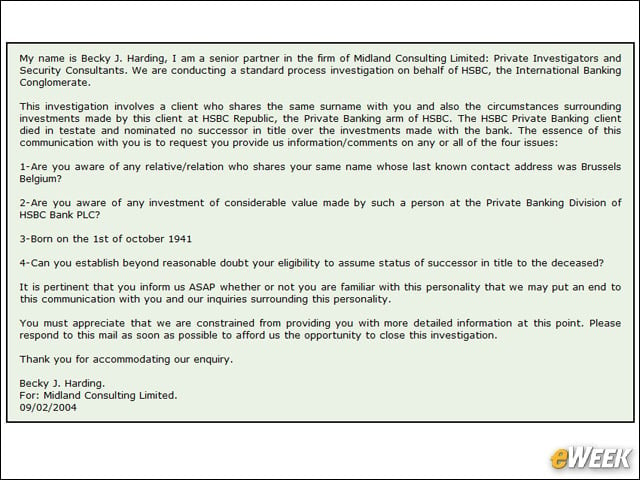
A variation of the trying to get my money out of the country scam, this version claims someone who was a great philanthropist has died and decided to leave all the money to charity. If the news of an inheritance shows up in the in-box, odds are its a scam. Lawyers are more likely to rely on the United States Postal Service.
Not Quite the Right URL
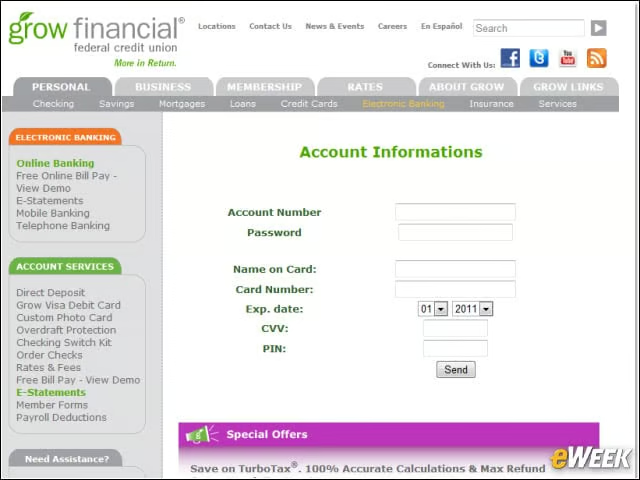
While not as common, the trick of setting up a fake phishing site at a URL that looks similar to the real one is still around. Most are not as blatant as the infamous wwwbankofamerica.com site from 2003, and just have the site name Chase embedded in the name somewhere. Then there is the fake SB Capital site, with the URL that looks very legitimate.