







- Servers Require More—and More Specific—Security
- Servers Are Housed in Data Centers, Laptops Are Everywhere
- Different Usage Means Different Security Schemes
- Consider Deploying Multiple Layers of Security
- Use Data-Loss-Prevention Tools
- Keep All Software and Security Patches Up-to-Date
- Obviously, Fewer Users Means Tighter Security
- Monitor, Monitor, Monitor
- Watch and Limit Network Traffic
- Keep Up With the Latest Security Products
Servers Require More—and More Specific—Security
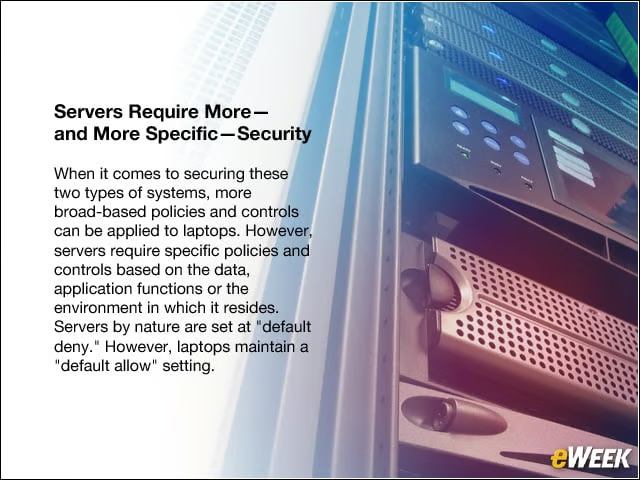
When it comes to securing these two types of systems, more broad-based policies and controls can be applied to laptops. However, servers require specific policies and controls based on the data, application functions or the environment in which it resides. Servers by nature are set at “default deny.” However, laptops maintain a “default allow” setting.
Servers Are Housed in Data Centers, Laptops Are Everywhere
Since servers connect to a multitude of computers, they are exposed to more threats than laptops. Servers present higher-value targets, whereas laptops (which connect to a single endpoint) present a somewhat lower value target. Thus, IT managers should implement reputation-based techniques to identify malware and mitigate risk.
Different Usage Means Different Security Schemes
Because they have a standard operating system and applications, most laptops behave the same. Servers, on the other hand, have a diverse set of business functions as well as different workloads. A server generally performs singular tasks for many purposes, and its value to an organization is higher than a single laptop that performs multiple tasks for one person in an organization. Thus, a laptop maintains lower value. Servers require log monitoring to enable organizations to meet compliance requirements; laptops do not. Be sure that the security system you select can be protective in these areas.
Consider Deploying Multiple Layers of Security
For laptops, in particular, consider implementing reputation-based techniques to identify malware and mitigate risk. If possible, also use Web gateways armed with malware-detection capabilities to prevent socially engineered attacks. Virtual private networks are sometimes difficult to handle, but they generally do their jobs.
Use Data-Loss-Prevention Tools
For both servers and enterprise laptops, users should consider deploying data-loss-prevention tools to identify and protect sensitive data. Otherwise, how would a security admin or data center manager know what’s going out the virtual door?
Keep All Software and Security Patches Up-to-Date
Ensure the laptop operating system and software is up-to-date with the most current security patches. Laptop users also should deploy a comprehensive endpoint security solution suite to protect themselves against the constantly evolving threat landscape. Secure your systems between patch cycles.
Obviously, Fewer Users Means Tighter Security
Access control for both servers and laptops, especially servers, should adhere to the principle of least privilege. File-integrity monitoring should be enabled for unauthorized modifications.
Monitor, Monitor, Monitor
Constant monitoring is always a key best practice for servers, but one might be surprised at how often it’s not followed regularly. Monitor your logs to enable compliance, suspicious activities and access patterns. Be careful with and monitor your server configuration.
Watch and Limit Network Traffic

Have access controls in place to limit network traffic, both inbound and outbound. Make sure irrelevant traffic (music downloading, game-playing and so on) isn’t happening under any circumstance.
Keep Up With the Latest Security Products

Hackers and security providers are constantly playing cat-and-mouse. But the hackers generally stay ahead of the game. Keep in the loop on trends, new products and use cases by checking in regularly with key vendors, analysts and publications such as eWEEK to find information relevant to your system.