







- eWEEK Labs Walk-Through: Foresight Linux 1.0
- eWEEK Labs Walk-Through: Foresight Linux 1.0 – Get Live Help
- eWEEK Labs Walk-Through: Foresight Linux 1.0 – Up-to-date
- eWEEK Labs Walk-Through: Foresight Linux 1.0 – OpenOffice.org 2.1
- eWEEK Labs Walk-Through: Foresight Linux 1.0 – Web-based Management Interface
- eWEEK Labs Walk-Through: Foresight Linux 1.0 – Good Ideas Are Worth Borrowing
- eWEEK Labs Walk-Through: Foresight Linux 1.0 – Good Ideas Are Worth Borrowing, Part Two
- eWEEK Labs Walk-Through: Foresight Linux 1.0 – A Repository of Ones Own
eWEEK Labs Walk-Through: Foresight Linux 1.0
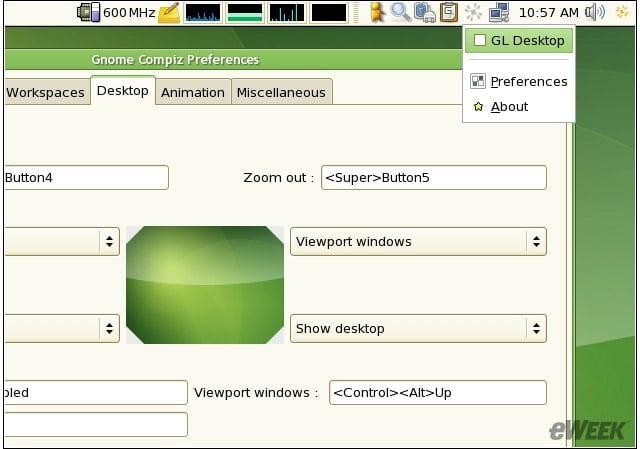
The Compiz taskbar control applet that ships with Foresight enabled us to switch 3-D effects on and off without logging out of our desktop session.
eWEEK Labs Walk-Through: Foresight Linux 1.0 – Get Live Help
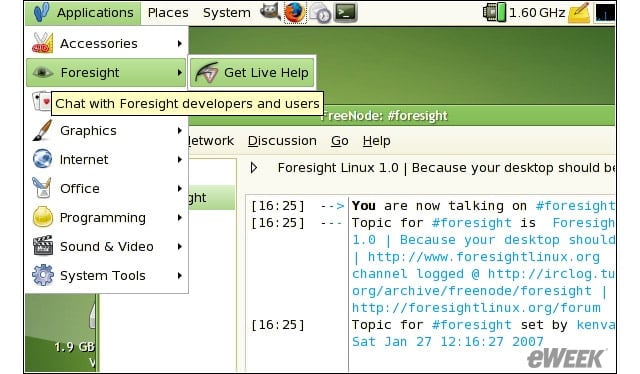
The Get Live Help menu item launches an instance of the xchat-GNOME IRC client and drops you into the #foresight IRC room where we found unusually helpful help.
eWEEK Labs Walk-Through: Foresight Linux 1.0 – Up-to-date
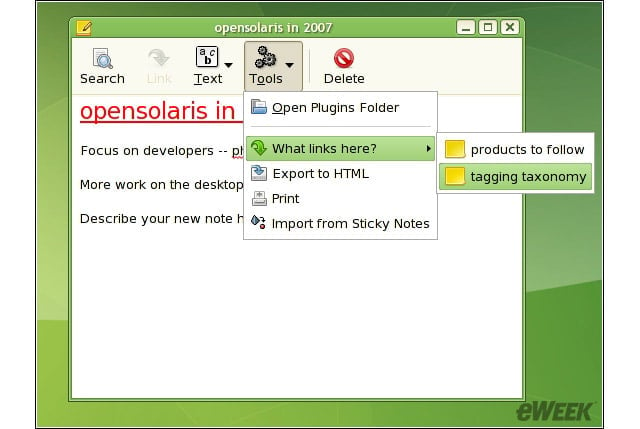
Foresights knack for providing rolling updates to the software with which it ships–as opposed to updating applications every six months or more–shortens the distance between you and the cool new features in your favorite apps.
eWEEK Labs Walk-Through: Foresight Linux 1.0 – OpenOffice.org 2.1
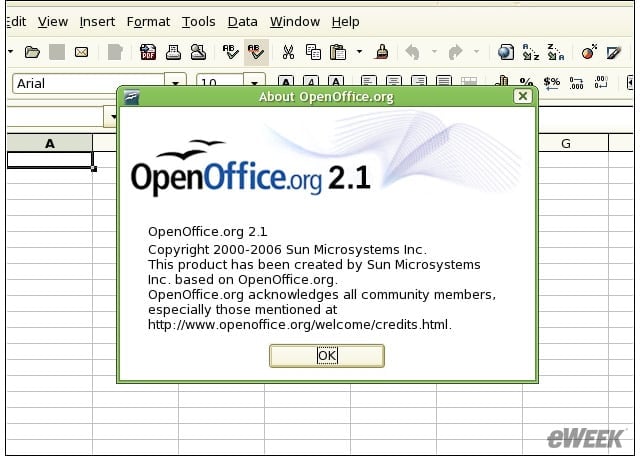
When Foresight Linux 1.0 came out in late January, it shipped with version 2.0.3 of OpenOffice–it took us about 10 minutes to remake Foresights OOo recipe ourselves to step up to version 2.1. The projects official OOo build has also since stepped up
eWEEK Labs Walk-Through: Foresight Linux 1.0 – Web-based Management Interface
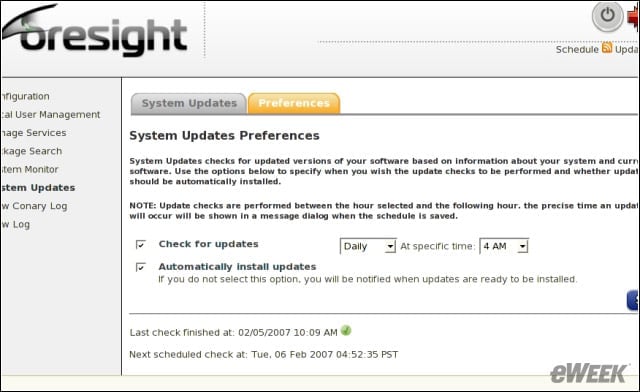
As a child of rPath Linux, Foresight inherits rPaths handy rAA web-based management console.
eWEEK Labs Walk-Through: Foresight Linux 1.0 – Good Ideas Are Worth Borrowing
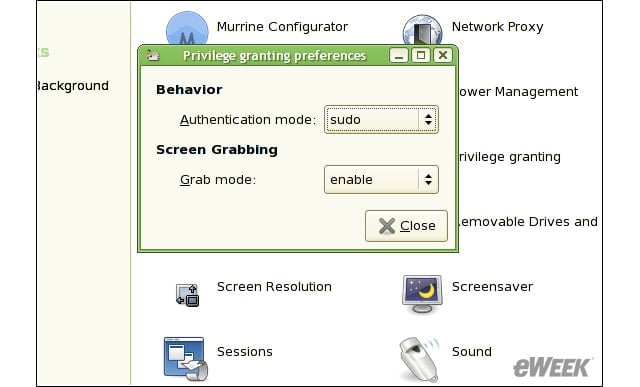
We like that Foresight Linux takes the Ubuntu approach to rights escalation, with sudo built in and preconfigured for that purpose.
eWEEK Labs Walk-Through: Foresight Linux 1.0 – Good Ideas Are Worth Borrowing, Part Two
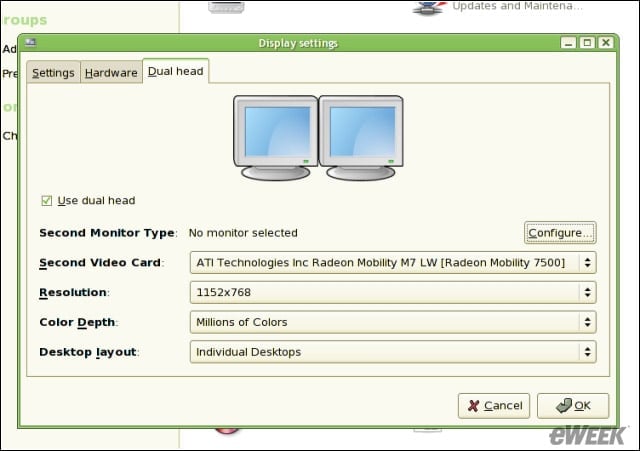
Foresight ships with Red Hats display settings tool, unlike Ubuntu, which still lacks a configuration tool for tackling tricky display settings tasks like configuring multiple monitors.
eWEEK Labs Walk-Through: Foresight Linux 1.0 – A Repository of Ones Own
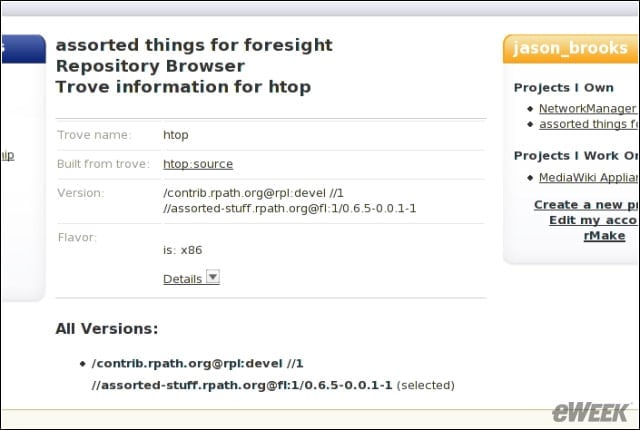
Another perk of Foresights rPath lineage is the ease with which users may set up their own networked repositories at rpath.org. Heres where our up-to-date htop process viewer package lives.