








Get the Teams Together
Commission both a testing team and an advisory team that represents the requirements of end users.
Know What You Have to Protect

Conduct an initial discovery of what’s in your environment with each vendor to ensure the POC testing plan is representative of the specific infrastructure.
Test Big Data Workloads

Test large volumes of data to capture an accurate assessment of how the data protection system will actually handle the high capacity and high performance requirements.
Shop Around

Compare vendors in a way that puts pressure on them to push performance to the full requirements of the enterprise—and then some—to ensure it will meet the inevitable growth needs.
Understand How It Will Scale

Consider their ability to add capacity as storage and retention needs grow. This includes adding processing capacity, FC and IP connectivity, and storage expansion.
Test Secure Erasure

Test the system’s ability to securely erase expired data and recapture capacity automatically according to the user’s policy settings.
Make Sure You Can Monitor System Efficiency

Test the reporting and dashboard capabilities to ensure you can monitor the status and efficiency of backup, deduplication, replication and restore operations.
Be Comfortable With the Vendors Service Reps

Make sure the vendor is able to work as if they were an extension of your IT staff with experience, professionalism and responsiveness.
How Well Will It Fit into Your Business Strategy?
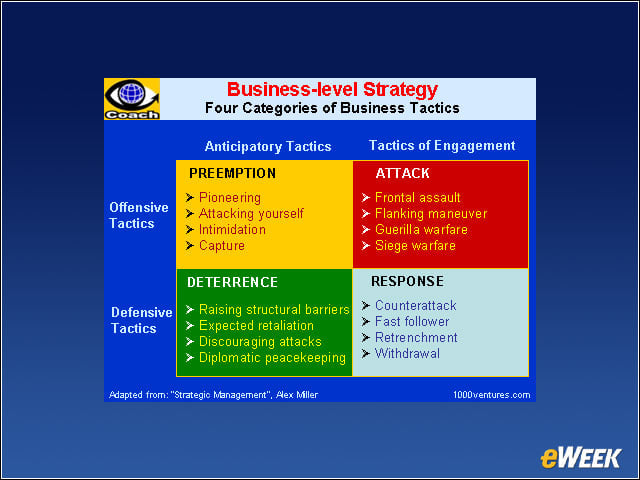
Use a decision matrix to evaluate how each of the systems that will be tested compares when tested against the business priorities.
Plan for Additional Horsepower

Monitor the system on an ongoing basis and track your need for added throughput and capacity in order to plan for inevitable upgrades. You want no surprises on a weekend—or any other day, for that matter.