








- Weathering Hurricanes, Other Disasters: 10 Enterprise Best Practices
- Take Care of Employees
- Identify Assets Most Critical to Your Business
- Determine What Factors Create the Most Risk for Your Business
- Evaluate the Solutions You Have in Place
- Evaluate Your Solution Provider
- Write a Recovery Plan
- Regularly Test Your Recovery Plan
- Document the Details of Your Test
- Regularly Update the Plan as the Company Evolves
- Stay Informed and Communicate With Others
Weathering Hurricanes, Other Disasters: 10 Enterprise Best Practices

by Chris Preimesberger
Take Care of Employees
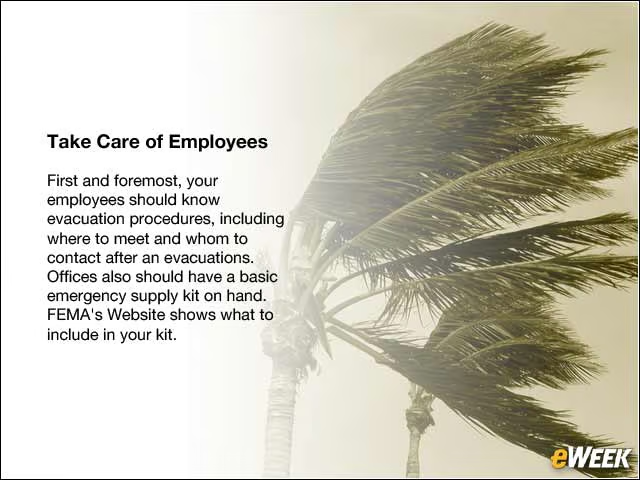
First and foremost, your employees should know evacuation procedures, including where to meet and whom to contact after an evacuations. Offices also should have a basic emergency supply kit on hand. FEMA’s Website shows what to include in your kit.
Identify Assets Most Critical to Your Business
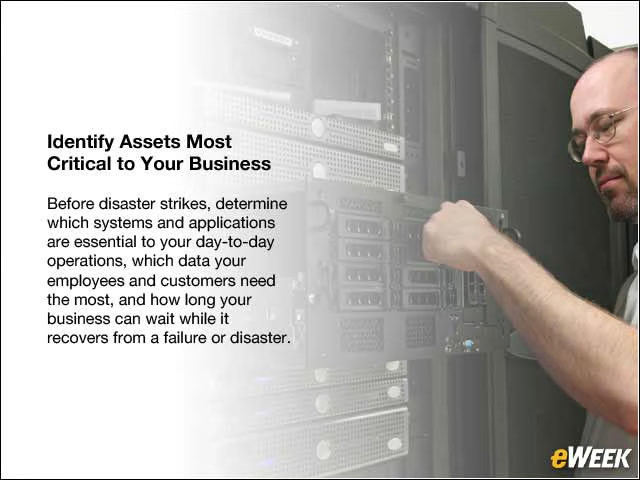
Before disaster strikes, determine which systems and applications are essential to your day-to-day operations, which data your employees and customers need the most, and how long your business can wait while it recovers from a failure or disaster.
Determine What Factors Create the Most Risk for Your Business

Is your office at risk for flooding, or is the structure properly built to withstand hurricanes, earthquakes and fire damage? In addition to these factors, you also must determine what else could cause downtime, and how much an hour or day of downtime could cost your business.
Evaluate the Solutions You Have in Place
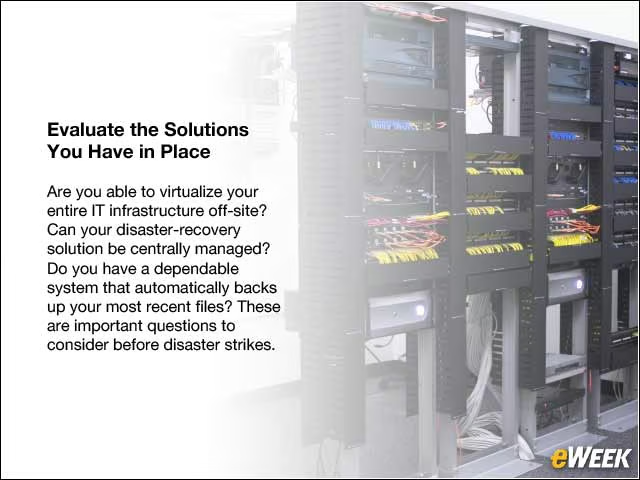
Are you able to virtualize your entire IT infrastructure off-site? Can your disaster-recovery solution be centrally managed? Do you have a dependable system that automatically backs up your most recent files? These are important questions to consider before disaster strikes.
Evaluate Your Solution Provider
In the event of disaster, you need to make sure your solution provider can protect your business information and eliminate IT downtime. There are some questions you should ask them. Do they have a disaster-preparedness plan of their own so they can help you during a disaster? Is their solution built on reliable hardware and software? To what extent are they dependent on other vendors for recovery services?
Write a Recovery Plan
Clearly define and document the steps needed to recover your network and ensure employee safety. These steps should be posted around the office for employees to see, so they become familiar with the plan and should be electronically available on the company’s intranet. As a best practice, hand out printed copies for key employees to take home with them.
Regularly Test Your Recovery Plan

Review your plan documentation on a quarterly basis with department heads, and be sure that these leaders review disaster-recovery procedures with their teams. Live tests should be conducted at least twice per quarter.
Document the Details of Your Test

Fine-tune your recovery plan by evaluating what went well, and more importantly, what didn’t, when you do your quarterly tests.
Regularly Update the Plan as the Company Evolves
When changes are made to the plan, inform employees to ensure that the plan is still relevant to your business, particularly if there have been significant changes that may impact disaster preparedness. These changes could include individuals who are no longer with the company and have been assigned specific disaster-recovery tasks. Also, you’ll need to plan accordingly for establishing backups in case the key people are not reachable during an emergency.
Stay Informed and Communicate With Others

Many weather emergencies can be predicted, so stay current on local weather forecasts and follow updates from local authorities. You’ll also want to ensure that other businesses in your network have their own disaster plans and determine how you will communicate with partners and customers when disasters strike.