






- Windows Live SkyDrive Exits Beta
- Windows Live SkyDrive Exits Beta – Creating a New Folder to Share Files
- Windows Live SkyDrive Exits Beta – Drag and Drop
- Windows Live SkyDrive Exits Beta – Permission to View
- Windows Live SkyDrive Exits Beta – The Sign-in Screen
- Windows Live SkyDrive Exits Beta – Add a Photograph
- Windows Live SkyDrive Exits Beta – Spreading the Love
- Windows Live SkyDrive Exits Beta – A Progress Report
Windows Live SkyDrive Exits Beta
By Peter Galli
Windows Live SkyDrive Exits Beta – Creating a New Folder to Share Files
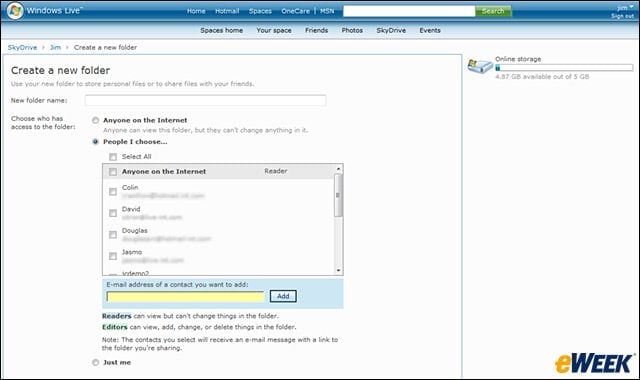
Users can share files with others based on the permissions they establish.
Windows Live SkyDrive Exits Beta – Drag and Drop
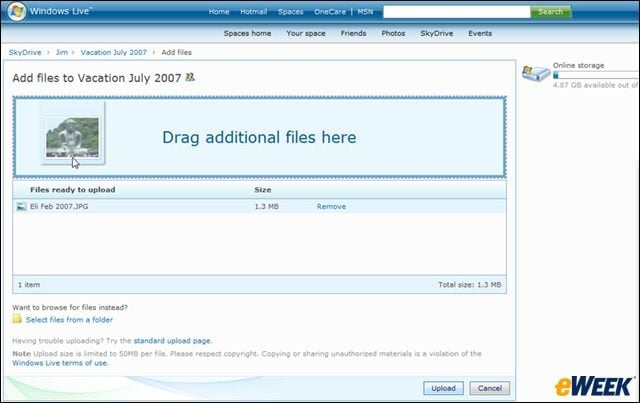
Files can be dragged and dropped into folders, where they will be uploaded.
Windows Live SkyDrive Exits Beta – Permission to View
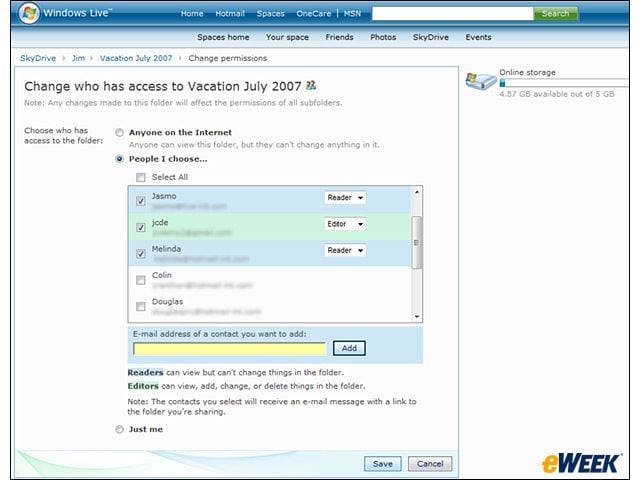
Users can change who has access to any of their folders whenever they want.
Windows Live SkyDrive Exits Beta – The Sign-in Screen
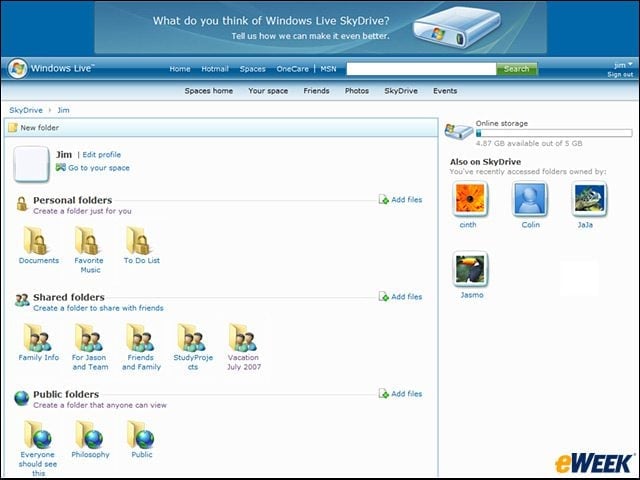
This is the view a user will get when he or she signs in to the SkyDrive service.
Windows Live SkyDrive Exits Beta – Add a Photograph
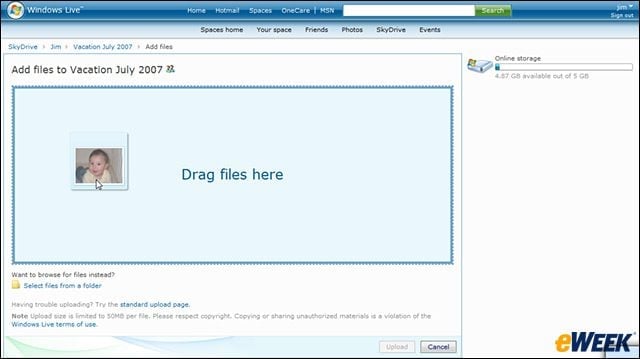
Users can add photographs to their files, but each upload is limited to 50MB.
Windows Live SkyDrive Exits Beta – Spreading the Love
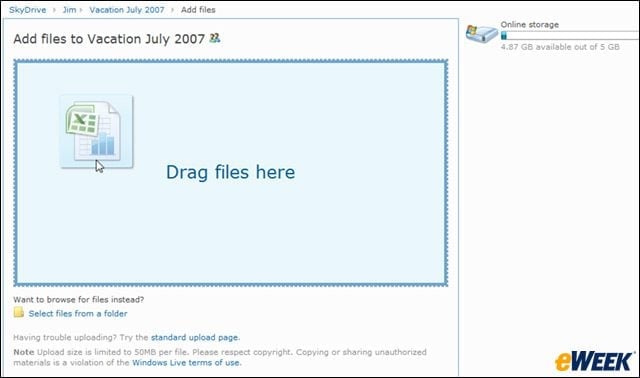
Spreadsheets can also be dragged and dropped into a file, as long as they are 50MB or less.
Advertisement
Windows Live SkyDrive Exits Beta – A Progress Report
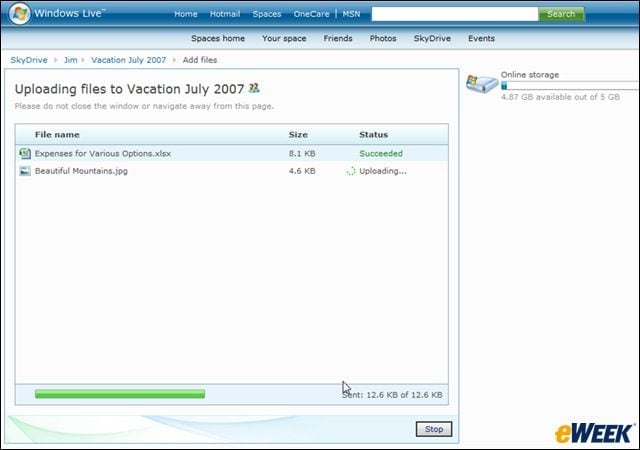
Users are kept up to date on the progress of their various uploads.