







Convirture 2.0 Unlocks Virtualization Potential of Linux Operating Systems
by Jason Brooks
Management Console
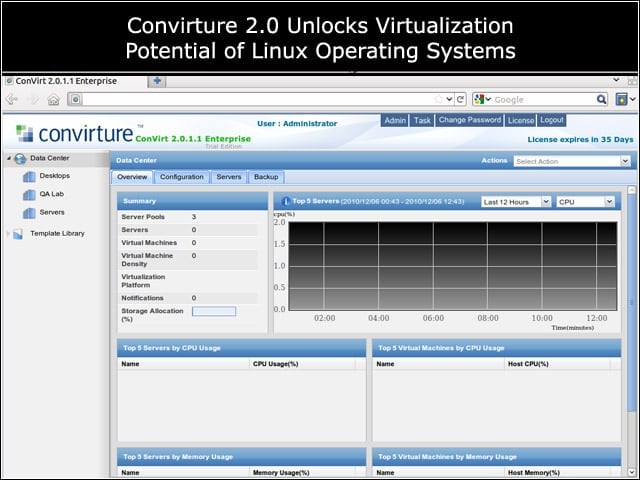
Convirt 2.0 Enterprise provides administrators with a straightforward Web interface for carrying out the configuration operations required for deploying virtual instances in production.
Converting Red Hat VM
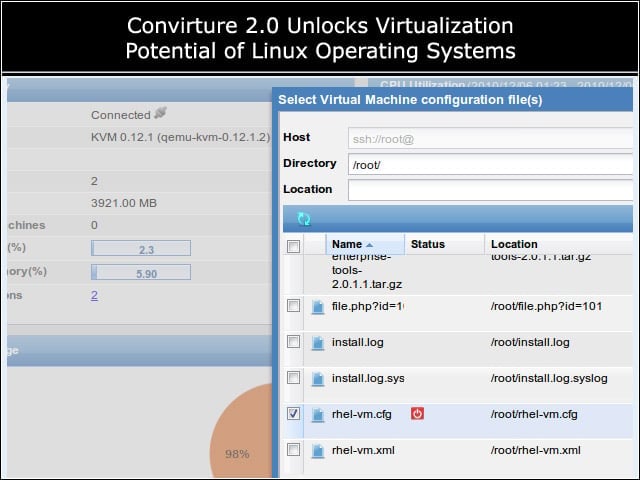
The product didn’t recognize RHEL’s VM format, although I found a conversion script on Convirture’s forum that enabled me to bring my existing instance under management.
Live Migration
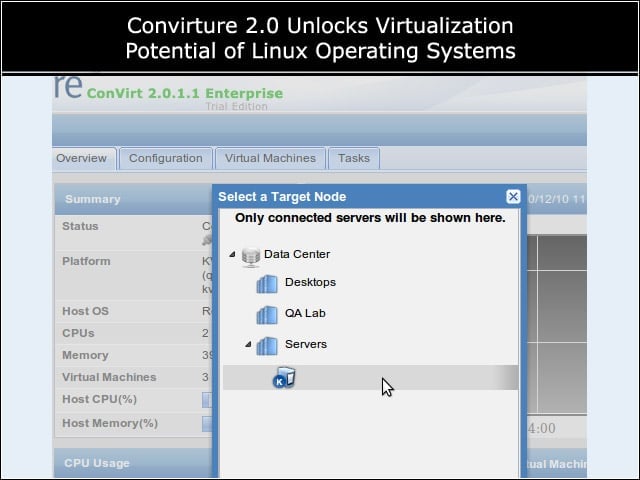
I could live migrate my VM back and forth between my test hosts.
Network Bridging
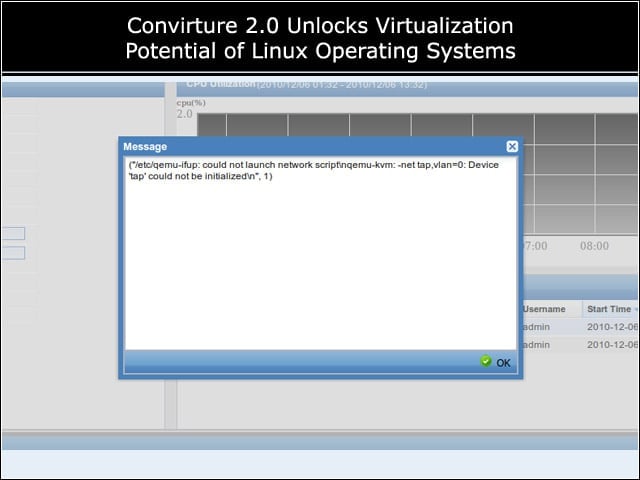
It took me some time to work through the differences between Convirt’s bridging setup and one I’d created in my RHEL review.
VM Provisioning
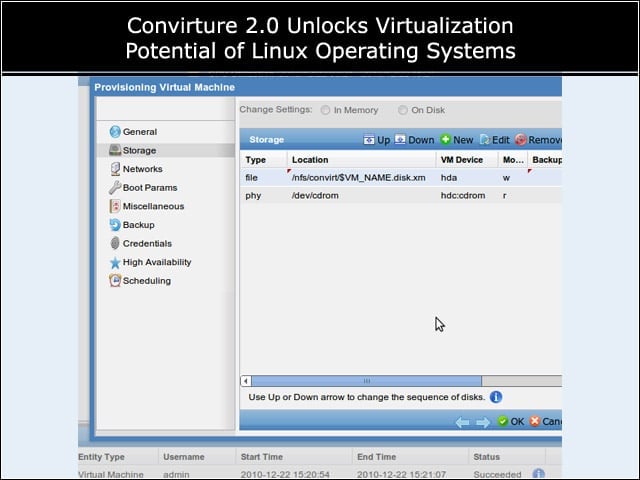
The product ships with a handful of basic templates, for CD-based installs of Windows and Linux clients, and for paravirtualized installs of Linux.
VM Lifecycle
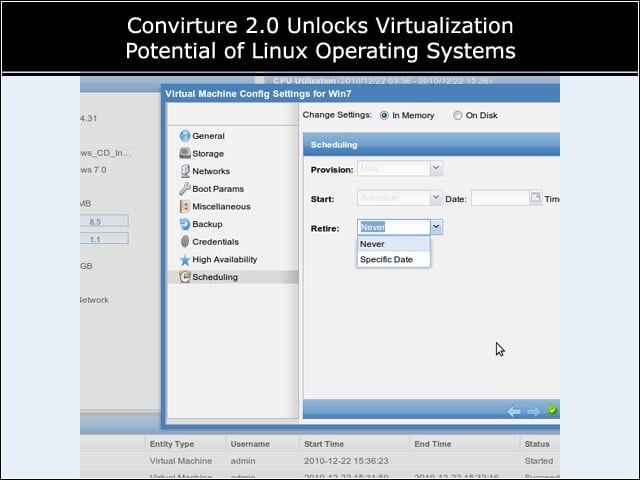
Convirt Enterprise includes facilities for scheduling the de-commissioning of VMs.
VNC Console Access
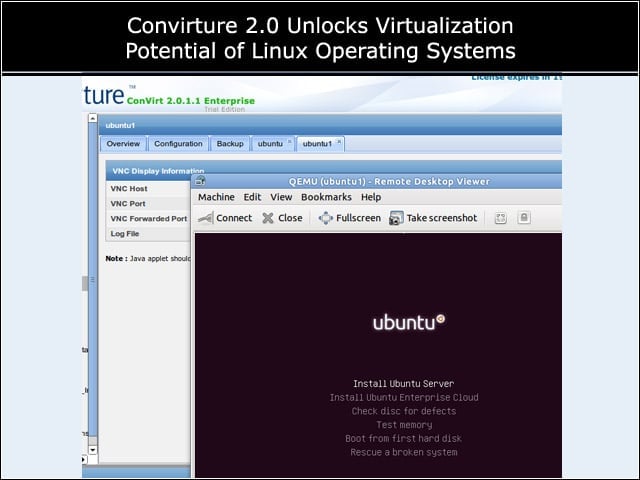
I viewed the consoles of my virtual machines through a VNC connection piped through the Convirt management server.
Workload Management
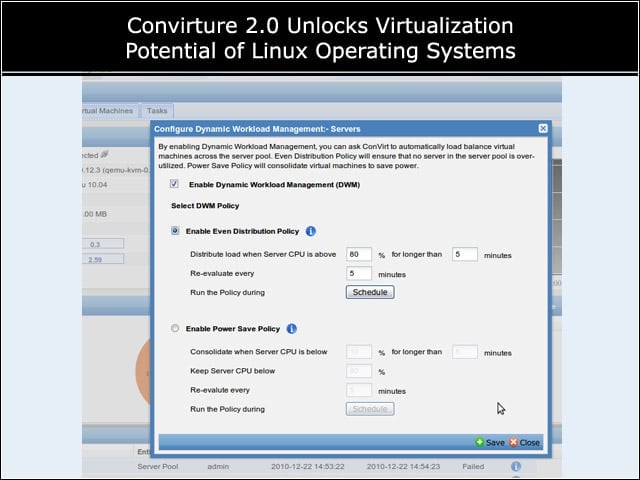
Convirt 2.0 Enterprise includes facilities for shifting workloads among available hosts based on power management or load distribution rules.